
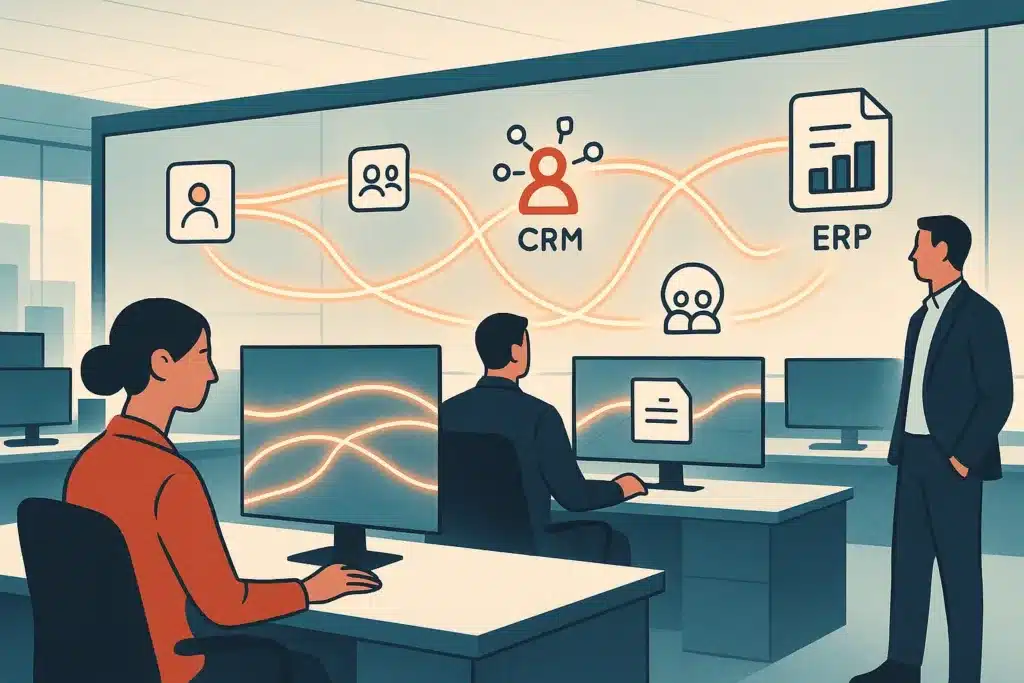
A finance team closes the month four days late. Someone has to copy invoice data from the ERP into a spreadsheet, reconcile it against the CRM by hand, and email three departments for sign-off. Nothing is broken. Everything is just slow, manual, and stitched together by people. That gap between "our software works" and "our business processes work" is where enterprise process automation earns its keep. This article breaks down what it is, how it differs from automating a single task, the technologies behind it, and how a smaller business can start without buying yet another platform.
What enterprise process automation is (plain-English definition)
Enterprise process automation, sometimes shortened to EPA, coordinates an entire multi-step process across connected systems. It does not just automate one manual task in one tool. Think of it as business orchestration. The software hands work from one system to the next, applies rules, moves data, and only involves a person when judgment is needed. It sits under the wider umbrella of business process automation, but the "enterprise" part means it spans departments, not one desk. Gartner's glossary entry on hyperautomation frames this well. Automation delivers value when it connects across the organization rather than staying trapped inside one team's toolset. If you're weighing where to begin, our take on what actually works in business process automation offers a practitioner's view of which approaches deliver results.
How enterprise process automation differs from task and single-department automation
Task automation fixes one step. A macro fills a form. A bot copies a field. Useful, but the process around it stays manual. Single-department automation goes further inside one function, say a marketing tool that triggers emails, yet it stops at the department wall. Enterprise process automation runs across those walls. It connects the business processes a sales deal touches: the CRM creates a project record, a finance invoice, and an onboarding task in HR. Most delays live in the handoffs between teams, not inside them, because every handoff adds a wait, a retype, and a chance for something to fall through. Deloitte's work on intelligent automation points to cross-functional workflow automation as where the real time gets recovered.
The core problems EPA solves: manual work, disconnected systems, and siloed data
Three problems show up in nearly every growing business. First, manual tasks: teams retype the same information into different tools all day. The U.S. Bureau of Labor Statistics data on occupational and productivity trends shows how much working time still goes to repetitive administrative activity. Second, disconnected systems, where the CRM, the accounting software, and the project tracker each hold a piece of the truth and none of them talk. Third, data silos, where a leader can't answer a simple question without pulling three exports and merging them by hand. These aren't separate issues. They feed each other. Disconnected systems force manual work, and that work creates data silos as people patch gaps with spreadsheets. Strong process management attacks the connection layer, letting data move between tools automatically so those manual tasks disappear.
Types of enterprise automation (rule-based, BPA, RPA, integration, intelligent)
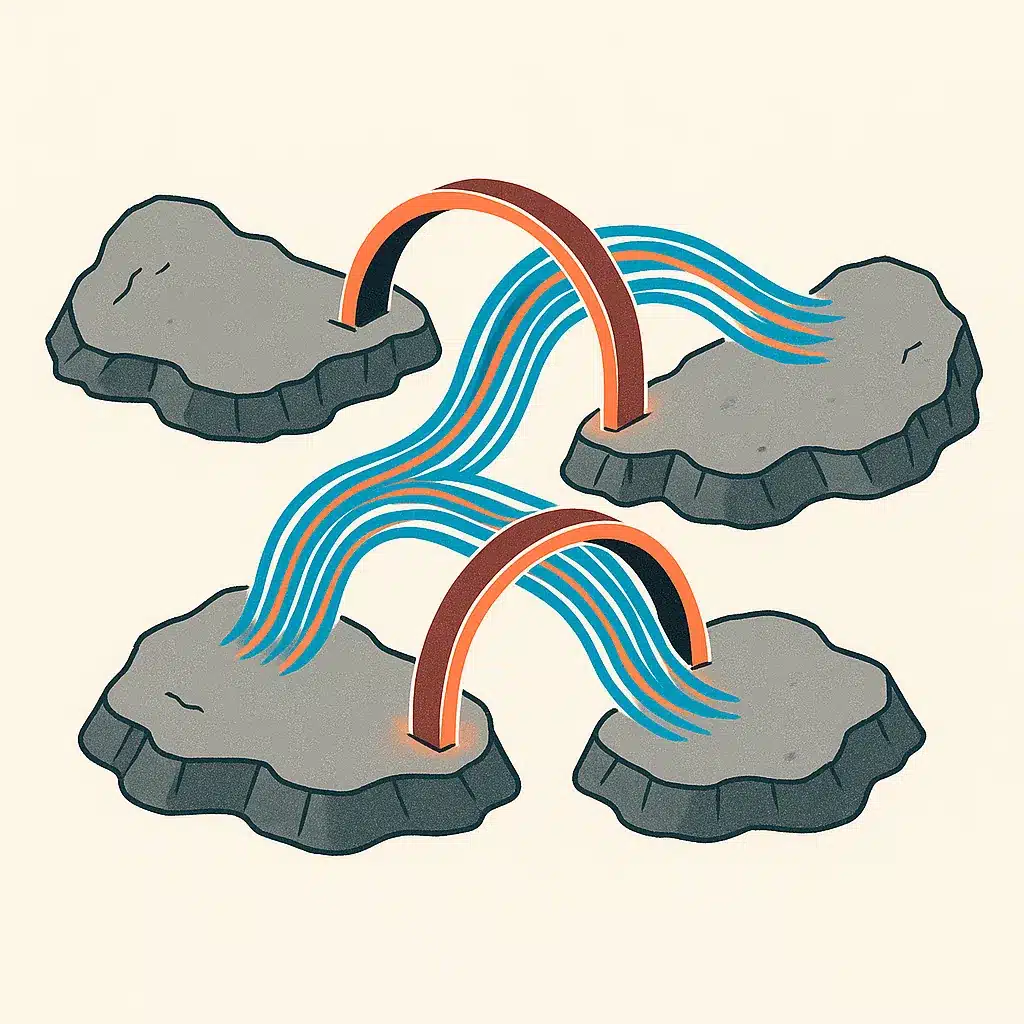
The types of enterprise automation stack on top of each other. Rule-based automation is the simplest: if X happens, do Y, with no ambiguity. Business process automation, or BPA, models a whole workflow with its steps, approvals, and branches. Robotic process automation, RPA, uses software bots to mimic clicks and keystrokes for repetitive tasks inside applications that lack a clean connection point. Integration automation connects systems through their built-in interfaces so data flows without a bot pretending to be a human. Intelligent automation sits at the top, adding AI to handle decisions and unstructured input. Most real deployments blend several of these types rather than picking one. Many assume you pick a single approach and commit to it. In reality, the durable builds mix rule-based logic, integration, and a little intelligence where the inputs get messy.
Technologies that power enterprise process automation (AI, ML, integration, low-code)
A few technologies do the heavy lifting. Artificial intelligence and machine learning let systems read messy inputs, invoices in different formats, free-text emails, and make classifications a rigid rule can't. AI agents take this further, chaining steps and reacting to context rather than following one fixed script. Integration platforms connect systems so information moves cleanly between them. No-code/low-code platforms let operations teams build and adjust workflow automation without waiting on a developer for every change. In a strong build these tools work together: integration moves the data, artificial intelligence interprets it, and rule-based logic handles the predictable steps. The most durable results come when automation augments people rather than sidelining them, a point the Harvard Business Review on humans and AI working together makes clearly.
How enterprise process automation works step by step (map, set objectives, implement, train)
Start by mapping current processes as they truly run, not as the manual says. This is where hidden operational bottlenecks surface, and where you learn which business processes tangle at the handoffs. Before you build anything, it's worth taking time to run an AI readiness audit on your operations so you know your systems and data can support the work. Next, set objectives you can measure: reduce errors on a form, cut costs on a reporting cycle, shorten a response time. Then build through a phased implementation plan that automates one high-value workflow before touching the next. Finally, train the team and monitor results, adjusting as real usage exposes edge cases. In reality, the mapping stage decides whether the project works, because automating a broken process just makes it fail faster. Note that if you automate processes touching finance, HR, or customer data, compliance rules vary by jurisdiction and industry, so check the requirements that govern your region and sector, and confirm with the relevant regulatory authority before you build.

Real-world examples and use cases (CRM, finance, HR/onboarding, IT, customer service)
Enterprise process automation examples span every function. In sales, a closed CRM deal triggers contract generation, invoicing, and account setup with no rekeying. In finance, invoice capture, matching, and approval routing run automatically, cutting the reconciliation that delays month-end. In HR, onboarding kicks off accounts, equipment, and training the moment a hire is confirmed. IT uses robotic process automation for access provisioning and ticket routing. Customer service pulls order history across systems so agents answer faster. Consider a wholesaler where sales, finance, and the warehouse each work off their own spreadsheet: an order gets keyed three times, the totals drift apart, and a customer is billed for stock that already shipped short. These enterprise process automation use cases share one trait: high volume plus predictable rules. That combination is where automation replaces the most manual work for the least effort.
Benefits of enterprise process automation for organizations
The benefits of enterprise process automation are practical, not magical. You reduce errors because data moves without human retyping. You improve operational efficiency because handoffs stop stalling in inboxes. You gain visibility, since a connected process produces real-time data for decision-making instead of stale exports. Picture a distribution company that automates order-to-invoice. Staff who spent hours reconciling spreadsheets shift to work that needs judgment. The wider benefits of enterprise process automation also include faster scaling, because a well-built process can handle more volume without necessarily adding headcount. Perspective from MIT Sloan Management Review on AI in business is a useful reality check on what to realistically expect. Results vary based on existing processes, business complexity, and team adoption, so treat any figures as directional rather than promised.
Common challenges and hurdles when adopting EPA
Enterprise automation projects stall for predictable reasons. Poor process mapping tops the list. Teams automate the workflow they imagine, not the one they run. Underestimating integration effort is close behind, since disconnected systems rarely connect as neatly as vendors suggest. Change resistance is real: people distrust automation until they see it remove drudgery rather than jobs. Governance gaps let unmanaged bots and complex workflows sprawl until nobody knows what runs where. There's also the temptation to automate everything at once. The root cause of most failures is skipping discovery, because process management problems don't disappear when you add software on top of them. It's often better to automate workflows without adding more software by connecting the tools you already own instead of layering on new platforms.

Why measurable outcomes matter more than 'hours saved' (measuring EPA value)
"Hours saved" sounds good and proves little. Saved hours only matter if that time moves to higher-value work or capacity you can actually use. Better measures tie to outcomes: error rates on a process, cycle time from order to cash, cost per transaction, or how much more volume a team handles without adding staff. These metrics sharpen decision-making by showing where operational efficiency actually improved. If you want a structured approach, our guide on how to calculate ROI on automation projects anchors the value discussion in numbers rather than vague promises. McKinsey figures link automation to process-time cuts of up to 60% and productivity gains of 20 to 30%, but those numbers come from targeting the right high-volume processes. Track a baseline before you build, or you can't tell whether the automation improved anything.
Why custom-built systems fit SMB operations better than off-the-shelf platforms
Off-the-shelf software forces your business to work the way the vendor imagined. That's fine for standard functions. It breaks down on the cross-functional workflows that make your operation specific, the exact way you quote, approve, or onboard. Custom AI solutions built around how your business operates fit the way the business actually runs, so staff don't invent workarounds that recreate the manual work you were trying to remove. Bespoke Mind Ai designs workflow automation and internal tools around a client's real process rather than bending the team to a generic platform. Custom-built doesn't mean expensive. It means scalable systems shaped to your bottlenecks, not someone else's assumptions.
How SMBs can start without adding more software or a big AI investment
You almost certainly don't need another subscription. Most SMBs already own the tools. The value sits in connecting them. Start small: pick one high-volume, rule-heavy process, map how it runs honestly, and automate that single flow with integration between existing systems to clear its operational bottlenecks. Prove the result, then expand. An AI readiness audit before you build catches broken business processes and data silos so you don't automate a mess. If you're curious about the engagement model, take a look at how we scope and build automation projects. Bespoke Mind Ai runs pre-adoption assessments and scopes projects around this phased implementation plan, so the first win funds the next. Done well, enterprise process automation follows one rule: the goal isn't more software. It's less manual work.
If repetitive tasks and disconnected systems are quietly draining your team's time, a short conversation can surface the highest-value places to start. Book a discovery call with Bespoke Mind Ai to map your current workflows and identify practical automation opportunities, no pressure, no jargon.
Frequently Asked Questions
What does enterprise process automation actually do?
It connects systems like CRM and ERP and automates multi-step workflows across an entire organization, rather than automating single tasks in isolation. The goal is a seamless data flow that reduces errors and frees teams from repetitive manual work.
How is enterprise process automation different from RPA?
RPA uses software bots to mimic human actions on individual rule-based tasks like data entry, working at the task level without changing underlying systems. Enterprise process automation is broader: it orchestrates entire end-to-end processes and integrates multiple systems, often using RPA as one component.
Will AI replace RPA?
AI is absorbing RPA rather than replacing it, intelligent automation layers machine learning on top of rule-based bots to handle judgment and unstructured data. RPA still handles the structured, repetitive steps, so the two increasingly work together instead of competing.
What are the main enterprise automation tools large organizations use?
UiPath, Automation Anywhere, and Microsoft Power Automate are commonly cited for enterprise-scale automation. UiPath offers orchestration and AI agents, Automation Anywhere is cloud-native for distributed environments, and choice depends on your existing systems rather than a single 'best' tool.
Is enterprise process automation worth the investment for a smaller business?
McKinsey research links automation to process-time reductions of up to 60% and productivity gains of 20-30%, but those figures assume the right processes are targeted. For SMBs, the return usually comes from fixing a few high-volume bottlenecks first, not automating everything at once.
What if our systems are disconnected and our data is a mess?
Disconnected systems and scattered data are the most common starting point, not a blocker, integration automation exists specifically to connect tools that don't talk to each other. A readiness assessment before building prevents automating a broken process and wasting effort.
How do you implement enterprise process automation without it failing?
Start with clear, measurable goals such as reducing errors or cutting a specific process time, then establish governance with executive sponsorship to keep it aligned. Successful rollouts map the actual workflow first and automate around how the business already operates.
Do we need to buy more software to automate our processes?
Not necessarily, much of the value comes from connecting and orchestrating the tools you already own so data flows automatically between them. Adding more platforms often deepens the disconnect the automation was meant to solve.