
Describe your app idea. Watch an AI team build it.
BM Builder is an AI App Studio you run locally. A simulated executive team brainstorms your idea, writes the full plan, then Claude Code autonomously builds and QA's it — at $0 on your Claude subscription.
Free download · runs locally · Apache-2.0 open source · plan with Claude or OpenAI · build with Claude Code
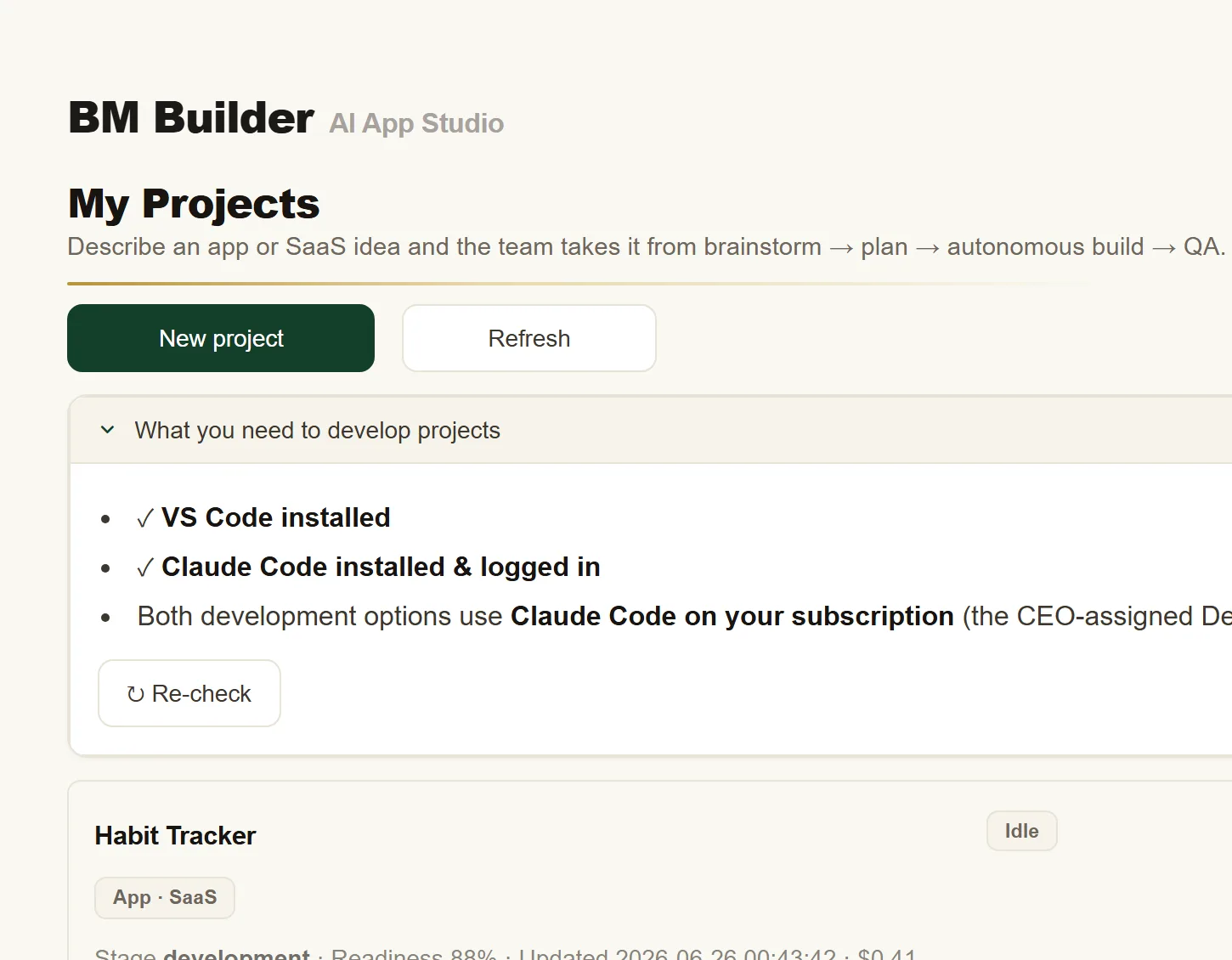
BM Builder is for individuals — indie makers, solo founders, and tinkerers — who want to build small-to-medium tools and run them on their own computer.
Getting from "great idea" to "working app" is where most projects stall.
You don't need another chatbot that spits out a snippet and a shrug. You need scope, a real plan, actual files, and something that runs.
Most AI tools hand you a prompt box. BM Builder hands you a product team — one that asks the right questions, writes the spec, and ships the build.
From idea to built app, in four guided steps.
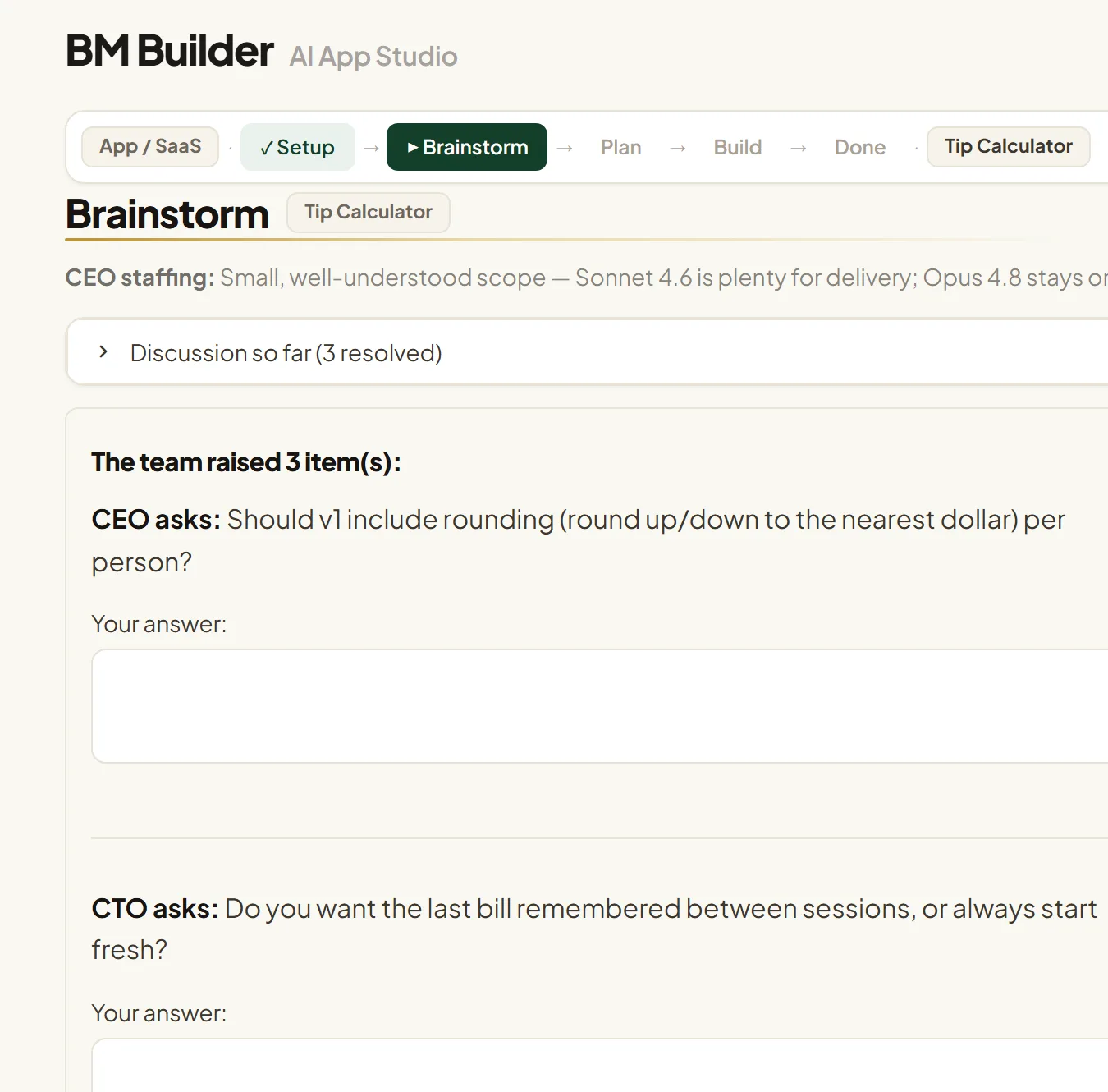
Brainstorm
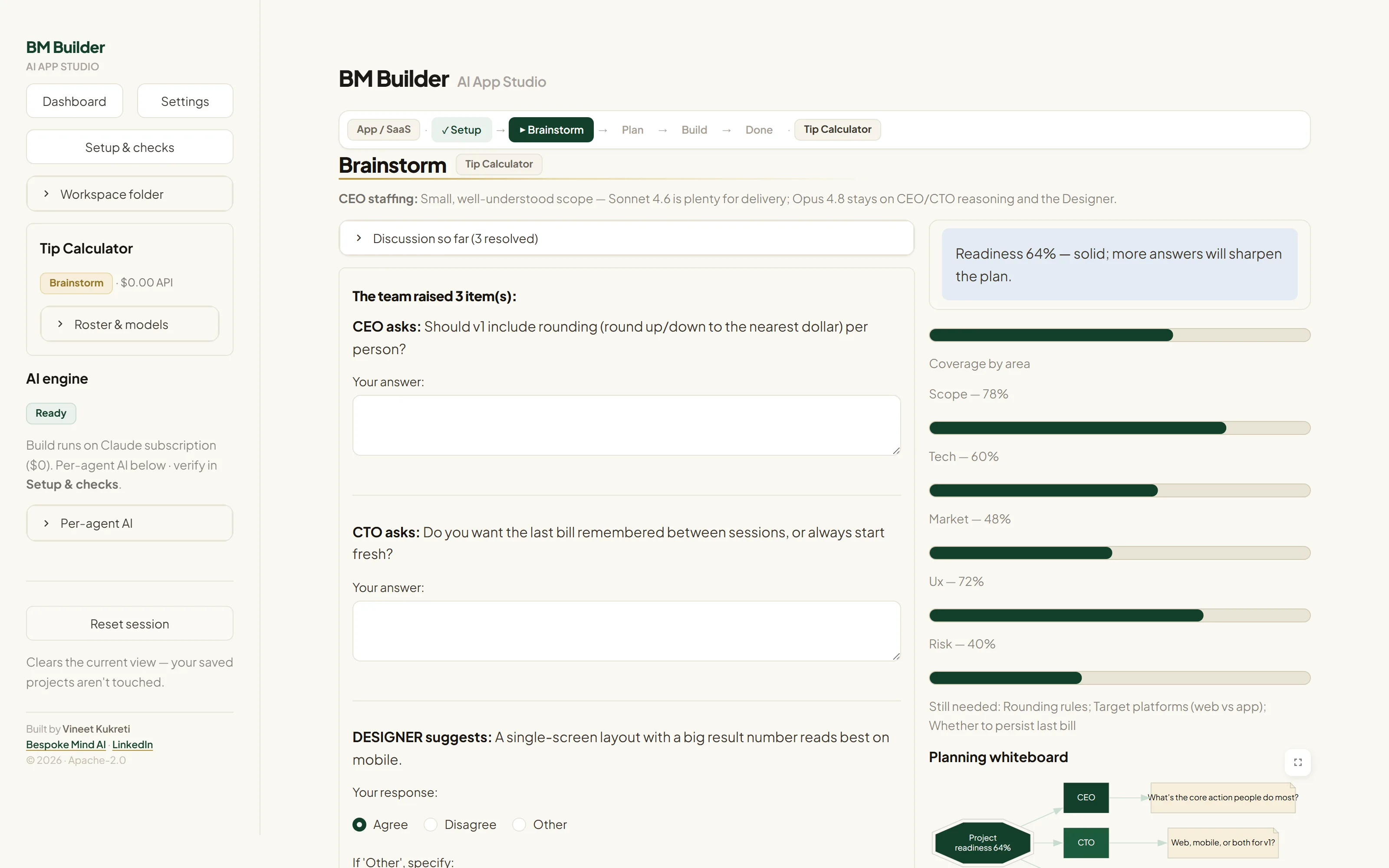
Describe your idea in plain English. The team — CEO, CTO, CMO, PM, QA, and a Skeptic — asks sharp, non-overlapping questions and shows a live readiness score so you know when it's ready to plan.
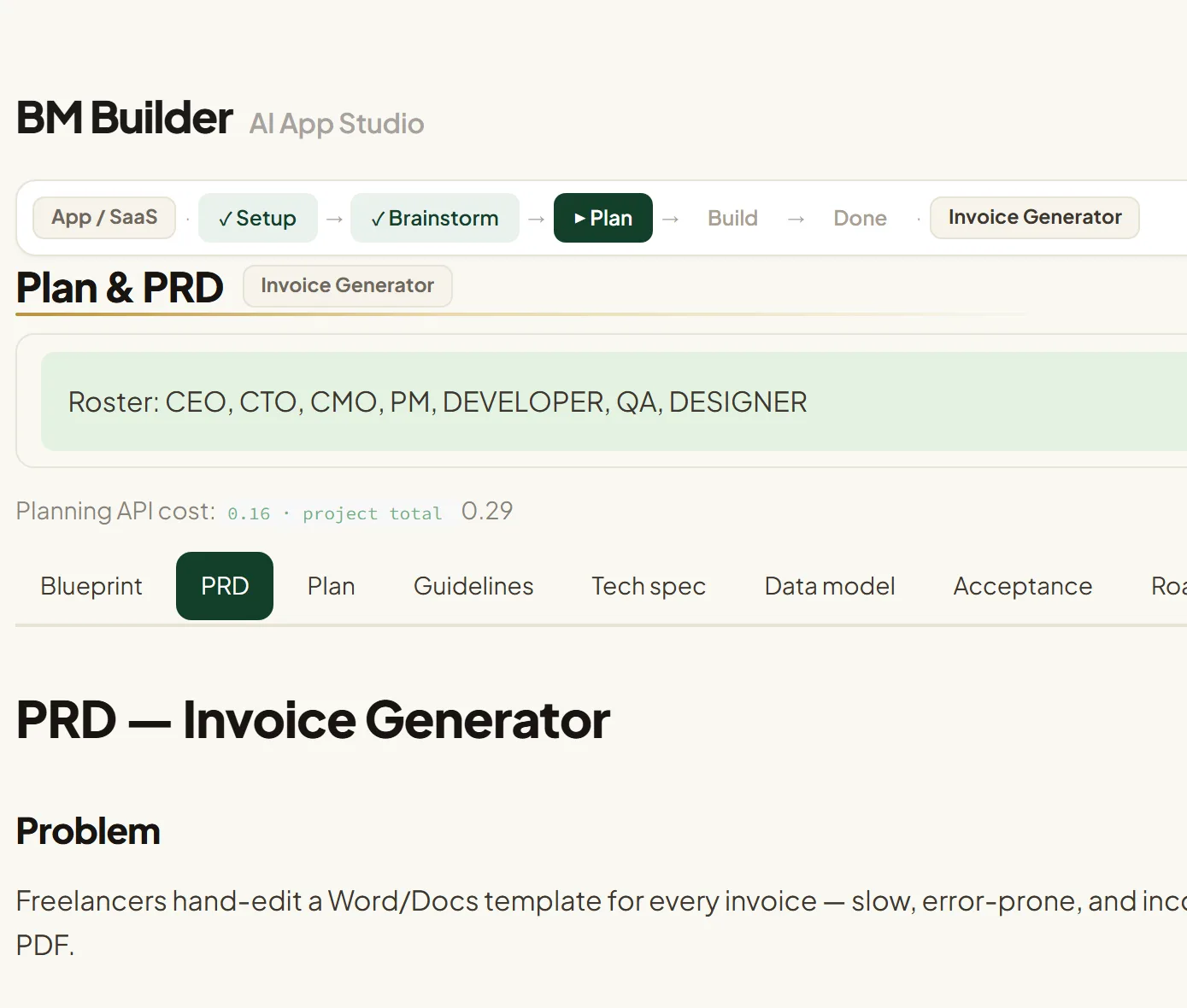
Plan
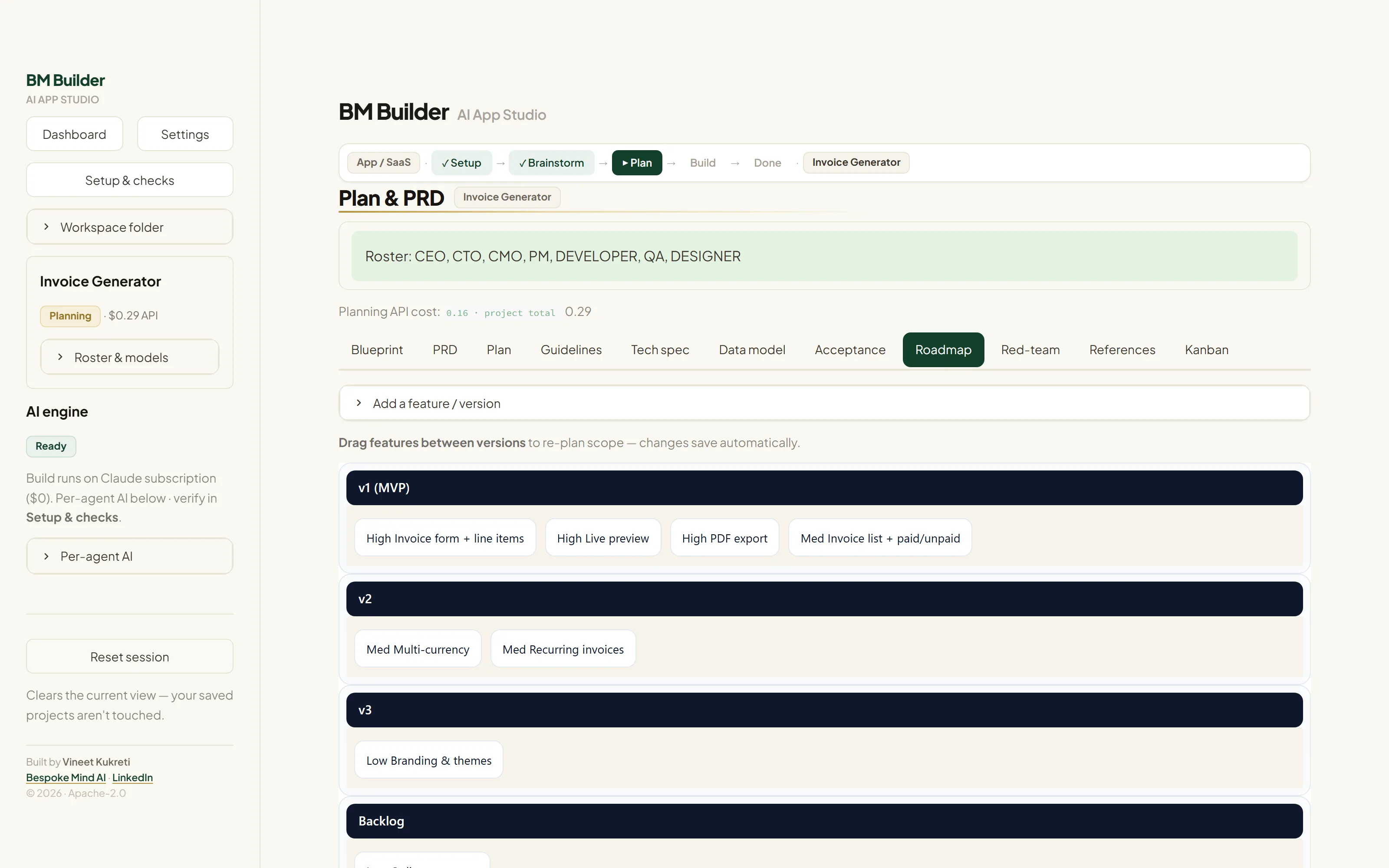
It authors a real PRD, tech spec, data model, and a prioritized roadmap you can drag, edit, and trim. The CEO assigns the right AI model to each role — and you can override any pick.
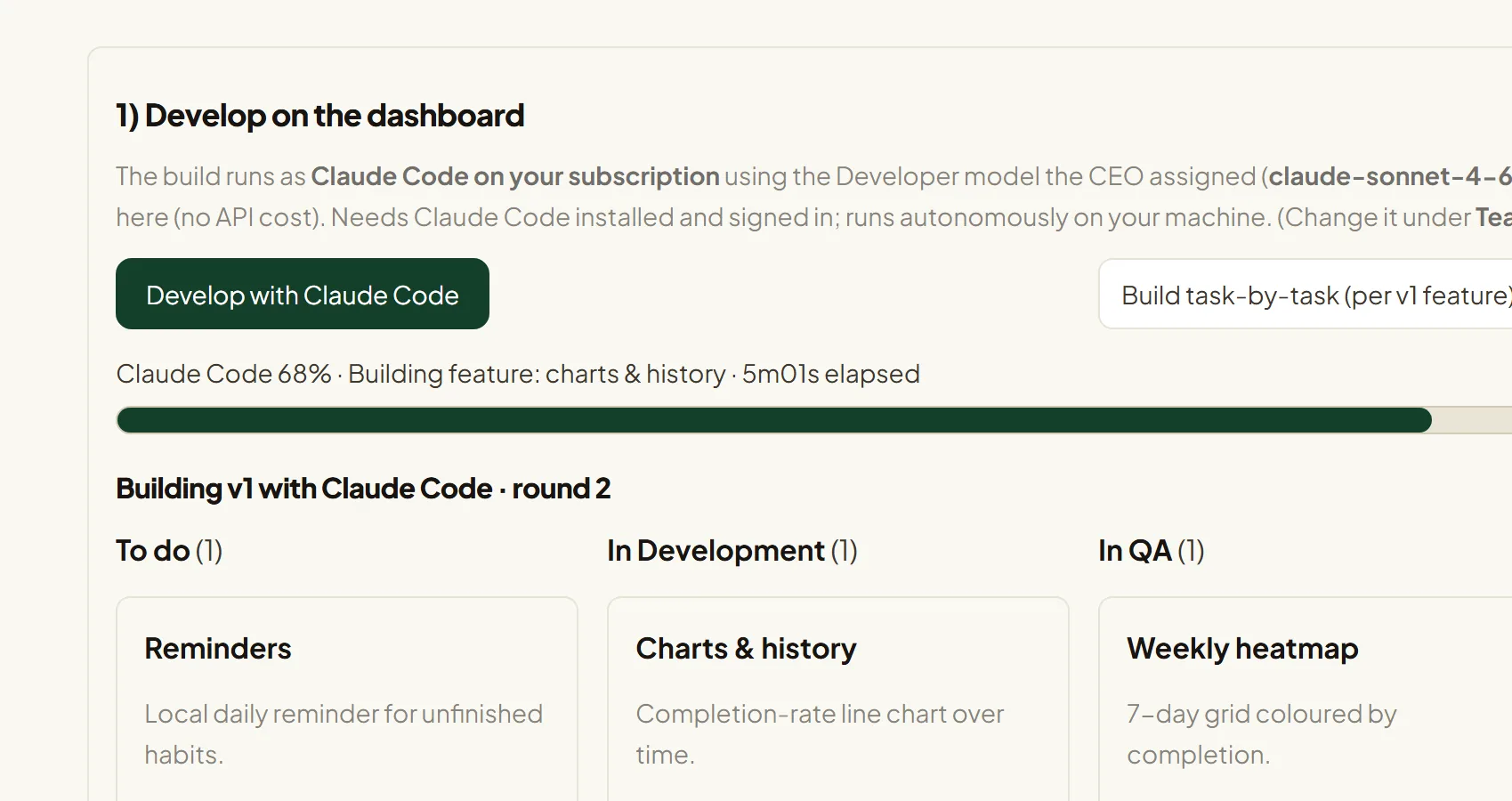
Build
Claude Code autonomously writes, runs, and fixes the project on your subscription — watch the live Kanban move from To do → In Development → In QA → Done. No API bill.
Ship
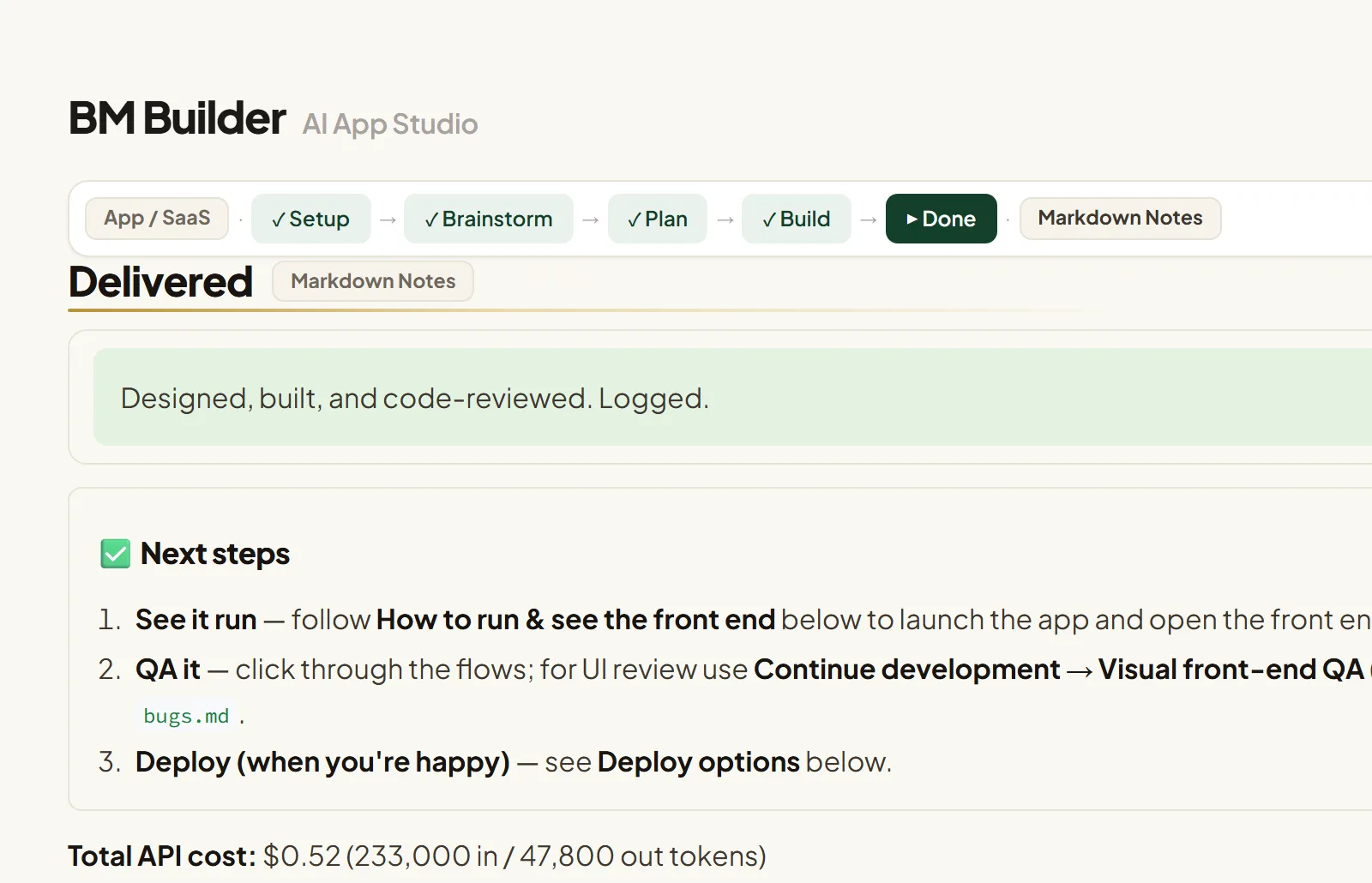
Review the result, run a visual front-end QA, and follow clear next steps to see it run and deploy when you're ready.
Built like a real team — controlled like a tool.
An AI executive team
CEO, CTO, CMO, PM, QA and a Skeptic each play their part — strategy, architecture, UX, delivery, and red-teaming.
Real artifacts, not chat
Every project becomes a folder: PRD, plan, tech spec, data model, roadmap, red-team review, and generated source.
Autonomous builds at $0
Claude Code builds, runs, and fixes the project on your Claude subscription — the heavy lifting doesn't burn API credits.
Your AI, your way
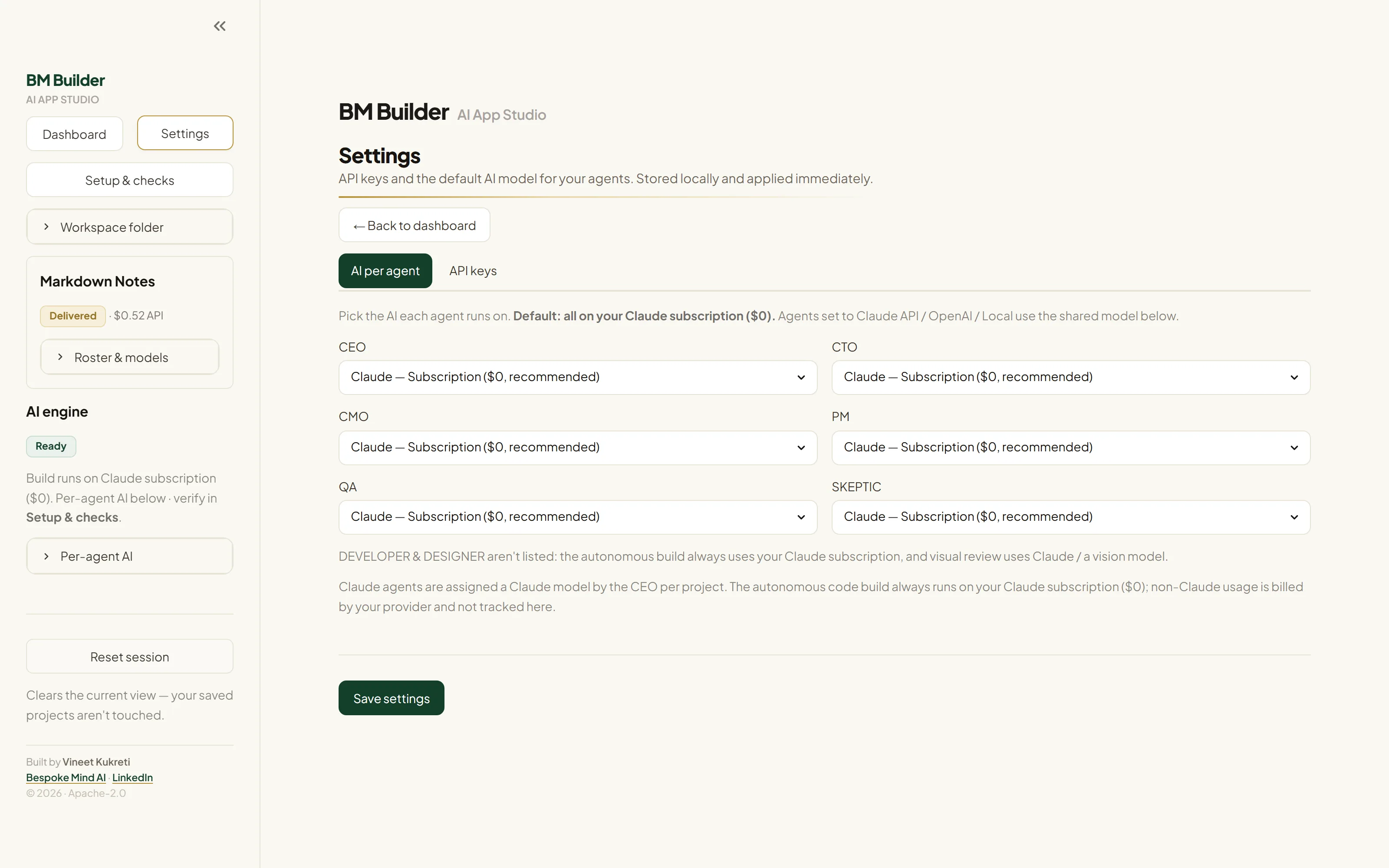
Set each planning agent to the Claude subscription, the Anthropic API, or OpenAI — per agent. The CEO picks the right model within your choice; the autonomous build itself runs on Claude Code.
You stay in control
Edit the plan, override the model picks, reorder the roadmap, and sign off only when you're happy.
Open source & hackable
Apache-2.0 licensed and yours to shape — fork it, tweak the agent prompts, add roles, or wire in your own tools.
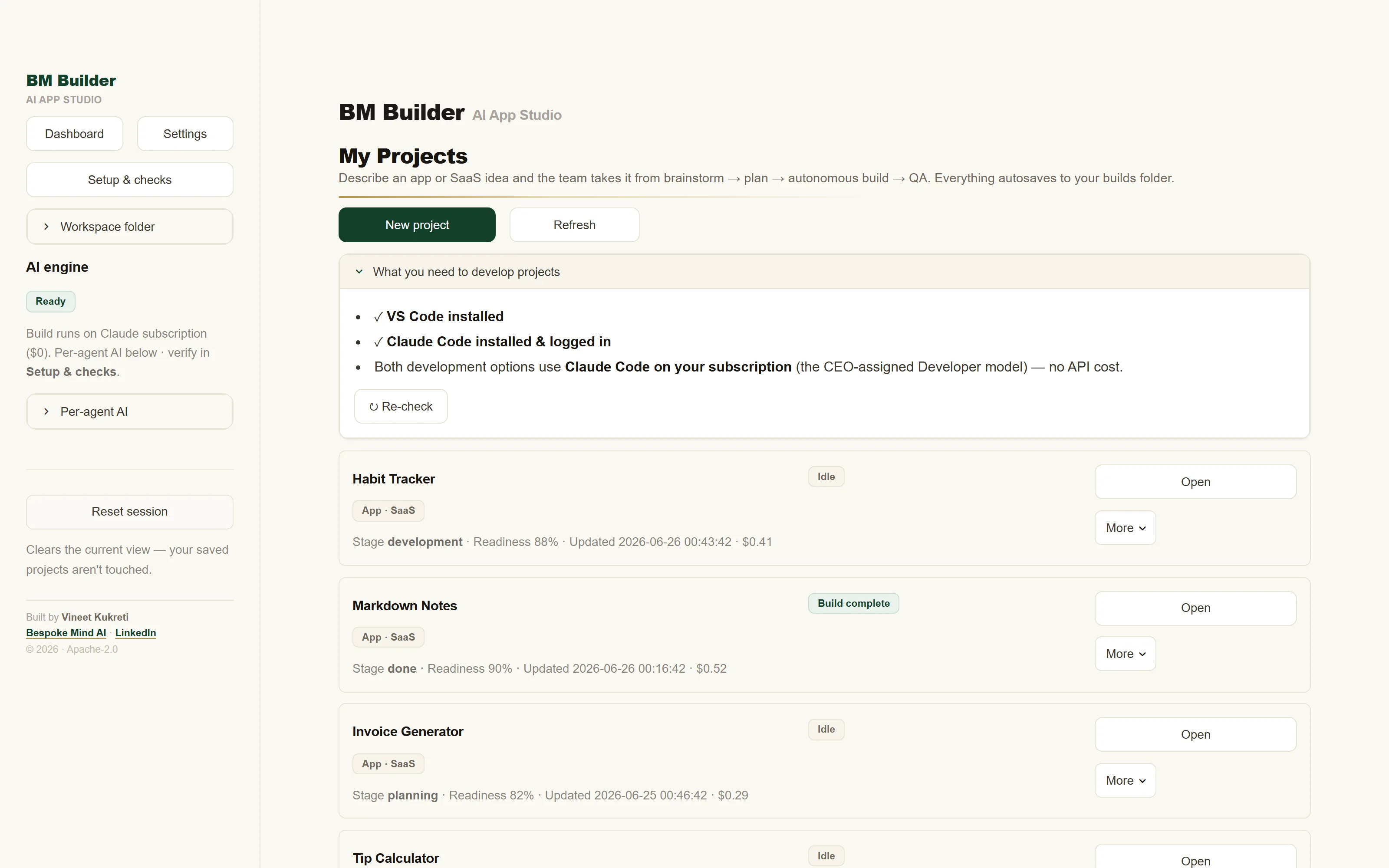
See it in action.
Hover any shot and click the to open it full size.
Download it free from GitHub.
BM Builder is Apache-2.0 licensed and runs as a local app. Get it from GitHub, then start it with one command — a .\run.ps1 / ./run.sh launcher is included.
No sign-up · free forever · a GitHub ⭐ helps others find it.
Want a custom AI tool like this?
We design and ship tailored AI systems, agents, and automations for businesses. BM Builder is a small taste of what we build. If you want a custom AI tool, an agentic workflow, or AI woven into your product — let's talk.
Questions, answered.
What does it cost?
The tool is free. Builds run at $0 on your Claude subscription. An Anthropic or OpenAI API key is optional and metered by your provider.
What can it build?
Web apps, CLIs, APIs, scripts, and prototypes — it plans to the stack that fits your idea, then generates runnable source.
Who is it for?
Individuals — indie makers, solo founders, and tinkerers — who want to build small-to-medium tools and run them on their own computer.
Which AIs does it use?
The AI team — brainstorming and planning — works with Claude (subscription or API) or OpenAI / OpenAI-compatible endpoints, chosen per agent in Settings. The autonomous build & QA step runs on Claude Code — that's what makes builds $0 on your Claude subscription, so a Claude subscription is needed for that step.
Do I need to know how to code?
No to get started. A little helps for tweaks — and there's a one-click "Open in VS Code" handoff if you want to take it further.