

A customer lands on your site at 11 p.m. with a question about pricing. No one's online. By morning, they've bought from a competitor who answered instantly. That gap, between when a buyer asks and when you respond, is exactly where an AI chatbot for business earns its keep, or quietly wastes your budget. This article breaks down what these systems actually do, how they work, where they genuinely pay off, and where they fall flat in production.
What an AI chatbot for business actually is (plain-English definition)
So what is an AI chatbot, stripped of the hype? It's software that reads what a person types or says, works out what they mean, and responds or acts on it, without a human handling every message. The "AI" part matters because older chatbots followed fixed scripts. If a customer phrased a question in an unexpected way, the bot broke. Modern AI chatbots for businesses use language models that understand intent, so "what time do you close?" and "are you open late?" both get a correct answer.
Here's the distinction people miss. A chatbot that only answers questions is useful, but a business-grade system can also do things: check an order status in your system, book a meeting, log a support ticket, or capture a lead and push it into your CRM. The conversation is the interface. The real value is the automation sitting behind it, quietly replacing manual tasks your staff used to handle one by one.
These systems show up in three common places: on your website as a chat widget, inside messaging apps like WhatsApp or Messenger, and internally as a tool your team queries instead of digging through documents. The same underlying technology powers all three. One build can serve all three because the language model and the data layer stay the same; only the channel wrapped around them changes, which is why most of the cost sits in the knowledge and integration work rather than the interface.
Customer expectations have shifted, and that's the real reason this matters. People now expect answers in seconds, at any hour, and many buying decisions happen outside business hours. According to IBM's overview of chatbot technology, well-implemented conversational systems reduce repetitive contact volume and speed up response times. For a small business, that's the difference between catching a late-night inquiry and losing it. An AI chatbot for business isn't a gimmick. It's a way to answer common questions and move routine work off your team's plate.
How AI chatbots work (NLP, NLU, LLMs, and RAG explained simply)
Understanding how AI chatbots work doesn't require a computer science degree. A few pieces do the heavy lifting, and each has a job.
Natural language processing (NLP) is the broad field of getting computers to handle human language, the typos, slang, and half-finished sentences people actually write. Natural language understanding (NLU) is the narrower task within natural language processing that figures out intent, deciding that "cancel my thing" means the customer wants to end a subscription. NLU is what lets a bot respond correctly even when the wording is messy.
Large language models (LLMs) are the engines behind modern conversational AI. Trained on enormous amounts of text, they predict what words should come next, which is why they can hold a natural back-and-forth instead of spitting out canned replies. This is the layer that writes fresh responses rather than selecting from a fixed list, the same underlying capability behind tools you've likely already heard of, pointed at a specific business task.
The fourth piece is the one that helps make LLMs more reliable for business use: retrieval-augmented generation (RAG). An LLM on its own only knows what it was trained on, and it can produce answers it doesn't actually have support for. RAG helps address this by pulling real information from your own documents, pricing sheets, and policies, before the model answers. The system retrieves the relevant facts first, then asks the model to write a reply grounded in those facts. That's how a chatbot can answer "what's your refund window for outdoor furniture?" accurately instead of guessing. Grounding the model in retrieved text constrains what it can say, so the answer stays tied to your facts rather than the model's best guess.
The National Institute of Standards and Technology publishes guidance on managing AI risk, including accuracy and reliability concerns that RAG helps address. Put plainly: NLP and NLU work out the question, the LLM writes the answer, and RAG keeps that answer tied to your real data.
AI chatbots vs traditional rule-based chatbots vs AI agents
- Follows a decision tree for responses.
- Predictable and low-cost implementation.
- Fails outside predefined scripts.
- Limited to basic interactions.
- Utilizes language models for flexibility.
- Understands context and generates responses.
- AI agents handle multi-step tasks autonomously.
- Choose based on specific business needs.
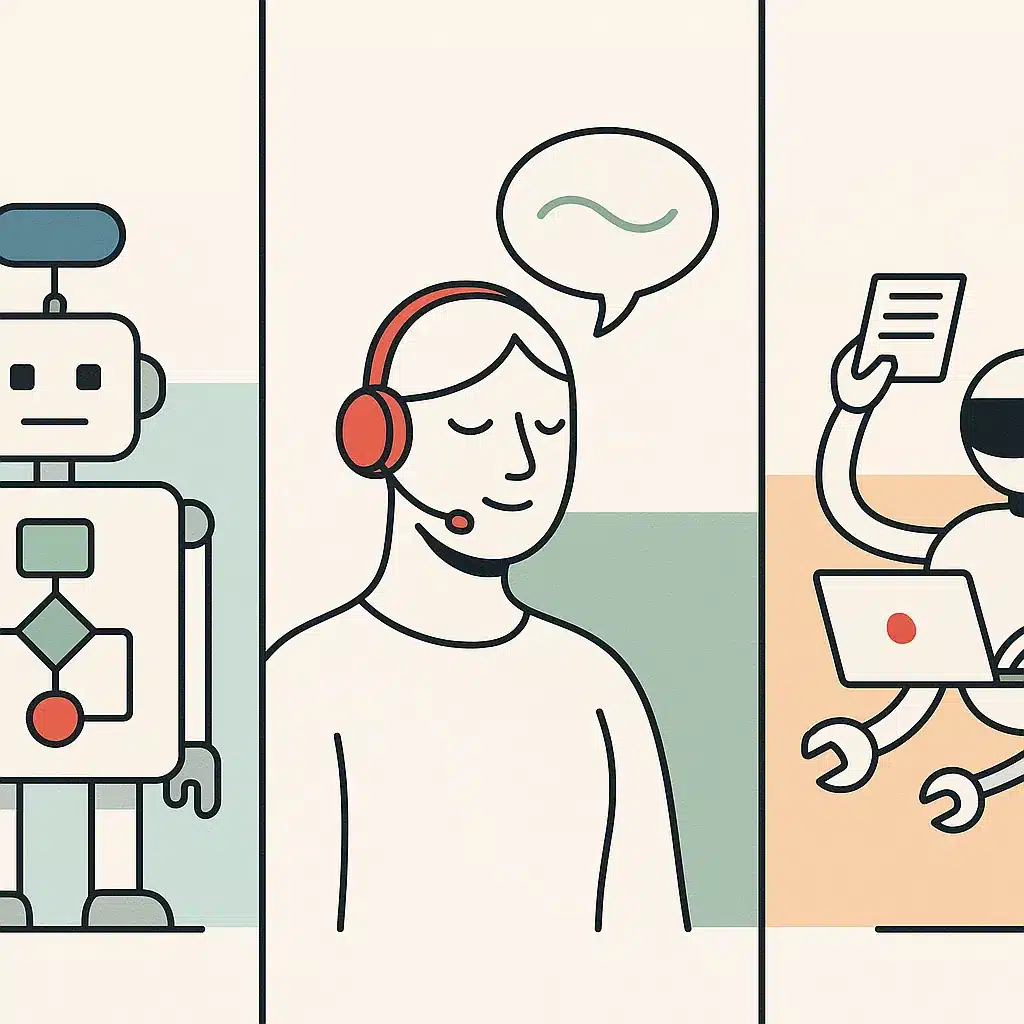
Three things get lumped together under "chatbot," and the differences change what you can expect.
A rule-based chatbot follows a decision tree. You map out questions and answers in advance, and the bot matches keywords to pre-written responses. It's predictable and cheap, which is why a lot of early chatbot software worked this way. The problem is brittleness: step outside the script and it fails. If you've ever shouted "agent" at a phone menu, you've met a rule-based system hitting its limit.
An AI chatbot uses the language models described above. It handles phrasing it's never seen, understands context across a conversation, and generates answers instead of selecting them. This flexibility is the whole reason AI chatbots for businesses replaced scripted bots for most customer-facing work.
Then there's the AI chatbots vs AI agents question, which trips people up. A chatbot mostly talks: it answers, informs, and maybe triggers a simple action. An AI agent is built to work through multi-step tasks with some autonomy. Where a chatbot tells a customer their order shipped, an agent can check inventory, process a return, issue a refund, and update three systems to finish the job. Virtual agents sit in this category, handling business workflows end to end rather than just conversing.
The practical takeaway on AI chatbots vs AI agents is to pick based on the work, not the label. Many assume they need the most advanced agent possible. In practice, a focused chatbot answering your top 20 questions often delivers more value for less cost and complexity. Failed projects are often a case of mismatch, deploying an agent where a simple bot would do, or the other way around. Start with the actual task and let that decide.
Core business benefits of AI chatbots (24/7 support, cost reduction, lead capture)
The benefits of AI chatbots come down to three things: time, money, and missed opportunities recovered.
Start with 24/7 support. Your team sleeps; your website doesn't. A chatbot answers common questions at 2 a.m. on a Sunday, which matters because a large share of buying research happens outside working hours. Customers get answers when they want them, not when you're available.
Then there's cost. The structural advantage is speed and volume: a chatbot can reply in under 2 seconds and handle many conversations at once, while a human manages a few. This can translate into savings: the same repetitive question answered many times over costs the bot very little per reply, while each human reply carries salary and overhead. IBM reported a 23.5% drop in per-contact costs after deploying conversational AI for customer service. For routine, repetitive queries, this is where businesses can reduce support costs, not by firing staff, but by freeing them from answering the same five questions all day.
Lead capture is the benefit people underrate. A chatbot can qualify a visitor, ask a few targeted questions, and drop the result straight into your CRM. Instead of a contact form nobody fills out, you get a conversation that collects intent and contact details while interest is high. That's lead capture working the way it should, catching people at the moment they're curious.
Underneath all three sits operational efficiency. Every question the bot handles is a manual task your team didn't touch, and that saved time can add up to meaningful gains in operational efficiency across the business. Consider a service business fielding 200 "what are your hours" and "do you take walk-ins" messages a week. Automating those can free up hours of staff time that go toward higher-value work. The goal isn't replacing people. It's removing repetitive work so the business runs leaner. Measured against those routine interactions, the return on an AI chatbot can show up relatively quickly, because the cost per automated conversation tends to be a fraction of the cost per human one. If you're unsure whether your own volume justifies the investment, an AI readiness audit for your operations is a low-commitment way to find out before committing to a build.
Common business use cases (customer support, feedback, recommendations, scheduling)
The clearest chatbot use cases are the repetitive, predictable interactions that eat your team's day.
Customer support is the obvious one. Order status, return policies, troubleshooting steps, and account questions follow patterns, which makes them good candidates for automation. A well-scoped bot can deflect the high-volume, low-complexity tickets and escalate the rest, so customer service staff spend their time on problems that actually need a human.
Feedback collection is quieter but valuable. A chatbot can ask a customer how an interaction went right after it happens, when the experience is fresh, instead of sending a survey nobody opens. Response rates can climb because the ask is conversational and immediate, people answer one question in a chat window far more readily than they open a separate email form a day later.
Personalized recommendations work well in retail and ecommerce. By asking a few questions, "what's this for, what's your budget", a bot can narrow thousands of products to a handful that fit. This is the chatbot acting as a knowledgeable salesperson, nudging customers toward the right purchase and supporting conversion.
Meeting scheduling removes a classic back-and-forth. Instead of several emails to find a time, a chatbot offers open slots, books the appointment, and sends the confirmation. For service firms and sales teams, that's friction gone and potentially fewer no-shows.
A few more chatbot use cases worth naming: onboarding new customers through setup steps, answering internal HR or IT questions so staff stop pinging the same people, and qualifying leads before routing them to sales. This is where a company like Bespoke Mind Ai builds a custom AI chatbot trained on a business's own products, policies, and workflows, so the answers reflect how that business actually operates rather than a generic script. The pattern across every use case is the same: identify the repetitive conversation, then let software handle it while people take the exceptions.
Types of AI chatbot providers and platform categories
The market for AI chatbot vendors splits into a few recognizable categories, and knowing which is which saves you from buying the wrong thing.
First, general-purpose AI assistants like ChatGPT and Microsoft Copilot. These are broad tools for writing, research, and general questions. They're useful for internal productivity and content tasks, but they're not built to sit on your website answering customer-specific questions or capturing leads into your systems.
Second, off-the-shelf chatbot platforms aimed at customer service. These AI chatbot platforms give you a widget, a dashboard, and a way to upload FAQs or connect a knowledge base. They're faster to launch and work well for standard support scenarios. The tradeoff is fit: you adapt your process to the tool's limits, and deeper chatbot integrations with your particular stack can get awkward.
Third, conversational AI and live chat hybrids. Many live chat providers have added AI layers, so the bot handles routine messages and hands off to a human agent when needed. For businesses that already run live chat, this is often the lowest-friction upgrade.
Fourth, custom development partners who build a chatbot around your workflows rather than fitting you into a template. This is the route when off-the-shelf tools can't handle your data, your integrations, or your specific process. For businesses that have outgrown templated tools, a custom AI chatbot built for SMB operations is worth evaluating against whatever platform you're currently stretching to fit.
A common misconception is that the best AI chatbot for business is whichever brand is biggest. In practice, the best AI chatbot for business is the one that matches your actual use case and integrates cleanly with the tools you already run. A mismatched platform looks cheap upfront, then costs you in workarounds, poor answers, and the chatbot integrations you can't make work. Evaluate AI chatbot vendors against your workflow, not their marketing.

Does an AI chatbot actually pay off? How to think about real ROI
Here's a grounded answer: an AI chatbot is more likely to pay off when it handles enough repetitive volume to justify its cost, and less likely to otherwise. The math isn't mysterious.
Start with your numbers. How many inquiries do you get a month? What fraction are repetitive, order status, hours, pricing, basic troubleshooting? What does each one cost you in staff time? A live agent handling a routine query can run roughly $5 to $25 or more per interaction once you account for salary and overhead. A chatbot interaction can cost roughly $0.50 to $2. The gap is the opportunity. If you want a structured way to work through those numbers before committing budget, this guide on how to calculate ROI on AI automation projects walks through the framework in more detail.
The documented cases make this concrete. One Amazon Lex deployment saved $3 million over three years by automating just 2% of customer calls. That figure sounds small until you realize 2% of a huge call volume is a lot of calls, and each automated one skipped an agent. IBM's 23.5% per-contact cost reduction points the same direction. These aren't guaranteed outcomes for every business, results vary, but they're evidence that returns on AI chatbots tend to scale with volume. The mechanism underneath is fixed-versus-variable cost: you pay most of a chatbot's price once to build and train it, so every additional conversation it absorbs can drive the cost per interaction down, while human support cost stays roughly flat per ticket.
What actually drives the return is narrow scope. A bot that tries to answer everything tends to answer nothing well and frustrates customers. A bot that nails your top 20 repetitive questions and cleanly escalates the rest can deflect real volume without damaging the experience. That deflection is where the payoff tends to come from. For a lot of SMBs, the tangible version of this looks like a conversion-focused chatbot like ChikooChat, scoped tightly around the handful of questions actually driving your volume.
Picture a growing ecommerce store handling many "where's my order" messages, hundreds a week, pulling two staff away from fulfillment. The orders aren't complex; they're just constant, and every interruption pulls someone off packing to copy a tracking number. Automating just those inquiries could free up a good amount of that time and cut response delays from hours to seconds. In a case like that, the benefit isn't abstract. It can mean two people back on productive work.
Results vary based on your existing processes, inquiry volume, business complexity, and how well the chatbot is implemented and adopted. Measure before and after: deflection rate, response time, cost per contact. The payoff either shows up in the numbers or it doesn't.
Hidden costs and where chatbots fail in production
The brochure version of chatbot software hides the parts that bite you later. Worth knowing before you commit.
The first hidden cost is data preparation. A chatbot is only as good as what it knows. If your policies live in five outdated documents and three people's heads, someone has to gather, clean, and structure that before the bot can answer accurately. This is where a lot of budget and time quietly goes, and skipping it produces a confident bot that gives wrong answers. The reason is direct: the model can only retrieve what you've actually given it, so gaps and contradictions in your source material become gaps and contradictions in its answers.
The second is maintenance. Your prices change, your products change, your policies change. A chatbot that was accurate at launch drifts out of date, and a stale bot telling customers wrong information is worse than no bot. Someone owns keeping it current, on an ongoing basis.
The third is integration work. Connecting the chatbot to your CRM, helpdesk, or order system is where "quick to deploy" turns into a project. Off-the-shelf chatbot integrations handle the common cases; anything custom takes real work.
Then there's the failure mode nobody advertises: the bot that can't answer, won't admit it, and traps the customer in a loop. Generic bots scoped too broadly do this constantly. The root cause is almost always poor scoping, trying to automate everything instead of the predictable subset. Without a fast, obvious handoff to a human, one bad bot experience can send customers to a competitor.
Business automation of this kind also raises data-handling questions. Rules around storing customer data vary by jurisdiction, and consumer-facing AI models have their own data-use terms, so check your obligations under the relevant data-protection authority or consult a qualified advisor before feeding customer information into any system. The chatbots that tend to succeed in production are narrowly scoped, kept current, and honest about their limits.
Off-the-shelf chatbot tools vs custom-built chatbots for your workflow
- Quick setup and lower upfront costs.
- Ideal for standard support needs.
- Limited customization for specific workflows.
- Proven software without development effort.
- Tailored to specific business workflows.
- Higher initial cost and longer setup time.
- Integrates with existing systems seamlessly.
- Better for complex business requirements.
This is the decision most businesses actually wrestle with, and there's no universal right answer.
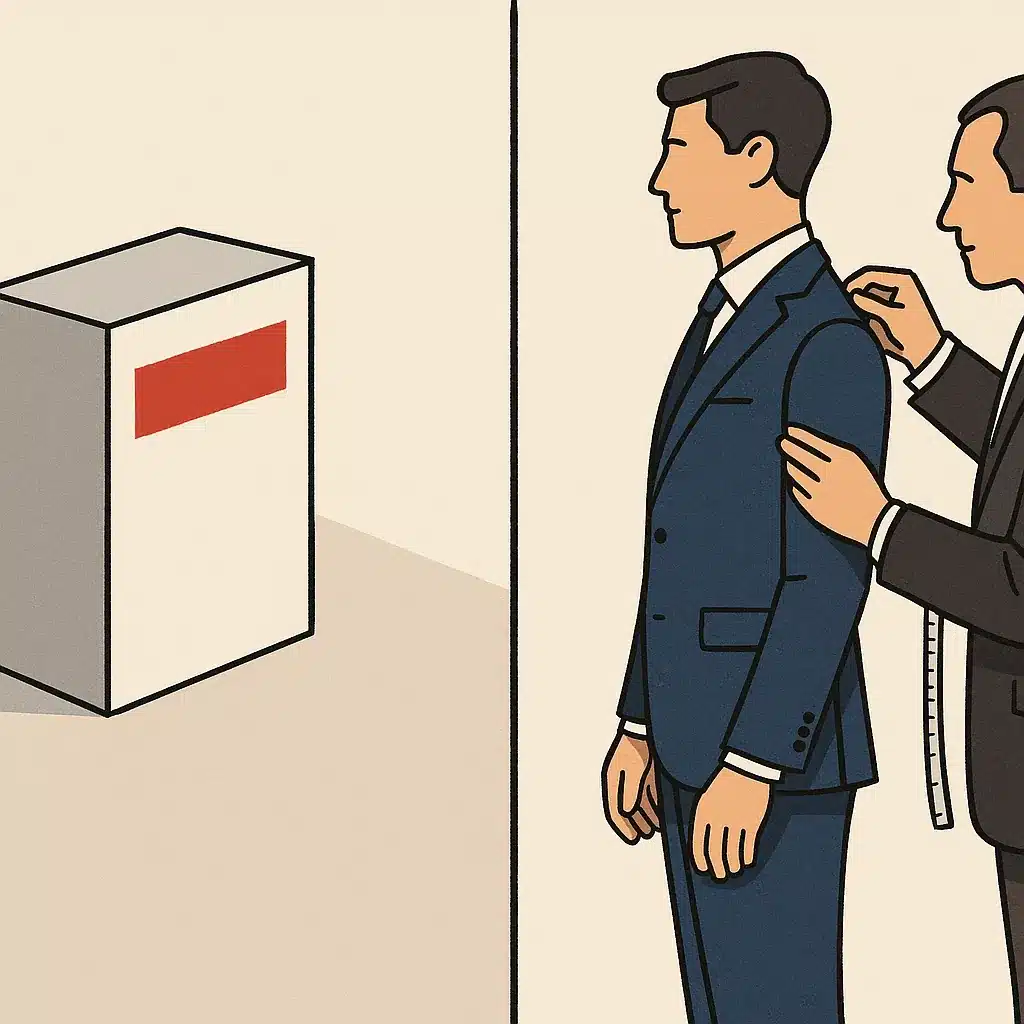
Off-the-shelf tools win on speed and upfront cost. You sign up, upload your FAQs, embed a widget, and you're live in a day. For a business with standard support needs, FAQs, hours, basic order questions, this is often the sensible call. You get proven software without a development project. The limits show up when your needs aren't standard: the tool can't connect to your particular systems, can't handle your specific logic, or forces your workflow into its template. AI chatbots for small businesses with simple needs frequently do fine here.
A custom AI chatbot flips the tradeoff. It takes longer and costs more upfront, but it's built around how your business actually works. Trained on your own data using RAG, it's designed to answer accurately about your products and policies. It integrates with the exact tools you run and fits neatly into your existing business workflows instead of approximating them. Custom tends to work better for complex cases because you're not paying for a platform's assumptions about a generic business. You're getting one built around yours.
Take a common case: a wholesaler whose pricing depends on customer tier, order quantity, and current stock. An off-the-shelf bot can quote a published price, but it can't reach into the pricing logic to answer "what's my rate at 500 units," so it either guesses or punts every such question to a human, which is most of them. That is the wall where templated tools tend to stop paying off and a custom build starts to make more sense.
A useful rule: if an off-the-shelf tool handles your top questions and connects to your main systems, use it. If you keep hitting walls, integrations that don't exist, answers the tool can't handle, workflows it won't support, that friction is the signal to consider building custom.
Bespoke Mind Ai builds custom AI chatbots for SMBs using LLM and RAG, trained on a company's own data and wired into its existing tools, for situations where off-the-shelf tools stop fitting. A reasonable framing: start with off-the-shelf if it covers you, and consider custom when the cost of workarounds exceeds the cost of building it right.
How to evaluate and choose an AI chatbot for your business
Choosing well comes down to matching the tool to your actual work, not chasing the flashiest demo. Here are the key features to look for and the questions that surface them.
Accuracy on your data. Ask any vendor to demo the bot answering questions about a business like yours, using real documents. If it can't ground answers in your content via RAG, it's more likely to invent things. Watch how it handles a question it shouldn't know, a good system admits uncertainty rather than guessing.
Integrations. List the systems the chatbot must talk to: your CRM, helpdesk, booking tool, order database. Confirm those chatbot integrations exist or can be built. A bot that can't act on your systems is just a fancier FAQ page.
Escalation. Check how cleanly it hands off to a human. The handoff should be fast, obvious, and carry the conversation context so the customer doesn't repeat themselves.
Scope and control. You want to define what the bot handles and what it routes away. Narrow, controlled scope tends to beat broad ambition.
Data handling. Confirm where your data goes and whether it's used to train shared models. Business deployments need a clear data policy, not consumer terms.
Total cost and maintenance. Look past the subscription at setup, integration, and the ongoing work of keeping answers current. Business automation only pays off if someone owns maintenance.
Match these against your volume and complexity, and the right choice, off-the-shelf, platform, or custom, usually becomes clearer. Every chatbot can look capable in a scripted demo; it's your specific questions, systems, and edge cases that tend to separate the ones that hold up from the ones that don't.
A short discovery call can help map which of your repetitive questions and manual tasks are worth automating, and whether an off-the-shelf tool or a custom build fits your workflow. Talk through your automation opportunities with Bespoke Mind Ai to see where an AI chatbot for business could genuinely pay off, and where it might not.
Frequently Asked Questions
What exactly counts as an AI chatbot for business?
It's a text or voice system that uses AI to handle customer or employee queries, automate tasks, or trigger processes without a human on every interaction. It can sit on a website, inside WhatsApp, or integrated into internal tools like a CRM or helpdesk.
Which AI chatbot is best for a business to use?
It depends on the job: Microsoft 365 Copilot fits teams already in the Microsoft ecosystem for content and workflow tasks, while ChatGPT Enterprise suits broader text-based assistance. For most SMBs, a custom-built chatbot trained on their own data and workflows outperforms general-purpose tools because it's built around how the business actually operates, not a generic use case.
Is it actually worth it for a small business to invest in an AI chatbot, or is this overkill?
It depends on call volume and repetitive inquiry rates, one Amazon Lex deployment saved $3 million over three years by automating just 2% of customer calls. For a small business with low inquiry volume, an off-the-shelf tool may do the job; for one buried in repeat questions about hours, pricing, or order status, the ROI shows up fast.
What's the real difference between ChatGPT and a dedicated chatbot AI?
ChatGPT is a general-purpose conversational model not built specifically for business deployment, lead capture, or integration with internal systems. A dedicated business chatbot is purpose-built, often using retrieval-augmented generation (RAG) on a company's own data, to answer accurately about that business's products, policies, and processes instead of general knowledge.
Should a business pick an AI chatbot over live chat with human agents?
AI chatbots respond in under 2 seconds and cost roughly $0.50-$2 per interaction, versus $5-$25+ per routine query handled by a live agent. Most businesses land on a hybrid: chatbots handle repetitive, high-volume questions, and humans step in for complex or sensitive cases the bot escalates.
What if customers hate talking to a chatbot instead of a person?
That risk is real if the bot is poorly scoped, generic bots that can't answer specific questions frustrate customers fast. The fix is narrowing the chatbot's job to what it handles well (FAQs, order status, booking) and building in a clear, fast handoff to a human for anything outside that scope.
What shouldn't a business feed into a chatbot built on general AI models?
Avoid entering sensitive customer data, financial records, or proprietary business information into consumer-facing tools like public ChatGPT, since that data can be used to train the model or isn't covered by a business-grade data agreement. Business deployments need a chatbot with a defined data-handling policy, which is why custom-built systems typically separate client data from any shared model training.
Can an AI chatbot actually replace a customer support team?
Not entirely, one e-commerce company's chatbot handled 68% of inquiries automatically and cut support costs by 35%, but the remaining third still needed human judgment. The realistic outcome is fewer repetitive tickets reaching staff, not an empty support department.