

A five-person operations team can spend eleven hours a week just forwarding approval emails and re-typing data between two systems that refuse to talk to each other. That’s more than half a workday lost every week to work no human should be doing. Business process automation exists to take that work off people’s plates. But most advice on it skips the part that matters: which processes are worth automating, and how the pieces fit together. This article covers what BPA is, how it differs from related concepts, where it delivers real results, and where it quietly fails.
Definition of business process automation (what BPA is)
Business process automation is the use of technology to run repeatable business processes with little or no manual effort. Think of the tasks your team does the same way every time: routing an invoice, onboarding a new hire, updating a record across two tools. BPA handles those business workflows so people don't have to. According to McKinsey's research on the automation of work activities, a large share of tasks across most jobs are technically automatable today. The goal isn't to replace judgment. It's to remove the repetitive tasks that eat into time better spent elsewhere.
BPA vs RPA vs BPM (how the concepts relate and differ)
These three terms get used interchangeably, and they shouldn't be. Robotic process automation (RPA) is narrow: software handles rule-based manual tasks like data entry by repeating the same actions a person would. Business process management (BPM) is the discipline of mapping, analyzing, and improving how work flows across a business. It's more strategy than software. BPA sits between them, applying technology to automate entire processes end to end. The reason this matters: RPA is a tool, BPM is a method, and BPA is the outcome. Gartner's glossary on business process management treats BPM as the discipline that makes automation efforts worth doing in the first place.
Examples of business processes you can automate
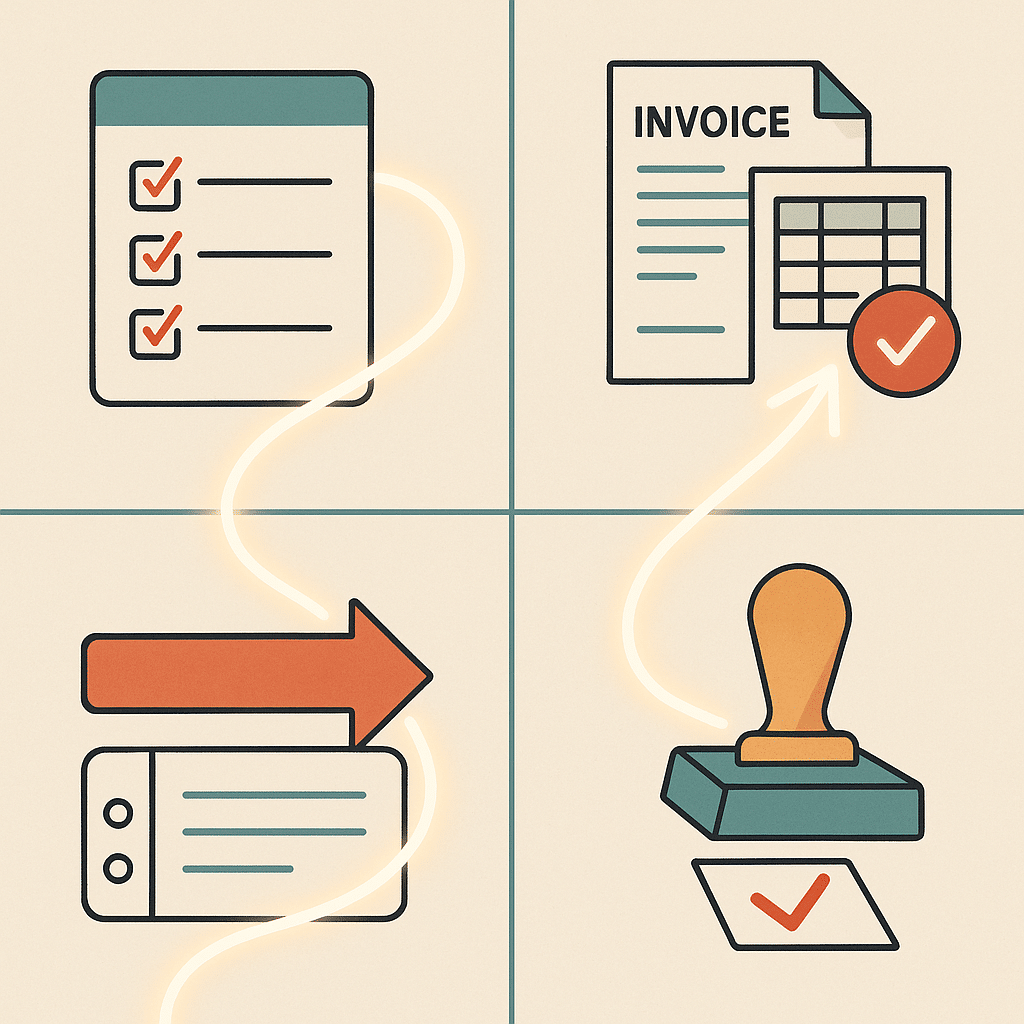
Good examples of business process automation share a trait: they repeat, they follow rules, and they're prone to human error. Employee onboarding is a classic. Instead of an HR lead manually creating accounts, sending forms, and scheduling training, a workflow triggers all of it the moment a hire is confirmed. Invoice processing runs the same way: capture the invoice, match it against purchase orders, route it for approval. Other examples include expense approvals, customer support ticket routing, and compliance reporting. Compliance is worth a caveat here: reporting rules vary by jurisdiction and industry, so automated checks should be built against the requirements of the authority that governs you rather than a generic template. Each removes administrative work from someone's day. The U.S. Bureau of Labor Statistics analysis of automation and occupations shows how automation tends to reshape the repetitive parts of a role rather than eliminate the role wholesale, which is exactly what these examples do. Each also reduces the small mistakes that pile up in manual processes. If document-heavy work is your bottleneck, our take on reducing paperwork while gaining visibility covers this ground in depth.
 ]*
]*
Benefits of business process automation
The benefits of business process automation are practical, not magical. Reducing human error comes first. When a system routes and validates data, the typos and skipped steps that plague manual work drop sharply. Time savings follow, since people stop doing repetitive tasks by hand. You also get cost reduction from fewer errors and less rework, plus better compliance because automated processes leave a clean audit trail. Reducing human error and improving operational efficiency also gives leaders visibility into where work sits. Findings from Deloitte's global intelligent automation survey point to time savings and cost reduction as key reasons organizations adopt automation in the first place. If you want to put numbers to those gains, our guide on measuring the return on automation projects walks through the math. The result is simple: when the routine runs itself, your team's hours shift toward work that needs judgment. Results vary based on existing processes, complexity, and adoption.
How process automation works in practice
In practice, automation starts by watching how a process already runs, not by buying software. You identify the repetitive tasks, map each step and handoff, then decide which parts a system can take over. Automation software connects the tools you already use, so a trigger in one system moves work forward in another without anyone re-entering data. A submitted form, for example, can update a record, notify the right person, and log the action automatically. The last step matters most and gets skipped often: monitoring. Automated business workflows still need review, because processes change and a broken trigger fails silently until someone notices the backlog.
Types of business process automation
Automation comes in layers. At the simplest level, workflow automation handles a defined sequence of steps, like moving a document through approval. Robotic process automation, or RPA, repeats human actions across applications to handle structured manual tasks. Integration-based automation connects disconnected systems so data flows between them instead of being copied by hand. At the top sit AI-driven automations that add decision-making to less predictable work. Most real business operations use a mix. A single end-to-end process might combine workflow automation for routing, RPA for data entry, and an AI layer for handling the exceptions that rules alone can't cover.
 ]*
]*
Implementing business process automation
Implementing business process automation works best when you start small and specific. Pick one process that's high-volume, rule-based, and clearly painful, then automate that before touching anything else. Many teams try to automate everything at once and end up with a tangle of half-finished workflows nobody trusts. We watched one founder-led team wire up seven automations in a month, then spend the next quarter debugging silent failures because no single person understood how the pieces connected. The better path: fix the underlying process first, because automating a broken workflow just makes the mess run faster. If you're unsure where to begin, our guide on where to actually start with AI solutions breaks down that first move. Build for how your team actually works, connect existing tools rather than replacing them, and plan for scalable systems that grow without a rebuild. Digital transformation happens one solved bottleneck at a time, not in a single launch.
Role of AI and AI agents in automation
Rule-based automation handles predictable steps. It falls apart the moment a task requires judgment. That's where artificial intelligence adds value: AI systems can read unstructured documents, classify messy inputs, and handle the exceptions that break rigid workflows. AI agents take this further by carrying out multi-step tasks with some autonomy, deciding what to do next based on context rather than a fixed script. Many assume artificial intelligence will run the whole business on its own. In reality, the strongest setups pair AI with rule-based automation, letting each do what it's good at. AI supports better decision-making and smarter resource allocation, but works alongside people, not instead of them.
Custom-built systems vs off-the-shelf software
- Solves common problems in a standard way
- May not fit unique business processes
- Can lead to operational mismatches
- Often requires multiple disconnected systems
- Tailored to specific business operations
- Connects existing tools seamlessly
- Reduces manual work between platforms
- Addresses root causes of automation frustration
Off-the-shelf software solves common problems in a standard way, and for many needs that's exactly right. The trouble starts when your process doesn't match the tool's assumptions. Then you bend your business operations to fit the software, or stitch together a handful of disconnected systems that each solve part of the problem. Custom-built systems take the opposite approach: they're built around how your business actually operates. The root cause of most automation frustration is this mismatch. Custom-built internal tools connect what you already use and remove the manual work between platforms, rather than adding another subscription and another login to an already crowded stack.
 ]*
]*
Identifying operational bottlenecks and founder dependency
Operational bottlenecks hide in plain sight. They're the steps where work waits: the approval only one person can give, the report only the founder knows how to pull, the handoff that stalls every Friday. Founder dependency is the most expensive version of this. When too much knowledge and decision-making sits with one person, the business can't scale and nobody can take a day off. To find these bottlenecks, track where work sits idle and which tasks always route back to the same individual. Those are your first automation targets. Removing operational bottlenecks through workflow automation is often where process improvement delivers the most obvious increased efficiency.
What actually works vs common automation mistakes
- Automating clear, high-volume processes
- Fixing and mapping processes first
- Focusing on process improvement efforts
- Engaging team trust and adoption
- Automating broken processes
- Chasing buzzwords without understanding needs
- Treating automation as a tech purchase
- Ignoring the people running the work
What works: automating clear, high-volume, rule-based processes after you've fixed and mapped them. What fails: automating a broken process, chasing every buzzword, or buying software before understanding the problem. The most common mistake is treating automation as a technology purchase instead of a process improvement effort. Another is ignoring the people who run the work. If your team doesn't trust or adopt the system, the operational efficiency gains never show up. Start with one painful process, prove the increased efficiency, then expand. Real business process automation is patient. It solves the underlying problem across repeatable business processes instead of layering more tools onto disconnected systems.
If repetitive work is slowing your team down, a short conversation can help surface where automation would actually move the needle. You can speak with the team at Bespoke Mind AI to talk through your current business workflows and find practical opportunities to reduce manual work. No pressure, just a clear look at what's possible for your business operations.
Frequently Asked Questions
What is business process automation?
Business process automation (BPA) uses technology to handle recurring, rule-based tasks that would otherwise require manual effort. It's applied across functions like customer service, HR, and supply chain to reduce errors and free teams from repetitive work.
How does business process automation actually work?
BPA typically follows five steps: identifying repetitive tasks, mapping the workflow, selecting the right tools, configuring them to run the process, and monitoring performance over time. The goal is to remove manual effort from processes your team already runs, not to add more software.
What's an example of business process automation?
A common example is automating expense report approvals, where a submitted report is routed to the right manager without anyone forwarding it manually. Other examples include employee onboarding, invoice processing, and customer support ticket routing.
How is BPA different from workflow automation?
Workflow automation handles a specific sequence of tasks within a process, like routing a document for approval. BPA takes a broader view, automating entire end-to-end processes that may span multiple teams and systems.
Should I use RPA or AI for automation?
RPA is best for automating clear, rule-based tasks that follow predictable steps. AI adds learning and decision-making for less structured work, so many businesses use them together rather than choosing one.
Which processes should a business automate first?
Start with high-volume, repetitive tasks that follow clear rules and are prone to human error, such as approval workflows and compliance checks. These deliver the fastest time savings and the most reliable results.
Is business process automation actually worth the investment for a small business?
McKinsey reports that companies implementing BPA can achieve cost savings of up to 30% alongside measurable efficiency gains. For small teams, the bigger return is often reclaiming hours spent on administrative work so people can focus on higher-value activities.
What if my current systems don't connect with each other?
Disconnected tools are one of the most common reasons businesses turn to automation, since critical information ends up scattered across platforms. Custom-built systems can integrate existing tools rather than replacing them, connecting your data without forcing a full software overhaul.