

A five-person operations team spends 22 hours a week copying data between a CRM, a spreadsheet, and an invoicing tool. Nobody planned it that way. The work just piled up as the company grew. This is where ai for business earns its keep. Not by promising a revolution, but by quietly removing the repetitive tasks that eat a team alive. This article covers what artificial intelligence in business actually does, where it removes manual work, how to pick tools that fit, and how to start without disrupting operations.
What AI for business actually means
Strip away the marketing and ai for business is a set of ai tools that read your data, spot patterns, and act on them. Machine learning forecasts demand from past sales. Natural language processing reads emails and tickets. Computer vision checks scanned documents. The point isn't the technology. It's that repetitive tasks stop landing on a human desk. According to McKinsey's 2024 state of AI report, organizations use AI across many functions rather than a single pilot. For most owners, ai for small business is simply software that handles work you'd otherwise do by hand. This framing matters because once you stop chasing a platform and start naming a task, the decision gets testable. If you're weighing where to begin, our guide on where AI actually helps in business strategy breaks down the practical decisions.
How AI benefits business operations
The benefit shows up as time savings and clearer operational visibility. When ai systems handle invoice processing or lead sorting, your team gets hours back and leaders get data they can read. Here's why it matters. Manual handoffs between disconnected systems are where errors and delays live, and automation removes the handoff. PwC's research on AI in business points to gains in efficiency and cost when AI is integrated well, though results vary by rollout. Many assume AI mainly cuts headcount. In reality, artificial intelligence in business mostly cuts administrative overload, a point echoed by the Harvard Business Review on augmenting work with AI rather than replacing people. Staff move to higher-value work while operational efficiency improves. For a closer look at the returns, see how the benefits of artificial intelligence in business play out in practice.
AI use cases and applications by function
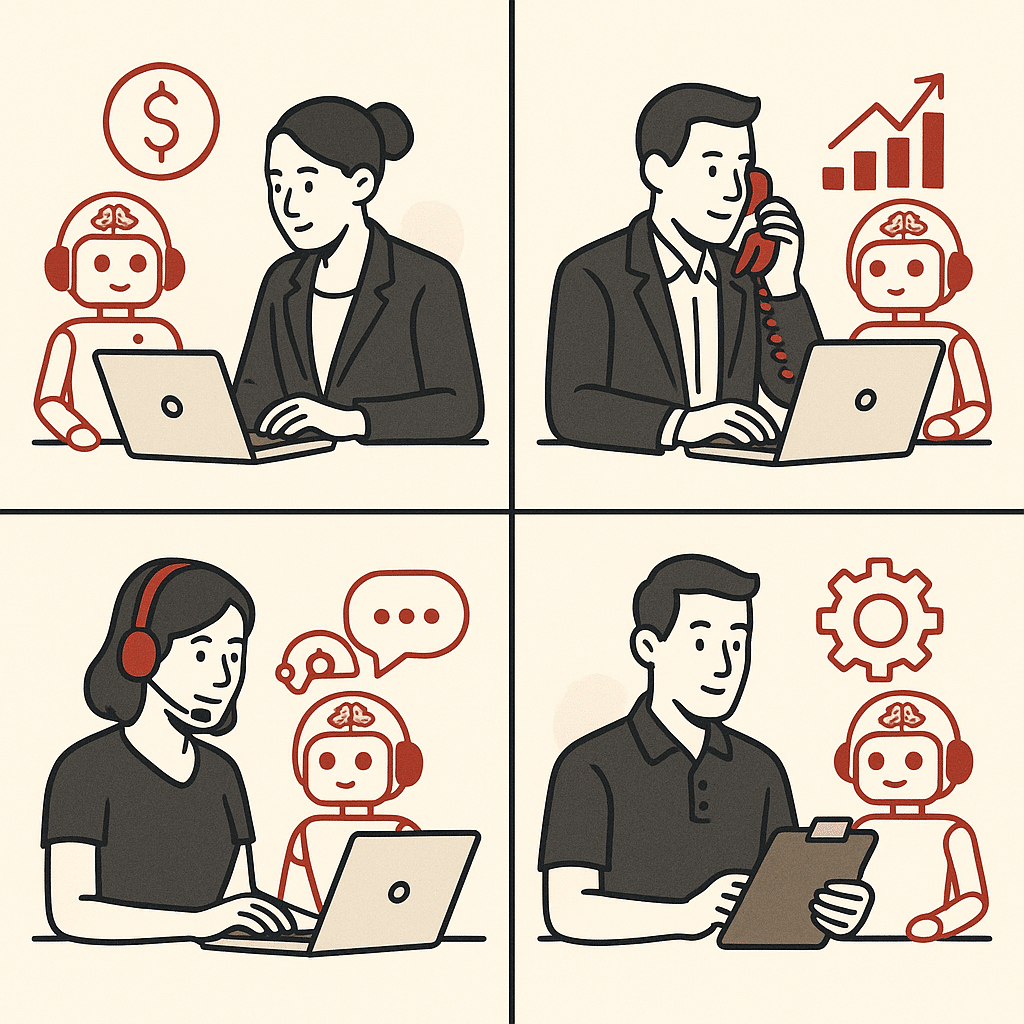
AI use cases sort neatly by department. In finance, it reads invoices and flags anomalies. In sales, it scores and qualifies leads before a human calls. In customer support, ai agents draft replies and route tickets. In operations, predictive analytics forecasts inventory and staffing needs. Marketing teams use generative ai to produce first drafts and campaign variations. The common thread across these business workflows is the same. A repetitive, rules-based step gets handled automatically, and a person reviews the output. This works because rules-based tasks have a predictable pattern a model can learn, while judgment-heavy work does not. Pick the function where manual work is heaviest. That's where the first application pays off fastest.
Automation and workflow optimization
Workflow automation is where the theory becomes real. A business workflow is just a sequence of steps: a form comes in, data gets entered, an approval happens, a notification goes out. Automation connects those steps so they run without someone babysitting each one. The goal isn't more software. It's less manual work. Good workflow automation also surfaces where things stall, giving you operational visibility you lacked before. Deloitte's research on intelligent automation in business shows how companies deploy these systems to reduce operational bottlenecks step by step. Process improvement here is incremental: automate one step, confirm it, then extend it. Incremental beats big-bang for a simple reason: a small change is easy to verify and roll back, so a mistake costs an afternoon. That's how workflow automation makes operations faster without a risky overhaul, and how scalable systems get built one connected process at a time. Our practical guide to AI workflows for small business walks through this approach in detail.
Core AI technologies explained (ML, NLP, generative AI)
Three technologies do most of the heavy lifting. Machine learning finds patterns in historical data, which powers predictive analytics for demand and risk. Natural language processing lets software understand written and spoken language, so it can read tickets or summarize documents. Generative AI produces new text, code, or images from a prompt. You don't need to know the technical details. What matters is matching the technology to the job. Forecasting is machine learning, drafting is generative ai, and reading unstructured text is natural language processing. Match them wrong, say, asking a text generator to forecast demand, and you get confident output that's quietly useless. The right ai tools combine these quietly behind business workflows your team already knows.
Risks, governance, and responsible AI use
- Poor data quality leads to poor predictions
- Disconnected tools create more manual work
- Over-promising erodes trust in automation
- Check data sources for quality and compliance
- Start small, verify results before expanding
The risks of ai are practical, not science fiction. Poor data quality produces poor predictions. Tools that don't connect to your existing internal tools create more manual work, not less. And over-promising on what automation delivers erodes trust. Sensible ai governance means three things: keep humans in the loop on decision-making with real consequences, check where the data comes from, and measure outcomes instead of assuming them. Data privacy rules vary by industry and location, so confirm your obligations with a qualified professional or your data protection authority. Managing the risks of ai is mostly discipline: start small, verify results, expand only when a process proves itself.
Getting started and AI adoption strategy
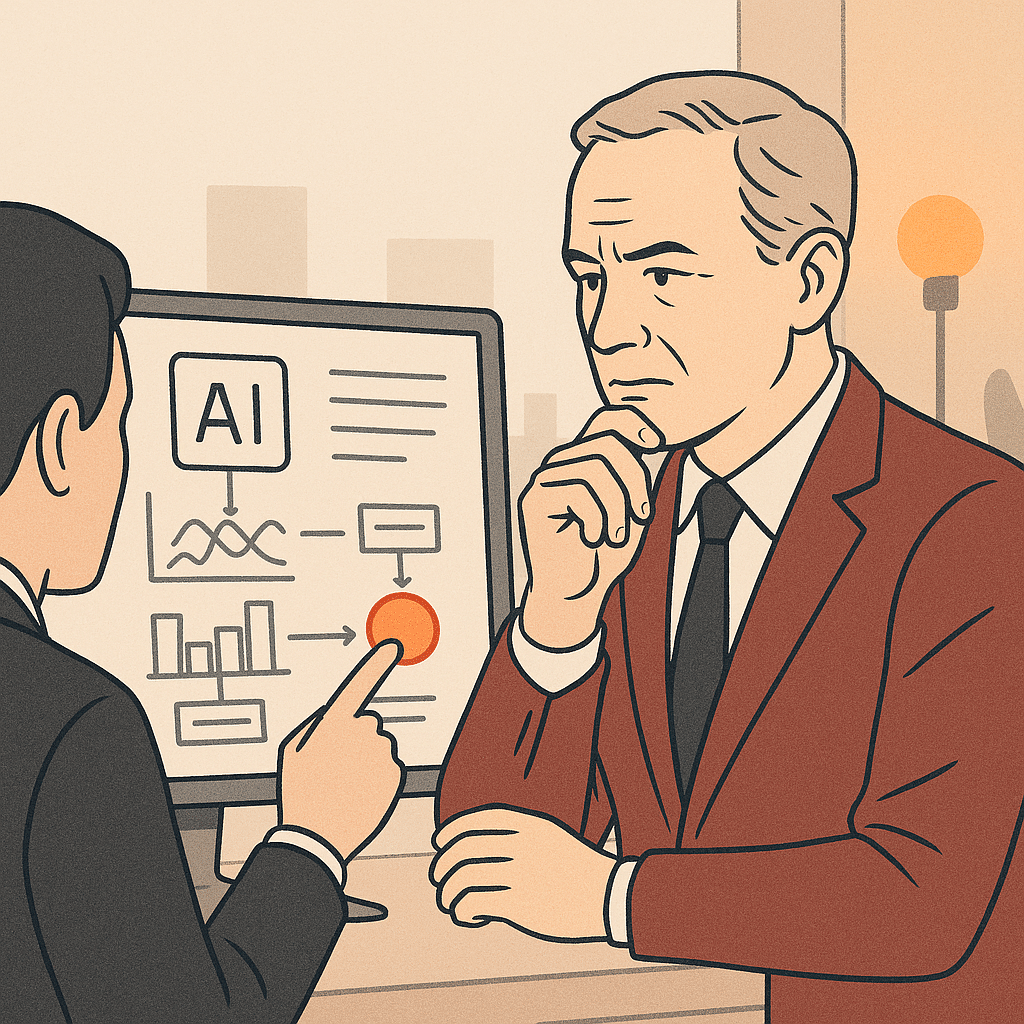
A good ai strategy is narrow on purpose. Pick one repetitive bottleneck: customer inquiries, lead qualification, or invoice processing. Then set a measurable goal like cutting response time in half. This is how ai adoption should begin. One real estate firm we worked with was drowning in inbound lead emails, with agents checking three inboxes by hand and leads sitting unanswered until Monday. A single automation to sort and route them freed roughly 15 hours a week and stopped leads going cold over weekends. That's the shape of good ai for business: one problem, one target, one tested result. A broad ai strategy fails because nothing gets validated. Prove value on one workflow, then expand. If you want a clearer sense of the first move, our take on where to actually start with AI solutions is a useful next read.
AI training and skills for teams
Ai training doesn't mean turning your staff into data scientists. It means teaching people to work alongside the system: how to review AI output, when to override it, and where the tool ends and judgment begins. Most useful skills are habits, not certifications. Show the team the task the tool handles, the checkpoint where they verify it, and the exceptions where a human takes over. When ai systems are built around how the team already works, training is short. The reason is simple. People adopt systems that fit their routine and quietly resist those that force a new one. Skip the training step and even a well-built automation gets bypassed, with staff reverting to the manual work they trust.
Where manual work actually disappears (task-level breakdown)
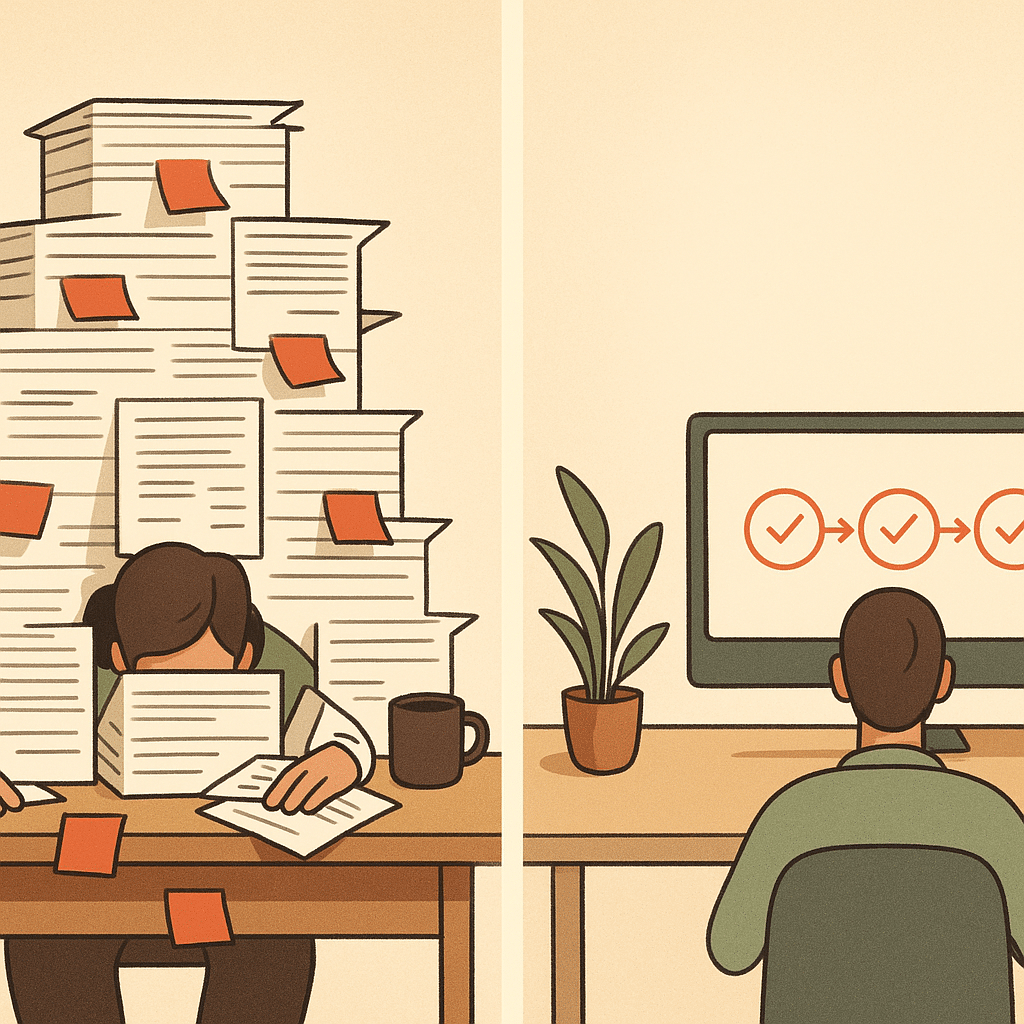
Manual work disappears at the task level, not the job level. Data entry between systems goes first, because it's rules-based and repetitive. Invoice matching, appointment scheduling, and first-draft email replies follow closely. Report generation that once took an analyst a full afternoon becomes a scheduled job that boosts operational efficiency and operational visibility. Ticket triage, where support staff read and sort requests, is another reliable win for ai agents. Notice the pattern. These are repetitive tasks with clear rules and low judgment. The work requiring negotiation, empathy, or real decision-making stays with people. That division is why automation supports a team rather than replacing it.
Custom-built AI systems vs off-the-shelf software
- Designed around actual workflows
- Fewer workarounds needed
- Often cheaper than multiple subscriptions
- Focus on solving specific costly processes
- Fast to buy and implement
- Works well if problem matches design
- Can create manual workarounds
- Leads to subscription sprawl and costs
Off-the-shelf software is fast to buy and fine when your problem matches its design. The trouble starts when it almost fits. Your team invents manual workarounds to fill the gaps, which quietly recreates the bottleneck you were solving. Custom-built systems are designed around your actual workflows. That means fewer workarounds and cleaner links between the disconnected systems you already run. Many owners assume custom means enterprise-only and expensive. In reality, a focused custom-built system solving one costly process is often narrower and cheaper than stacking several off-the-shelf subscriptions that don't talk to each other. The mechanism behind that is subscription sprawl: every tool you add that doesn't integrate becomes another manual handoff and another monthly bill. Well-chosen custom AI solutions built around how you operate follow the problem, not the price tag on the box.
Identifying operational bottlenecks before automating
Automating a broken process just makes the mess faster. Before touching any tool, find the operational bottlenecks. Where does work pile up, wait for one person, or bounce between tools? Founder-led businesses often discover the operational bottlenecks are founder dependency itself, with too much knowledge in one head. Track how long tasks take and where errors appear. Those measurements tell you which cost the most and deserve attention first. Fix the process, then automate it, so process improvement holds and delivers real time savings. Solve the underlying problem, and the automation lasts. Skip this, and you've paid to speed up bottlenecks nobody understood. Done in the right order, ai for small business becomes a way to remove repetitive work permanently rather than a tool you bolt onto a mess.
If repetitive work is slowing your team down and you're not sure which bottleneck to tackle first, a low-pressure conversation can help you map it out. Many small business owners find that a quick call with the Bespoke Mind team clarifies priorities, so you can book a discovery call with our team to walk through where automation might reduce manual work in your specific operation. No pitch, just a practical look at what's worth building.
Frequently Asked Questions
What does AI for business actually mean?
AI for business is the use of technologies like machine learning, natural language processing, and computer vision to automate repetitive tasks, forecast demand, and support better decisions. It works by analyzing structured and unstructured data to spot patterns and recommend actions, such as detecting fraud or segmenting customers.
Which AI tools are worth using for a small business?
For content and support, tools like ChatGPT, Claude, and Jasper handle writing and research, while Midjourney or DALL-E 3 cover visuals. The right choice depends on the bottleneck you're solving, so match the tool to a specific workflow rather than adopting software for its own sake.
How do I actually get started with AI in my business?
Start by identifying one repetitive bottleneck:customer inquiries, lead qualification, or invoice processing:then define a measurable goal like faster response times. Choose a tool that fits your existing systems, test it on that single process, and expand only after it delivers results.
Is AI for business actually worth the investment?
PwC reports that companies skilled at integrating AI see AI-driven revenues and efficiencies up to 7.2 times higher than peers, with operational costs cut by as much as 30% and 20+ hours saved monthly. The return depends on solving a real operational problem, not on buying tools you won't use.
What are the risks of adding AI to my operations?
Common risks include poor data quality, tools that don't connect to your existing systems, and over-promising on what automation can deliver. The safeguard is starting small, measuring outcomes, and keeping humans in the loop for decisions AI isn't equipped to make alone.
What if my team isn't technical enough to use AI?
Most AI adoption starts with non-technical owners and operations leaders, not engineers:roughly half of business AI users don't understand the underlying architecture. The practical path is choosing systems built around how your team already works, so staff use outcomes rather than manage the technology.
How can AI improve day-to-day productivity?
AI automates data entry, invoice processing, and scheduling while providing predictive analytics for demand forecasting and inventory planning. It also improves supply chain visibility, freeing employees to focus on higher-value work instead of manual tasks.
What is the 30% rule for AI?
The figure most often cited is that AI can reduce operational costs by up to 30% by automating routine work, per research summarized on arXiv. Treat it as a benchmark for potential savings, not a guarantee:actual results depend on which processes you automate.