
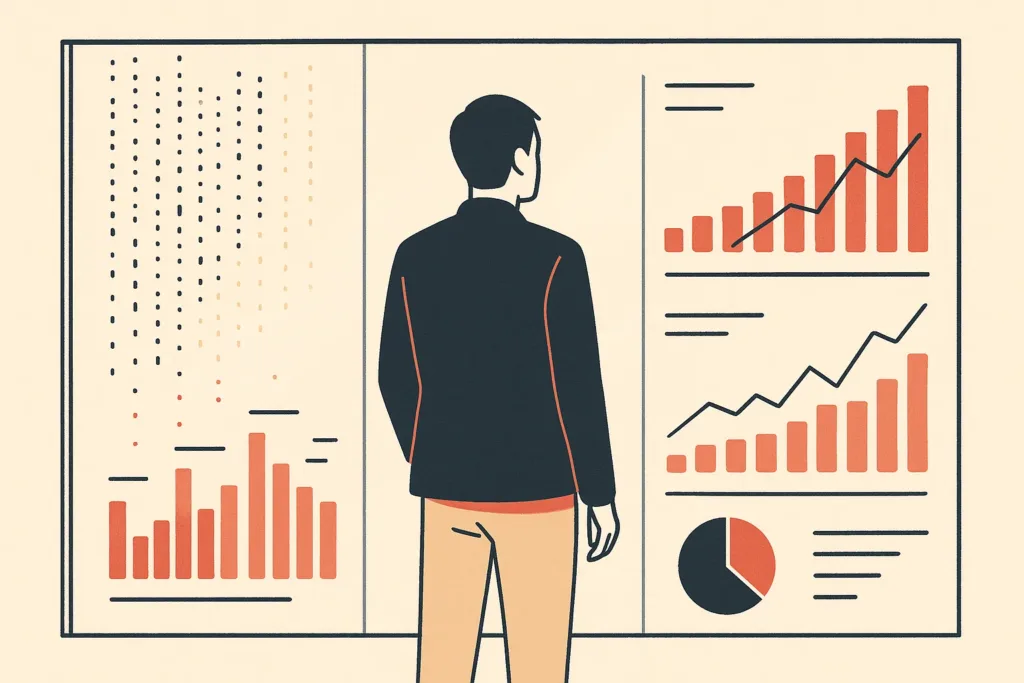
Most companies sit on years of data they've never actually read. Sales logs, support tickets, sensor readings, CRM notes: it piles up in systems nobody opens. The decisions that data could inform get made on gut instinct instead. AI data analysis closes that gap. It uses machine learning to surface patterns and predictions that manual review would take weeks to find, if it found them at all. This article walks through what the technology does, how it fits your existing workflow, where it fails, and how to start without buying more software you won't use.
What AI data analysis is (plain-English definition)
So what is AI data analysis, in practice? It's the use of machine learning and language models to read, sort, and interpret data automatically. The system then explains what it found in plain terms. Instead of a person writing formulas across large sets, it detects patterns, flags anomalies, and generates predictions on its own. It works on structured tables and unstructured content alike: emails, reviews, images, sensor feeds. The U.S. National Institute of Standards and Technology's AI framework treats these AI systems as tools that assist human judgment, not replace it. That framing matters. AI data analysis speeds up the reading of your data, but you still decide what to do with it.
Why buried or siloed data goes unused and why it matters
Data silos are the quiet tax on most businesses. Your CRM knows one thing, your billing tool knows another, and your spreadsheet exports know a third, none of them talking. Here's why it matters. When information sits in disconnected systems with no agreed definitions, nobody trusts it enough to act on it, so data-driven decisions default to instinct. That distrust is the root cause: without shared definitions, two reports on the same question disagree, and people stop believing either. Most companies collect plenty of data but lack a clear data strategy that separates offense from defense, which is exactly what turns raw records into usable decisions. According to McKinsey's research on data-driven organizations, poor data accessibility is one of the most common blockers to returns. Data silos also hide bottlenecks. A slow-paying customer segment or a recurring support issue stays invisible because no single view exists. Buried data isn't neutral. It's missed revenue and missed warnings.
How AI data analysis works: from raw data to insight
The pipeline is less magical than it sounds. First, data gets pulled from its sources and cleaned. Data cleaning removes duplicates, fixes formats, and fills gaps so the model isn't learning from junk. Then machine learning models run pattern detection across the cleaned set, grouping records, spotting outliers, and building forecasting models from history. Generative AI adds a layer on top, turning those findings into readable summaries that uncover insights leaders can act on. What actually happens is a loop: the more clean, well-labeled data you feed it, the sharper the output, because a model can only reason from the patterns present in its inputs. Skip the data preparation step and the whole thing degrades. The model can only reason about what it's given.
AI across each stage of the analytics workflow (collection, prep, analysis, visualization, decisions)
AI now touches every step of the data analytics workflow. At collection, it pulls from scattered sources and normalizes formats automatically. At data preparation, it handles data cleaning, deduplication, and tagging that used to eat a data analyst's morning. During analysis, models run pattern detection, segmentation, and forecasting without manual scripting. At visualization, AI-enhanced data visualization builds charts and dashboards that update as data arrives. At the decision stage, automated analytics delivers plain-language summaries to the people who act on them. Applying AI across the full workflow isn't novelty. It removes the manual handoffs between each stage where delays and errors creep in. This is where AI workflow automation that removes repetitive reporting work makes the difference, replacing the pull-clean-report grind with a connected pipeline.
Core capabilities: natural language querying, predictive analytics, sentiment and pattern detection
Four capabilities do most of the heavy lifting. Natural language querying lets a non-technical user type "which regions lost customers last quarter?" and get an answer, with the tool handling the query generation behind the scenes. Predictive analytics uses historical data to forecast demand, churn, or cash flow. Sentiment analysis reads support tickets and reviews to score how customers actually feel, at a scale no team could match. And pattern detection catches anomalies (a sudden refund spike, an unusual login) before they become expensive. Together these turn natural language-driven analysis into something an operator can use directly, without waiting on a specialist to translate the question into code.
AI-enhanced data visualization and automated reporting
Raw predictions don't help anyone who can't read them. This is where data visualization earns its place: converting model output into charts, dashboards, and trend lines a manager understands in seconds. AI-enhanced data visualization goes further by choosing the right chart type, highlighting what changed, and writing a short caption explaining why. Automated reporting then delivers those views on a schedule, so the weekly summary builds itself instead of consuming a Monday. Many assume dashboards are just prettier spreadsheets. In reality, good AI data analysis tools flag the outlier you would have scrolled past. That's the whole point of automated reporting: surfacing what needs attention, not just displaying everything.
Can AI replace a data analyst? Human judgment vs automation
- Frames the right questions
- Judges output validity
- Understands business context
- Catches causal meaning
- Automates data cleaning
- Handles querying efficiently
- Detects patterns quickly
- Acts as a tireless assistant
Short answer: no, and anyone selling you that is overselling. AI automates the mechanical parts of the job: the data cleaning, the querying, the first-pass pattern detection. That frees a data analyst to do what machines can't: frame the right question, judge whether an output makes sense, and understand the business context behind a number. A model will confidently report a correlation with no causal meaning, because it optimizes for statistical fit, not real-world cause. A person catches that. The healthiest setup treats automated analytics as a fast, tireless assistant and keeps a human on judgment and validation. The manual work shrinks; the thinking doesn't.
Benefits of AI in data analysis for business decisions
The practical payoff is speed and reach. Teams can generate insights in hours that used to take a week, and models uncover insights across large sets no analyst could review by hand. Real-time analytics means a warehouse manager sees a stock issue as it happens, not in next month's report. Better visibility supports data-driven decisions across the business, from pricing to staffing. Picture a distribution company that couldn't see which routes lost money until AI flagged three unprofitable lanes buried in a year of delivery logs. Correcting them helped recover margin manual review had missed for months. That's the shape of the potential return: faster decisions on things you couldn't see before.

Challenges, risks, and limits: data quality, bias, privacy, over-reliance
- Inconsistent data leads to wrong answers
- Bias in models reflects skewed history
- Data privacy rules vary by jurisdiction
- Over-reliance on unvalidated outputs is risky
- Strong data quality and human review are essential
AI doesn't remove the hard parts. It relocates them. Data quality comes first: feed a model inconsistent or incomplete records and it produces confident, wrong answers faster than any human could. Gartner findings on data quality's cost to businesses underline just how much poor inputs undermine analysis and decision-making. Bias in AI models is real, since a system trained on skewed history repeats that skew in its predictive analytics. Data privacy and security matter too, especially with customer records. Rules here vary by jurisdiction, so check the relevant data protection regulations for your region, or a qualified advisor, before feeding sensitive data into any tool. The last risk is over-reliance: trusting output nobody validated. Strong data quality and human review keep these AI systems honest.
Types of AI data analysis tools and platforms
The market splits into a few groups. First, business intelligence platforms with AI built in: Power BI with Copilot, Tableau with Einstein Discovery, and Qlik's associative engine, all strong for dashboards and self-service exploration. Second, general-purpose models like ChatGPT connected to your data for ad hoc questions and code generation. Third, specialized AI data analysis tools for forecasting, anomaly detection, or sentiment analysis. And fourth, custom AI solutions built around how your business actually operates that fit a specific workflow. The right AI data analysis tools depend on where your data already sits. If you live in the Microsoft stack, that narrows the field before you compare a single feature.
How to get started with AI data analysis
Don't start with the tool. Start with one decision that costs you money when you get it wrong: a forecast, a segmentation, a fraud check. Then audit whether your data can answer it. That usually surfaces the data preparation and data silos work you've been avoiding, and it's worth running an AI readiness audit covering your data and systems before committing to anything. Agree on definitions, so "active customer" means one thing everywhere. Connect the systems producing that data. Only then pick software matched to where your data lives. This order matters. AI data analysis applied to a specific, well-defined question with clean inputs returns something usable, while broad adoption with no target returns dashboards nobody opens.
Why more analytics software isn't the fix: connecting data to real decisions
Buying another analytics platform rarely solves the actual problem. The root cause is usually disconnected systems and manual handoffs, not a shortage of tools. Consider a team that owns five reporting products and still can't answer a simple cross-system question, because the data never flows between them. More business intelligence licenses on top of data silos just multiplies the places to look. What moves performance is workflow automation that connects the systems, cleans the inputs, and routes output to whoever makes the data-driven decisions. Before adding anything else, it's worth taking a moment to find out what your business can automate in your reporting and analysis routine. The goal isn't more software. It's less manual work between the question and the answer.
Turning analysis into automated action with custom AI workflows
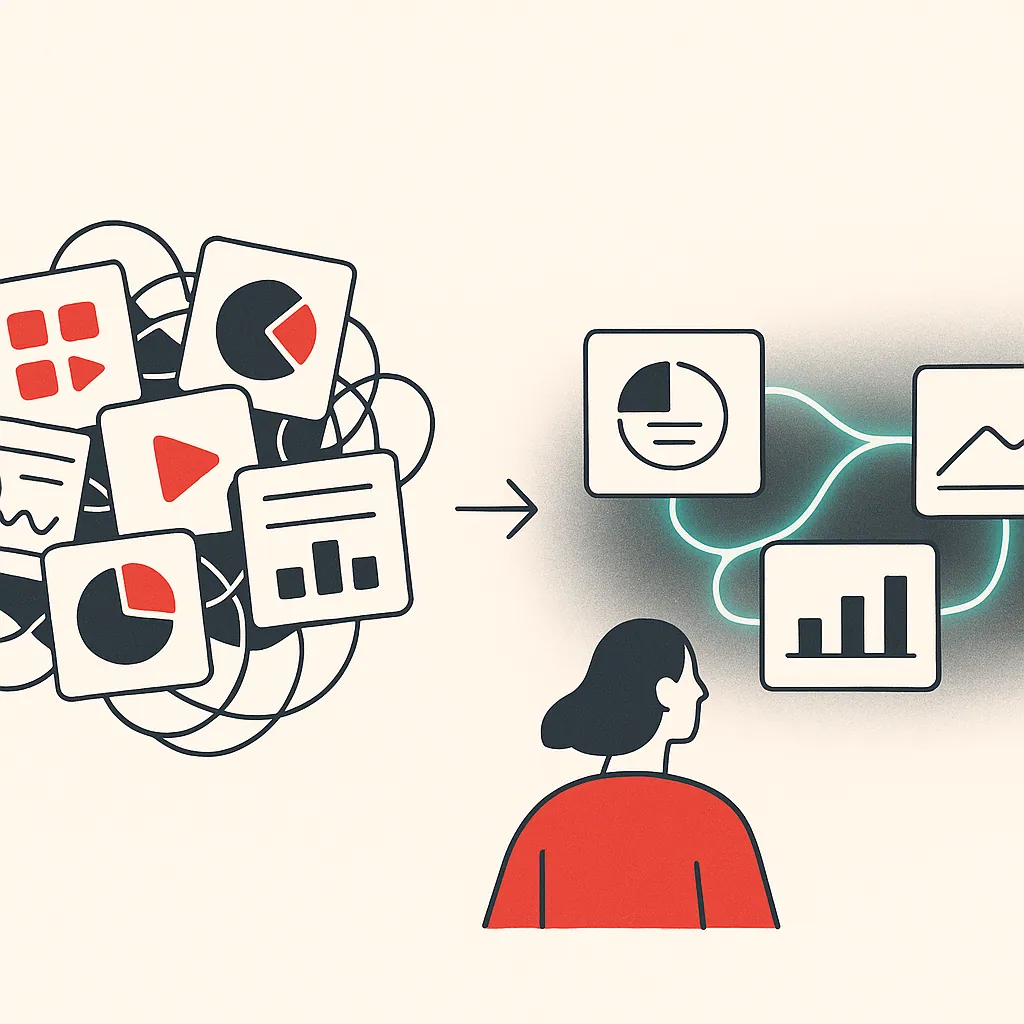
Insight that sits in a report is wasted. The step most teams skip is turning analysis into action. When the model flags a churn risk, an automated workflow can trigger the follow-up. When inventory dips, it can reorder. This is where workflow automation and analytics meet, and where custom AI agents built around how your business actually operates can outperform generic dashboards. Bespoke Mind Ai designs this connective layer, mapping bottlenecks and building automations that route insights straight into operational efficiency gains, not just prettier charts. The value of AI data analysis shows up when insight becomes a completed task, not a notification someone ignores.
If repetitive reporting or scattered systems are slowing your team down, a short conversation can help identify where automation fits. You can book a discovery call to map your automation opportunities and see where connecting your data would remove the most manual work. Results vary based on existing processes, data quality, and team adoption, so the first step is understanding your current setup.
Frequently Asked Questions
Can I actually use AI to analyze my data?
Yes:AI applies machine learning, NLP, and generative models to process structured, semi-structured, and unstructured data at a scale manual methods can't match. This lets non-technical business users query data in plain language and surface trends, anomalies, and predictions without writing SQL or building models from scratch.
Can ChatGPT be used for data analysis?
ChatGPT can interpret datasets, write analysis code, and explain results in plain English, which makes it useful for exploratory work and quick questions like 'why did revenue dip last month?' For recurring reporting or large datasets, it works best connected to a defined workflow rather than used as a standalone one-off tool.
What's the difference between AI and manual data analysis?
Manual analysis is human-driven:people clean, model, and interpret data using Excel, SQL, Python, or BI tools, deciding every question and test themselves. AI automates pattern detection and can handle terabyte-to-petabyte volumes and mixed formats like text, images, and sensor data, but it still needs humans to set objectives and validate outputs.
Which AI tools are actually worth using for data analysis?
For dashboards and visualization, Power BI with Copilot and Tableau with Einstein Discovery lead if you're already in those ecosystems, while Qlik's associative engine suits open-ended exploration. The right choice depends less on the tool's feature list and more on where your data already lives and what decisions you need it to support.
Is AI data analysis worth it for a small business, or is it overkill?
It's worth it when you have a specific high-value use case:sales forecasting, customer segmentation, inventory optimization, or anomaly detection:and clean, consistently defined data to feed it. If your data lives in silos with inconsistent definitions (e.g., no agreed meaning for 'active customer'), fix that first, because AI applied to messy data just produces confident wrong answers faster.
What if my data is a mess across disconnected systems?
AI won't fix disconnected systems on its own:data readiness and governance come before analysis, not after. The practical path is to map where your data lives, agree on consistent definitions, and connect the systems producing it, so the analysis layer has something reliable to work from.
Why is AI becoming necessary for large datasets specifically?
Modern data has outgrown spreadsheets and manual review in volume, variety, and speed, with sources ranging from transaction logs to social media streams. Machine learning and deep learning models scale to process this efficiently and extract insights from unstructured formats that traditional BI tools typically miss.
Do I need to become a data scientist to get value from AI analysis?
No:one of AI's main advantages is enabling operators and business users to access insights through natural-language queries instead of specialist skills. You still need to define clear questions and understand your own operations, but the technical modeling and querying layer is increasingly handled by the tools.