

A working internal tool used to mean a six-week backlog with a developer, plus a budget most small businesses couldn't justify. Now you can build an app with AI in an afternoon just by describing what you want in plain English, no coding required. But "an app in an afternoon" and "an app your team can actually run on" are two different things. Knowing the gap saves you money and rework. This article covers how to build an app with AI using today's generative AI app builders, what they genuinely handle, where they quietly fall short, and when a DIY tool stops being enough for how your business operations actually run.
What it means to build an app with AI (definition and how the technology works)
To build an app with AI means using an ai app builder that turns natural language prompts into working software: the screens, the logic behind them, and the database that stores your data. Describe your idea in plain language, and the tool assembles the pieces, no coding required. These platforms pair language models with pre-built components, mapping your ask to templates, a no-code database, and hosting. Most business apps share the same underlying patterns, so the model can predict a workable structure from a short description.
Here's what actually happens: the AI translates natural language prompts into structured output, so vague input produces vague apps. For a deeper primer on generative models, the Google Cloud overview of generative AI explains the mechanics plainly. The takeaway: a generative AI app builder is a translator, not a mind reader. What you build depends entirely on how precisely you describe the process you want automated.
How AI app builders work: prompt to working app, step by step
The flow stays consistent across most tools. First, you describe your idea in a prompt: "a client intake form that saves submissions and emails the team." The ai software builder generates a user interface, sets up the app logic, and provisions a no-code database automatically. Then you refine through follow-up prompts, correcting what it got wrong until you refine and iterate your way to something usable. Finally, you deploy and share a live link, often in the same session.
This works quickly because the AI stitches together proven components based on your intent, skipping much of the manual work of connecting a frontend to a backend by hand. That's why rapid prototyping is where these generative AI app builder tools shine, and it's the fastest way to grasp how to build an app with AI in practice. For a grounded look at how AI is reshaping software creation, see GitHub's research in the GitHub blog on AI and developer velocity. Many people go from idea to launch faster than expected, which is the appeal of building an app with AI instead of hiring it out.
No-code vs low-code vs code-ownership approaches to AI app building
- Fast app development without coding
- Locked into platform’s rules
- Ideal for throwaway prototypes
- Cheapest for simple applications
- Allows some coding for customization
- Suitable for teams with technical skills
- More flexible than no-code
- Better for complex applications
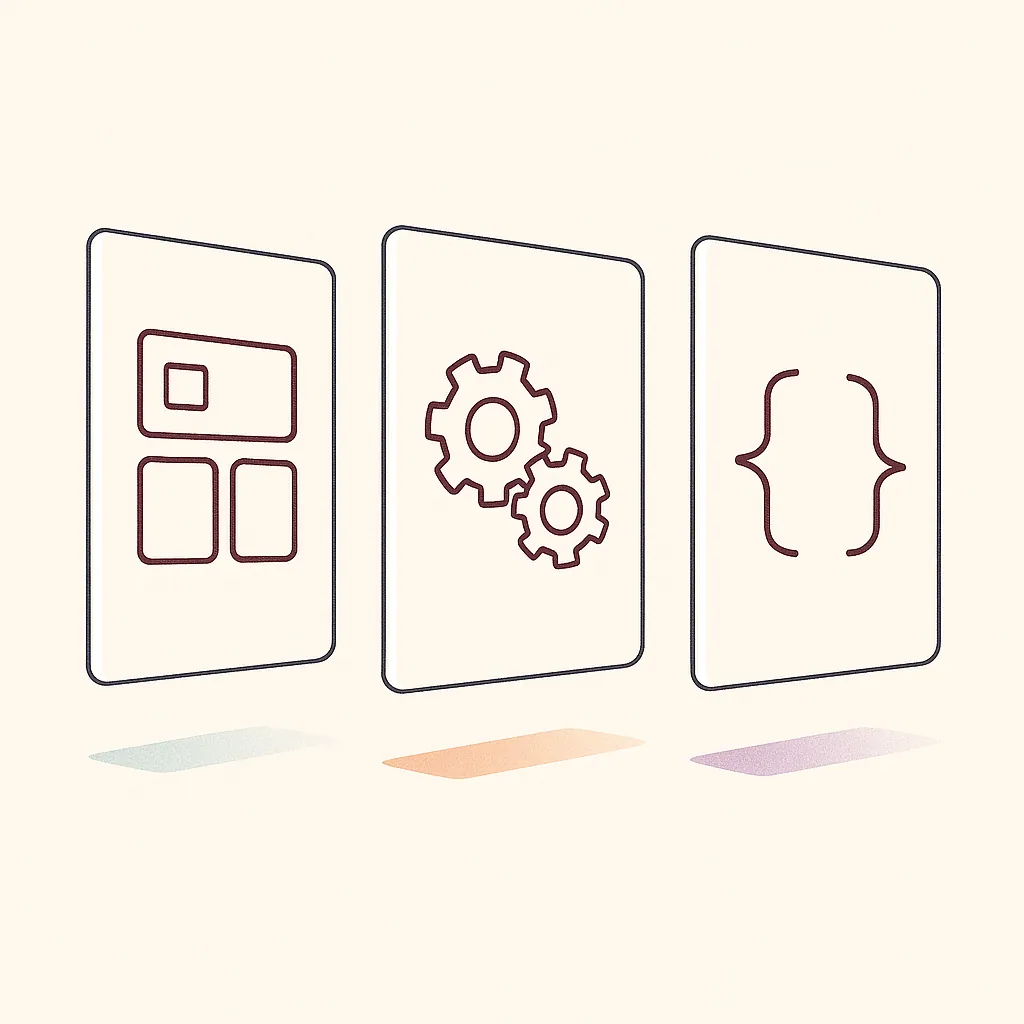
These three approaches trade speed for control. A no-code app builder gets you a working app fast, no coding required, but you're locked into the platform's rules. Low-code lets you drop into the code when the visual editor can't do what you need, which suits teams with some technical capacity. Code-ownership means the tool generates code you own, so you can export it, host it anywhere, and extend it as needed.
Many assume no-code is always cheapest. In reality, the cheapest path depends on where your app ends up. A throwaway prototype belongs in a no-code app builder. Anything touching sensitive data or requiring deep integration with existing systems usually justifies code-ownership, since lock-in becomes a real cost once you can't move what you built. The more your app connects to systems you already run, the more the ability to change and export that code determines whether it stays useful. It's also worth weighing risk here, and NIST's AI Risk Management Framework offers a useful, government-backed reference for thinking through reliability before you commit to a direction.
Types of apps SMBs actually build with AI (internal tools, CRMs, portals, dashboards)
Most SMBs don't build the next consumer app. They build unglamorous internal tools that remove daily friction: mini crms to track leads without a bloated subscription, client portals where customers check status or upload documents, and operations dashboards that pull scattered numbers into one view. Simple landing pages and ai chatbots for basic support show up often too, alongside other web and mobile apps built the same way, since an ai web app builder handles both from a single prompt.
The pattern holds across service businesses, real estate teams, and multi-location operations. Picture a distribution company juggling order status across three spreadsheets and a shared inbox, where nobody trusts the numbers and someone rekeys data every morning. One dashboard consolidating those sources can help save time weekly and cut down on the daily errors that come from manual copying. These aren't enterprise internal tools with heavy requirements. They're targeted fixes for specific bottlenecks, which is exactly why building an app with AI fits this kind of work so well.
Core capabilities to expect: databases, auth, integrations, and workflows
A capable ai web app builder should ship four things out of the box: a no-code database to store records, built-in auth so users log in securely without you managing passwords, integrations that connect to cloud services and other apps through api keys, and visual workflows that trigger actions when a form is submitted.
The workflow piece separates a static page from a useful tool. Workflow automation means the app does something on its own, not just displays data, and visual workflows make that logic easy to trace without digging into code. When you evaluate an ai app builder, check how it handles integrations specifically, and consider a guided AI app-building tool like BM Builder if you want that evaluation done for you. Connecting to your existing data sources is where most tools shine or stall. An app that can't talk to systems you already use adds a silo instead of removing one, the opposite of what you set out to do.
What AI app builders can and can't do yet (realistic limitations)
Here's the honest boundary. AI app builders are generally good at generating a working app fast, handling standard forms, dashboards, and CRUD operations. They struggle with anything unusual: custom app logic, deep integrations with legacy systems, and complex permission rules specific to your business. Generated code often needs review before it handles real user data safely.
The root cause is simple: these tools predict the most common solution, not necessarily the one unique to your operation. Consider a services firm that builds an internal tool in a weekend, then spends the next month working with the platform to add one approval step it wasn't designed for, with staff falling back to spreadsheets in the meantime. That's a mismatch between a template-driven tool and a non-template problem, not a failure of AI. Knowing this ceiling upfront tells you when a no-code app builder fits and when it won't.

How to evaluate an AI app builder: features, pricing, and real-world fit
Skip the marketing pages and check three things. First, the key features that match your actual use case, since these are the details that decide fit: a real no-code database, built-in auth, and the integrations you need. Second, the starting price and where costs jump. Free tiers cap users and hosting fast, and the useful plan is usually paid. Third, real-world fit: can it connect to the tools your team already lives in?
The test that matters is whether you can build a small version of your actual app during a free trial, not a demo project. If it handles your real data and workflow in a trial, it will likely handle production. If you hit a wall in the trial, you may hit a bigger one later, since the constraints that block a small build tend to persist as the app grows. It's also worth running an AI readiness audit before you start building, so you're evaluating tools against your actual operational needs rather than guessing.
Deploying, sharing, and scaling an AI-built app to production
Getting a prototype live is easy. Most AI app builders deploy and share with one click and a hosted URL. Scaling to production-ready software is the harder part. Production-ready software means real users, real data, uptime you can trust, and security that holds up. That's where the gap between a demo and a dependable tool shows.
Before you scale, confirm a few things. Does the platform handle backups and access controls? Can it manage more users without breaking your pricing tier? Is the code exportable if you outgrow the tool? An app that works for five internal users may struggle at fifty, or once it holds customer records, since prototype infrastructure is rarely provisioned for real load or strict access rules. Treat the jump to production as its own project, one with requirements a quick prototype never had to meet.
When a DIY AI builder isn't enough: custom builds around your operations
There's a clear signal that you've outgrown a no-code app builder: you keep bending the tool to fit a process it wasn't designed for. When an app needs to enforce specific permissions, connect several data sources, and run multiple linked workflows, template-based tools can start costing more time than they save. Take a common case: a multi-location operation whose approval flow spans three departments and two existing systems, where every no-code workaround adds a manual step somewhere else.
This is where custom-built systems earn their place. Instead of forcing your operations into a platform's assumptions, a scoped build works the way your team already works. Bespoke Mind Ai's custom AI development services design internal tool and app development around your existing operations and data, so custom-built systems aim to remove manual work rather than add another disconnected one. The goal is workflows built around how your business runs, not how a generic template expects it to.

How to scope an app so it removes real manual work, not just adds software
Start with the bottleneck, not the app. Ask what task your team repeats every week that a tool could handle. Write down the current steps, the systems involved, and where time leaks. That document is your scope; skip it, and you'll build features nobody uses.
An app can only save time if it removes steps from a real process. Adding software people have to remember to update creates more manual work, not less. So scope narrowly. Solve one clear problem well, connect it to the data sources that already hold your information, then expand. Whether you build an app with AI yourself or commission a custom build, this discipline decides whether the result reduces friction or just adds another login your team ignores. If you want a clearer picture of the process itself, it helps to look at how Bespoke Mind AI takes a build from discovery to deployment before you scope anything.
If repetitive work is slowing your team down, a short conversation can help you spot where automation may fit. Book a discovery call with Bespoke Mind Ai to talk through your operational bottlenecks and whether a no-code tool or a custom-built system makes more sense for how your business works. No pressure, just a practical look at your options.
Frequently Asked Questions
Can you actually build an app with AI if you don't know how to code?
Yes, tools like Bolt.new, Lovable, and Bubble let you describe an app in plain English and get a working frontend, backend, and deployment without writing code. The tradeoff is that you're limited to what the platform supports, so custom logic or complex integrations usually still need a developer or a scoped custom build.
How much does it cost to build an app with AI?
Most AI app builders run tens of dollars a month, compared to thousands to tens of thousands for a hired developer or agency to build the same MVP. Costs climb fast once you need custom data connections, security review, or ongoing maintenance beyond what the no-code platform handles.
Is building an app with AI actually worth it, or does it just create more work later?
For fast prototyping and validating an idea, it's worth it, you can get something usable in hours instead of weeks. Where it stops being worth it is production apps with real users, sensitive data, or workflows tied to existing business systems, since AI-generated code often needs rework before it can scale safely.
Can I build an app with AI for free?
Many AI app builders offer free tiers for basic prototypes, but they cap usage, users, or features fast. Once you need custom branding, database limits raised, or production hosting, you'll hit a paywall within the first real project.
Can ChatGPT actually help create an app, or does it just write snippets?
ChatGPT can generate functional code, help debug, and outline app architecture, but it doesn't deploy, host, or connect your app to live data on its own. It works best paired with a builder platform or a developer who can wire the generated pieces into something that actually runs.
What happens if the AI-built app breaks or needs a feature the builder doesn't support?
This is the most common failure point, no-code AI builders work well until you hit a feature outside their template logic, like a custom integration with your CRM or a workflow specific to how your business runs. At that point you either accept the limitation or bring in someone to extend it with custom code.
How is building an app with AI different from hiring a developer?
AI builders trade flexibility for speed, you get a working app in days but inherit the platform's constraints on data handling, integrations, and scaling. A developer or custom build costs more upfront but is designed around your specific operations rather than a generic template.
Do AI app builders work for apps tied to real business operations, not just prototypes?
They can handle simple internal tools, but apps that need to pull from existing business data, enforce specific permissions, or run multiple connected workflows usually outgrow no-code AI platforms quickly. That's the point where a custom-built internal tool, scoped around how the business actually operates, tends to hold up better long-term.