

A five-person operations team spends the first ninety minutes of every day copying data between a CRM, a spreadsheet, and an invoicing tool. Nobody planned it that way. The work crept in as the company grew, and now it's the reason two hires feel overwhelmed. This is the problem workflow automation services are built to solve. Not adding another tool, but connecting the ones you have and removing the repetitive tasks that quietly eat your team's day. Below, we cover how it works, what it costs, and how to choose a partner that fits how your business actually operates.
What workflow automation is (definition and how it works)
Workflow automation is software that runs all or part of a business process on its own, triggered by an event you define. A form submission, a status change, a new invoice: each can kick off a sequence of steps that used to require manual work. The system moves data, sends notifications, and updates records without someone doing it by hand. According to McKinsey's research on automation potential, a large share of workplace activities are technically automatable using existing technology. Good process automation doesn't replace judgment. It handles predictable, repetitive tasks in your business processes so your people focus on the parts that need them. If you're still weighing where to begin, our guide on AI workflows for small business walks through the practical first steps.
Range of workflow automation services offered
Workflow automation services usually cover a few distinct areas. There's process automation for internal tasks like data entry and approval systems, document automation for generating contracts and reports, and human resource automation for onboarding and leave requests. Finance automation handles invoicing and reconciliation. Systems integration connects your tools so data stops living in silos. Many providers also build custom internal tools and AI agents that handle work standard software can't. The U.S. Small Business Administration offers useful guidance on operational planning for growing companies, which pairs well with any automation effort. The right mix depends on where your business processes break down.
Benefits of workflow automation (efficiency, error reduction, cost savings, scalability)
The clearest benefit is operational efficiency. Work that took hours happens in minutes, and nobody has to remember to do it. Error reduction follows, because a system that copies data between tools doesn't fat-finger a number the way a tired person does at 5pm. Cost savings show up as time savings first, then as fewer mistakes. The pattern is well documented; Deloitte's global intelligent automation survey reports meaningful returns and time savings alongside the adoption barriers companies commonly hit. Scalability is the quieter win. When volume doubles, custom-built systems can absorb it without hiring two more people. Automation removes the operational bottlenecks that grow faster than revenue, gaining operational efficiency and scalable systems instead of scaling headcount. If you want to put numbers to this, our breakdown of how to calculate ROI on AI automation projects shows how to model the return before you build.
Real-world use cases and examples by function or role
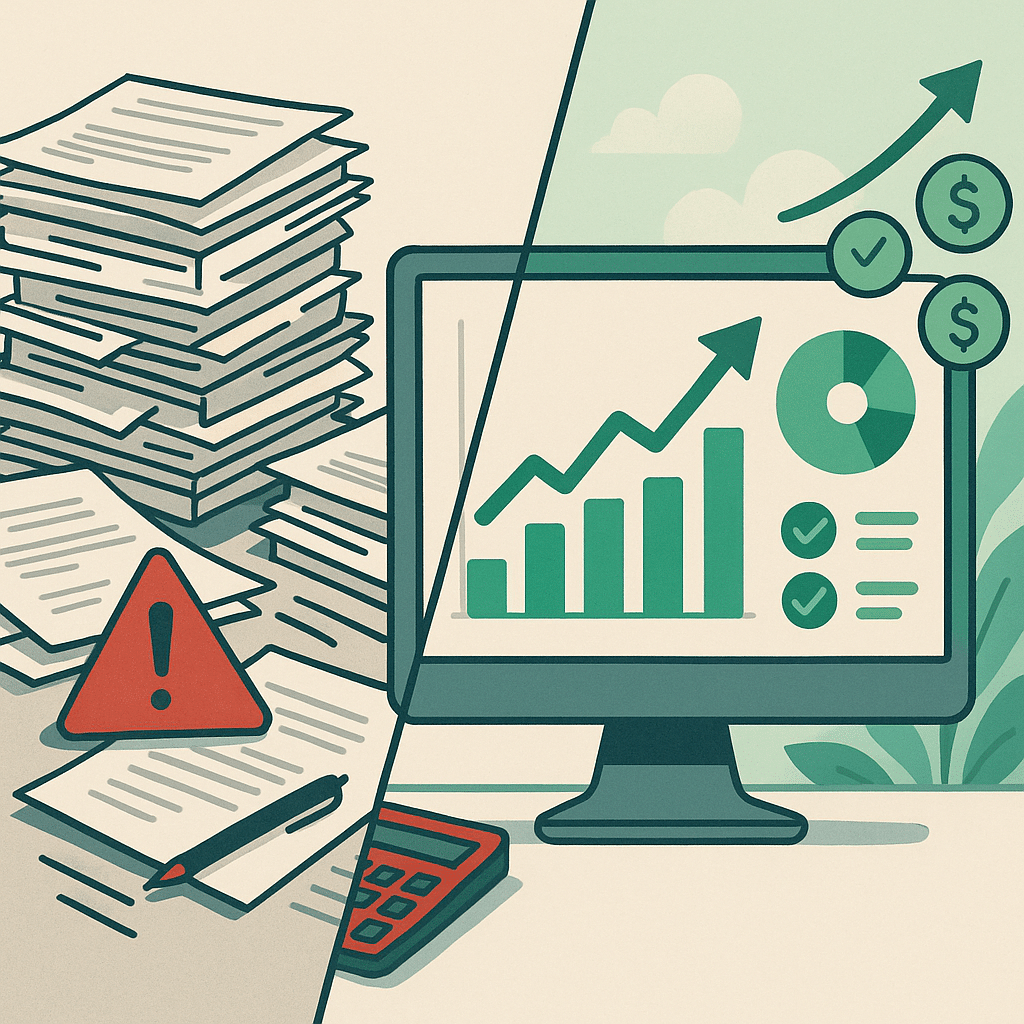
A real estate firm we worked with had a lead intake process where every inquiry was manually copied from email into a CRM, then into a spreadsheet for follow-up. During a busy quarter, leads slipped through the cracks. The founder estimated they lost deals worth well over $20,000 before it was automated. In sales, deals move stages automatically when a contract is signed. In operations, approval systems route requests to the right person without chasing. In finance, invoices reconcile against payments overnight. Each case follows the same pattern: identify the repetitive tasks in your business processes, then let a system handle the handoffs your team does by hand.
Systems integration and connecting disconnected tools
Most businesses don't have a software problem. They have a connection problem. Your CRM knows one thing, your accounting tool knows another, and your email lives somewhere else entirely. Systems integration links these disconnected systems so information flows automatically instead of being retyped. The reason this matters: every manual transfer between tools is a chance for error and a delay, and those delays compound as you grow. Integration gives you real-time visibility into what's happening across your business operations. Many assume you need to rip out existing tools to fix this. In reality, most platforms connect through pre-built connectors or standard interfaces, so your current stack stays put. Our look at AI integration in custom business software explains how this connection layer works in practice.
Automation tools and platforms used
The workflow automation tools you'll hear about most are Zapier, Make, and n8n for connecting apps, plus dedicated platforms for document automation and approval systems. For heavier lifting, robotic process automation handles tasks inside older software that has no modern connection point. The platform matters less than the fit. A tool that's easy to use but can't handle branching logic will fail the moment your process has a branch or an exception. We match the platform to your process complexity and existing systems, rather than starting with a favorite tool and forcing your business operations into it. That's the difference between a quick win and a workaround.

AI-driven automation vs traditional automation
- Follows defined rules for predictable tasks.
- Reliable for structured work environments.
- Best for clear, unambiguous processes.
- Limited in handling messy or varied inputs.
- Handles ambiguity and complex inputs.
- Supports decision-making across multiple steps.
- Extends automation capabilities beyond rules.
- Requires existing processes for effective results.
Traditional automation follows rules you define: if this happens, do that. It's reliable for structured, predictable work. AI automation adds a layer that helps handle ambiguity, reading an email and extracting the relevant details, or classifying a request that doesn't fit a neat category. AI agents can support decisions across steps that rules-based systems can't handle alone. The practical distinction is this: use traditional process automation for structured tasks where the rules are clear, and bring in AI systems where the input is messy or varied. Most real business processes need both. AI isn't magic, and results depend on your existing processes, but it extends what automation can reach.
Process mapping and workflow optimization
Before building anything, map the process. Process mapping means writing down each step, who does it, what tool it uses, and where it stalls. This is where most workflow optimization actually happens, because you often find a step that exists only out of habit. The root cause of failed automation projects is usually skipping this: teams automate a broken process and just make the mess run faster. It helps to understand which roles carry the heaviest manual and administrative load; the U.S. Bureau of Labor Statistics on occupations affected by automation offers verifiable data on where that overload concentrates. Good workflow automation consulting starts here, categorizing tasks as structured, semi-structured, or unstructured. A quick AI readiness audit of your operations can surface which processes are actually worth automating first. Real process improvement frequently comes from the mapping itself, before a single line of automation gets built. Solve the underlying problem first.
Custom-built systems vs off-the-shelf software
- Cost-effective for standard tasks.
- Quick implementation for common integrations.
- Suitable for widely-used processes.
- May not fit unique business needs.
- Tailored to unusual or complex processes.
- Eliminates manual workarounds in workflows.
- Fits specific operational requirements.
- Higher initial cost but long-term efficiency.
Off-the-shelf workflow automation tools cover a lot of ground, and for standard tasks they're the right call. Zapier or Make handle common integrations cheaply and quickly. Custom workflow development earns its cost when your processes are unusual, span several departments, or force your team to work around the software instead of with it. The tell is when people invent manual steps to bridge gaps the tool can't cover. At that point, custom workflow development fits your operation instead of the reverse. The goal isn't more software: it's less manual work, and sometimes that means building something shaped around how your business actually runs.
Reducing founder dependency and improving operational visibility
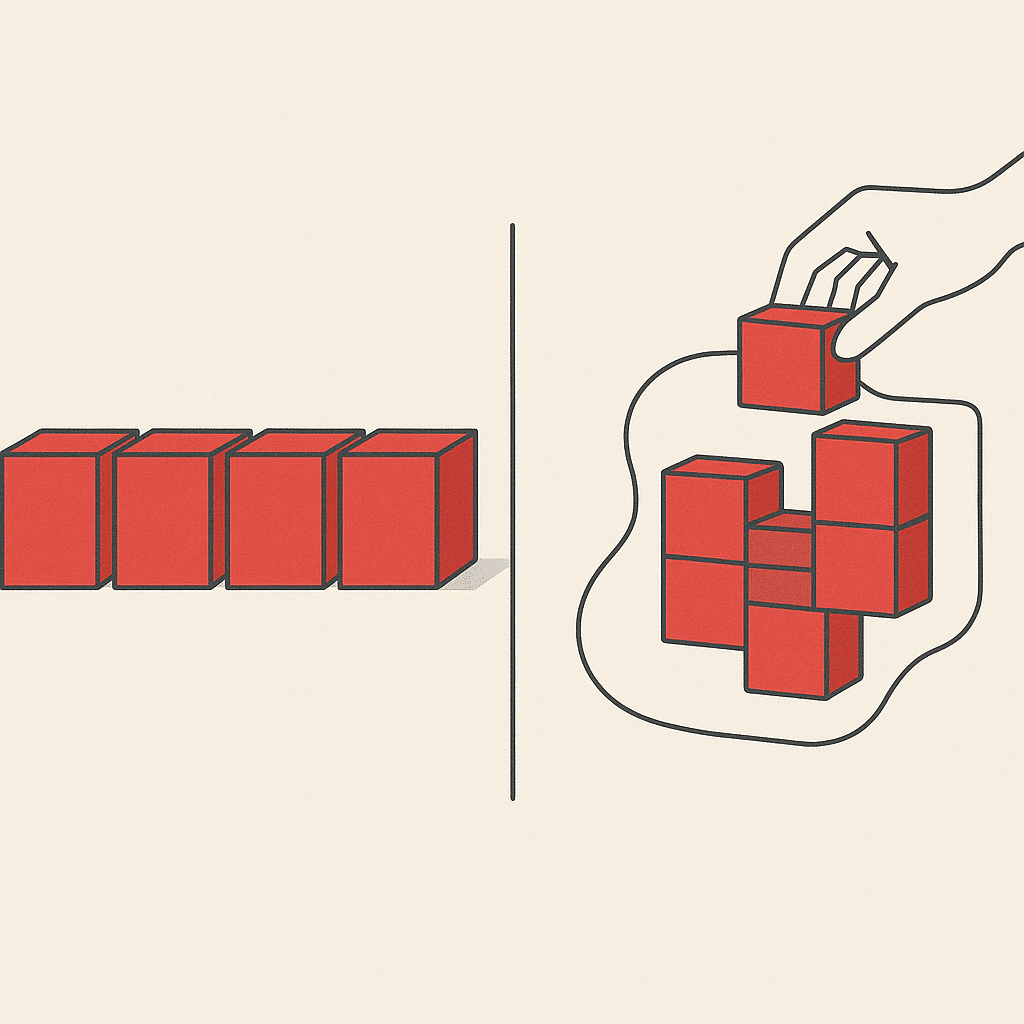
In founder-led businesses, too much knowledge sits in one head. The founder approves everything, remembers every exception, and becomes the bottleneck the moment the company grows. Automation and internal tools move that knowledge into documented systems, so decisions follow documented logic instead of one person's memory. Workflow monitoring and analytics give leadership real-time visibility into business operations without asking around. This is where good data organization pays off: reporting stops being a scramble and becomes something you can actually see. The business gets less fragile. When operations run on scalable systems rather than one person's attention, the founder can step back from the day-to-day.
How to get started and choose a workflow automation partner
Start with the process, not the tool. List where your team spends time on repetitive tasks and where administrative overload builds up. Then look for a partner who begins with discovery and process mapping rather than pitching a platform on day one. Ask how they handle systems integration, error handling, and support. Good workflow automation solutions match your process complexity and existing tools, not a fixed template. The best workflow automation services aim to deliver clear time savings, though results vary based on your processes, complexity, implementation, and team adoption, so be wary of guaranteed outcomes. The right partner focuses on operational efficiency and outcomes, not buzzwords. It's also worth weighing whether to build these tools in-house or work with a development partner before you commit.
If repetitive work and disconnected systems are slowing your team down, a short conversation can help identify where workflow automation services would actually make a difference. You can book a discovery call with Bespoke Mind AI to talk through your processes and where automation might fit.
Frequently Asked Questions
What does workflow automation actually do?
Workflow automation replaces manual, repetitive tasks with software that runs all or part of a process based on defined triggers. For example, when a contract status changes to Signed, the system can automatically move the deal to Closed and notify your team in Slack:no manual handoffs required.
How much do workflow automation services cost?
Costs vary by complexity and integration depth. Automating a single moderate-complexity process typically runs $15,000-$40,000 to build and deploy, with $300-$500 monthly for maintenance, while connecting 3-5 interconnected processes across departments ranges from $60,000-$150,000.
Is workflow automation actually worth it for a growing team?
It's worth it when growth is creating repetitive work and operational bottlenecks that pull your team away from higher-value tasks. McKinsey has reported productivity gains of 20-30% in certain sectors, but the return depends on automating the right processes:not automating for its own sake.
What if my current tools don't connect:can automation still work?
Disconnected systems are one of the most common reasons businesses seek automation in the first place. Most platforms use pre-built connectors or APIs to link tools like CRMs, ERPs, email, and databases, so information flows between systems instead of living in separate silos.
How do I choose the right workflow automation service for my company?
Start by mapping your key processes and categorizing them as structured, semi-structured, or unstructured to gauge the complexity you need. Then evaluate integration depth with your existing systems and balance ease of use against the platform's ability to handle conditional logic and error handling.
What should I compare when evaluating automation providers?
Focus on process complexity match (can it handle branching, loops, and error handling), integration breadth with your current stack, and the balance between an intuitive interface and advanced capability. The right provider fits how your business actually operates rather than forcing you into a fixed template.
Do I need custom-built automation or is off-the-shelf software enough?
Off-the-shelf tools like Zapier, Make, or n8n work well for standard, structured tasks and start as low as free tiers or $20/month. Custom systems make sense when your workflows are unique, span multiple departments, or when generic tools force your team to work around the software instead of with it.
What does hiring an automation specialist typically cost per hour?
Entry-level specialists handling basic scripting and workflow setup charge roughly $7-$25 per hour. Mid-tier professionals managing data processing and moderate-complexity automations typically charge $15-$100 per hour, depending on scope.