

Your support team spends half its day answering the same five questions: where's my order, how do I reset my password, what's your refund policy. That's not a talent problem. It's a routing problem, and it's exactly where ai for customer support earns its place. This article breaks down what the technology does, which tasks it handles well, where it falls short, and how to roll it out without breaking the experience your customers expect.
What AI for customer support actually means (definition and scope)
At its simplest, ai for customer support is software that reads a customer's message, works out what they want, and either answers it or hands it to the right person. The scope is wider than a chat widget on your homepage. It covers email triage, voice interactions, ticket classification, knowledge management, and automated follow-ups after a case closes.
Here's why this matters. Most support volume is repetitive, and repetitive volume is exactly what machines handle well. AI in customer service is not one product. It's a layer that sits across your existing tools, interpreting requests and reducing the manual work of sorting, tagging, and responding. For many teams, the practical entry point is deploying custom AI chatbots for small and mid-sized businesses that deflect the most common repetitive tickets before they ever reach an agent.
Many assume AI in customer support means replacing agents with a bot. In reality, the useful version handles Tier 1 support and routine tasks while keeping people on cases that need judgment. Adoption is mainstream. Zendesk's CX Trends report documents how ai for customer support tools handle triage, deflection, and 24/7 coverage. The goal isn't a fully autonomous help desk. It's less repetitive work for your team.
The core technologies that power it (NLP, ML, LLMs, predictive analytics)
A few distinct technologies do the heavy lifting. Understanding them helps you separate real capability from marketing noise.
Natural language processing lets the system read messy human writing: misspellings, slang, half-sentences. It pulls out meaning. Machine learning is the part that improves with use. Every resolved ticket becomes a training signal, so classification and routing get sharper over time. Large language models, the foundation of generative AI, draft fluent replies and summarize long conversation threads.
Then there's predictive analytics, which spots patterns before they become tickets. If a shipping delay is about to trigger a wave of "where's my order" messages, predictive analytics can flag it and prime automated responses in advance.
Two capabilities tie these together. Intent analysis figures out what a customer is trying to do, and sentiment analysis reads emotional tone. Google's overview of natural language processing explains the mechanics in plain terms. Conversational AI stacks these together so virtual customer assistants can hold a coherent back-and-forth instead of spitting out canned answers.
Why AI in customer support matters (the manual-work problem it solves)
Support work has a structural problem: volume scales with customers, but your team doesn't scale as cheaply. Every new customer adds tickets, and most of those tickets are variations of questions you've already answered a thousand times.
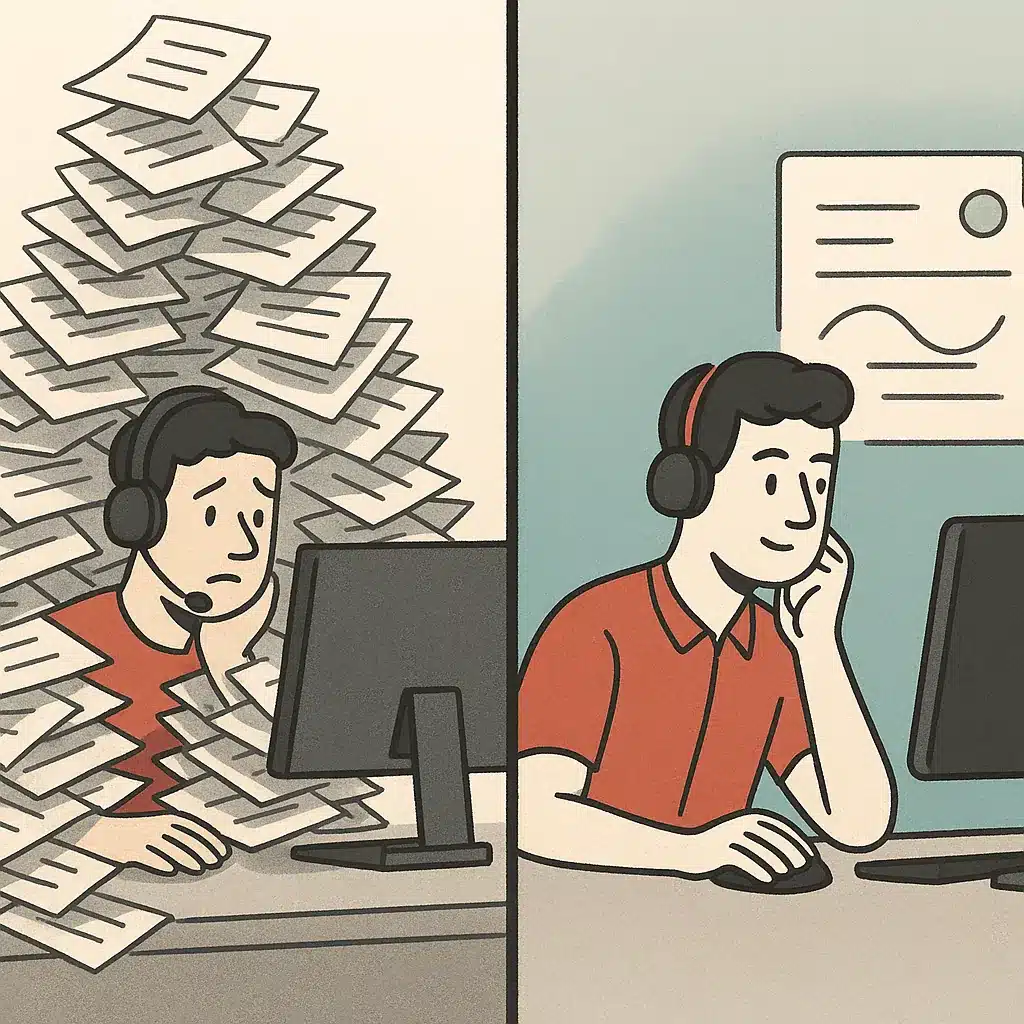
Without automation, you get quiet erosion. Agents spend their day on password resets and order lookups. Response times creep up. The interesting problems, the ones that actually need a human, sit in a queue getting cold. Customer satisfaction drops, not because your team is bad, but because they're buried in manual work.
Picture a service business handling 1,000 tickets a month. If 700 of those are low-complexity repeats, agents burn most of their hours on tasks that need no real expertise. That's a direct hit to operational costs and a slow leak on CSAT.
AI in customer service attacks this at the root. By absorbing high-volume, low-value requests, it frees people for work where human judgment changes the outcome. The point is removing repetitive work, not adding another dashboard.
--ar 16:9 --style photorealistic]
How AI removes repetitive support tasks (instant responses, self-service, follow-ups)
Start with the obvious wins. AI chatbots deliver instant responses to common questions the moment a customer asks. No queue, no business-hours gap. Order status, return policy, appointment changes: these get answered in seconds instead of hours. This is exactly the kind of front-line engagement handled by ChikooChat, our conversion-focused support chatbot, which qualifies and answers website visitors before they ever wait in a queue.
Self-service tools take it further. A well-built knowledge base paired with conversational AI lets customers resolve their own issues by asking naturally, rather than digging through a help center. This is ticket deflection in practice. The request never becomes a ticket because it's handled at the point of contact.
Automated follow-ups close the loop. After a resolution, the system can check whether the fix worked, send confirmation, or trigger the next step, all without an agent. That's customer support automation doing the quiet, repetitive coordination that usually eats an agent's afternoon.
The combined effect is fewer hands on routine tasks. Each of these mechanisms, instant responses, self-service tools, and automated follow-ups, chips away at the same problem: manual work that shouldn't require a person at all.
AI agents vs. traditional chatbots in support
- Interpret free-form language for better understanding
- Complete multi-step tasks in one conversation
- Resolve cases that traditional chatbots can’t
- Custom-built for specific business needs
- Follow fixed decision tree paths
- Match keywords without deeper reasoning
- Struggle with complex customer inquiries
- Limited to generic responses and scripts
The old chatbot was a decision tree. Click "billing," then "refund," then "over $50," and it read you a script. If your question didn't fit the menu, you were stuck, and most customers just hammered "talk to a human."
AI agents for customer support work differently. Instead of following a fixed path, they interpret free-form language, pull relevant data from connected systems, and complete multi-step tasks. Ask about a refund and a capable agent can check your order, confirm eligibility, process it, and send a confirmation in one conversation. If you're weighing which approach fits your situation, our breakdown of AI agent vs. chatbot: which one your operations actually need walks through the trade-offs in detail.
The difference is autonomy. Traditional ai chatbots match keywords, while ai agents reason across steps and take action. This is why virtual customer assistants built on modern models can resolve cases that would have hit a dead end five years ago.
For businesses that need this depth, a generic widget won't do. Bespoke Mind Ai builds custom ai chatbots and support agents wired into your actual order, CRM, and ticketing systems. The agent can resolve requests rather than just describe the process for resolving them.
Intelligent routing and workflow orchestration
Not every ticket should be answered by AI, and not every human ticket should land on the same desk. Intelligent routing decides where each request goes based on topic, urgency, complexity, and customer history.
Here's the mechanism. As a message comes in, intent analysis and sentiment analysis classify it. An angry billing dispute gets flagged differently than a calm shipping question. Case routing then sends it to the right queue or specialist, skipping the manual triage that usually delays first response.
Workflow orchestration is the layer above that. It coordinates the sequence of steps a request needs: verify identity, check the order, apply a credit, notify the customer. Workflow automation handles this handoff between systems so nothing stalls waiting for someone to remember the next action. This is where custom AI agents for business operations come in, since resolving a request often means taking real actions across your systems, not just answering a question.
A common pattern: teams that misroute tickets during a promotion spike watch their time to resolution double, because messages bounce between the wrong agents. Good intelligent routing prevents that. It's the difference between a support operation that absorbs volume and one that drowns.

--ar 16:9 --style photorealistic]
Sentiment, intent detection, and escalation to humans
The line between a good AI experience and a frustrating one is knowing when to stop. Sentiment analysis reads emotional tone: mounting frustration, urgency, satisfaction. Intent analysis reads what the customer actually needs. Together they decide whether the AI keeps going or steps aside.
This is where the ai to human handoff earns its keep. A confidence threshold tells the system: if you're unsure, or the customer is clearly upset, or the request is high-stakes, escalate. That's the human-in-the-loop principle, and it's not a nice-to-have. It's what stops the AI from confidently mishandling a cancellation or a complaint that needed a person.
Most bad chatbot experiences come from a system that refuses to hand off, looping a frustrated customer instead of admitting it can't help. A proper ai to human handoff routes those cases fast, with full context, so the agent doesn't make the customer repeat themselves. Human-in-the-loop design keeps AI in customer service accountable rather than reckless.
Benefits and measurable impact (cost, speed, satisfaction)
The gains are concrete and measurable, which matters because "AI improves support" means nothing without numbers attached.
Speed comes first. Instant responses and automated triage cut time to resolution, especially during high-volume periods when queues normally back up. Customers get answers in seconds for routine issues, and complex cases reach the right agent faster.
Cost follows. Customer support automation absorbs Tier 1 support volume without adding headcount, which can lower operational costs as you grow. A business deflecting a large share of low-complexity tickets can recover a meaningful chunk of agent hours every month.
Then satisfaction. When agents aren't buried in repetitive work, they handle the hard cases better, and CSAT often reflects it. Faster time to resolution plus 24/7 availability tends to lift customer satisfaction scores over time. This trajectory is only accelerating: Gartner's forecast on chatbots as a primary service channel signals where buyer expectations are heading and why automation deserves early priority.
One honest caveat: results vary based on your existing processes, ticket mix, and how well the system is grounded in your data. AI for customer support tools can deliver measurable impact, but the size of that impact depends on implementation, not the label on the box.
How to implement AI in support (pilot, metrics, governance)
Don't automate everything on day one. That's the fastest way to erode trust with both customers and your own team.
Start with a pilot on a narrow, high-volume, low-risk category. Order status or password resets are ideal. Measure a small set of metrics before and after: deflection rate, time to resolution, CSAT, and escalation accuracy. If those move in the right direction, expand. If they don't, you've contained the damage.
Governance matters as much as the tech. Set clear escalation thresholds, define which categories AI resolves outright, and keep agent assist in the loop so humans review and correct as the system learns. Agent assist, where AI suggests replies for a human to approve, is a safer starting point than full automation. It also builds the training data you'll need later.
Start small and scale on evidence rather than ambition. Aim for modest 40 to 50% automation early, not 100%. Review performance on a set cadence, adjust routing rules, and let machine learning improve on real resolved tickets rather than assumptions.

--ar 16:9 --style photorealistic]
Risks and limits: hallucination, data privacy, and over-automation
- AI can generate confident but incorrect answers.
- Ensure AI is grounded in verified knowledge base.
- Respect data privacy and consumer protection rules.
- Avoid frustrating customers with excessive automation.
- Monitor for rising repeat contacts and falling CSAT.
AI in customer support fails in predictable ways, and knowing them upfront saves you a painful launch.
Hallucination risk is the big one. Generative AI can produce a confident, fluent answer that's simply wrong. The fix is grounding: restrict the AI to your verified knowledge base and set confidence thresholds so uncertain cases escalate rather than guess. An ungrounded chatbot inventing a refund policy is a liability, not a feature.
Data privacy is the second. Support conversations contain personal and payment information, so any deployment has to respect your obligations. Privacy and consumer-protection rules vary by jurisdiction. Check the requirements that apply to your business and, where relevant, confirm with a qualified professional before you connect customer data to any system.
Over-automation is the quiet third risk. Push too far and you frustrate customers who needed a person, damaging the exact satisfaction you were trying to protect. The signal you're overreaching: rising repeat contacts and falling CSAT despite high deflection. Keep human-in-the-loop escalation generous until the data proves the AI can handle more.
Which support tasks are worth automating first (a practical readiness lens)
Not all tickets are equal candidates. The best first targets share three traits: high volume, low complexity, and a clear correct answer.
Password resets, order tracking, appointment scheduling, return initiation, and store-hours questions all qualify. They're structured, repetitive, and rarely emotional, exactly the manual work AI removes cleanly. Automating these first delivers visible wins and builds confidence before you touch anything harder.
Leave the ambiguous, emotional, or high-stakes work for later, or for humans permanently. Billing disputes, cancellations, complaints, and anything involving judgment or negotiation belong with agents, at least until your system proves itself across the easier support tiers.
The readiness question underneath all this: is the task documented well enough for a machine to handle it? If the answer lives only in a senior agent's head, automate the documentation first. AI readiness is less about the technology and more about whether your processes and knowledge base are clear enough to hand off. A quick workflow mapping exercise usually reveals which tasks are ready and which need cleanup before any self-service tools go live.
Off-the-shelf tools vs. custom-built support workflows around your operations
- Launch quickly for standard FAQ deflection
- Suitable for basic support needs
- Less customization required
- May not integrate with specific systems
- Tailored to specific business operations
- Integrate with existing systems seamlessly
- Resolve requests end to end
- Adapt to unique operational challenges
Packaged customer support automation platforms launch fast and handle generic FAQ deflection well. If your support is mostly standard questions with a standard help center, off-the-shelf software may be all you need. There's no shame in that.
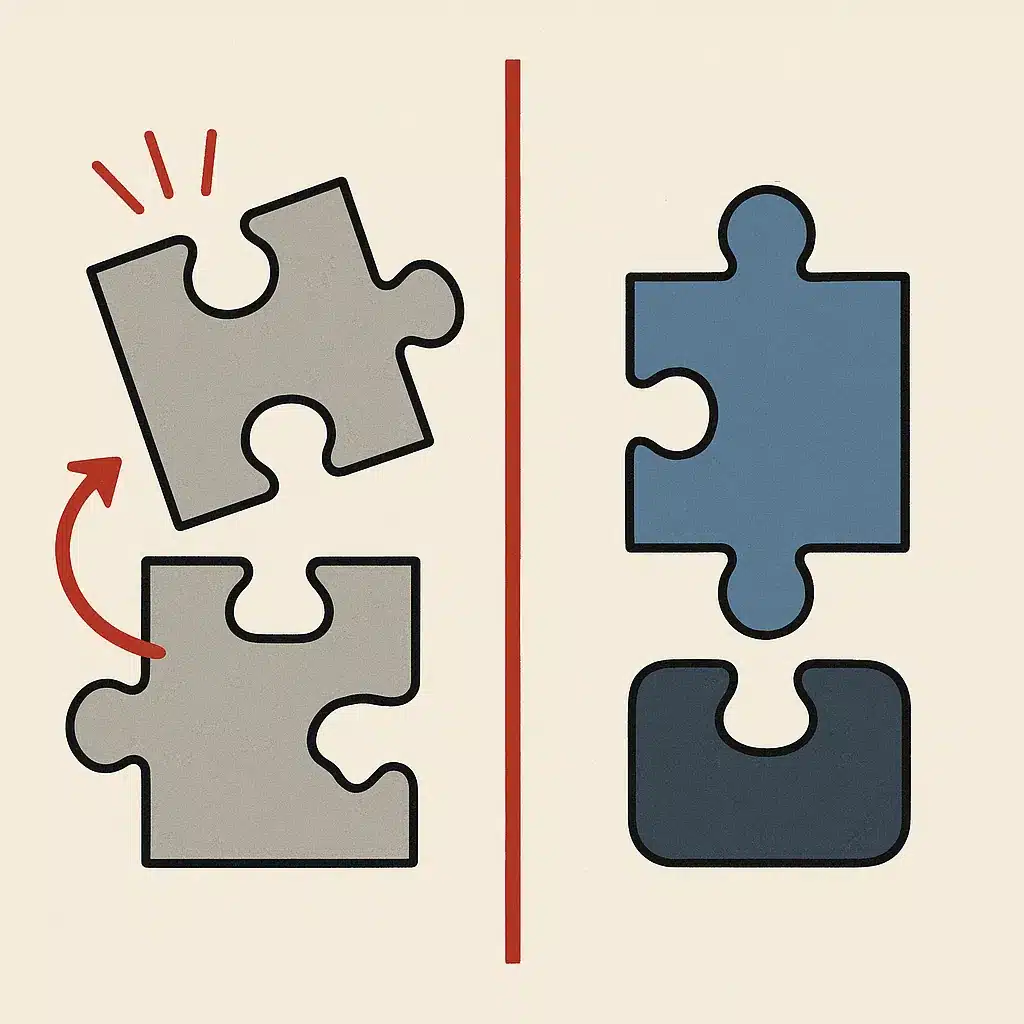
The limits show up when your support depends on your systems. A packaged tool struggles to reach your specific order database, your CRM's custom fields, or the internal workflow that connects a refund request to your finance process. You end up bending your operation to fit the software instead of the other way around.
That's the case for a custom ai chatbot and custom-built workflow automation: systems built around how your business actually operates, not a vendor's generic template. Bespoke Mind Ai builds this kind of AI workflow automation and custom support agents wired directly into the tools your team already uses. The AI resolves requests end to end instead of stopping at "please contact us."
The decision isn't ideology. Match the tool to the task. Generic problems, generic software. Operational problems, custom systems.
--ar 16:9 --style photorealistic]
When repetitive support work quietly drains your team's hours, the first step is figuring out which tasks are ready to automate and what payback looks like for your specific ticket mix. That's where ai for customer support pays off: not as a blanket replacement, but as a targeted way to remove the manual work that shouldn't need a person. You can get your free AI readiness assessment with Bespoke Mind Ai to map your bottlenecks and identify where custom automation removes the most manual work.
Frequently Asked Questions
What does AI for customer support actually do?
It uses natural language processing to interpret customer messages across chat, email, and voice, then handles routine tasks like FAQs, order tracking, and password resets without an agent. Machine learning improves its accuracy over time by learning from past interactions and resolved tickets.
Can I just use ChatGPT for customer service?
ChatGPT can draft replies and summarize conversations, but on its own it doesn't connect to your order systems, ticketing tools, or knowledge base. For reliable support you need it grounded in your own data and workflows, which is why most businesses use a purpose-built agent rather than raw ChatGPT.
How much faster does AI make support responses?
Chatbots deliver instant first responses to common queries instead of leaving customers in a queue, and AI triage automatically classifies tickets by urgency, topic, and sentiment so they reach the right agent quickly. This cuts misrouted tickets and reduces the delays that build up during high-volume periods.
Can AI replace my support team entirely?
No. AI handles structured, repetitive tasks well, but human agents remain better at complex, emotional, or high-stakes cases requiring judgment. The practical model is AI resolving Tier-1 volume while people focus on escalations, so the goal is less manual work, not zero staff.
Is AI for customer support worth it for a small business?
For a business handling around 1,000 tickets a month, AI can deflect 70-80% of low-complexity Tier-1 tickets, translating to roughly $3,000-$6,000 in monthly savings. Payback typically lands in the 3-6 month range when you start with modest 40-50% automation rather than trying to automate everything at once.
What if the AI gives customers wrong answers?
That risk comes from an ungrounded system guessing instead of pulling from verified sources, so a proper build limits the AI to your knowledge base and sets confidence thresholds that trigger escalation to a human. Done right, uncertain or high-risk cases get routed to an agent instead of answered incorrectly.
Do most companies actually use AI for customer support?
Yes, vendors like Salesforce, Zendesk, and IBM report widespread adoption for 24/7 coverage, ticket routing, and FAQ handling. The main drivers are handling more inquiries without proportionally growing headcount and keeping support available around the clock.
Should I buy an off-the-shelf tool or build something custom?
Off-the-shelf tools are faster to launch and fine for generic FAQ deflection, but they often don't fit how your specific systems and processes actually work. A custom build makes sense when your support depends on connecting order data, CRM, and internal workflows that a packaged product can't reach.