

Plenty of operations teams run eleven different software tools and still track deliveries in a shared spreadsheet. Every morning, someone spends two hours copying numbers between systems that were never built to talk to each other. That’s the gap ai integration services are meant to close. Not more software, but connecting what you already run so it stops creating manual work. This article breaks down what integration fixes, how a project runs, and how to tell when your business is ready.
What AI integration services actually are (definition)
AI integration services put AI to work inside the tools you already use: your CRM, accounting software, and internal tools. You don't get another app to log into. The point is practical. Reduce manual work and give leaders better visibility into business operations. According to McKinsey's State of AI report, organizations seeing real value redesign workflows around ai systems instead of bolting them onto manual processes. That's the difference between ai integration and off-the-shelf software: integration is built around how your business actually operates. This is the thinking behind custom AI solutions designed around your operations rather than generic tools.
Connecting disconnected systems and breaking down data silos
Most growing companies don't have a technology problem. They have a coordination problem. Sales data lives in one tool, delivery status in another, finance in a third, and no single view exists. These data silos force teams to reconcile numbers by hand and slow every decision. Integration links these systems so real-time data flows between them. The Microsoft Work Trend Index has repeatedly found employees lose meaningful hours hunting for information across scattered tools, time that connected systems give back. Deloitte's study on AI and intelligent automation in business shows companies adopt integration specifically to unblock these operational bottlenecks.
Automating repetitive and manual processes
Repetitive tasks are where automation pays off fastest. Copying data between apps, sending the same follow-up emails, generating weekly reports, chasing approvals: these are manual processes that follow predictable rules. They are ideal candidates for workflow automation. Good automation doesn't replace your team. It removes low-value work so people spend time on judgment calls instead of data entry. A property management firm we worked with automated tenant onboarding and cut a three-day process to under an hour. The goal isn't more software. It's less manual work, and fewer operational bottlenecks clogging your business operations. If you're mapping where to begin, this practical guide to AI workflows for small business covers how to spot those candidates.
Data-driven decision making and reporting visibility
Plenty of businesses collect data and still can't answer simple questions fast. The numbers exist somewhere, but pulling them together takes a day and a patient analyst. These reporting challenges are what integration fixes, turning scattered records into reporting leaders can actually use. When every system writes to connected data sources, the numbers stop contradicting each other, which makes data-driven decision making practical instead of a debate over whose spreadsheet is right. Once systems are connected, predictive analytics becomes realistic too, helping surface which clients may be likely to churn or which stock could run low.
Operational efficiency and cost/time savings
Operational efficiency is the whole point, not a side benefit. When repetitive work disappears and systems talk to each other through workflow automation, you can see measurable time savings and clearer cost optimization. This tracks with U.S. Bureau of Labor Statistics productivity data, which shows how reducing manual work lifts output per hour. Small businesses average roughly $3.70 back for every $1 spent on AI, rising toward $10.30 when the work targets a specific bottleneck. Results vary based on existing processes, complexity, and adoption, so treat those figures as direction, not a promise. Tie every project to a defined problem, and both process improvement and cost optimization tend to follow. If you want to run the numbers yourself, here's how to calculate ROI on AI automation projects.
Scalability for growing businesses
Growth breaks manual processes. What worked at ten clients falls apart at a hundred, because the workarounds that held things together were people copying data at midnight. Scalable systems let you handle more volume without adding proportional headcount, which is where real scalability comes from. The root cause of most scaling pain is that founder-led businesses run on informal knowledge and manual work rather than documented, automated business workflows. Integration codifies those workflows so they run consistently as volume climbs. That's the difference between managing growth and drowning in it.
AI agents and coordinating multiple AI tools
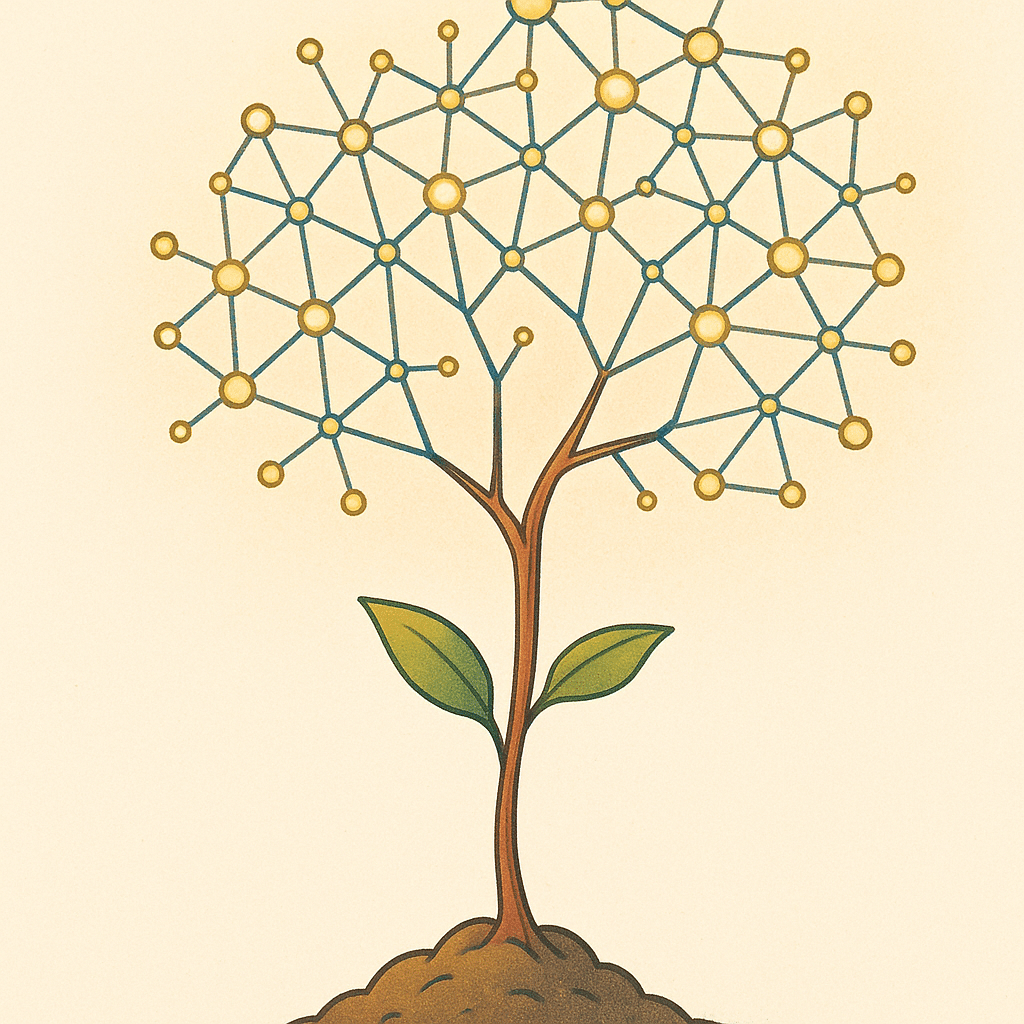
AI agents are software that can carry out multi-step tasks with limited supervision: reading an email, checking a system, drafting a response, updating a record. On their own, individual ai tools solve narrow problems. The value shows up when you coordinate several ai systems so they hand work between each other across a full process. Think of an agent that fields a customer request, pulls the account history, and prepares the reply for a human to approve. The practical rule stays the same: ai agents should remove repetitive work inside your existing operations, not add another layer to manage.
How to implement AI integration (step-by-step approach)
A sensible ai implementation follows five stages. First, assessment: map your business workflows and find the bottlenecks worth solving. Second, data preparation: clean and organize your data so ai systems have something reliable to work with. Third, model development. Fourth, system integration, connecting the AI into your existing systems and internal tools. Fifth, testing and validation against real performance before rollout. Good ai implementation starts small, with a scoped pilot on one clear problem, so you measure results before committing further. Before starting, an AI readiness audit of your operations can confirm the groundwork is in place. Integration partners often deliver a working pilot in 6 to 12 weeks, versus 6 to 18 months to stand up an in-house team.
Security, compliance, and user adoption considerations
Two things quietly kill AI projects: weak security and poor user adoption. Security and compliance requirements vary by industry and region. Check the rules that apply to your data with your relevant regulator or a qualified advisor before connecting sensitive systems. Adoption matters just as much. If the team doesn't trust or understand the new workflow, they route around it and you're back to manual processes. Technology that works the way your team works gets used.

What integration fixes for founder-dependent, service-based businesses
In many founder-led and service-based businesses, the founder is the system. They know which client wants what, how pricing gets approved, where the important files sit. That works until it doesn't, and it becomes the biggest operational bottleneck in the company. Integration captures that informal knowledge inside documented business operations and internal tools, so the business runs without one person holding everything in their head. The payoff is less founder dependency, better operational efficiency, and a company that keeps working when the founder takes a week off.
Custom-built systems vs off-the-shelf AI software
- Tailored to specific business operations
- Flexibility to adapt to unique processes
- Can be more costly and time-consuming
- Ideal for complex or specialized needs
- Quick to purchase and implement
- Suitable for standard business needs
- May require workflow adjustments
- Less expensive upfront investment
Off-the-shelf software is fast to buy and fine for standard needs. The trouble starts when your process doesn't match the tool's assumptions, so your team bends their workflow to fit the software instead of the reverse. Custom-built systems flip that. They're built around how your business actually operates. Most companies need a mix: off-the-shelf software where it fits, custom-built systems where it matters, connected through solid ai integration services. If you're weighing your options, this breakdown of building AI tools in-house versus using a development partner is worth a read.
How to know when your business needs AI integration (signals/bottlenecks)
Some clear signals: your team copies data between tools daily, reports take hours to assemble, growth has made everything slower instead of easier, and too much depends on one person. Watch for disconnected systems, repetitive tasks eating your best people's time, and shrinking visibility into operations as you scale. Start where the pain is measurable, not where the technology is shiniest.

If repetitive work and disconnected systems are slowing your team down, a discovery call can help identify where ai integration services would actually move the needle. You can book a discovery call with the team at Bespoke Mind AI to talk through your specific bottlenecks.
Frequently Asked Questions
What exactly are AI integration services?
AI integration services embed AI into your existing business systems:ERPs, CRMs, and legacy tools:so it works inside your current workflows rather than as a separate app. The work usually spans five stages: assessment and planning, data preparation, model development, system integration, and testing.
How does adding AI to existing systems actually work?
It starts by evaluating your current tools to find where AI removes manual work or bottlenecks, then cleaning and organizing your data so models have something reliable to run on. From there, models are built, connected to your workflows, and validated against real performance before rollout.
Who are the main enterprise AI integration providers?
Large players include IBM, which focuses on end-to-end AI workflows and agent orchestration, and the Accenture-Google Cloud partnership targeting mid-market adoption. Platforms like Workato, OutSystems, and specialist firms also compete, but the right fit depends on your systems and the specific problem you're solving.
Why not just build an AI team in-house instead?
Building internally typically takes 6-18 months before producing usable output, while integration partners can deliver working pilots in 6-12 weeks. In-house gives you more control and data ownership, but it carries high salary and infrastructure costs:which is why many teams outsource until AI becomes central to their product.
Is AI integration actually worth the investment for a small business?
According to the referenced research, small businesses see roughly $3.70 back for every $1 spent on AI, and up to $10.30 when implementations target a real workflow problem. A 2026 Intuit QuickBooks survey found 77% of small and midsize businesses have already adopted AI, many reporting productivity and revenue gains.
What if the AI project stalls or doesn't deliver ROI?
Most stalled projects fail because they chase technology instead of a specific operational bottleneck, so returns depend on matching the build to a clear manual-work problem. Starting with a scoped pilot lets you measure time savings and results before committing to a full rollout.
Do I need to replace my current software to add AI?
No:integration is designed to enhance the tools you already use rather than swap them out. The goal is connecting disconnected systems and removing repetitive work, not adding another platform your team has to learn.
What kind of business problems does AI integration solve first?
It targets repetitive manual tasks, disconnected data across tools, slow workflows, and reporting that exists but isn't actionable. These are the operational bottlenecks that quietly slow teams down as a business scales.