
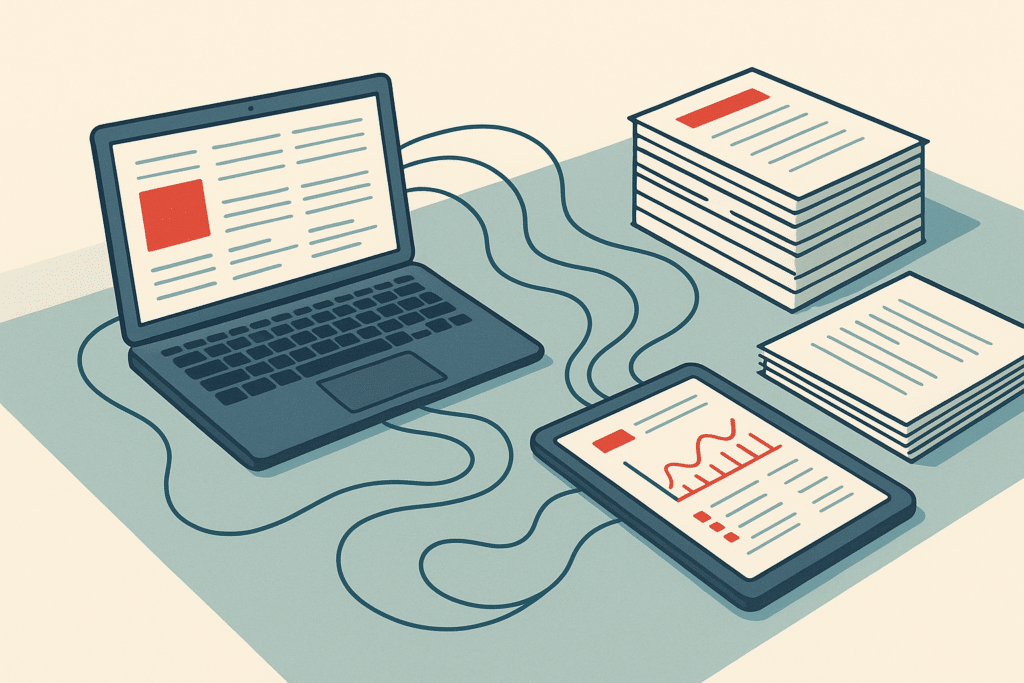
A five-person operations team spends two full days a month copying invoice data between their accounting software and their CRM. This isn't a rare story. It's the norm for growing businesses that bolted on tools one at a time. A business process automation solution exists to end that kind of drudgery. It connects the systems you already run so information moves without someone manually retyping it. This guide covers what business process automation actually is, how it differs from related terms you'll hear thrown around, the real use cases, and how to decide whether to build custom or buy off the shelf.
What is business process automation (definition)
Business process automation (BPA) is the use of technology to run recurring business processes with as little manual work as possible. Instead of a person moving data between apps, approving each request by hand, or chasing status updates, the workflow runs on defined rules. People only step in where judgment is actually needed.
The point isn't automation for its own sake. It's removing the repetitive tasks that eat time and cause mistakes, so your team spends its hours on work that needs a human. Deloitte's research on intelligent automation, covered in its Deloitte automation report, tracks how organizations use these systems to reduce manual work across finance, HR, and operations. It also helps to understand how analysts define automation across business systems, since connecting disconnected tools and workflows is central to what BPA delivers. BPA can be a single automated workflow or a set of scalable workflows that span several departments. If you're weighing where to begin, our practical guide to AI workflows for small business breaks down how these connected workflows come together.
Difference between BPA and RPA
People use BPA and RPA interchangeably. They shouldn't. Robotic process automation is a narrow tool: software bots that mimic what a person does on screen. Think copying a figure from one application and pasting it into another. RPA doesn't change the process. It just does the clicking faster.
Business process automation is broader. It looks at the whole process end to end, often across ERP, CRM, and HR systems. It redesigns how work flows rather than just speeding up one repetitive task. RPA is one instrument BPA might use. As IBM explains in its IBM guide to RPA, robotic process automation works best for high-volume, rules-based tasks with structured data.
Here's what actually happens. RPA patches a gap between two tools. BPA rebuilds the workflow so the gap stops mattering. If you only automate the copy-paste step, you've made a flawed process faster. The distinction matters in practice because RPA bots break whenever a screen layout or field changes, while a properly integrated BPA workflow moves data through stable connections that don't shift underneath you. Picking RPA when the real fix is a redesigned process is one of the most common and expensive mistakes teams make early on.
How BPA relates to BPM (business process management)
Business process management (BPM) is the discipline of mapping, analyzing, and improving how work gets done. BPA is one of the ways you act on what BPM uncovers. Think of BPM as the diagnosis and BPA as part of the treatment.
Many assume you can skip straight to automation tools and figure out the process later. In reality, that's backwards. BPM comes first because you need to understand the actual steps, the handoffs, and where work stalls before you decide what to automate. Most failed automation projects share a root cause: nobody mapped the process honestly, so the automation encoded a mess. Running an AI readiness audit of your operations is a practical way to surface those broken steps before you commit to automating anything.
Good business process management gives you the map. Automation makes the improved version run consistently. The two work together. BPM handles process improvement and design, while BPA handles execution and scale.
Benefits of business process automation
The benefits of business process automation come down to a few concrete things. First, time savings. Work that took hours of manual effort can run in minutes, freeing your team for higher-value activities. Second, fewer mistakes. When a workflow follows fixed rules, you cut the human error that comes from tired people retyping data at 6 p.m. The kinds of repetitive administrative work most affected here line up closely with labor data on tasks most affected by automation, which grounds the time-savings observations in real occupational trends.
Third, better operational efficiency. Connected systems mean information stops sitting in one tool waiting for someone to move it. Fourth, visibility. Automated workflows leave a consistent record, so leaders can see where work stands without asking around.
The reason this matters is compounding. Each automated process removes a small recurring drag. Across dozens of business processes, those drags add up to real capacity. The mechanism is simple: manual steps carry a fixed time and error cost every time they run, so removing one step doesn't save time once, it saves that time on every future cycle. Results vary based on your existing setup, business complexity, and how well your team adopts the new workflows, so the gains aren't identical for every business.

Examples and use cases of BPA
The clearest use cases for business process automation live in the back-office workflows nobody enjoys. Invoice processing is a classic. Instead of manually keying vendor invoices into finance software, the system captures the data, matches it against purchase orders, and routes exceptions for review. Purchase orders themselves can move through approval automatically based on amount and department.
Employee onboarding is another. A new hire triggers account creation, equipment requests, policy acknowledgments, and payroll setup without someone shepherding each step by email. Data entry across disconnected tools, customer inquiry routing, compliance documentation, and status reporting all fit the same pattern.
The common thread in these use cases for a business process automation solution is that they're repetitive, rules-based, and touch multiple systems. Those are exactly the tasks where manual work causes delays and mistakes. They're also where automated workflow management pays off fastest. A useful filter: if a task follows the same steps most of the time and involves moving information between tools, it's a strong candidate. If it depends on human judgment that changes case by case, keep a person in that seat.
Why business process automation is important
Growth breaks manual processes. A business running on spreadsheets and email handoffs at ten people starts to choke at forty. The work doesn't get harder. There's just more of it, and every added step depends on a person remembering to do something.
That's where operational bottlenecks form. One founder recalled a services firm that lost a client because an onboarding checklist lived in one manager's head. When he took leave, three new accounts stalled for two weeks. The cost wasn't just the churned client. It was the reputational hit that made two prospects walk. What made it worse: nobody else could even see the accounts were stuck, because the status only existed in that manager's inbox. That is the underlying reason person-dependent processes fail at scale, the knowledge and the visibility both disappear the moment one person is unavailable.
Business process automation matters because it turns fragile, person-dependent workflows into scalable systems that hold up better under volume. The World Economic Forum's outlook on workflow automation adoption reflects why so many businesses are moving toward these scalable systems as they grow. For founder-led companies especially, it's the difference between growth creating capacity and growth creating chaos.
Types of business process automation
Business process automation isn't one thing. At the simplest level, there's workflow automation: rules-based routing of tasks and approvals, like sending a request to the right person automatically. Then there's integration automation, which connects systems so data flows between your CRM, ERP, and finance tools without manual export and import.
Robotic process automation sits in here too. It handles the screen-level repetitive tasks that don't have a clean connection point. Above that, you get decision automation, where the system applies logic to route or resolve cases based on defined criteria.
At the more advanced end, AI automation adds pattern recognition to processes that involve unstructured data, like reading a scanned document. Most real business operations use a mix. The right combination depends on which manual processes are costing you most, not on chasing the fanciest category of process automation software.
How to implement business process automation
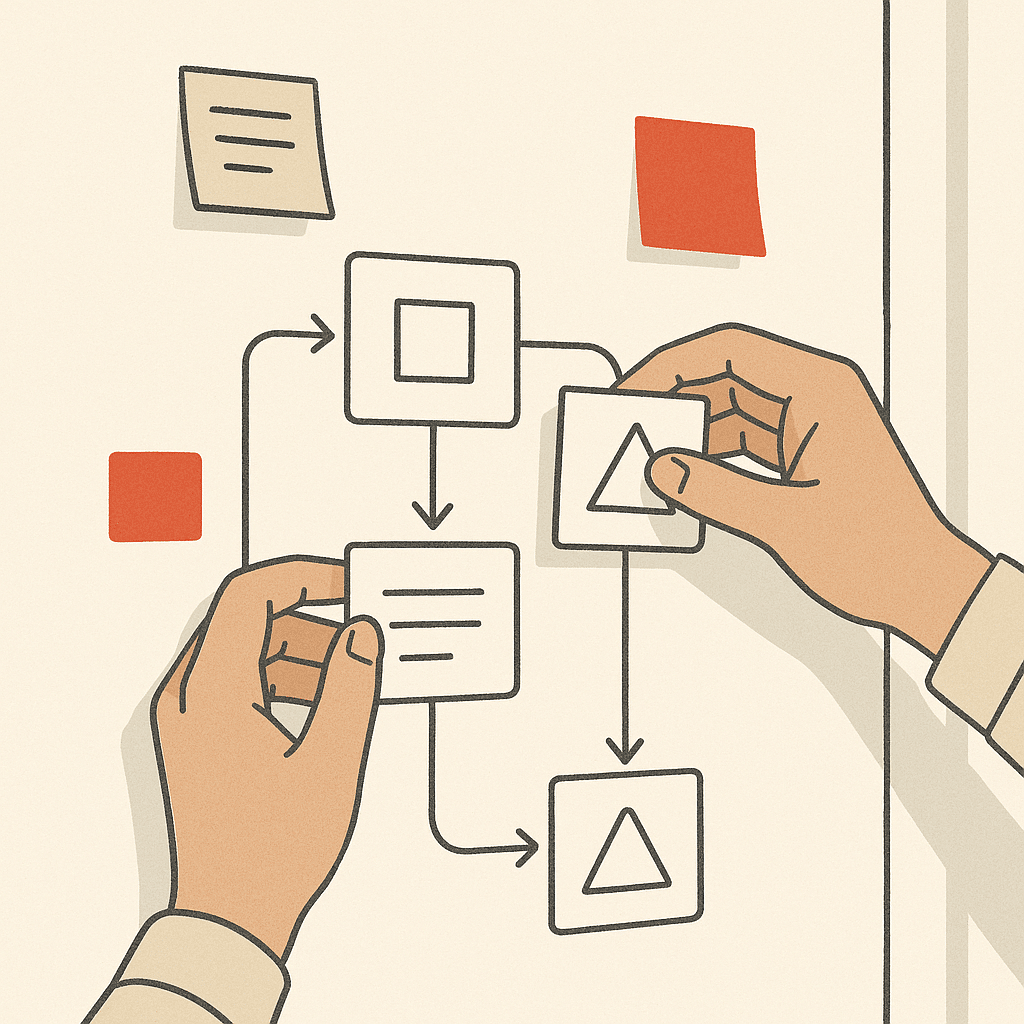
Learning how to automate business processes without wasting money follows a rough order. Start by picking one painful, repetitive process, not the whole operation. Map it as it actually runs, including the workarounds nobody documents. This is where you catch the broken steps before they get encoded.
Fix the process first. Automating a flawed workflow just produces bad results faster. Then choose the automation tools that fit. Sometimes an off-the-shelf platform handles it. Sometimes the workflow crosses too many custom systems and needs a built solution.
Build it in a small scope, test it against real cases, and check the integration with your existing tools so you don't create new data silos. Roll it out, measure time savings and error rates, then move to the next process. Treat implementation as process improvement in stages, not a single big-bang project. The reason staged rollout works better is exposure: a small first automation surfaces the edge cases and bad data you didn't know about while the stakes are still low, so a failure costs you one workflow rather than your whole operation.
Reducing manual work and human error
The two go together. Every point in a process where a person retypes, copies, or transfers data by hand is a point where an error can slip in. A single wrong digit in an invoice amount or a mistyped email in onboarding can cascade into hours of cleanup.
Automated workflow management removes those handoffs. When data moves between systems on defined rules, it moves the same way every time. That's where efficiency and accuracy actually come from. Consistency is the mechanism: machines don't get bored or distracted at the end of a long day.
This also helps with compliance. Automated processes leave a record of what happened and when, so audit trails build themselves instead of being reconstructed after the fact. Reducing manual work isn't only about speed. It's about reliable output with less rework and stronger operational efficiency.
AI and agentic automation in BPA
Traditional automation follows fixed rules. That works for structured, predictable tasks but breaks the moment a process involves messy inputs or judgment. This is where AI systems extend what BPA can do.
Machine learning lets these AI systems handle unstructured data. Think reading varied invoice formats, categorizing customer messages, or pulling information from documents that don't follow a template. Generative AI solutions that remove manual work make these steps workable where rigid rules would fail.
Agentic AI goes a step further. Instead of executing a single predefined step, AI agents can work through a sequence of tasks, checking results and deciding what to do next within set boundaries. In practice, that means an agent might handle a customer request end to end, escalating only when it hits something it can't resolve. The realistic framing matters here. These tools assist and extend your workflows. They don't run your business on their own, and human oversight stays part of the design.
Choosing a custom vs off-the-shelf automation solution
- Fast to start and cheap upfront
- Ideal for standardized processes
- Requires workflow changes to fit software
- Best for common tasks across companies
- More expensive to build
- Fits unique business operations
- Handles complex workflows and approvals
- Allows integration with internal tools
Off-the-shelf process automation software is fast to start and cheap up front. For standardized processes that look the same across every company, it's often the right call. The problem shows up when your workflow doesn't match the template the software assumes.
Custom-built systems cost more to build but wrap around how your business actually operates. Say your process spans several tools, has unusual approval logic, or depends on internal tools nobody else uses. Off-the-shelf software forces you to change your workflow to fit the product. That's backwards. This is exactly the trade-off covered in our breakdown of custom AI solutions built around how you operate.
Here's the honest test. How unique is the process, and how many systems does it touch? Standardized and simple leans off the shelf. Cross-system and specific leans custom. Many businesses run both, using off-the-shelf tools for common tasks and custom systems for the scalable workflows that make them different. The goal isn't more software. It's less manual work.
Reducing founder dependency and improving operational visibility
In a lot of small businesses, the founder is the process. They know who approves what, which client needs handling a certain way, and where every exception lives. That works until it doesn't. When too much knowledge sits with one person, the business can't scale and can't function when that person is out.
Business process automation moves that institutional knowledge into the system itself. The approval logic, the routing, and the standard steps become part of an automated workflow instead of living in someone's head. That lifts operational efficiency and reduces founder dependency directly.
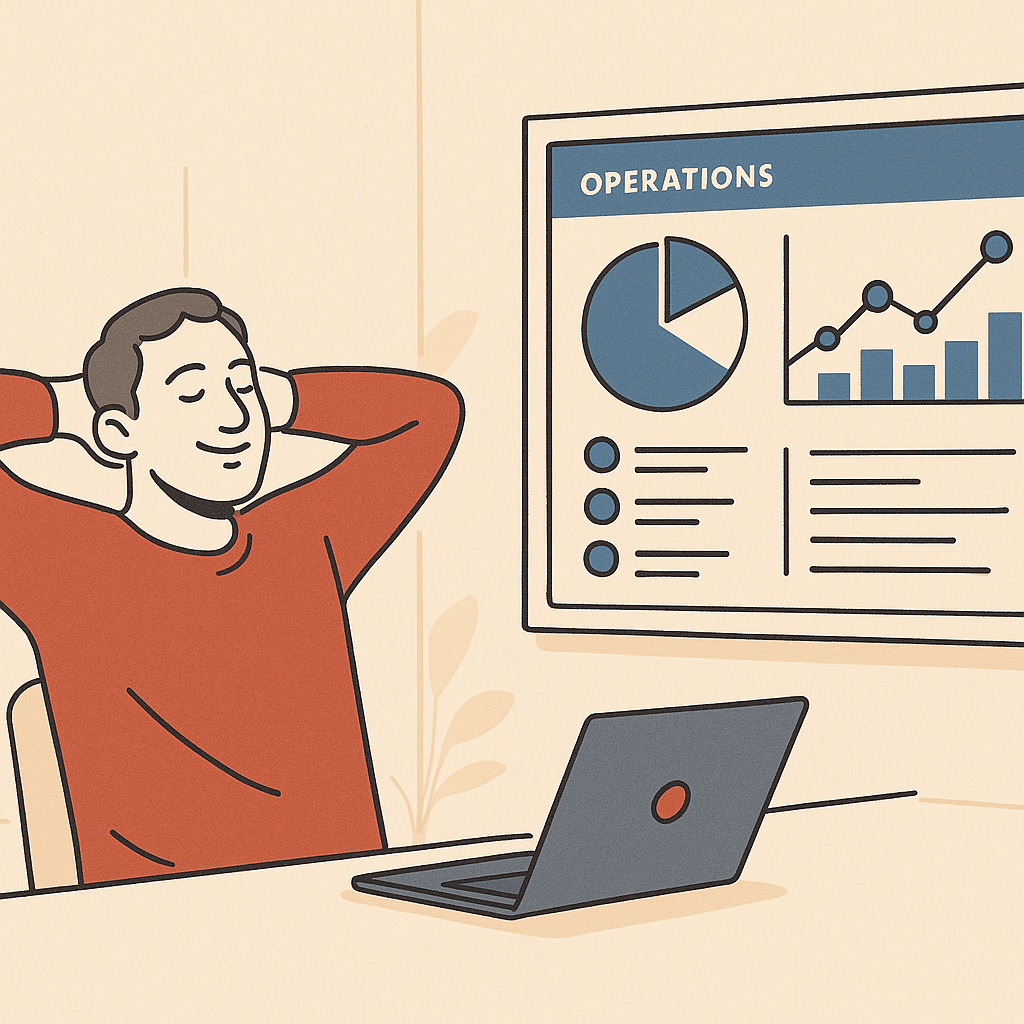
Visibility improves at the same time. Because automated business processes generate consistent records at each step, leaders get real-time insight into where work stands and where bottlenecks form. Data that already existed but sat scattered across tools becomes reporting you can actually use.
Automation for growing service-based and multi-location businesses
Service-based firms live or die by consistent delivery. When each project depends on staff remembering the same steps, quality drifts and things fall through. Workflow automation standardizes client onboarding, task assignment, and status updates so the twentieth client gets the same experience as the first.
Multi-location businesses face a sharper version of the problem. Each location tends to develop its own way of doing things. Without connected systems, leadership has no single view of business operations across sites. Automated workflow management enforces a shared process while still surfacing location-level data centrally.
Rules and compliance requirements can vary by state or region, especially for regulated services. Check the requirements with your relevant state or industry authority before standardizing a process across locations. The payoff is scalable systems that grow with the business instead of buckling as headcount and locations multiply. A well-built business process automation solution is what helps that consistency hold as you add sites and staff, rather than letting each new location reinvent the process from scratch.
If repetitive work is slowing your team down, or too much depends on one person, a discovery call with Bespoke Mind can help identify where automation and custom systems would actually move the needle. We start by understanding the underlying problem, not by pitching software. Talk through your automation opportunities with us to see what fits how your business actually runs.
Frequently Asked Questions
What is a business process automation solution and how does it actually work?
It's technology that replaces manual, repetitive steps with automated workflows across tasks like invoice processing, employee onboarding, or customer inquiries. It works by identifying repetitive processes, mapping each step in the workflow, and then running those steps automatically so information moves between systems without manual handoffs.
How is business process automation different from robotic process automation (RPA)?
BPA automates entire end-to-end processes across departments, often requiring integration between multiple systems like ERP, CRM, and HR platforms. RPA is narrower:it uses software bots to handle specific repetitive tasks, such as copying data between two applications, without redesigning the underlying process.
What should I look for when choosing a business process automation solution?
Start by identifying which processes cause the most manual work or bottlenecks, then check whether the solution integrates with your existing ERP, CRM, and finance tools to avoid data silos. Prioritize fit over feature lists:a system built around how your team already operates delivers more than off-the-shelf software with unused capabilities.
Which automation tools work well for small businesses on a budget?
No-code platforms like Zapier connect thousands of apps and start around $19.99/month with a free tier for 100 tasks, while Make offers a visual builder for more complex multi-step automations. These suit standardized tasks, though businesses with unique or cross-system workflows often need custom-built systems instead.
Is business process automation actually worth the cost for a smaller company?
The value comes from eliminating hours spent on repetitive administrative work and reducing errors that require rework, not from the software itself. For founder-led teams where too much sits on one person, the bigger payoff is often removing that dependency and freeing capacity to scale.
What if I automate a process and it turns out the process was broken to begin with?
Automating a flawed process just makes bad output happen faster, which is why the workflow should be reviewed and cleaned up before automation. The goal is to solve the underlying problem first, then automate the improved version so you're not scaling inefficiency.
How does process automation improve visibility into operations?
Automated workflows generate consistent records and audit trails at each step, giving leaders real-time insight into where work stands and where bottlenecks form. This turns data that already exists but sits scattered across tools into reporting that's actually accessible and actionable.
Will automation replace my team or just change what they do?
BPA is aimed at repetitive, rules-based tasks, so it typically shifts staff away from manual data entry and administrative overload toward higher-value work. The intent is less manual effort per person, not fewer people running the business.