

Type "build me an inventory tracker with a login and a dashboard" into an AI powered app builder, and you'll have something clickable in under a minute. That speed is real. It's why founders without a developer are suddenly shipping tools they'd have waited months for. The harder question is what happens after the demo: can that generated app actually run a business process, connect to your data, and hold up as you grow? This article breaks down what these tools do, where they perform well, and where a custom build still wins.
What an AI-powered app builder is and how it works
An ai app builder turns a written description into a working application. Instead of hand-writing code, you type what you want, and the system generates the user interface, the app logic, and a built-in database to hold your records. These tools pair AI models with pre-built component libraries and deployment infrastructure, producing a working app rather than a mockup. Most also handle authentication, hosting, and basic integrations without setup on your end. This rapid rise is backed by low-code and no-code market growth forecasts, which show just how quickly businesses are turning to these tools instead of traditional development.
Gartner's research on democratized generative AI points to this shift, where non-developers produce software through natural language. The reason this works is that many common software elements, logins, data tables, forms, follow repeatable patterns a model can generate reliably. The result is less manual work to get a first version running, and code you own in many cases. For teams evaluating whether a guided AI app-building tool like BM Builder fits their needs, this shift is worth understanding before committing to either path.
How prompt-to-app generation works (natural language to software)
You prompt your app idea in plain English, and the ai software builder interprets it in layers. First it maps your description to a data model: a "job tracker" becomes tables for jobs, clients, and statuses. Then it generates the screens, the forms, and the visual workflows that connect them. Finally, it wires up authentication and deploys the app so you can share a link.
Natural language prompts remove the translation step where a business owner explains requirements to a developer and something gets lost along the way. Microsoft's Work Trend Index tracks how AI is changing that process. You refine by prompting again, adjusting until the working app matches what you pictured.
What you can build with an AI app builder (internal tools, portals, dashboards, apps)
The sweet spot is internal tools and lightweight apps: client intake forms, project dashboards, approval trackers, and customer portals where people log in to check status or upload documents, whether delivered as web and mobile apps or a single browser tool. Many teams use an ai web app builder to turn spreadsheets into apps, giving a shared, searchable interface instead of a file everyone overwrites, which can help support operational efficiency without adding headcount.
App templates speed this up further for common cases like CRMs or booking systems. Many internal tools follow predictable patterns, and predictable patterns are what these builders tend to generate well. The further you drift from standard forms and dashboards into unusual business logic, the more manual adjustment you'll likely do.

Key features to expect (databases, auth, integrations, hosting)
A capable ai powered app builder ships with a few things by default: a built-in database so you don't configure storage separately, authentication for user logins and permissions, and hosting so your app is live once you deploy and share. It also comes with a set of integrations to connect email, payments, or a spreadsheet. Some export the code you own, which matters if you ever move off the platform.
Watch the integration list closely, since that's where tools diverge most. A builder with rich native connectors covers more ground with no coding required, while a thin integration menu means you'll hit walls fast. For rapid prototyping, the defaults are usually enough to get a first version in front of users.
No-code and low-code app building for non-technical users
The whole point is that non-technical people can build. No-code means you assemble apps visually with no coding required, dragging components into place. AI app builders go a step further: they generate a first draft from a prompt, then hand you a visual editor to tweak it.
Many assume no-code and AI generation are the same thing. In reality, no-code starts you at a blank canvas, while an ai app builder starts you at a working draft. That difference can save time. For a founder or ops manager without a technical team, this can lower the barrier to a first MVP. You still benefit from someone who can read the output when logic gets tricky, but the entry point is generally accessible.
Connecting an AI app to your existing business data and tools
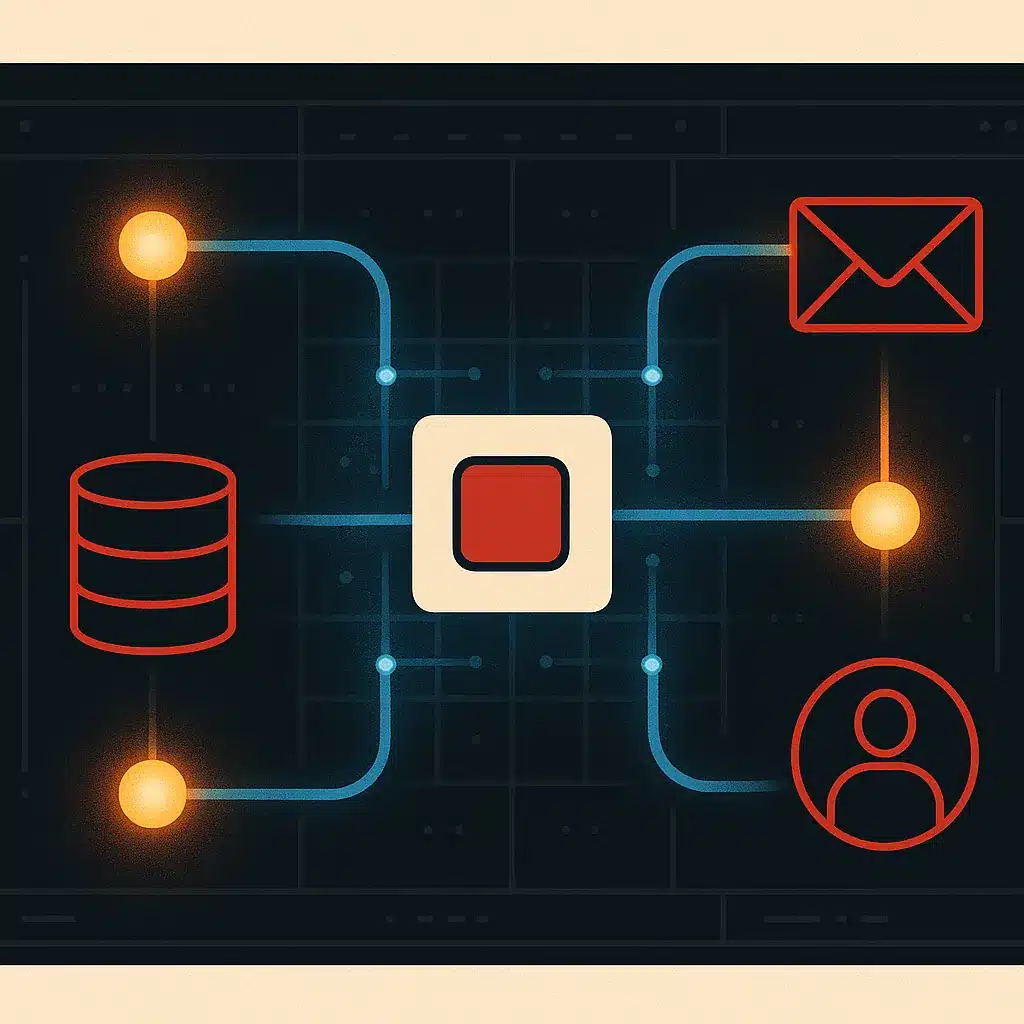
Here's where things get real. Generating a standalone app is easy. Connecting it to the CRM, accounting system, and internal tools your team already runs is often harder.
Most builders are designed to create fresh, self-contained apps, so pulling live data from existing systems often means fragile workarounds or export-import loops that reintroduce manual work. The reason is straightforward: these tools optimise for generation speed, not for fitting into a messy operational stack, so integration is often treated as an afterthought rather than a core design goal. This is exactly the gap Bespoke Mind Ai works to close with internal tools and workflow automation built around your actual data, so systems can work together rather than requiring your team to bridge them by hand. Businesses at this stage often benefit from custom AI solutions built around your operations, which are designed from the ground up to work with the systems you already run. If your app needs to live inside real business operations, plan for this early.
Where AI app builders fall short (limitations, edge cases, complexity)
These tools can stumble on anything that isn't a common pattern. Custom business logic, unusual permission rules, and multi-step operational workflows tied to your specific processes often need manual rework or a developer's eye. Edge cases pile up too: what happens when a form submission fails, when two users edit the same record, when data needs validating against another system.
Consider a distribution company that generates an order-management app in an afternoon, only to spend three weeks patching it because it can't handle partial shipments and split invoices, logic core to how they actually operate. The generated app was a fast start, not a finished system. Scalable systems and production-ready software usually demand more control than a generic builder gives, especially once real usage exposes the gaps. Governance and reliability considerations matter here too: NIST's AI Risk Management Framework outlines the kind of security and oversight considerations that can get overlooked when a generic builder handles logic it wasn't designed to manage.
When an AI app builder is enough vs. when you need a custom build
- Suitable for standard processes
- Moderate stakes involved
- Speed is a priority
- Good for MVPs and simple portals
- Tightly connects to existing data
- Enforces complex business rules
- Scales for enterprise tools
- Prioritizes data ownership and security
Use an ai web app builder when the process is standard, the stakes are moderate, and speed matters more than deep control: an internal form, a simple customer portal, an MVP to test demand. Consider a custom build when the app must connect tightly to existing data, enforce complex rules, or scale into enterprise internal tools that many people depend on daily.
A rough test: if a generic app fits, a generic builder fits. If the app has to mirror how your business uniquely operates, custom-built often works better. Custom AI development also matters when data ownership, security, and long-term maintenance are priorities, or when off-the-shelf software simply wasn't built for your workflow. Exploring custom AI development services at this stage helps clarify what a properly scoped build actually involves, and what it costs compared to patching a generated app after the fact.
How AI app builders fit into wider workflow automation and operations
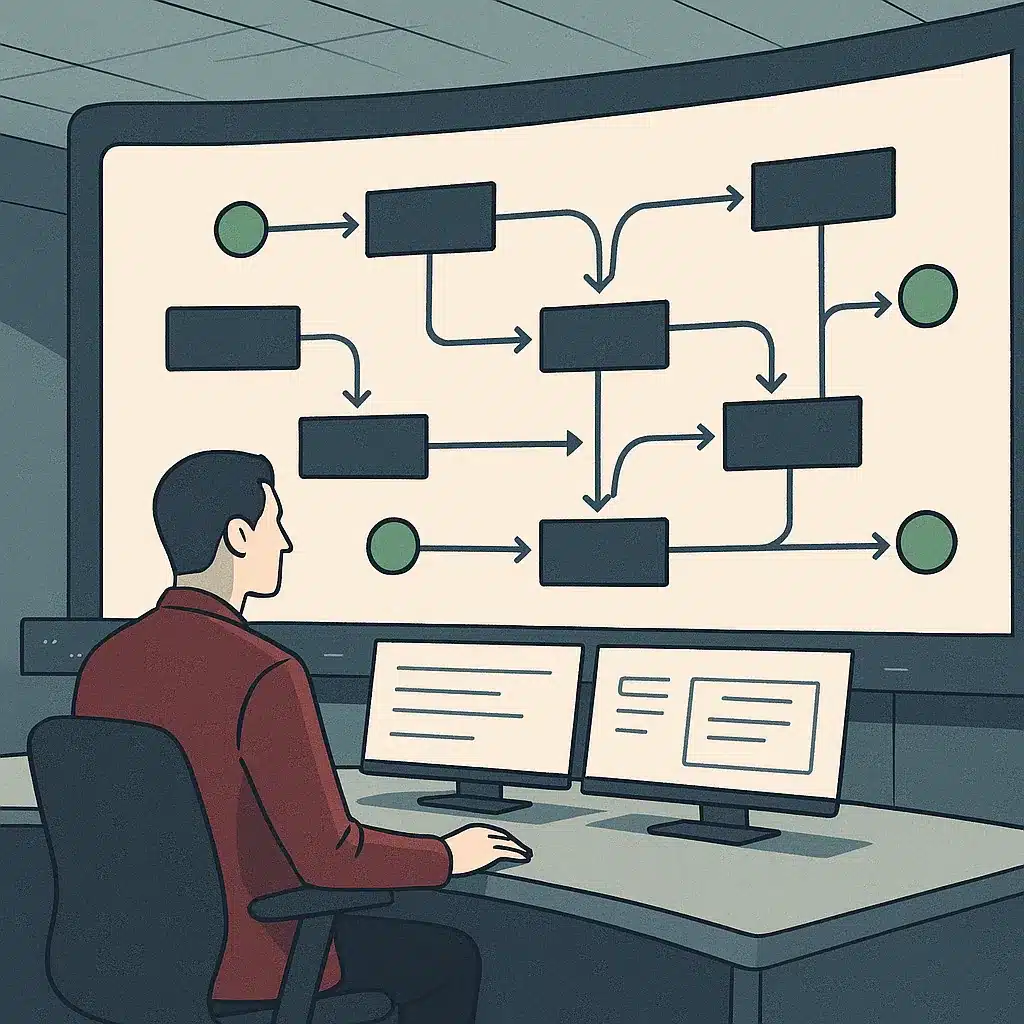
An app is rarely the whole answer. Real gains come from connecting apps to the automations around them. A generated intake form is useful, but it becomes more useful when submissions trigger workflow automation: routing tasks, updating records, notifying the right person, all without manual work.
AI agents can extend this further, handling steps like triaging requests or drafting responses inside your business operations, since custom AI development often starts exactly here. The goal isn't more software. It's less manual work and better visibility. An ai software builder can produce the interface, but the value tends to land when that interface plugs into workflow automation that removes repetitive steps eating your team's time.
What to consider before adopting an AI app builder (data, ownership, scaling)
Ask three questions before committing. First, data: where does your business data live, and can the tool actually reach it, or will you be copying between systems by hand? Second, ownership: do you get the code you own, or are you locked into the platform's hosting and pricing? Third, scaling: what happens when usage, users, or logic complexity grow?
Rules around data handling and security vary by industry and location, so check the requirements that apply to your sector and confirm with a qualified professional before storing sensitive records. Credit-based pricing looks cheap early and can climb as workarounds multiply. A clear-eyed look at these questions upfront can help you avoid a painful mid-project realisation that the tool can't grow with you. If you're unsure which category your operations fall into, an AI readiness audit is a practical way to get an objective read on whether your processes are simple enough for a builder or complex enough to warrant a custom solution.
If repetitive work or disconnected systems are slowing your team down, deciding whether an ai powered app builder is enough or whether a custom build fits your operations better is the practical next step. You can talk through your workflow with the team at Bespoke Mind Ai in a low-pressure discovery call to identify where automation and custom internal tools might remove manual work.
Frequently Asked Questions
What exactly does an AI-powered app builder do?
It automates the coding, design, and logic work behind building a web or mobile app, using natural language prompts or a visual interface instead of manual programming. You describe what you need, like a client portal with file uploads and status tracking, and the tool scaffolds the frontend, backend, and database structure.
How is this different from a no-code platform like Bubble or Webflow?
No-code platforms have you assemble an app manually inside a visual editor, dragging components and configuring workflows yourself. AI app builders generate the app structure, including auth and database setup, directly from a prompt, then let you adjust it, which shifts the starting point from a blank canvas to a working draft.
Is an AI app builder actually worth it, or does it just produce a shaky prototype?
For fast prototyping and standard patterns, forms, dashboards, login flows, it holds up well and can save weeks of setup time. Where it tends to fall short is custom business logic and integrations with existing operational systems, which usually still need manual adjustment or a developer's review.
What happens when the app needs to connect to our existing business data and tools?
This is where most AI app builders reach their limit, since they're built to generate standalone apps rather than integrate with an operation's existing CRM, database, or internal tools. A custom-built internal tool designed around your actual workflows and data avoids this gap entirely, rather than forcing your systems to adapt to the builder's assumptions.
Do I need coding experience to use one?
No, the core appeal is that you describe what you want in plain language and the platform generates most of the underlying work. That said, more complex logic, edge cases, and system integrations typically still require someone who can read and adjust the generated code.
Why are startups adopting AI app builders so quickly?
Speed and cost are the two drivers: one industry report found the median user builds their first AI-generated app within 47 seconds of signing up, compared to weeks or months for traditional development. That speed lets non-technical founders test an idea without hiring a development team first.
Can an AI-generated app actually run a real business process, or is it just for demos?
It depends on the complexity of the process. Simple, repeatable workflows, intake forms, status trackers, basic dashboards, can run in production, but multi-step operational logic tied to your specific business rules usually needs a purpose-built tool rather than a generic AI-generated app.
What's the real cost difference versus hiring a developer?
AI builders shift cost from large upfront development fees to smaller, recurring subscription or credit-based pricing, which lowers the barrier for a first version. But as complexity grows, custom integrations, security requirements, ongoing maintenance, those credit costs and workaround time can add up to a similar total cost as a scoped custom build.