

A finance team spends the first three days of every month copying figures between spreadsheets. They reconcile numbers by hand and rebuild the same report they built last month. That is the kind of work artificial intelligence in companies quietly removes. Not with a dramatic overhaul, but by handling the repetitive tasks that eat hours no one enjoys. This article breaks down what AI actually does inside a business. It covers the technologies behind it, where it helps, where it falls short, and how to start without burning budget on a project that stalls.
What artificial intelligence in companies actually means (plain-English definition)
Strip away the marketing and here is what AI is at its core. It is software that learns patterns from data. It uses those patterns to make predictions, decisions, or generate output without being told exactly what to do at every step. Traditional software follows fixed instructions. AI adjusts based on what it sees.
Inside a business, that difference matters. A rule-based script breaks the moment an invoice arrives in a slightly different format. An AI system trained on thousands of invoices reads the new one anyway. That flexibility is why artificial intelligence in business handles work that older automation could never touch.
The practical definition is simpler than the hype suggests. AI in business is a set of tools that recognize patterns in text, numbers, and images. It then acts on them to reduce manual work and support faster decisions. Nothing more mystical than that. Once you grasp that role, it becomes easier to see the practical benefits of AI in business and where the real value shows up.
For a grounded view of adoption, the Stanford Institute for Human-Centered AI's AI Index Report tracks how companies use these systems and where results hold up. This framing matters because artificial intelligence in companies is only useful when tied to a real workflow that supports daily business operations. A model with nowhere to plug in is just an expensive experiment.
Common misconceptions and anti-hype framing around business AI
The biggest myth is that AI in business means replacing your team. In reality, most successful deployments remove repetitive tasks so people spend time on judgment-heavy work instead. The technology handles the tedious middle, not the whole job.
Another misconception: AI is only for large enterprises with data science departments. Small business AI tools have made narrow, useful automation accessible to companies with a handful of staff. These small business AI tools automate scheduling or invoice sorting without a research lab.
Many assume artificial intelligence in business is a plug-and-play product you buy once and switch on. What actually happens is that AI depends on your data, your workflows, and ongoing adjustment. Buy a generic tool without fitting it to how you operate, and it sits unused within a quarter.
Then there is the fear that AI will solve every problem. It will not. It fails on messy data, poorly defined goals, and processes no one bothered to map first. The U.S. Government Accountability Office's report on AI accountability lays out how even sophisticated systems need oversight and clear governance to work. Treating AI as a tool with real limits, rather than a cure-all, is the difference between a useful project and a wasted budget.
How AI works: the core underlying technologies (machine learning, NLP, generative AI, computer vision, predictive analytics)
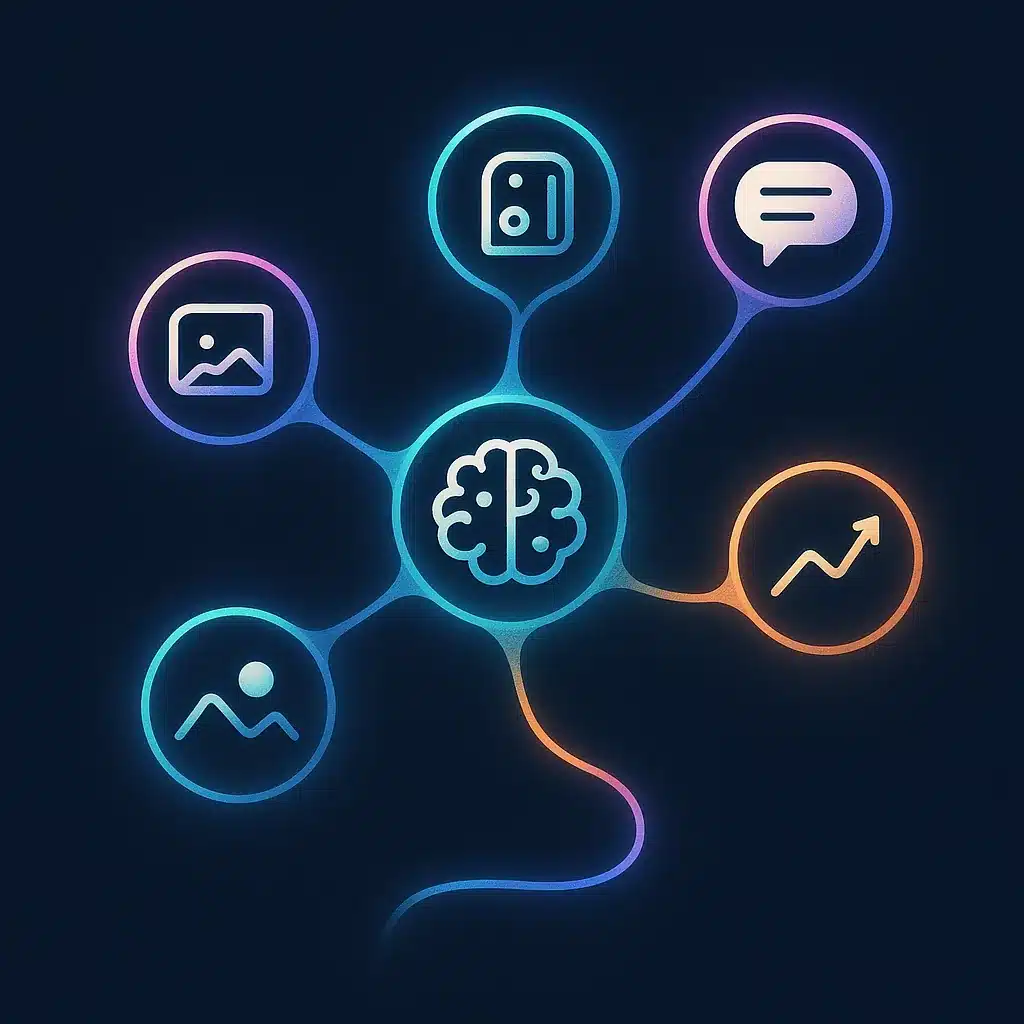
AI is not one thing. It is a set of technologies, each suited to a different type of work. Understanding how AI in business works starts with knowing which piece does what.
Machine learning is the foundation. It finds patterns in historical data and uses them to predict or classify new data. Feed it past sales figures and it forecasts next quarter. Machine learning improves as it sees more examples.
Natural language processing handles human language. It reads emails, tickets, and documents, then extracts meaning or drafts a response. Natural language processing is what lets a system route a customer complaint to the right team automatically.
Generative AI creates new content: text, summaries, code, or images. It drafts a first version of a report or a reply, which a person then reviews. Generative AI shifts effort from blank-page creation to editing.
Computer vision interprets images and video. It reads scanned documents, inspects products on a line, or counts inventory from a photo.
Predictive analytics combines these with data analysis to answer forward-looking questions: which customers will churn, which machine will fail. Predictive analytics turns raw records into decisions you can act on before a problem lands.
Understanding how AI in business works means seeing that most real systems combine several of these. That is why generic labels like "AI tools" hide a lot of detail underneath.
Why AI matters for companies and business strategy
Speed and consistency are the real prizes. When a competitor answers inquiries in seconds and your team takes hours, that gap becomes a competitive advantage you handed them for free. Artificial intelligence in companies can help close that gap and rebuild your competitive advantage by handling volume without adding headcount.
The strategic case rests on three shifts. First, improved decision-making: business intelligence built on live data beats decisions made from last month's spreadsheet. Second, better efficiency: automating repetitive work frees capacity you already pay for. Third, cost reduction that comes from doing more with the same team rather than cutting corners.
The root cause of why this matters for strategy is founder dependency. In many growing businesses, too much knowledge and decision-making sits with one or two people. AI systems that capture and act on that knowledge can reduce the bottleneck. The business can scale without every decision routing through the same overloaded person.
There is also a quieter benefit: visibility. Leaders often lack clear insight into their own operations because data sits in disconnected tools. AI in business pulls that data together and surfaces what is actually happening. That visibility, more than any single automation, is what can turn artificial intelligence in business from a cost into a strategic lever.
What AI actually does day-to-day: automation and workflow optimization
Day to day, AI is not writing poetry. It is doing the boring work that clogs your business operations. Automation and workflow optimization is where most companies see returns first, because it targets tasks that repeat dozens of times a day. This is the essence of AI workflow automation that removes repetitive work from the hours your team spends every week.
Consider what workflow automation looks like in practice. An order arrives by email. The system reads it, checks stock, updates the ledger, notifies the warehouse, and confirms with the customer. No one touched a keyboard. That is automation and workflow optimization removing five manual steps that used to take an employee twenty minutes each.
AI agents extend this further. Unlike a fixed script, AI agents can make small decisions along the way. They flag an unusual order for review, choose which supplier to reorder from, or escalate a query they cannot resolve. If you want to understand how AI agents differ from chatbots in operations, it comes down to this ability to act rather than just respond. This is where automation and workflow optimization moves past simple rules into work that adapts.
The pattern across every use case is the same. Find a repetitive task, map the steps, and let the system handle the ones that do not need human judgment. Workflow automation is not about replacing people. It is about deleting the manual work that never should have needed a person in the first place. This is exactly the kind of fit that custom-built workflow automation from firms like Bespoke Mind Ai is designed to solve, wiring the automation into how your team already operates.
Real-world examples and use cases of AI in companies
AI use cases become concrete once you tie them to functions. Here is what shows up most across real businesses.
In customer service, AI handles first-line inquiries, drafts responses, and routes complex cases to staff. The result is faster customer service reply times and a better customer experience without a bigger support team.
In finance and operations, fraud detection systems flag transactions that break normal patterns. They catch problems a human reviewer would miss in the volume. This is one of the oldest and most established AI use cases.
In logistics, supply chain optimization models forecast demand and adjust ordering, cutting both stockouts and overstock.
In manufacturing, predictive maintenance reads sensor data to warn that a machine is likely to fail, so repairs happen before a costly shutdown.
In retail and marketing, personalized recommendations suggest products based on individual behavior. This can lift sales and the customer experience without manual merchandising.
Take a common case: a mid-sized distributor drowning in manual order entry across three disconnected systems. Staff rekeyed the same order three times. A single typo could delay a shipment by two days and cost a customer relationship. Automating that flow removes the rekeying entirely and can cut order errors sharply. The lesson across every example is that AI tools earn their keep on high-volume, repetitive work, not novelty.

Key benefits of AI for business operations (efficiency, decisions, cost, visibility)
The benefits of AI for business operations fall into four clear buckets. It helps to be honest about which are quick and which take time.
Operational efficiency comes first and fastest. Automating repetitive tasks can give you back hours spent on data entry, copying between tools, and chasing status updates. This operational efficiency is the most measurable benefit because you can count the hours before and after.
Improved decision-making follows. When data analysis and business intelligence run on current data instead of stale reports, leaders decide from facts rather than guesses. Better inputs, better calls.
Cost reduction is real but indirect. You rarely cut costs by firing people. You cut them by absorbing growth without proportional hiring, and by reducing the errors that create expensive rework.
Visibility is the underrated benefit. Pulling scattered data into one view exposes operational bottlenecks you could not see before. Clearing those operational bottlenecks is often where the real gains sit.
There is also stronger risk management: systems that watch for anomalies in real time can catch problems earlier than periodic human review. Across all four, the honest framing matters. Results vary based on existing processes, complexity, implementation, and team adoption. AI supports efficiency; it does not guarantee it.
Challenges, limitations, and risks of adopting AI
- Incomplete or inconsistent data leads to unreliable outputs
- Avoid scope creep; define clear objectives upfront
- Always validate AI outputs, especially for customer interactions
- Be aware of data privacy regulations in your area
- Change management is crucial for team adoption
AI fails more often from bad setup than bad technology. The most common failure is data. If your records are incomplete, scattered, or inconsistent, the system produces unreliable output no matter how good the model is. Garbage in, confident garbage out.
The second risk is scope creep disguised as ambition. Teams try to automate everything at once, the project balloons, and nothing ships. A common pattern: companies that skip defining a single clear objective spend months and tens of thousands of dollars building a system no one uses. It solved a problem no one had.
Over-reliance is another trap. AI outputs need validation, especially generative AI, which can produce confident but wrong answers. A human review step is not optional for anything that touches customers or money.
There are also governance considerations. Depending on your industry and location, data privacy and AI usage may fall under specific regulations. Frameworks such as the NIST AI Risk Management Framework give organizations a practical structure for deploying AI safely. Check the rules that apply in your jurisdiction and, where relevant, consult a qualified professional. AI regulation varies by region and is still shifting.
Finally, AI adoption often stalls on people, not tech. If the team does not trust or use the system, it fails regardless of how well it was built. Change management is part of the project, not an afterthought.
Custom AI systems vs off-the-shelf software for real business fit
- Ideal for standard processes and common needs
- Cost-effective and quick to implement
- Forces teams to adapt to software limitations
- May create manual workarounds for unique workflows
- Tailored to specific business operations
- Removes bottlenecks generic tools can’t address
- Requires investment but offers better fit
- Best for unique processes needing integration
Off-the-shelf software is the right call when your process matches how the tool expects you to work. Standard invoicing, common CRM needs, generic scheduling: buy the product, save the money, move on. There is no reason to build what already exists.
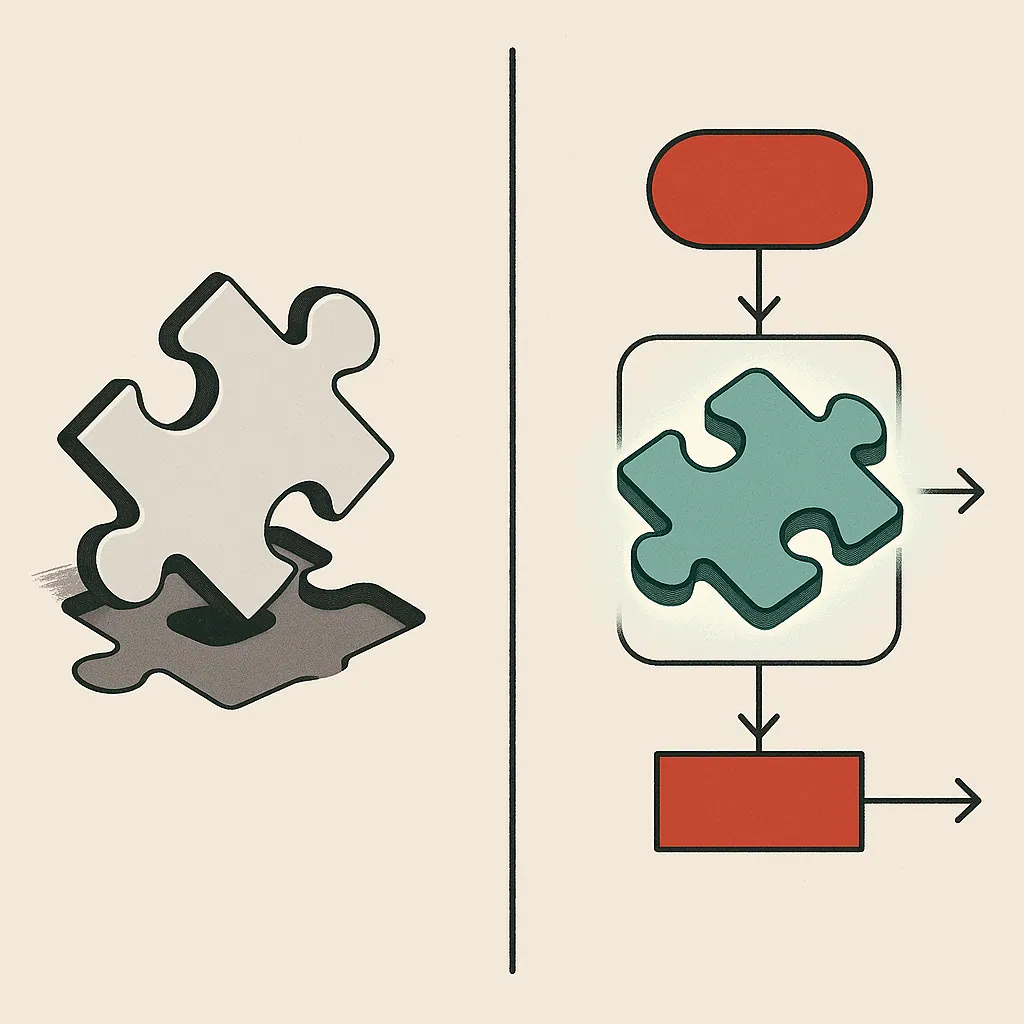
The problem shows up when your workflow does not fit the box. Off-the-shelf software forces your team to change how they work to suit the software. Say your business has unusual processes, or systems that need to talk to each other in specific ways. That mismatch creates the very manual work you were trying to remove: exports, workarounds, and copy-paste bridges between tools.
That is where custom AI solutions make sense. Custom-built systems are designed around how your business actually operates, not the other way around. The reason this matters is fit. A system shaped to your workflow removes bottlenecks that a generic tool cannot even see. This is the case for custom AI solutions built around your operations rather than forcing your team to bend to someone else's software.
The honest answer is that most businesses need both. Use off-the-shelf tools for standard functions. Use custom AI solutions where your bottlenecks are specific enough that generic software leaves gaps. Bespoke Mind Ai builds these tailored systems and AI agents for exactly those cases, along with readiness audits to tell you which path fits before you spend on either.
How to get started: readiness, scoping, and a practical first step
Do not start with the technology. Start with the problem. The first step is naming one specific, repetitive task that costs your team real hours every week. Vague goals like "become more efficient" produce vague projects that stall. If you are unsure how to begin, guidance on where to start with bespoke AI for your business gives non-technical teams a low-pressure entry point.
Second, check your AI readiness. Is the data this task depends on accurate and accessible, or does it live in someone's inbox and three spreadsheets? An honest AI readiness assessment saves you from building on a foundation that cannot hold. If the data is a mess, fixing that comes first, and an AI readiness audit for your operations will tell you what to address before any build begins.
Third, scope small. Pick one workflow, define what success looks like in concrete terms (hours saved, errors reduced), and build only that. A small win that ships beats an ambitious plan that never launches. Prove the value on one process, then expand.
Fourth, plan the handoff. A good system is one your team can run without the builder standing over it. Ownership and training are part of the finish line.
This sequence (define the objective, assess the data, scope a narrow build, then hand off) is what keeps artificial intelligence in companies from becoming an expensive experiment. It turns AI adoption into a series of manageable steps rather than one big risky bet.
If repetitive work is slowing your team down and you want to know which processes are worth automating first, a low-pressure conversation is the fastest way to find out. You can book a discovery call with Bespoke Mind Ai to identify the bottlenecks worth solving and see whether a custom system or an off-the-shelf tool fits your situation better.
Frequently Asked Questions
How are companies actually using AI day to day?
Companies apply AI mainly to data analysis, forecasting, customer support, and automating repetitive tasks like data entry and inventory management. The most common wins come from removing manual work in existing workflows rather than adding entirely new capabilities.
What's the difference between AI and traditional automation like RPA?
Traditional automation, including RPA, follows fixed rules and only handles structured, predictable tasks such as report generation when data formats stay identical. AI uses machine learning to recognize patterns and adapt to messy or changing inputs, so it can handle decisions RPA can't.
Is investing in AI actually worth it for a small or mid-sized business?
It's worth it when you target a specific bottleneck with measurable time cost, not when you adopt AI for its own sake. The clearest ROI comes from automating high-volume repetitive tasks where you can quantify the hours saved before you build.
What if our company data isn't clean or well-organized?
Data readiness is the most common blocker, since AI systems depend on accurate, accessible datasets to produce reliable results. Most implementations should start with a data readiness assessment and basic governance before any model is built.
How do companies start implementing AI without wasting money?
Start by defining a specific problem AI should solve, assess whether your data supports it, then scope a small build tied to a clear outcome. Skipping the objective-and-data step is the main reason AI projects stall or overspend.
What are the biggest risks of using AI in a company?
The main risks are poor data quality producing unreliable outputs, over-reliance on tools that don't fit real workflows, and unrealistic expectations about what automation can do. These are managed by scoping narrowly and validating results against actual business impact.
Should we buy off-the-shelf AI software or build a custom system?
Off-the-shelf tools work when your process matches how the software expects you to operate, but they force your team to adapt to the software. Custom-built systems make sense when your workflows, data, or bottlenecks are specific enough that generic tools leave gaps.
Which company functions see the fastest results from AI?
Functions with high volumes of repetitive, structured work:customer inquiries, scheduling, data entry, and reporting:typically show results fastest. These areas give you measurable time savings that are easy to track after handoff.