

Most teams don't need another subscription. They need the tools they already pay for to talk to each other. Picture an operations manager exporting a spreadsheet from one system just to re-key it into another. That's not a software gap. It's a wiring problem, and buying a tenth app usually makes it worse. This article walks through the steps to automate a process the practical way. We cover what business process automation means, how to spot candidates, and how to remove manual work without piling on more logins. If you want the bigger picture first, our guide to automate workflows without adding more software covers the same premise in depth.
What it means to automate a process (definition and basics)
To automate a process means handing the predictable steps of a workflow to software, so people stop doing them by hand. Think data entry, moving records between apps, sending the same follow-up email, or generating a report on a schedule. The work still happens. A set of rules and triggers runs it instead of a person clicking through screens.
Business process automation covers this idea broadly. It replaces manual steps in a business workflow with an automated process that fires the same way every time. This matters because of consistency. A person doing a task 200 times will slip. Software following fixed rules is far more consistent. For a plain-English overview, the U.S. Small Business Administration publishes guidance on documenting operations that pairs well with any effort. Compliance and record-keeping rules vary by industry and jurisdiction, so check the requirements that govern your business before you hard-code any step. If you want to know which processes are worth the effort, our breakdown of business process automation that actually works walks through the practical criteria.
Why automate a process, the case for removing manual work
The honest case for process automation is time and accuracy, not magic. Manual data handling typically carries a 1 to 5% error rate per operation. Every error costs someone downstream a correction, a call, or a missed deadline. Consider a services firm invoicing 400 clients a month by hand. At 15 to 20 minutes each, that's roughly two full work weeks lost to a task that adds no judgment.
Removing that manual work does two things. It buys back hours for work that needs a human, and it makes output more predictable. Microsoft's Work Trend Index has documented how much of the workday gets eaten by low-value churn. The clearer story is one of augmentation rather than replacement, a point Harvard Business Review on humans and AI working together makes well. When you automate business processes, the goal isn't more software. It's less manual work, and the operational efficiency gains can grow as volume grows.
How process automation actually works (people, systems, and workflows)
Automation runs on a simple pattern: a trigger, a set of rules, and an action. Something happens, such as a form submitted, an invoice arriving, or a status changing. The system checks the rules and performs the next step. Automated workflows chain these together, so a whole process moves without someone shepherding it. That's how you automate the process end to end.
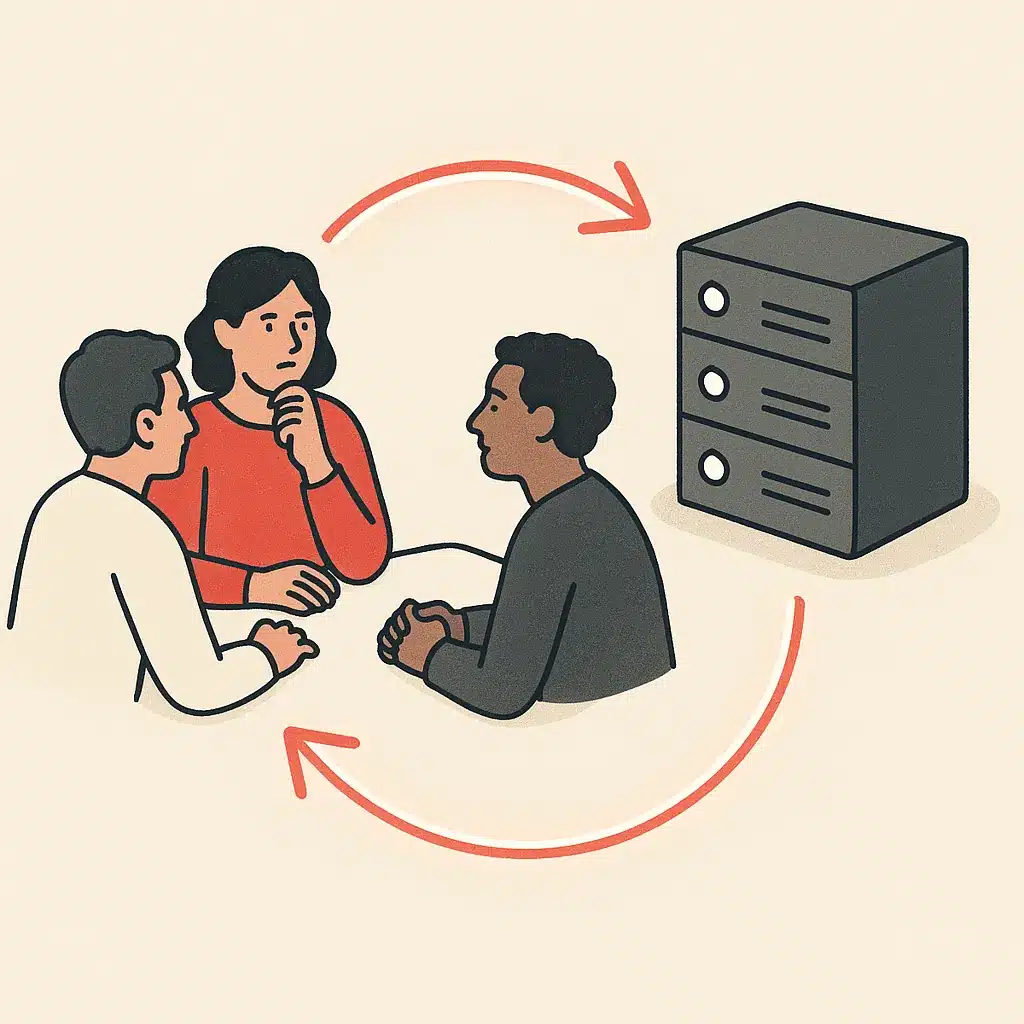
Three pieces have to line up. People define what "correct" looks like and handle exceptions. Systems hold the data and make it available through connections. Workflows are the logic that ties the two together. When automation fails, it is usually not a technology problem but a mapping problem: the rules didn't match how the work really gets done. That's why documenting before building matters more than picking a tool. Many assume automation replaces judgment. In reality, it removes the mechanical repetitive tasks around it, which is the core idea behind AI workflow automation to remove repetitive work.
Types of process automation (RPA, AI, workflow, hyperautomation)
There are a few distinct types of process automation, and mixing them up leads to bad tool choices. Workflow automation coordinates an end-to-end process across multiple apps and hand-offs. Think of taking a new lead from a form to a CRM record and a welcome sequence. Robotic process automation is narrower. It mimics a person's clicks to handle a single repetitive task inside one system, useful when an app has no clean integration.
Then there's AI-driven automation, where the software handles steps that aren't purely rule-based, such as classifying documents or drafting a reply. This widens what these automation tools can cover. Hyperautomation is the umbrella term for combining all of this, including AI agents that carry out multi-step tasks with some independence; Gartner's definition of hyperautomation is a useful reference for teams weighing how far to take it. Most operations don't need one type. They need the right mix matched to each step.
Step-by-step: how to automate a process from start to finish
Here are the core steps to automate a process, in order. Follow these and you avoid the most common failure: automating a broken workflow.
Identifying which processes to automate first (bottlenecks and repetitive work)
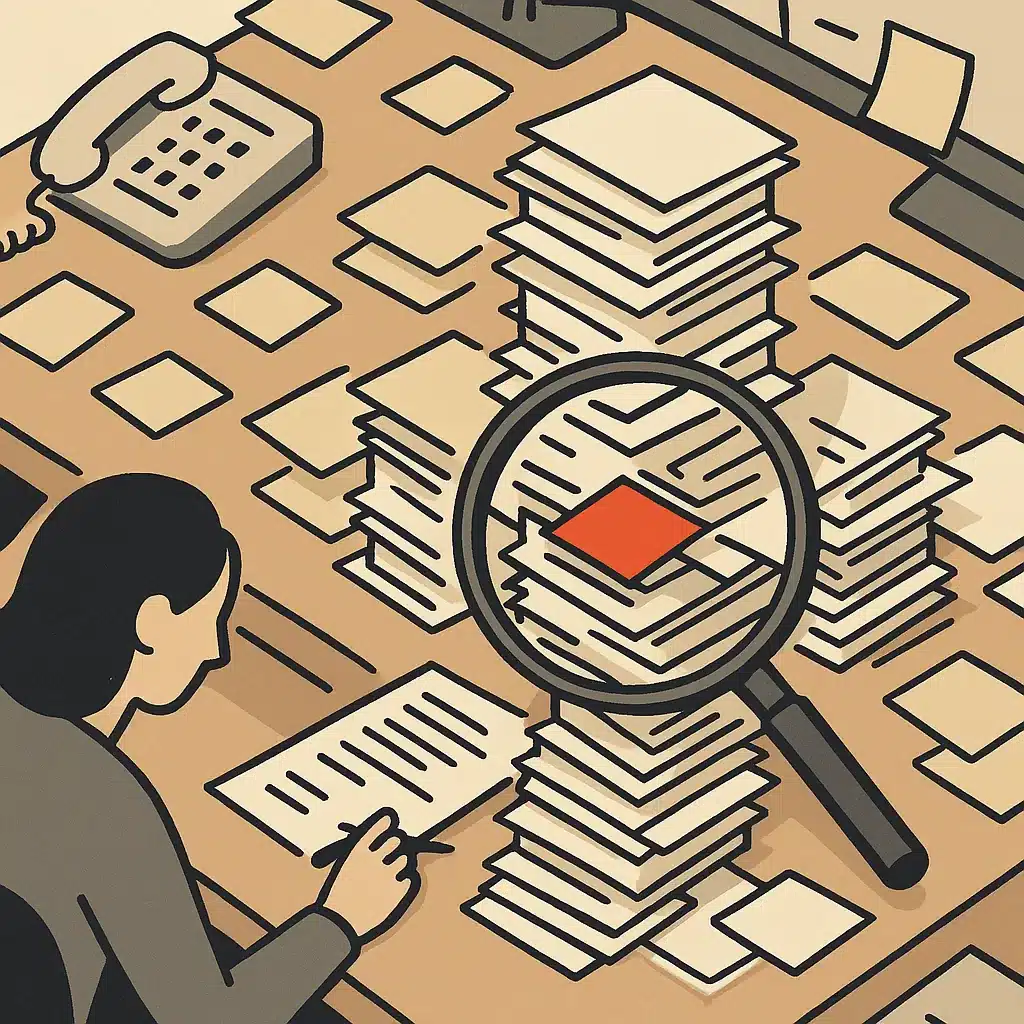
To identify processes for automation, look for two signals: repetition and pain. A task done daily that eats 20 minutes is a far stronger candidate than a monthly one-off, because the payoff scales with frequency. Watch for the operational bottlenecks where work piles up: the approval that always waits for one person, the report nobody pulls, the data copied between three tools.
The root cause of most operational bottlenecks isn't lazy staff. It's disconnected systems that force people to become the integration. Where information lives in separate platforms and someone bridges the gap by hand, you can identify processes for automation quickly. Bespoke Mind Ai's readiness audits focus here, mapping repetitive tasks and fragmented workflows to find the highest-value candidates before anything gets built. Start where volume, error risk, and delay overlap.
Examples of processes you can automate across a business
The practical wins show up in the same places across most companies. In finance, invoice creation, payment reminders, and expense approvals move from manual entry to automated workflows. In sales and marketing, lead capture, CRM updates, and follow-up sequences run without anyone remembering to send them. Customer service uses automation to route tickets, send status updates, and draft first-response replies. The U.S. Bureau of Labor Statistics analysis of automation and occupations shows automation tends to reshape roles rather than erase them.
Internal operations offer the quietest but often largest gains: onboarding checklists, document generation, and scheduled reporting that used to be a weekly ritual. These are exactly where Bespoke Mind Ai builds automation tools around how a team works to automate business processes. None of these require rebuilding the business. They just remove the repetitive tasks bolted onto real work.
Benefits and limitations of process automation
The benefits of process automation are concrete. You can get time savings that scale with volume and a lower error rate, because rules don't get tired. You also get better visibility, because an automated process leaves a clean record of what happened and when. The benefits include operational efficiency, since work stops waiting on one person's availability. That can reduce founder dependency and lift overall business operations.
The limitations are just as real, and pretending otherwise sets teams up to fail. Automation handles the predictable. It struggles with genuine judgment, negotiation, and messy exceptions. Results vary based on existing processes, complexity, and adoption. An automated workflow built on bad data will confidently produce bad output. Automation is a multiplier, not a fix. It makes a good process faster and a broken process fail faster, which is why the mapping work up front is non-negotiable.
Common risks and mistakes to avoid when automating
- Automating without understanding leads to inefficiencies
- Over-automating tasks needing human review
- Ignoring exceptions until they disrupt workflow
- Choosing tools before defining the problem
- Failing to monitor and handle exceptions
The biggest mistake is automating before understanding. Teams that skip mapping end up encoding their own inefficiencies. They run a bad process at higher speed and wonder why nothing improved. That's the number one risk and pitfall, and it's entirely avoidable.
The other common risks and pitfalls: over-automating tasks that genuinely need human review, ignoring exceptions until they break the workflow, and choosing automation tools before defining the problem. Picture a distribution company that automated order confirmations but never handled the 8% of orders with special shipping notes. Those silently got wrong labels for weeks, costing real money. Understanding these risks up front means you build in exception handling and a way to monitor from day one. Keep a human in the loop wherever a decision has consequences, and start small so mistakes stay cheap.
Automating without adding more software: connecting the tools you already have
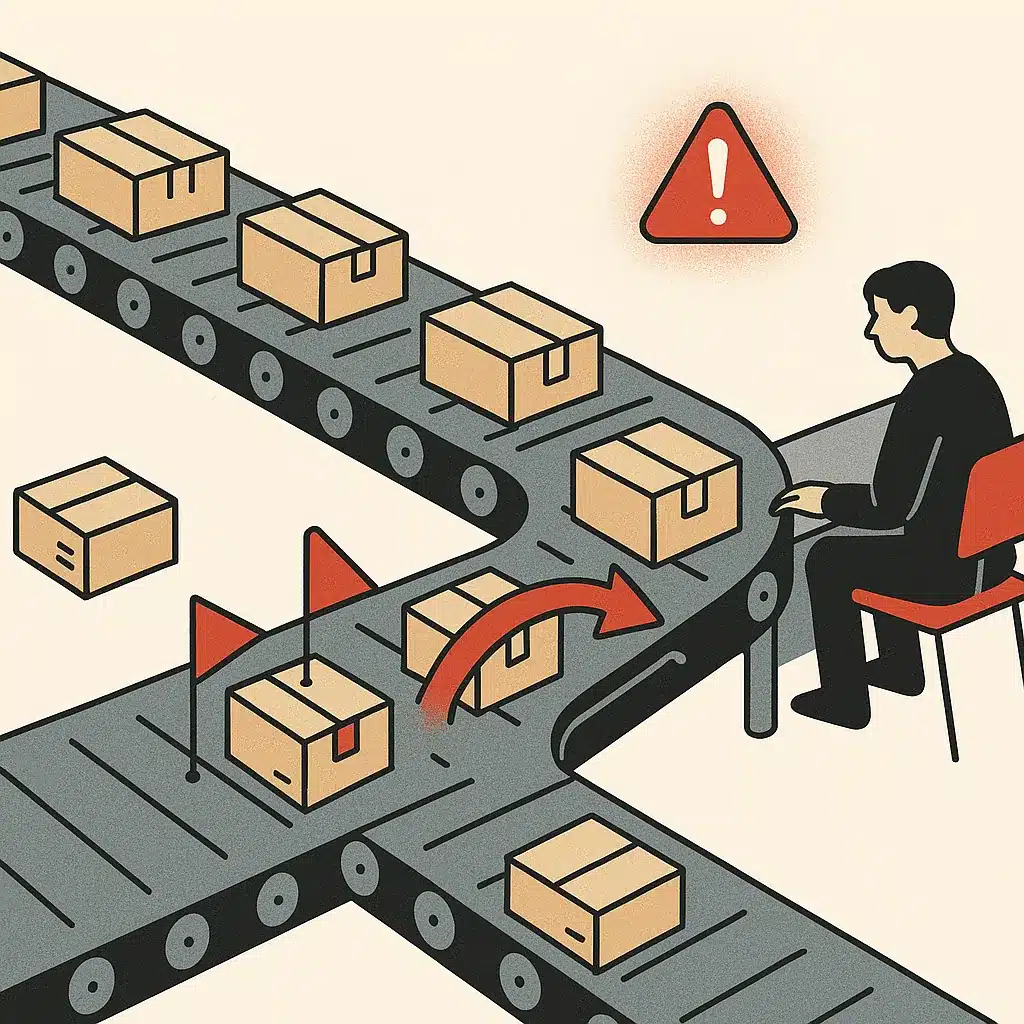
Most businesses already own the software they need. The problem is that those tools sit in silos, so people become the glue moving data between them. Automating without adding more software means connecting the apps you already pay for so information flows automatically instead of by copy-paste. This is also why adding more software usually isn't the answer: a tenth app rarely fixes a wiring problem.
This is where workflow automation earns its keep. Rather than buying a new platform that duplicates what you have, you build automated workflows across existing systems on defined triggers. Every new tool adds another login, another data island, and another thing to maintain. Connecting the tools you already have often delivers more operational efficiency than any single new app, because the friction was never a missing feature. It was the gap between the features you already had.
Custom automation vs off-the-shelf tools for your operations
- Built around actual workflows
- Adapts as business changes
- Cost-effective focused builds
- Tailored to unique processes
- Fast to start and cheap per seat
- Best for standard tasks
- Requires adapting workflows
- May not handle changes well
Off-the-shelf software is fast to start and cheap per seat, and for standard tasks it's the sensible choice. The trade-off is that you adapt to the tool. Your workflows bend to fit the software's assumptions, and when your business operations change, the tool often can't follow.
Custom systems flip that. Automation built around your actual workflows maps to how the business genuinely runs and adapts as it changes. That matters most for the processes that make you different from competitors. Many owners assume custom means enterprise-only. In reality, the cost to automate a process depends on scope, and a focused build often beats stitching together five subscriptions that half-solve the problem. Bespoke Mind Ai builds custom systems built around how your business operates, not off-the-shelf software, designed around how your team already operates.
How to tell if your operations are ready to automate
You're ready when three things are true. First, you can name the specific process, not just "we're busy." Second, that process is repetitive and rule-based enough to document clearly. Third, someone can own the rollout and handle exceptions instead of expecting the automation to run itself. If you're curious what a scoped project looks like, our overview of how the engagement process works lays out the steps.
Here's a quick readiness check. Can you draw the workflow end-to-end on one page? If not, you have a process improvement problem to solve before any tool enters the picture. Do you have reasonably clean, accessible data, or does critical information live in someone's head and a dozen spreadsheets? Automation amplifies whatever it's built on. Fixing a shaky data setup first is the difference between a process that quietly saves hours and one that quietly creates problems.

When you automate the process the practical way, the payoff is less manual work, fewer errors, and systems that finally talk to each other. If repetitive work is slowing your team down and your tools aren't connected, a short conversation can surface where automation would actually pay off. Bespoke Mind Ai starts every engagement by understanding the underlying operational problem, then builds around it. You can book a discovery call to map your automation opportunities and get a plain-English read on what's worth automating first.
Frequently Asked Questions
What does it actually mean to automate a process?
It means using technology to run the steps of a workflow with minimal human input, usually for repetitive, rule-based tasks like data entry or invoice processing. The result is faster execution, fewer errors, and staff freed up for work that requires judgment.
How do I automate a process step by step?
Start by identifying repetitive, error-prone tasks worth automating, then map the current process end-to-end to expose bottlenecks before you build anything. Fixing flawed workflows first prevents you from automating existing inefficiencies and just running bad processes faster.
Which processes should I automate versus keep manual?
Automate tasks that are high-volume, rule-based, predictable, and prone to human error, such as approval workflows and compliance checks. Keep processes manual when they require human judgment, negotiation, or one-off decision-making that can't be reduced to clear rules.
How much difference does automation actually make versus doing it manually?
Manual data handling typically carries a 1-5% error rate per operation, while automation runs on fixed rules and triggers to eliminate most of that variability. In one common example, automating invoice creation cuts the time per invoice from 15-20 minutes to nearly zero.
Is automating a process really worth the effort for a small business?
It's worth it when a task is repeated often enough that the time and error savings outweigh setup cost, which is why volume and frequency are the first things to assess. Automating a one-off task rarely pays off; automating a daily 20-minute task usually does.
What if I automate a process and it locks me into rigid software I outgrow?
That risk comes from forcing operations into off-the-shelf tools rather than building automation around how your business actually works. A custom-built approach maps to your existing workflows and adapts as they change, instead of forcing your team to work around the software's limits.
What's the difference between workflow automation and robotic process automation?
Workflow automation coordinates an entire end-to-end process across multiple systems and hand-offs, while robotic process automation focuses on automating individual tasks within that process. Most real-world operations use a combination, matching the method to each step rather than one tool for everything.
Do I need a developer, or can no-code tools automate the process for me?
No-code platforms like Zapier connect 6,000+ apps and Make offers visual multi-step builds with conditional logic, which cover many common tasks without coding. When processes span disconnected systems or involve complex logic, a custom-built integration is often more reliable than stitching together generic connectors.