

A five-person finance team spends eleven hours a week keying invoices into three systems that don't talk to each other. This isn't rare. It's the default state of a growing business. The instinct is to buy another tool. A real business automation solution does the opposite. It connects what you already run and removes the manual steps between systems. This article walks through what these systems are, how the different types work, and how to tell automation that removes manual work from software that just piles more onto the stack.
What is a business automation solution (plain-English definition)
A business automation solution is a set of connected systems that runs repetitive, rule-based work with little or no human input. Think invoice processing, data entry, sending onboarding paperwork, or routing approvals to the right manager. Instead of a person copying information from an email into a CRM and then into an accounting tool, the system moves it automatically. It follows the same rules every time, which is exactly why it cuts the errors that creep in whenever a tired person retypes the same figure for the tenth time that day.
The category is often called business process automation, or BPA. This software covers everything from simple workflow automation to more capable AI systems that can read documents or make routing decisions. If you want a grounded view of which approaches deliver, this breakdown of business process automation that actually works is a useful starting point. The U.S. Small Business Administration's guide to managing your business technology helps owners decide where technology fits. The goal isn't more software. It's less manual work and fewer places where a task can stall or break.
One point worth flagging early: automation that touches invoicing, payroll, tax, or employee records runs into rules that vary by jurisdiction. Data retention, e-invoicing mandates, and payroll reporting differ by country and often by state or province, so any system handling that work has to be built to the requirements of where you actually operate. Check with your local tax authority or a qualified advisor before you automate a compliance-sensitive step.
Why manual work builds up in growing businesses (the underlying problem)
Manual work rarely arrives all at once. It accumulates. A founder handles invoicing in a spreadsheet because it works at ten clients. At two hundred clients, that same spreadsheet is a daily bottleneck, and only one person understands it.
The root cause is disconnected systems. Each new tool solves one problem and creates a new gap. Staff become the glue between platforms, retyping data and chasing approvals. Microsoft's Work Trend Index has documented how much of the workday gets consumed by this coordination and admin rather than the actual job.
What happens is that repetitive tasks multiply faster than headcount. A common pattern: teams that grow 40% in a year find overhead grows faster. Every new person inherits the same manual hand-offs. Left alone, this creates founder dependency, reporting blind spots, and operational bottlenecks that slow business operations. The better move is to automate workflows without piling on more software, and business process automation exists to break that cycle.
Types of business automation: BPA, RPA, workflow, and intelligent/AI automation
There are four types of business automation worth knowing, and they solve different problems.
Workflow automation handles the movement of tasks and information between people and tools. It triggers the next step when the previous one finishes, so nothing sits waiting in an inbox.
Business process automation (BPA) is broader. It automates entire business workflows across departments, like order-to-cash, by tying multiple systems together.
Robotic process automation (RPA) is narrower. RPA uses software bots to mimic human clicks and keystrokes. It is useful when two systems can't integrate directly and someone would otherwise copy data by hand.
Intelligent automation adds a decision layer. This is where AI agents and AI systems come in, reading unstructured documents, classifying requests, or handling exceptions rigid rules can't. When these types combine and scale across an organization, they approach what Gartner's definition of hyperautomation describes. Most deployments of business automation software blend these types rather than picking one, because a single process usually needs routing, integration, and judgment at different points along the way.
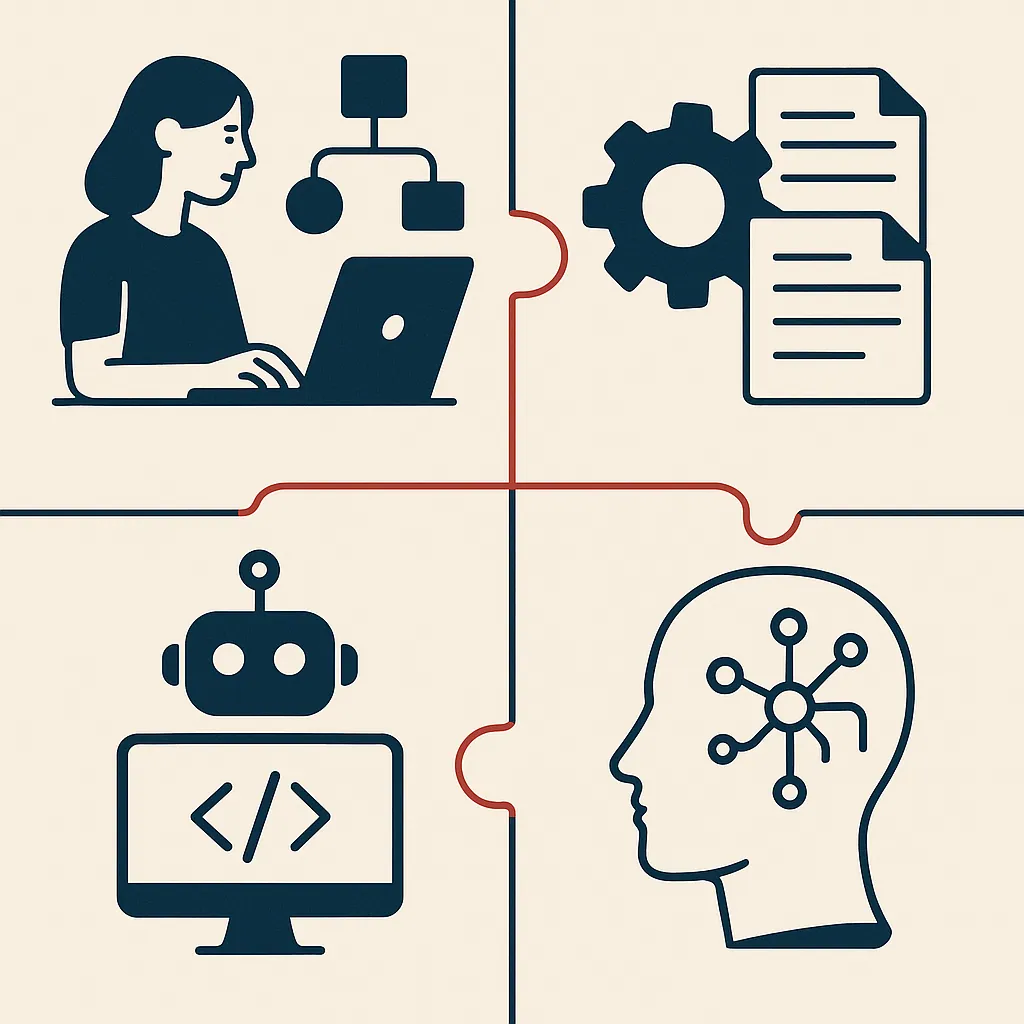
BPA vs RPA vs workflow automation, how they actually differ
- Automates business operations from start to finish
- Integrates multiple systems like accounting and CRM
- Focuses on the entire process flow
- Reduces manual re-entry across systems
- Automates specific tasks a human performs
- Operates one screen at a time
- Often a workaround for non-integrated systems
- Can break with changes in screen layout
People use these terms interchangeably, and that causes bad buying decisions. Here's the practical difference.
Workflow automation is about sequence: who gets what, when, and in what order. It's the routing and hand-off layer.
BPA is about the whole process. It automates business operations from start to finish, integrating the accounting system, the CRM, and the shipping tool so a single order flows through without manual re-entry.
RPA is about the task. Bots repeat a specific action a human would otherwise do by hand, one screen at a time.
Many assume RPA is the modern, all-purpose answer. In reality, RPA is often a workaround for systems that won't integrate, and it can break the moment a screen layout changes. Here's why that matters. Choosing RPA where real integration is possible means automating a symptom instead of fixing disconnected systems. Good business process management starts by mapping the process, then picking the mechanism.
How a business automation solution works (rules, workflows, hand-offs)
Every automation runs on three things: triggers, rules, and hand-offs. A trigger is the event that starts the process, like a new invoice arriving or a form being submitted. Rules define what happens next. If the invoice is under a threshold, approve it. If not, route it to a manager.
Hand-offs are where most business workflows fail without automation. That's where a task waits for a human to notice it. An automation solution removes that wait. The system passes the task, the data, and the context to the next step or person the instant it's ready. This is the essence of AI workflow automation for removing repetitive work, clearing the waiting and re-entry that eat the day.
The more capable automation tools add conditional logic and exception handling, so edge cases get flagged instead of silently stalling. Bespoke Mind AI builds these rule sets and hand-offs around how a team already operates, mapping the real workflows first rather than forcing work into a template. That mapping separates a system that holds up from one that creates new bottlenecks.
Why business automation matters (importance and business impact)
Manual processes don't just waste time. They introduce human error at every hand-off, and errors in invoicing, payroll, or compliance are expensive to unwind.
Picture a distribution company that processes 500 orders a week by hand. A 2% error rate means ten wrong shipments weekly, each costing return freight, a refund, and a frustrated customer. Over a year that's a five-figure leak that never shows up on a single line of the P&L, so nobody flags it. The reason it stays hidden is structural: the cost is spread across freight, support time, and churn, so no single report ever adds it up.
Business automation matters because it attacks that leak directly. Intelligent automation can improve operational efficiency by removing the manual steps where mistakes and delays live. It also helps to know which roles this actually touches; the Bureau of Labor Statistics analysis of automation and occupations shows it's concentrated in repetitive, rule-based work rather than judgment-heavy jobs. It also gives leaders visibility they lacked before. When a process runs through a system instead of someone's memory, you can finally see where it slows down. Results vary based on existing processes, complexity, and team adoption, but the mechanism is consistent: fewer manual touches, fewer failure points.

Benefits of business automation (time savings, accuracy, cost, scalability, visibility)
The benefits of business automation come down to five things, and they compound.
Time savings come first. Hours previously spent on data entry and chasing approvals get returned to the team for higher-value work.
Accuracy follows. When a rule runs the same way every time, you reduce the human error that manual re-entry tends to introduce.
Cost is the third benefit, though it's often indirect. You're not usually cutting headcount. You're avoiding the new hires that manual overhead would otherwise demand as you grow. If you need to build a business case, this framework for how to calculate ROI on automation projects helps put numbers behind those savings.
Scalability is where automation earns its keep. Scalable systems can handle much higher volume without a matching increase in staff, because the process doesn't depend on anyone remembering the steps.
Visibility ties it together. Automated business operations generate clean data, so bottlenecks become obvious and decisions get easier to justify. These benefits are why growing teams reach for automation in the first place.
Common examples and use cases (onboarding, invoicing, approvals, reporting)
Automation use cases tend to cluster around the same repetitive tasks across most businesses.
Employee onboarding is a classic. Instead of HR manually creating accounts, sending forms, and pinging IT, one trigger sets off the whole sequence and tracks what's outstanding.
Invoice processing is another. Invoices get captured, matched against purchase orders, and routed for payment without anyone retyping figures into the accounting system.
Approvals and routing show up everywhere: expense claims, discount requests, contract sign-offs. Rules send each item to the right approver based on amount or type, with automatic reminders when something stalls.
Reporting is the quiet win. Instead of someone stitching together a weekly report from four tools, the data pulls itself. Sales, marketing, and customer service automation round out the list. These automation use cases are where small business automation often pays off fastest, because the same rule-based task repeats often enough that a system removes real hours from the week.
Which processes to automate first
Don't automate the most exciting process. Automate the most annoying one.
The best processes to automate first share three traits: they're high-volume, highly repetitive, and rule-based with few exceptions. Data entry between two systems, invoice matching, and standard approvals fit perfectly. If a task follows the same logic every time and happens dozens of times a week, it's a strong candidate.
Avoid starting with processes that need heavy human judgment or change constantly. Those need a decision layer and more careful design, and they're a rough place to learn.
Here's a simple way to rank them. Multiply how often a task happens by how long it takes, then subtract how often the rules change. The high-frequency, stable tasks rise to the top. Starting there gives you a quick win in operational efficiency, which makes the next round of process improvement an easier sell internally. If you're still deciding where to begin, this guide on where to start with AI solutions for your business lays out a practical first step.
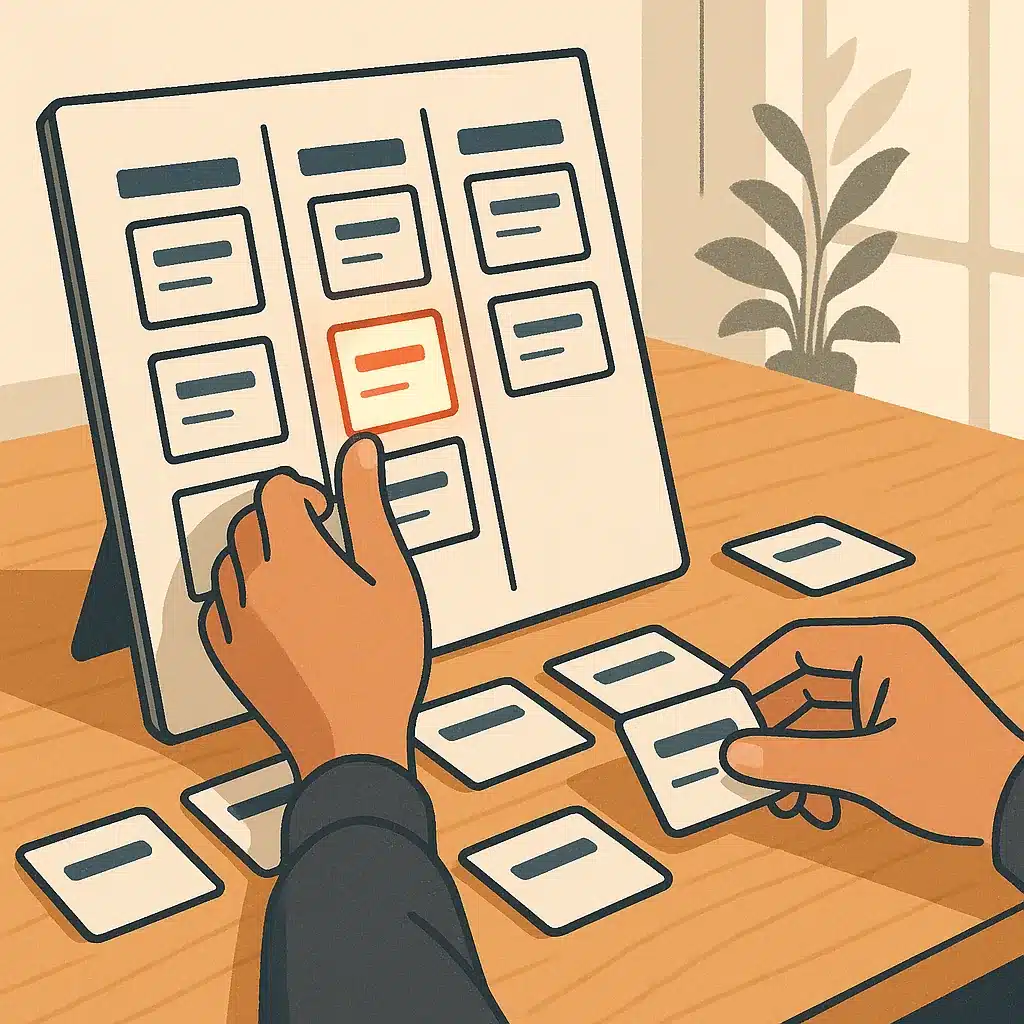
How to know what actually removes manual work vs. just adding software
Here's the test. Does the new system reduce the number of times a human touches the data, or does it add another place someone has to log in and check?
Buying off-the-shelf software often does the second thing. You solve one visible task and quietly create a new island of information that someone now has to reconcile with everything else. That's how disconnected systems multiply.
A real business automation solution removes manual work by connecting the steps end-to-end, so data flows without re-entry. When implementing business automation, watch for this sign. If your team still exports a CSV from one tool to import into another, you haven't automated, you've relocated the manual work.
Before adopting any automation tools, trace one full process on paper and count the manual hand-offs. Then ask whether the tool clears those hand-offs or just adds a step. Consolidating and integrating disconnected tools, rather than layering on another platform, is where the actual time savings hide.
Why off-the-shelf tools leave manual work behind, the case for custom-built systems
Off-the-shelf software is built for the average company, which means it fits no company exactly. It handles 80% of a process well and leaves the awkward 20% to your team. That 20% is usually where the manual work lives.
The gap widens as you grow. A generic tool forces your business workflows to match its assumptions, so staff build spreadsheets and side processes to cover what it can't do. Those workarounds become the next generation of operational bottlenecks that drag on efficiency.
Custom-built systems flip that. They're designed around how your business actually operates, which means the awkward 20% gets handled instead of dumped on people. Bespoke Mind AI builds internal tools and integrates existing AI systems so the process runs the way your team already works, not how a vendor imagined it. This is the core argument for custom AI solutions built around your operations rather than generic platforms. When implementing business automation, the choice isn't off-the-shelf versus custom on price alone. It's whether the tool fits your operation or your operation has to bend to fit the tool.
If repetitive work and disconnected systems are slowing your team down, a discovery call can help identify where AI systems would actually remove manual work rather than add to it. You can talk through your operational bottlenecks with the team at Bespoke Mind AI and get a plain-English read on what's worth automating first.
Frequently Asked Questions
What does a business automation solution actually do?
It uses technology to run repetitive, rule-based tasks like data entry, invoicing, and customer communications with minimal human input. The result is fewer errors, faster workflows, and staff freed up for higher-value work instead of manual admin.
How much does a business automation solution cost for a small business?
Small business automation typically runs $10,000-$50,000 upfront, with ongoing monthly costs of $500-$2,000 depending on complexity and the number of users. Pricing models vary by vendor, so compare per-user, per-workflow, and flat-rate structures before committing.
What's the difference between business process automation and robotic process automation?
Business Process Automation (BPA) automates entire workflows across departments:like the full order-to-shipping process:by integrating multiple systems. Robotic Process Automation (RPA) is narrower, using software bots to mimic human clicks on specific tasks like copying data between screens.
Is a business automation solution really worth the investment?
It depends on how much manual, repetitive work is slowing your team down and whether you can measure the time saved. If staff spend hours weekly on data entry, hand-offs, or reporting, the reclaimed hours and reduced errors usually justify the spend:if the tools connect to your existing systems.
What if we already use a lot of software:won't automation just add another tool?
That's a common trap; bolting on more disconnected software often makes fragmentation worse. The better approach is consolidating and connecting what you already run so information stops living in silos, which is why integration capability matters more than adding another platform.
How do I choose the right business automation solution for my needs?
Start by mapping which processes:finance, CRM, HR, supply chain:cost you the most manual time, then prioritize solutions that integrate cleanly with your existing ERP and CRM. Weigh whether a specialized tool or a broader custom-built system fits, and confirm it won't create new data silos.
What are some widely used business automation tools?
Zapier connects over 7,000 apps for no-code task automation, and Make.com (formerly Integromat) offers a visual workflow builder. For marketing-specific automation, ActiveCampaign, HubSpot, and Salesforce are commonly cited, though off-the-shelf tools don't always fit unique operations.
Will automation give us better visibility into how the business is running?
Yes:automated workflows standardize processes and create reliable audit trails, which supports compliance and consistent outcomes. They also generate real-time operational data, making bottlenecks easier to spot and decisions faster to justify.