

A finance team closes the books three days late every month. Someone has to copy numbers from four systems into one spreadsheet by hand. That's not a technology gap. It's a process problem, and it's exactly the kind of thing the automation of processes is built to fix. This article breaks down what process automation really means, how it works, where it removes manual work, and where it quietly fails.
What process automation actually means (plain-English definition)
Process automation uses software to run a set of routine, rule-based steps so people don't have to do them by hand. It's not one magic tool. It's a system that moves data, triggers actions, and makes simple decisions across your business processes using rules you define.
Here's why this matters: most manual work isn't complex, it's repetitive. Copying a value, sending a follow-up, updating a record. Business process automation targets exactly those steps. It strings them together so an entire process runs on its own. This is the essence of AI workflow automation that removes repetitive work without adding new layers of effort.
The concept sits under a broader discipline called business process management. For a structured overview of how organizations formalize and improve processes, the Association of Business Process Management Professionals treats this as a defined field, not a one-off install.
What manual work looks like and why it accumulates
Manual work is rarely one big task. It's a hundred small ones. Re-keying orders. Chasing approvals over email. Exporting a report, reformatting it, pasting it somewhere else. Each takes minutes. Together they eat days.
Manual work accumulates because tools multiply faster than they connect. Every new app solves one problem and creates a new gap between systems. Someone becomes the human bridge across those disconnected systems. That work stays invisible until they're out sick. The U.S. Bureau of Labor Statistics analysis of occupations affected by automation offers a useful frame for which of these repetitive tasks are most exposed.
Microsoft's Work Trend Index has repeatedly found that employees lose significant time to low-value admin and app-switching. That lost time is where repetitive tasks quietly pile into operational bottlenecks. They drag down day-to-day efficiency no one planned for.
How process automation works step by step
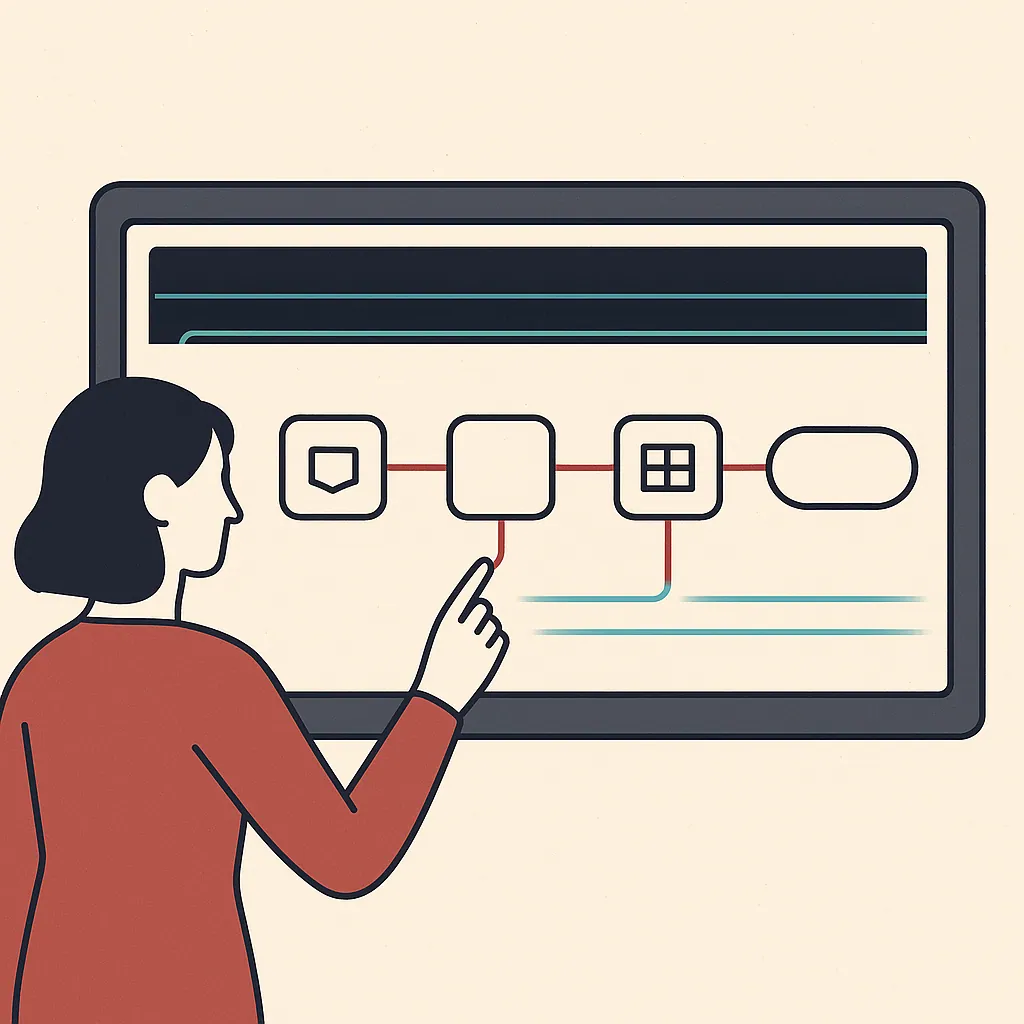
An automated process follows a trigger-action logic. Something happens, the system reacts, then it moves to the next step. A new order arrives, the software validates it, updates inventory, notifies the warehouse, and sends the customer a confirmation. No one touched it.
Underneath, three things do the work: a trigger that starts the process, rules that decide what happens next, and integrations that let separate tools pass data to each other. Intelligent automation often adds software that can handle steps that aren't purely rule-based, like reading an invoice or sorting a support message.
The point is coordination. Task automation handles one action. Real workflow automation chains those actions into business workflows that don't wait for a human to press the next button.
Types of process automation (task, workflow, digital, intelligent, hyperautomation)
The types of business process automation sit on a spectrum from simple to layered.
Task automation handles a single repeatable action, like auto-generating a document. Workflow automation connects several tasks into a sequence with rules and handoffs. Digital process automation goes wider, coordinating a full customer-facing or operational process across departments.
Then it gets smarter. Intelligent automation adds software that can make simple decisions, so the system interprets messy inputs instead of following rigid rules. Hyperautomation is the top layer. It combines robotic process automation, decision-making software, and business process management to automate across the whole organization rather than one department. To put the scale of this in context, the Gartner forecast on automation-enabling software shows just how much investment now flows into this space.
Many assume you need the most advanced tier to see results. In reality, most businesses tend to get their biggest wins from plain workflow automation applied to boring, high-volume repetitive tasks. This is a big part of what actually works in business process automation once the hype is stripped away.
How BPA, RPA and BPM relate to each other
These acronyms get thrown around interchangeably. They're not the same thing.
Business process management, or bpm, is the discipline: analyzing, designing, and improving how a process runs. It's the thinking layer. Business process automation is the execution, using software to run those improved processes. Robotic process automation, or rpa, is a specific tool inside that toolkit. Rpa uses software bots that mimic human clicks and keystrokes to move data between systems that lack proper integrations.
Put them in order. Bpm decides what should happen and where the operational bottlenecks are. Business process automation builds the automated process. Rpa is one way to bridge legacy or disconnected systems when a clean integration isn't available. You need the strategy before the bots, or you'll just automate the wrong thing faster.
Real-world examples of automated processes
Some concrete examples of business process automation:
Employee onboarding: a new hire is added once, and the system provisions accounts, assigns training, schedules check-ins, and notifies IT and payroll. Order processing: an incoming order triggers stock checks, invoicing, and fulfillment without manual re-keying. Invoice handling: software reads incoming invoices, matches them to purchase orders, and routes exceptions to a human only when something doesn't line up.
Picture a distribution company processing 400 orders a day by hand. Two staff spend most of their shift copying details between a sales tool and an accounting system. A single mistyped quantity ships the wrong pallet, costs a few hundred dollars in returns, and burns a customer relationship. An automated process removes both the typing and the error. Adoption benchmarks from Deloitte's global intelligent automation survey offer useful context on how these kinds of tasks tend to perform.
Benefits of automating processes (time savings, accuracy, visibility)
The benefits of automation are practical, not magical.
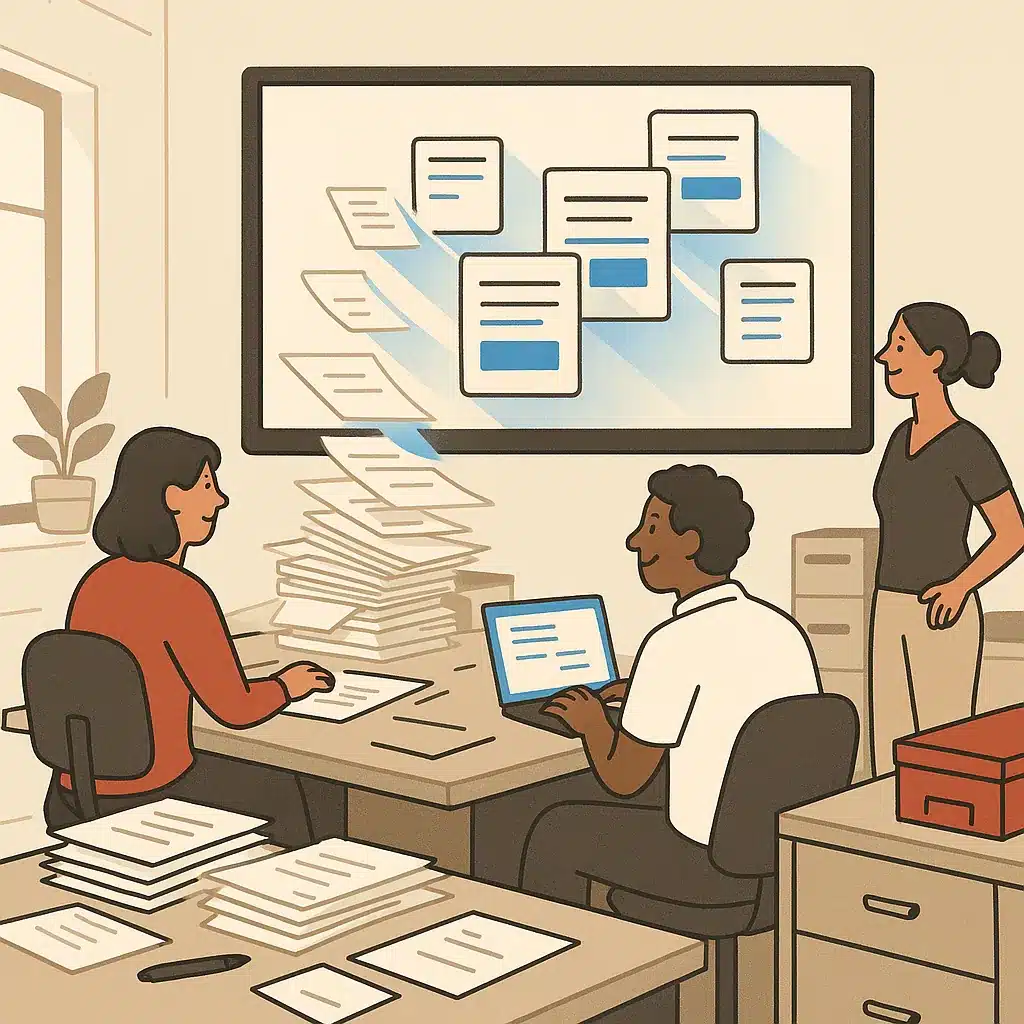
Time savings come first. Hours spent on repetitive tasks each week can be handed to software, freeing people for work that needs judgment. Accuracy often follows. Software doesn't fat-finger a number or forget a step, so human error tends to drop on high-volume tasks where mistakes are expensive.
Then there's visibility into operations. When a process runs through a system instead of a dozen inboxes, you can see where it stalls. That turns invisible operational bottlenecks into something measurable, and ongoing process improvement becomes possible.
The compounding benefit is efficiency at scale. As volume grows, an automated process can handle more without adding headcount at the same rate. If you need to justify the spend, understanding how to calculate ROI on AI automation projects helps translate these gains into numbers finance leaders trust. Still, results vary based on existing business processes, complexity, implementation, and team adoption.
Risks, limits and common pitfalls of automation
- Automating a broken process worsens the mess
- Over-automating edge cases needing human judgment
- Ignoring data security and compliance requirements
- Building rigid systems that fail with process changes
- Founder-dependency trap in automation logic
Automation isn't a sure win. The risks and pitfalls are real and usually self-inflicted.
The biggest one: automating a broken process. If a workflow is messy, automation just makes the mess run faster and harder to untangle. The root cause is almost always fragmented data across disconnected systems, which is why cleanup comes first.
Other risks and pitfalls include over-automating edge cases that need human judgment, ignoring data security and compliance requirements, and building something so rigid it breaks the moment the process changes. There's also the founder-dependency trap, where the automation logic lives in one person's head.
Compliance is not a footnote here. Rules governing data handling, retention, and privacy vary by jurisdiction and industry, so what's acceptable in one region or sector may violate requirements in another. Before automating anything that touches personal, financial, or regulated data, confirm your obligations with the relevant governing authority or a qualified advisor rather than assuming a tool's defaults keep you compliant.
To be clear, automation reduces manual work. It doesn't eliminate every operational problem or replace a whole team. This mirrors the view in Harvard Business Review on humans and AI joining forces, where the strongest results tend to come from augmenting people rather than replacing them wholesale. Treating it as a silver bullet is the fastest way to a stalled project.
How to identify which processes to automate first
Not every process deserves automation. You want to identify processes for automation using three filters: volume, rules, and pain.
High volume means it happens often enough to matter. Rule-based means the steps rarely change and don't require human judgment on every case. Pain means it's currently causing errors, delays, or operational bottlenecks people complain about.
A common pattern: teams automate the flashy, complex process first and skip the boring data-entry task that quietly costs twenty hours a week. Start where the manual work is measurable and the logic is stable. Running an AI readiness audit for your operations is a practical way to confirm which processes are actually ready before you commit budget. When you identify processes for automation, data entry, invoicing, scheduling, and report generation almost always top the list because the return is easy to see.

Steps to implement process automation
Here's how to use business process automation without creating new problems.
First, map the current process exactly as it runs, including the ugly workarounds. Second, clean it up and connect the disconnected systems feeding it, because automating fragmented data just cements the mess. Third, select automation tools that fit the process, whether that's off-the-shelf software, rpa bots, or custom logic. Fourth, build and test on a small slice before rolling out. Fifth, deploy, then monitor and adjust.
That order matters. The mapping and cleanup stages are where real process improvement happens. They separate a smooth rollout from an expensive false start. Consolidating fragmented tools into one connected data foundation is often the real prerequisite before any automated process delivers value. In many cases the win comes from automating workflows without piling on more software, since the goal is less manual work rather than another subscription.
Where automation removes manual work vs. where it doesn't
- Repeatable, rule-based, high-volume work
- Data transfers and notifications
- Approvals with clear thresholds
- Document generation
- Judgment and empathy required
- Tricky customer complaints
- Negotiation for pricing exceptions
- Hiring decisions needing human input
Automation shines on repeatable, rule-based, high-volume work. Data transfers, notifications, approvals with clear thresholds, document generation. Anything where the steps are the same every time is a strong candidate for workflow automation, and the right automation tools make these easy to string together.
It struggles where judgment, empathy, or genuine ambiguity live. A tricky customer complaint, a pricing exception that needs negotiation, a hiring decision. You can support these with software, but handing them fully to an automated process usually backfires.
The smart split is a hybrid. Let automation handle the repetitive business processes and route the genuine exceptions to a person. That keeps efficiency high without pretending software handles things it doesn't. The goal isn't removing people from every decision. It's removing them from the mindless work that wastes their time.
Why custom systems beat off-the-shelf software for messy operations
Off-the-shelf software assumes your process matches its template. For a standard, common workflow, that's fine and cheap. The trouble starts when your operations are specific to how your business actually runs.
When that happens, generic tools force workarounds. You end up bending your process to fit the software, or bolting on manual steps to cover the gaps. That quietly reintroduces the human error you were trying to remove. Custom-built systems flip that: the automation is designed around your workflow, not the other way around.
For messy operations, the reason this matters is fit. Fragmented, non-standard business workflows need scalable systems that map to reality. It also gives leaders real visibility into operations. Done right, the automation of processes here removes manual work that generic tools would only paper over. Custom systems built around how your business actually operates beat forcing a subscription tool to do a job it wasn't built for.
If repetitive work and disconnected systems are slowing your team down, a discovery call with Bespoke Mind Ai to map your automation opportunities can help identify where custom automation removes the most manual work first. No hype, just a practical look at your operations.
Frequently Asked Questions
What does automation of processes actually mean?
Process automation uses software to run routine, rule-based tasks and coordinate decisions and system interactions inside a defined workflow. It reduces manual effort and enforces consistent execution across a business process rather than a single isolated task.
What are some real examples of process automation?
Common examples include automated data entry, invoice processing, customer service ticket routing, and moving information between disconnected tools without manual re-keying. These are typically repetitive, high-volume tasks where the steps rarely change.
How is process automation different from workflow automation?
Workflow automation handles a specific sequence of tasks according to set rules, while process automation takes an end-to-end view and integrates multiple systems and functions across a whole business process. Put simply, workflow automation is a component; process automation is the larger orchestration around it.
What steps are involved in implementing process automation?
The typical sequence is identifying repetitive, rule-based processes worth automating, mapping the workflow of tasks and decisions, selecting the right technology, and then deploying and monitoring it. Skipping the mapping stage is where most implementations create new bottlenecks instead of removing them.
Is process automation actually worth it for a small business?
For SMBs it usually pays off when tasks like data entry, invoicing, and scheduling consume hours of manual work each week, because automation cuts staffing pressure and reduces errors. The return depends on picking processes with real volume and clear rules, not automating for its own sake.
What if my processes are messy or my tools don't talk to each other?
Automating a broken process just makes the mess run faster, so disconnected systems and unclear steps should be cleaned up or integrated first. The underlying problem is often fragmented data across tools, which is why consolidation typically comes before automation delivers value.
Why does process automation matter more as a company grows?
Growth multiplies operational complexity, and automation lets companies scale output without adding headcount at the same rate. It also gives leaders clearer visibility into workflows, making bottlenecks easier to spot and remove.
Do I need custom-built automation or can off-the-shelf tools do it?
Generic tools like Zapier or Make work well for straightforward, standardized connections between apps. Custom-built automation makes sense when your processes are specific to how your business operates and off-the-shelf software forces workarounds instead of fitting your actual workflow.