
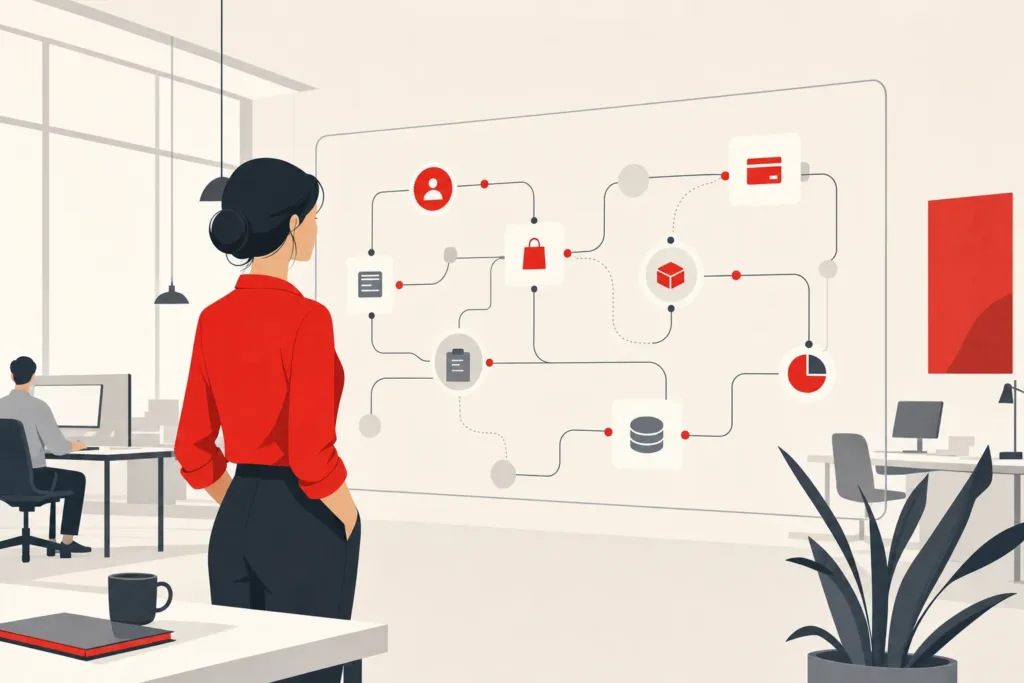
Picture a sales rep re-keying the same lead data into three systems every morning. By the time it lands in the CRM, the prospect has already booked with a competitor. That gap is exactly what a custom AI assistant is built to close: a system shaped around how your business actually operates, not a generic chatbot you bend to fit. This article walks through what separates a custom build from off-the-shelf tools, the tech stack options, real cost comparisons, and how to decide when building one actually pays off for a small business.
What a custom AI assistant actually is (vs. generic chatbots and off-the-shelf assistants)
- Acts within business operations
- Tailored to specific workflows
- Handles complex tasks autonomously
- Built around unique business needs
- Answers from a fixed script
- Limited to average customer needs
- Requires manual intervention for complex tasks
- Can’t address unique operational challenges
A generic AI chatbot answers questions from a script or a document you upload. When you build an AI assistant instead, you get something that takes action inside your business operations. It can check a record, qualify a lead, and trigger a booking without a person prompting each step. Seeing how a custom AI agent is built around your workflows is the first step toward understanding why this approach can outperform generic tools for operational tasks.
The reason this matters is practical. Off-the-shelf software is built for the average customer, which leaves your edge cases to manual work. A custom-built system is scoped around one real workflow, and that's why it removes work the generic tool can't touch: the tool only knows the paths its vendor anticipated, while a scoped build is wired to the exact steps your team repeats.
Many assume an AI assistant is just a smarter chatbot. In reality, the capable ones, including AI agents that act rather than just reply, run on large language models connected to your tools and data. The U.S. National Institute of Standards and Technology covers the governance side of this in its AI Risk Management Framework, worth reading before any build.
Build vs. buy: custom-built assistant compared to off-the-shelf SaaS tools
- Higher upfront investment
- Tailored to specific business processes
- Ownership of the system
- Best for unique operational needs
- Quick to implement
- Predictable subscription costs
- Limited customization options
- Optimized for common tasks
Buying off-the-shelf software gets you live fast. Pay a subscription, follow the setup wizard, and you're running within days. The cost is predictable, but the ceiling is fixed, since you get what the vendor built for everyone.
Choosing to build an AI assistant of your own flips that. You invest more upfront to get a system shaped to your business, and you own it. The dividing line is simple: if your bottleneck is a standard task thousands of companies share, a SaaS tool probably solves it. If it lives in how your specific operation moves data between tools, custom usually wins. The reason is structural: a SaaS vendor optimizes for the widest common denominator, so the further your process sits from that average, the more manual work the tool leaves on your team's plate.
McKinsey's research on the economic potential of generative AI points to automating business workflows as a notable source of value, and Gartner's research on AI agent adoption similarly tracks how quickly businesses are shifting from static tools toward systems that can act with more autonomy. The question isn't whether AI helps, but whether your problem needs a tool built for you or one built for the market.
Types of AI assistants you can build (chatbot vs. voice vs. autonomous agent)
- Handles FAQs and lead capture
- Lowest-effort build
- Good for customer support
- Single task focus
- Completes tasks without prompts
- Integrates with CRM and tools
- Reduces manual task management
- Handles complex workflows
Three broad types cover most use cases.
The AI chatbot handles conversation: answering FAQs, capturing leads, routing customer support. It's the lowest-effort build and works well as a support front-end.
Voice assistants do the same job over the phone or through a speaker. They're useful for appointment booking and after-hours intake where typing isn't practical.
Then there are autonomous agents, which go past conversation. An AI agent can read a new email, pull context from your CRM, decide the next step, and complete it: drafting the reply, scheduling the follow-up, updating the record. Autonomous agents are what people mean when they talk about reducing manual task management rather than just answering questions. If you're unsure which category fits your situation, comparing AI agent vs. chatbot, which one fits your bottleneck can clarify the decision before you commit to a build.
Most small business builds start with a chatbot for a single customer-facing task, then expand toward autonomous agents as the team gets comfortable handing over more repetitive work through deeper workflow automation.
Selection criteria: matching the assistant to your use case and workflows
Start with the task, not the technology. The best build targets one repetitive, rule-based process where a person currently spends real hours: triaging support tickets, qualifying inbound leads, re-entering data across systems.
Ask three questions. First, is the task repetitive enough to justify automating? A process that runs twice a month rarely pays back. Second, does it need to act inside your tools, or just answer questions? That decides chatbot versus agent. Third, how much does getting it wrong cost? A booking error is cheap to fix. An invoicing error is not, so higher-stakes tasks need tighter guardrails.
Here's what actually happens when teams skip this step: they build an impressive assistant for a task nobody struggles with, and the return never shows up. Match the assistant to the bottleneck that's actually slowing operational efficiency, and the payback becomes measurable.
Comparing the tech stack options (no-code builders, n8n/OpenAI, custom development)
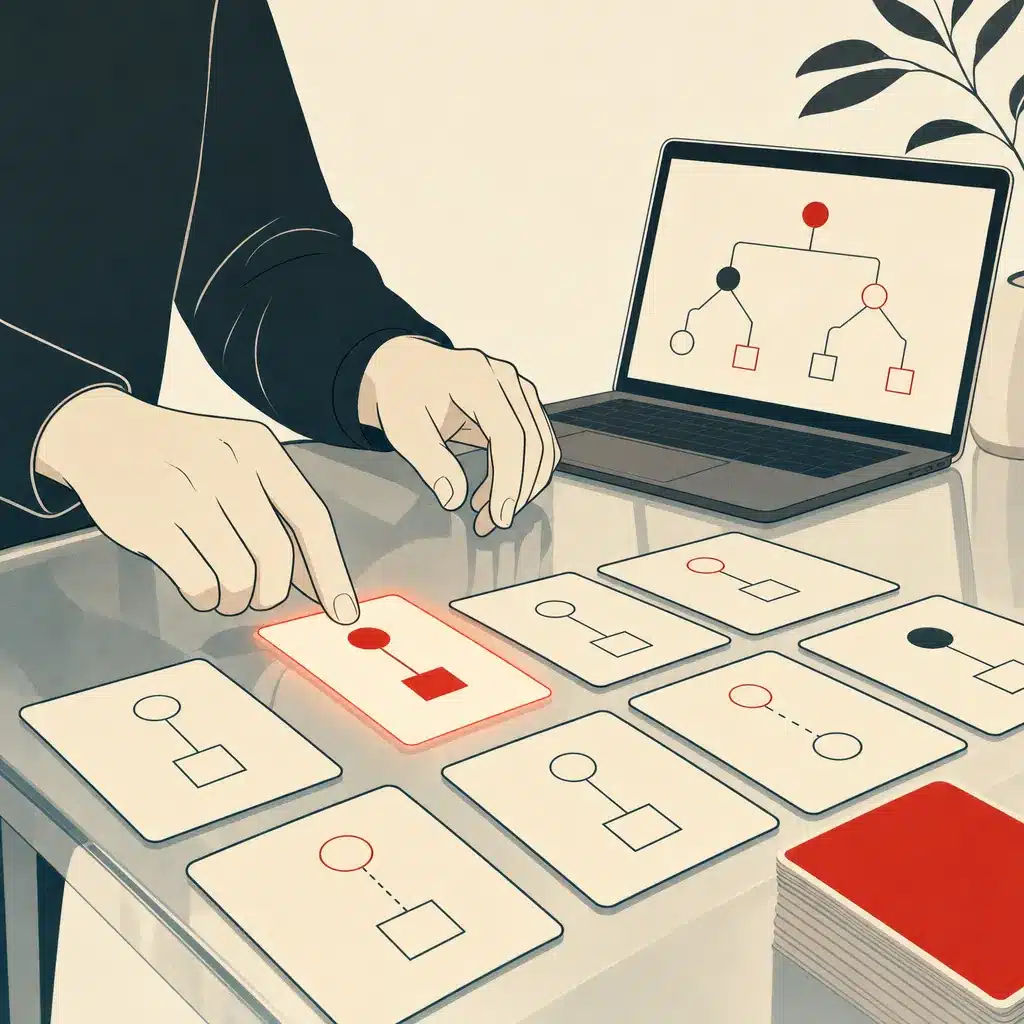
Three tech stack paths, each with a different ceiling.
No-code builders like Custom GPTs or Zapier Agents let almost anyone assemble a working assistant from written instructions and uploaded files, fast and cheap. This no-code route is boxed into the platform's own integrations.
The middle path pairs a workflow tool like n8n with the OpenAI API or another model provider. This low-code approach handles multi-step workflow automation and connects to more systems, but someone needs to maintain the logic.
Custom development sits at the top of the stack: a scoped build on large language models, often using retrieval-augmented generation so the assistant answers from your own documents and data. This is where autonomous agents acting across your CRM, scheduling, and inventory become realistic. The trade-off is clear: the more capable the stack, the more it costs to build, and the less you'll need to force a tool to fit.
Consider a plumbing company that starts on a no-code builder for after-hours FAQ handling, then hits a wall the moment it wants the assistant to check technician availability and book the job. The no-code platform can't reach the scheduling system, so the owner is back to manual booking for every call. That ceiling is the usual trigger for moving up the stack.
Head-to-head comparison table: no-code tool vs. DIY automation vs. custom agency build
- Quick launch in hours to days
- Low upfront cost
- Minimal technical skill needed
- Best for simple use cases
- Longer launch time in weeks
- Higher, fixed-price cost
- Full integration with systems
- Ownership of the entire system
| Factor | No-code builder | DIY automation (n8n/OpenAI) | Custom agency build |
|---|---|---|---|
| Time to launch | Hours to days | Days to weeks | Weeks |
| Upfront cost | Low | Low to moderate | Higher, often fixed-price |
| Technical skill needed | Minimal | Moderate | Handled for you |
| Integrates with existing systems | Limited | Broad | Full, scoped to you |
| Runs autonomously | Rarely | Partly | Yes |
| Ownership | Platform-locked | You own the logic | You own the system |
| Best for | Simple FAQ or lead capture | Teams with some technical capacity | Operational workflows with real stakes |
The honest read: a no-code tool is the right starting point for a narrow use case and a small business testing the water. DIY fits teams with in-house technical comfort. A custom build earns its cost when the assistant has to integrate with existing systems and take action with limited supervision. There's no single winner, only a best fit for your workflow.
Cost comparison: run costs, development costs, and SaaS fees over time
Costs split into three buckets. SaaS fees are the recurring subscriptions for off-the-shelf tools, predictable but permanent. Development costs are the upfront build, one-time for a scoped project. Run costs are the ongoing model API usage plus hosting, which scale with how much the assistant does.
The cost comparison with SaaS tools often hinges on time. A $300-a-month stack of subscriptions costs over $10,000 across three years, with nothing owned at the end. A fixed-price build is a larger number at the start, then only the run costs and light maintenance after. The crossover point is simply where accumulated subscription fees pass the one-time build cost, which is why the longer the time horizon, the more ownership can make sense.
Here's a misconception worth correcting: many owners assume development and maintenance costs make custom impossible for a small business. The real driver of both is scope. A tightly scoped single-workflow build keeps development and maintenance costs modest, because there's less logic to maintain and fewer integrations to break.
Integration with existing systems and internal tools
An assistant that can't reach your tools is just a nicer search box. The value shows up when it can integrate with existing systems: your CRM, calendar, inventory, help desk, and the internal tools your team already lives in.
This is where off-the-shelf software usually hits a wall. The connectors cover popular platforms, not the custom-built systems or spreadsheets many businesses actually run on. A custom build reaches those through their API, or through a direct integration when no API exists.
Picture a wholesaler whose pricing lives in a 10-year-old inventory database no mainstream chatbot can connect to. Off-the-shelf tools leave that data stranded, so staff keep looking up prices by hand. Bespoke Mind Ai builds this kind of layer, connecting AI to existing custom business software and internal tools so data stops getting re-entered by hand. This is one piece of the broader custom AI development and automation services offered to small businesses looking to close these gaps. The root cause of most operational bottlenecks isn't missing software. It's tools that don't talk to each other, which forces people to be the connective tissue between them.
Data preparation, guardrails, and maintenance challenges
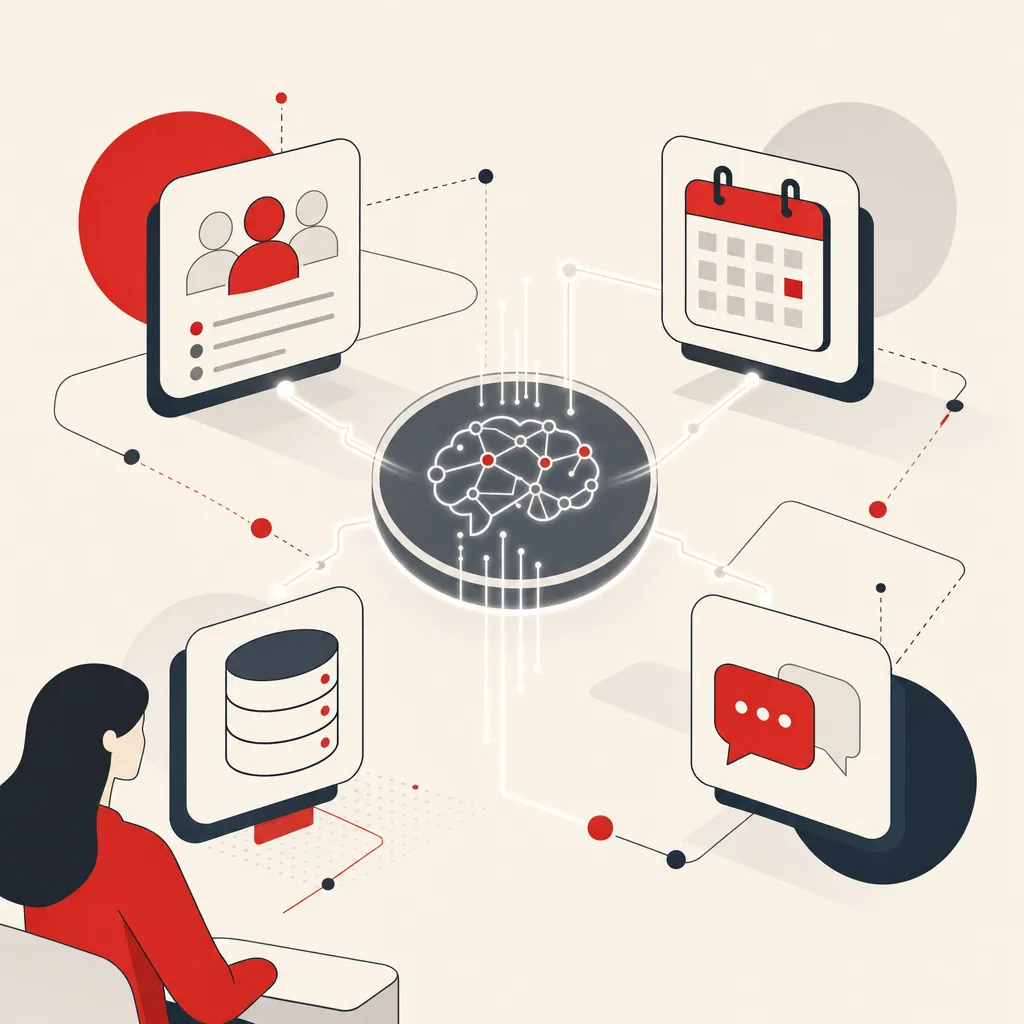
The build is the easy part. Data preparation is where projects quietly stall. If your records are inconsistent, duplicated, or scattered across tools, the assistant inherits that mess and can give confident wrong answers. Cleaning and structuring the data it draws from matters more than the model you pick, because a language model has no way to tell a stale record from a correct one; it treats whatever you feed it as truth.
Guardrails come next. An assistant that takes action needs clear limits: what it's allowed to do on its own, what needs human sign-off, and how it responds when it's unsure. For anything customer-facing, this reduces the risk of an AI agent promising something your business can't deliver.
Then there's maintenance. Your business workflows change, tools update their API, and the assistant needs adjusting to match. Consider a common pattern: teams that treat a build as finished watch it slowly drift out of sync with operations over six months, until a changed API quietly breaks a booking step and nobody notices for weeks. Budget for upkeep, and the system keeps earning.
Pros, cons, and who each build approach is best for
No-code builders: fast, cheap, no technical skill needed. The downside is the hard ceiling on integration and autonomy. Best for a solo founder or small business validating one simple use case.
DIY automation with n8n and OpenAI: flexible and affordable, connects to more systems. The cost is the ongoing attention someone technical has to give it. Best for teams with in-house capacity and patience.
Custom agency build: shaped to your workflow, owned by you, capable of acting across systems. The downside is the larger upfront investment. Best for businesses where a specific bottleneck has a real dollar cost and off-the-shelf software already failed to fix it.
There's no universally right choice. A founder-led business drowning in manual task management usually needs the custom path. A side project testing an idea rarely does. Match the approach to the stakes.
Deploy, monitor, and iterate: measuring performance after launch
Launching is the start, not the finish. You deploy and monitor performance because the first version is always a hypothesis about how the work really flows.
Pick metrics tied to the problem you set out to solve. For a customer support assistant: tickets resolved without a human, average response time, escalation rate. For lead qualification: percentage of leads correctly scored, time from inquiry to booking. Vague goals like "save time" don't tell you whether it's working.
Watch the failure cases closely in the first weeks. Where does the assistant hand off to a person, and why? Those handoffs are your roadmap for the next iteration. The goal isn't a system that's right 100% of the time. It's one that handles the predictable volume reliably, routes the exceptions to the right human, and improves as you feed real usage back into it.
Fixed-price scoped build vs. ongoing SaaS subscription: ownership and ROI
- You own the system and logic
- Front-loaded major costs
- No ongoing subscription fees
- Long-term cost benefits
- Rental model with no ownership
- Costs continue indefinitely
- Vendor controls data and logic
- Risk of scope creep in billing
The deepest difference between a custom build and a subscription isn't features. It's what you own at the end.
A SaaS subscription is a rental. Stop paying and the capability disappears, and your data and logic often live on the vendor's terms. A fixed-price build is a purchase. You own the system, the workflow logic, and the integrations, and the vendor's incentive is to deliver a working outcome, not to keep you subscribed.
That ownership changes the return equation. A subscription's cost runs forever. A scoped build's major cost is front-loaded, then drops to run and maintenance. The fixed-price structure also removes the open-ended risk of hourly development, where scope creep inflates the bill. Over years rather than months, owning the system can outweigh renting access to someone else's.

When a custom assistant pays off for an SMB (ROI decision checklist)
Run this quick check before committing. A custom AI assistant tends to pay off when you can answer yes to most of these.
- A specific task is repetitive, rule-based, and eats measurable hours every week.
- That task currently moves data between disconnected tools by hand.
- Off-the-shelf software exists but doesn't fit how your business actually operates.
- The work needs to happen without a person prompting it each time.
- Too much operational knowledge sits with one founder or key employee.
Consider a 15-person service firm where one coordinator spends 20 hours a week copying quotes between email, a spreadsheet, and the CRM. At a loaded rate, that's real money, and the delay costs bookings. Automating a workflow like that single process is where the cost comparison with SaaS tools becomes concrete. If you answered no to most of the checklist, a no-code tool or plain ChatGPT is probably enough for now.
If repetitive work is slowing your team down, a short discovery call can help surface where automation might move the needle. Bespoke Mind Ai scopes fixed-price custom AI assistants around your real workflows, so you can book a free automation discovery call before spending anything.
Frequently Asked Questions
Can I build my own AI assistant without a dev team?
Yes, no-code builders like Custom GPTs or Zapier Agents let you configure one from instructions and uploaded documents in hours. The trade-off is you're limited to the platform's integrations and can't run unattended, multi-step actions across your systems.
Is it legal to build and own a custom AI assistant for my business?
Yes, there's no law against building your own AI assistant, but data handling, customer privacy, and vendor terms of service still apply depending on what tools and data sources it touches. The bigger risk is contractual, some off-the-shelf platforms retain rights over your data or logic unless the agreement states otherwise.
Is a custom AI assistant actually worth it over just using ChatGPT or Claude?
It depends on whether you need the assistant to act inside your business, not just answer questions. ChatGPT or Claude directly is faster and cheaper to start, but a custom-built assistant is what you need if it has to pull from your CRM, trigger workflows, or run without someone prompting it each time.
What if I invest in a custom AI assistant and it doesn't deliver ROI?
That risk is real when a build isn't scoped around an actual bottleneck, generic automation tends to underdeliver. Case data from custom agent builds focused on specific repetitive tasks (lead qualification, support triage, invoice processing) has shown 3-8x cost-saving returns within about six months, which is why scoping around one measurable workflow matters more than the tech itself.
Is there a free way to get a personal AI assistant?
Yes, free tiers of ChatGPT, Claude, or Gemini can function as a basic personal assistant for drafting, summarizing, and answering questions. They won't connect to your business tools or take action on your behalf, which is where the free-to-custom gap shows up for operational use.
How much does a custom AI assistant typically cost compared to an off-the-shelf chatbot?
Off-the-shelf chatbots run on predictable monthly subscriptions and can be live within days, while a scoped custom build is a larger upfront investment tied to the complexity of the workflows it automates. A fixed-price build removes the open-ended cost risk that often comes with hourly development or usage-based platform fees.
What's the real difference between a custom AI assistant and a standard chatbot for a small business?
A standard chatbot handles predictable conversations like FAQs or lead capture using a fixed script. A custom AI assistant is built around your specific operations, it can check inventory, qualify leads against your criteria, or trigger a booking in your actual systems rather than just routing the conversation.
Do I need an AI assistant if my business already runs on spreadsheets and manual processes?
Not automatically, the question is whether the manual work is repetitive and rule-based enough to automate, not whether you lack software. Businesses with founder-dependent decision-making or disconnected tools tend to see the clearest case for a custom assistant, since it replaces the person checking and re-entering data across systems.