

A five-person operations team at a property management firm once spent most of every Friday hunting for signed lease addendums. They searched across three shared drives, two email inboxes, and someone’s desktop. That’s the cost of manual filing, and it’s exactly what ai document management removes. This article walks through how these systems read and organize documents on their own. It covers where they save real time, how to pick one that fits your workflows, and what to check before you trust it with contracts and invoices.
What an AI document management system is and how it differs from traditional DMS
A traditional document management system is a filing cabinet with a search box. It stores what people manually upload, tag, and folder. It only works as well as the person doing the filing. An ai document management system reads each file’s content and organizes it by what the document actually says, using OCR, machine learning, and NLP. That matters because most filing errors come from human inconsistency, not bad software. According to McKinsey’s research on generative AI’s economic potential, knowledge-work tasks like document handling are among the most affected. The result is less manual work and more visibility, one of the clearest benefits of adopting AI in business operations.
AI-powered search and natural language document retrieval
Traditional document retrieval forces you to remember the exact filename or folder. Semantic search flips that. You type “the renewal contract we signed with the Denver client last spring” and the system finds it by meaning, not keyword matching. This semantic search is the feature most teams notice first. The AI reads and indexes content, so retrieval no longer depends on naming discipline. Microsoft’s Work Trend Index has repeatedly flagged how much time knowledge workers lose searching. Natural language document search cuts into that directly, turning minutes of hunting into seconds.
Automated document classification and metadata extraction
Automated document categorization is where the manual work really disappears. Instead of a person deciding whether a file is an invoice, a contract, or a purchase order, the system classifies it by reading it. Metadata extraction then pulls out the useful fields automatically: vendor name, invoice number, date, amount, contract expiry. Clean metadata is what makes everything downstream work, from search to reporting to audits. Many assume categorization needs a long setup with a custom taxonomy. In reality, modern ai document management software learns from documents themselves and can improve with use. So automated document categorization and metadata start working without weeks of configuration. This is a good example of generative AI removing repetitive manual work rather than adding setup.
Workflow automation for document review, approval, and routing
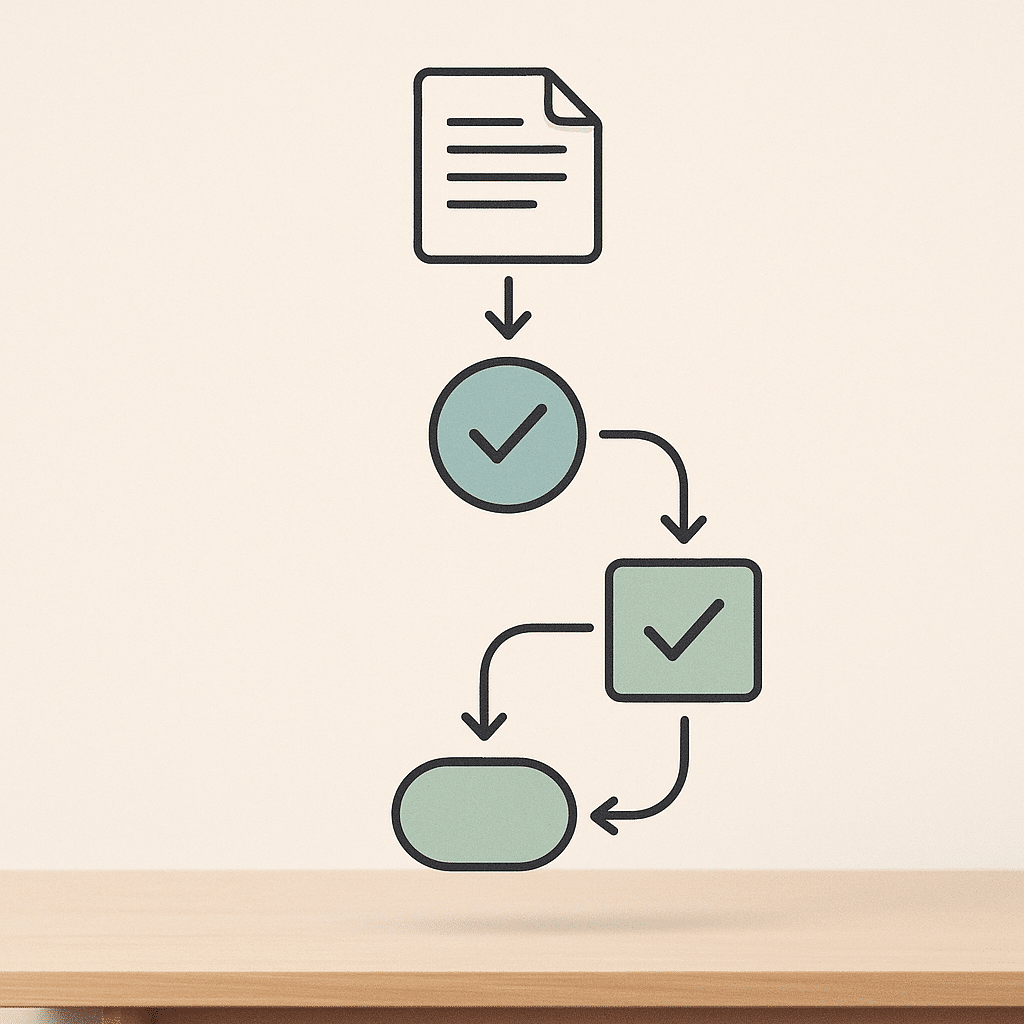
A document that lands in an inbox and sits there is an operational bottleneck. Workflow automation fixes the handoffs. When an invoice arrives, the system routes it to the right approver, flags anything over a threshold, and moves it forward once signed off. Document approval workflows that used to depend on someone remembering to forward an email now run on their own, and these document approval workflows are where a lot of the time savings come from. The delay in most business workflows isn’t the work itself, it’s the waiting between steps. Good automation lets you define these steps once and reuse them, turning repetitive tasks into a background process your team stops thinking about.
AI content summarization and extracting insights from documents
Nobody wants to read a 40-page vendor agreement to find the termination clause. AI-powered content summaries condense long documents into the parts that matter. Natural language processing can pull specific answers out of a file on request, so these ai-powered content summaries turn a stack of contracts and invoices into something a leadership team reads in minutes. Summaries also help spot patterns across documents, like recurring charges or renewal dates clustered in one month. The goal isn’t to replace judgment. It’s to remove the manual work of finding the relevant paragraph, so people spend time deciding, not reading.
How to choose the right AI document management system
Start with your documents, not the feature list. Count how many you process monthly, what types dominate (invoices, contracts, forms), and where the current bottlenecks sit. An ai document management system built for high-volume invoice processing is not the same as one tuned for legal contracts. When comparing document management systems, ask vendors about extraction accuracy and how classification handles your types. Ask whether it connects to your existing tools. Then weigh custom-built against off-the-shelf software based on how unusual your workflows are. Even capable ai document management software is worthless if it doesn’t fit how your team actually works.
Security, governance, permissions, and access control
Documents are where sensitive data lives, so access control isn’t optional. A serious ai document management system supports custom permission levels, so a bookkeeper sees invoices while an HR file stays restricted. Secure file uploads, encryption, and an audit trail form the baseline for governance. Custom permission levels also protect against the quiet risk of over-access, where everyone sees everything because nobody set the rules. For businesses adopting AI to handle sensitive files, frameworks like the NIST AI Risk Management Framework offer a structured way to build trust and control into these systems. Rules around data handling and retention vary by jurisdiction and industry. Check your relevant data protection regulations or consult a qualified professional before setting retention and access policies. Governance done right means visibility for leaders and appropriate boundaries for everyone else.
Measuring impact: metrics, ROI, and risk of AI document management
- Avoid neglecting basic metrics like filing time.
- Don’t overlook human review for high-stakes documents.
- Be cautious of misclassification risks.
- Measure your own baseline instead of relying on averages.
- Results can vary based on implementation and team adoption.
Measure the boring things first: hours spent filing, average time to find a document, invoice processing time, error rates. Ademero reports invoice data entry dropping from about 10 minutes to roughly 30 seconds with AI, alongside data-extraction accuracy above 99.5%. Those numbers point to meaningful gains in operational efficiency. Your ROI depends on document volume and how much manual work you’re removing. If you want a structured way to work through the numbers, this guide on calculating ROI on AI automation projects walks through the method. The risk to plan for is misclassification, so keep a human review step for high-stakes documents. Results vary based on existing processes, business complexity, implementation, and team adoption. That’s why measuring your own baseline beats trusting a headline figure.

Best AI document management tools compared by use case
There’s no single best tool, only the right fit for your use case. M-Files leans on metadata-driven classification and suits teams that care about structured records. DocuWare and Laserfiche both offer strong approval workflows and version control for process-heavy operations. For high-volume extraction, Google Document AI processes documents per page as a paid cloud service. When comparing document management systems, match the tool to your dominant document type and existing stack. Don’t pick the one with the longest feature list. A tool that handles invoices brilliantly may be clumsy with contracts, so test against your real files, and confirm it supports semantic search if your team hunts by memory.
Integration with existing tools and unifying disconnected systems
Most operational pain comes from disconnected systems: an invoice in accounting software, its contract in a drive, the approval buried in email. An ai document management system earns its keep when it connects these into scalable systems that act as a single system of record instead of another silo. Integration with your existing internal tools, whether that’s your accounting platform, CRM, or storage, turns scattered files into one searchable source. This is where AI integration in custom business software makes the difference, because visibility breaks down at the seams between tools, not inside them. Unifying disconnected systems is often where the biggest operational efficiency gains hide, because it removes manual copying between platforms.
Custom-built document systems vs. off-the-shelf software
- Tailored to specific business operations
- Connects to internal tools seamlessly
- Adapts to unique approval workflows
- Requires upfront investment
- Suitable for common workflows
- Monthly subscription model
- May force workflow changes
- Can leave operational gaps
Off-the-shelf software is fine when your workflows are common. But if your process has quirks, and most growing businesses do, generic document management systems force you to change how you work to fit the tool. Custom-built systems flip that. They’re built around how your business actually operates, connecting to your specific internal tools and matching your real approval workflows. The tradeoff is upfront investment versus a monthly subscription. Custom-built systems make sense when the operational bottlenecks are specific to you and off-the-shelf document management software keeps leaving gaps. The right answer depends on how standard, or unusual, your business operations really are.
Reducing founder dependency and increasing operational visibility
In founder-led businesses, too much lives in one head: which client signed what, where the master agreement is, who approved that expense. That’s a scaling risk. An ai document management system makes that knowledge searchable and shared, so operational visibility doesn’t depend on one person being available. When documents are classified, indexed, and retrievable through semantic search by anyone with the right access, the founder stops being the human search engine. This is process improvement in its most practical form, easing the operational bottlenecks a single point of knowledge creates. The business keeps running whether the founder is in the room or on vacation, and leaders get clearer visibility.

AI agents that remove repetitive operational document work
AI agents take document handling a step further than passive classification. Instead of waiting for a person to trigger each step, an agent watches for a document to arrive, reads it, files it, extracts the fields, and routes it to the next person, all without a human kicking off the process. Picture accounts payable: an invoice hits the inbox, the agent matches it to the purchase order, flags a mismatch, and queues it for approval before anyone opens their email. That’s how ai document management shifts from a place you store files to a system that moves work forward on its own. The point isn’t to remove people from the loop. It’s to remove the repetitive tasks that eat their day, so they handle exceptions instead of routine.
Frequently Asked Questions
What is an AI document management system?
An AI document management system (AI-DMS) uses large language models to read, classify, and search documents without manual tagging or folder setup. Unlike a traditional DMS, it needs no taxonomy configuration, improves as you use it, and can generate deliverables like RFIs and submittal drafts from your existing files.
How is AI document management different from a traditional DMS?
A traditional DMS relies on people to upload, file, and label documents, which leads to misfiled records, duplicates, and slow searches. An AI-DMS reads the content itself to classify, index, and retrieve documents automatically, removing most of the manual work.
How does AI actually organize documents?
AI systems ingest files, use OCR to convert scanned or handwritten pages into readable text, then apply machine learning and natural language processing to classify and route each document by its content. This means organization happens by what a document says, not by which folder someone remembered to drop it into.
Is AI document management worth it for a small business?
For teams buried in repetitive data entry and filing, the time savings are usually the deciding factor. Ademero reports invoice data entry that takes 10 minutes manually can drop to about 30 seconds with AI, alongside data-extraction accuracy above 99.5%, so the return depends on how much manual document work your team currently handles.
What if the AI misclassifies or misreads a document?
No system is perfect, which is why extraction accuracy and human review both matter. Look for tools reporting accuracy above 99% and keep a review step for high-stakes documents like contracts, so errors are caught before they affect a decision or an audit.
Is Google Document AI free?
No. Google’s Document AI is a paid cloud service priced per page processed, though it offers a limited free tier and trial credits for testing. Costs scale with document volume, so estimate your monthly page count before committing.
What are some of the top document management tools that use AI?
Commonly cited options include M-Files (metadata-driven classification), DocuWare, and Laserfiche, each offering AI-based classification, workflow automation, and version control. The right choice depends on your document types and how well the tool fits your existing workflows rather than the length of its feature list.
Why does AI document management matter for larger or growing operations?
As volume grows, manual filing and searching become operational bottlenecks that slow decisions and create compliance risk. AI automates classification, indexing, and retrieval while keeping accurate records for audits, which keeps document handling from breaking as the business scales.