
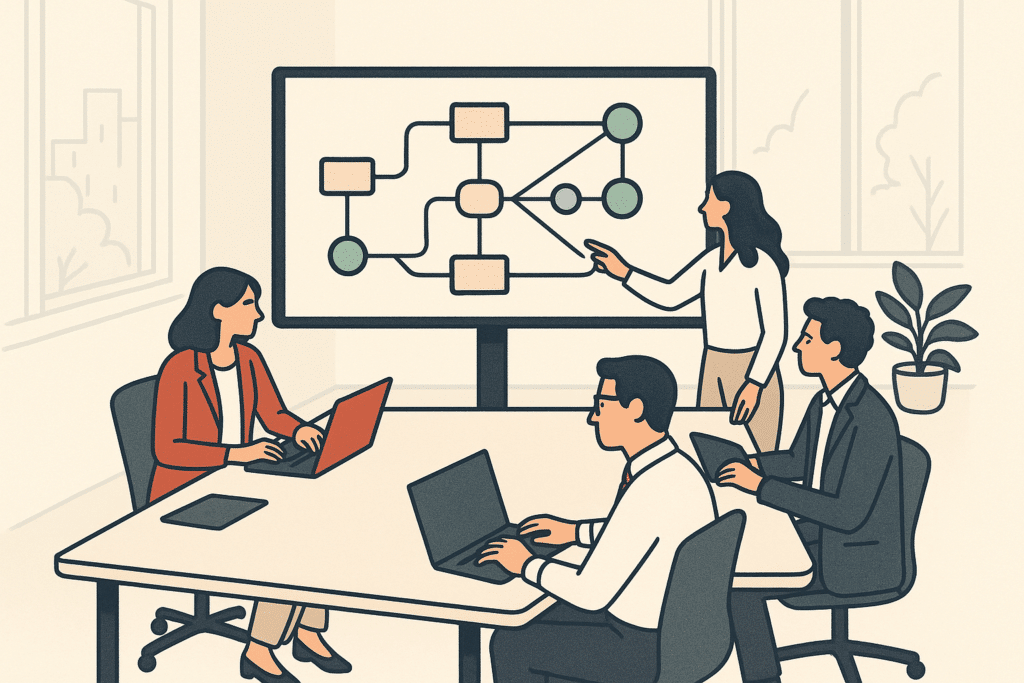
A finance team spends three days every month reconciling invoices across a spreadsheet, an email inbox, and an accounting tool that don't talk to each other. Nobody planned it that way. It just grew. The instinct is to buy another platform. But before you automate workflows with yet another purchase, look at what you already own: most teams have the workflow automation tools they need for their business operations. They just aren't connected. This article walks through how to map, prioritize, and build workflow automation using what you have, including where AI features fit and how to avoid the pitfalls that make automation more trouble than it's worth.
What workflow automation is (definition and core concepts)
Workflow automation means software handles the repetitive, rule-based steps of a process on its own. It moves work from one stage to the next based on triggers and predefined logic. A trigger is simply an event: a form gets submitted, an email arrives, a deal moves to "won." The automation then runs the steps that would otherwise sit in someone's to-do list.
The core concepts are triggers, conditions, and actions. A trigger starts the process, conditions decide what happens next, and actions carry out the work: updating a record, sending a notification, creating a task. Chain those together and you have a workflow that runs without anyone babysitting it. Picture a new client form on your website: the submission is the trigger, a condition checks whether the budget field is above a certain figure, and the action either books a sales call or sends a polite holding email. None of it needs a person watching the inbox at 9pm on a Friday.
This matters because most operational bottlenecks aren't caused by hard work. They're caused by waiting: waiting for someone to forward an email, approve a request, or copy data between systems. Every hand-off between two people is a point where work stops moving and sits idle, so automating those hand-offs removes the waiting and lifts operational efficiency. That is why connected business processes feel faster even when the tasks haven't changed. A quote that takes ten minutes to prepare can still sit in a queue for two days because it's waiting on one person to notice it. Remove the waiting and the same task now finishes the same afternoon.
McKinsey's research on automation potential in the workplace points to a large share of routine activities being technically automatable today. The goal isn't to remove people. It's to remove the manual tasks that keep them from higher-value work. Many owners assume automation means fewer staff. In reality, it usually lets the same team handle more volume across their business operations without the manual work piling up. A three-person support team that stops copying ticket details by hand can absorb a busy season without a fourth hire.
Benefits and advantages of automating workflows
One clear benefit of workflow automation is time savings on manual tasks that never should have needed a person in the first place. When an invoice moves through creation, approval, and filing on its own, that can be twenty minutes back per invoice, multiplied across a month. For a business processing two hundred invoices a month, that quiet twenty minutes can turn into most of a working week reclaimed from a task nobody enjoyed.
Fewer errors come next. Manual data entry is where mistakes live: a wrong figure in a report, a client record never updated, a lead that sat in an inbox for days. Automated steps run the same way every time, which is why they tend to be reliable. The idea is simple: a human retyping the same field a hundred times will eventually slip, while a rule that copies the field runs the same way on the hundredth run as on the first. A single mistyped bank detail on an invoice can route a payment to the wrong account and cost a week of untangling; a copied field simply doesn't make that mistake.
Then there's visibility. When business workflows run through a connected system instead of scattered inboxes and spreadsheets, leaders see where things stand without asking anyone. That reporting and visibility is often the quiet advantage founders notice most, and it feeds directly into operational efficiency.
Consider a founder-led agency where two account managers each keep their own client status spreadsheet. When one is out sick during a renewal week, nobody can tell which contracts are due, and renewals slip past their dates. Moving that status tracking into a single connected workflow means the information no longer lives in one person’s head, and the missed renewals stop. The wider benefit is quieter but bigger: the founder stops starting every Monday with a round of “where are we on this?” messages, because the answer is already on one shared board.
Microsoft's Work Trend Index has consistently reported that employees lose meaningful chunks of their week to repetitive digital busywork rather than the work they were hired for. The benefits of workflow automation tend to build up across business operations: less manual work, cleaner data, and efficiency that holds up as volume grows, especially when built on systems designed to scale.
Real-world workflow automation examples and use cases
Workflow automation use cases are easiest to grasp through business processes every company recognizes. Lead routing is a common one. A form submission triggers a check on company size or region, then assigns the lead to the right salesperson and logs it in the CRM instantly. No more sorting inboxes each morning. A lead from an enterprise account no longer waits behind fifty newsletter sign-ups before the right rep sees it.
Client onboarding is another. When a deal closes, the automation can create the project, send a welcome email, generate the contract, and schedule a kickoff call, all from one trigger. What used to take a coordinator half a day happens in seconds. Just as important, every new client gets the same clean first impression instead of one that depends on how busy the team was that week.
Approval chains are a strong workflow automation use case too. A purchase request over a set amount routes to a manager, waits for a decision, and either advances or bounces back with a note. No chasing, no forgotten requests sitting in a folder. A field team waiting on a tool purchase gets an answer the same day instead of losing a week because the request was buried under someone's unread mail.
Other everyday workflow automation examples include invoice processing, status notifications to clients, and connections between a booking tool and an accounting system. These business process workflows share a pattern: they're repetitive, rule-based, and they create operational bottlenecks when handled by hand. That pattern is exactly what makes them worth automating.
How AI enhances and powers workflow automation
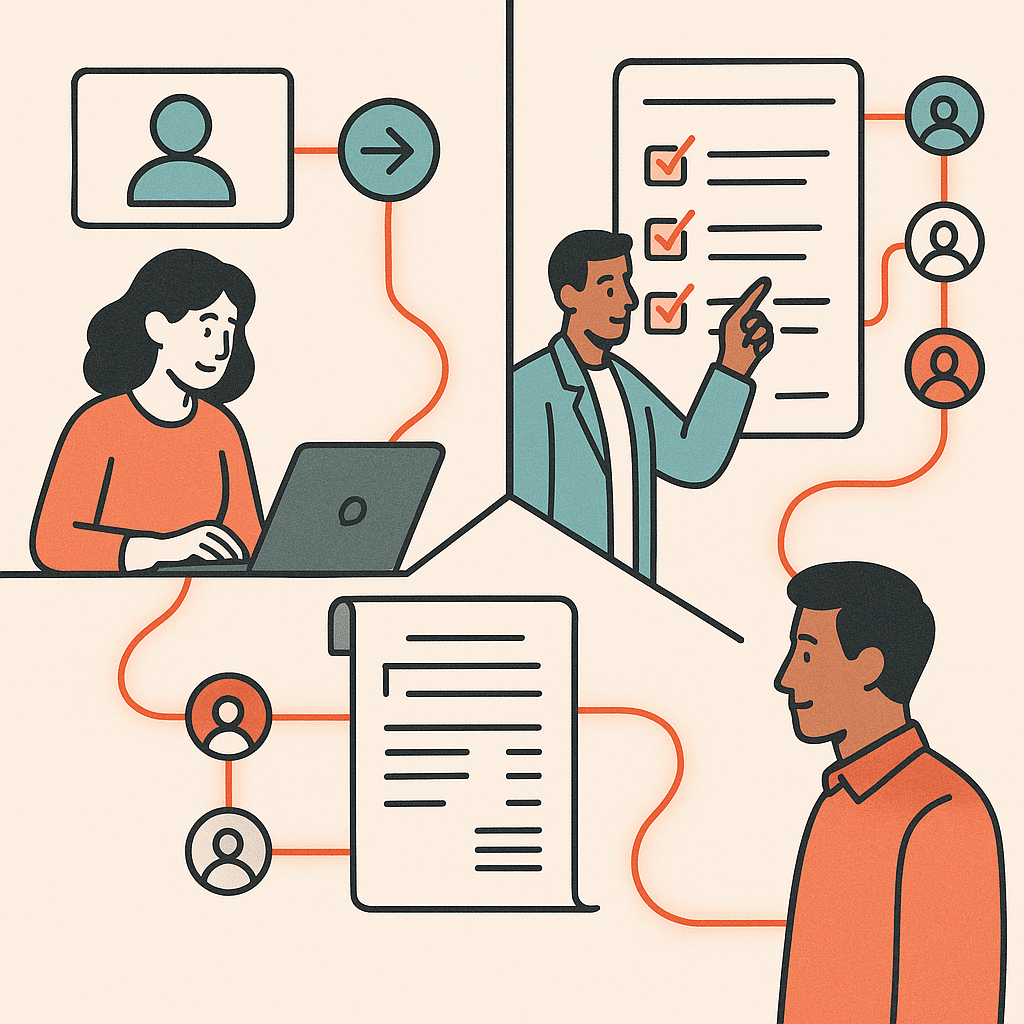
Traditional workflow automation follows fixed rules: if this, then that. AI workflow automation extends that by helping with the messy, judgment-based steps that rules alone can't cover. Instead of only reacting to clean triggers, AI features can read unstructured input and suggest what to do with it.
Take an inbox full of client emails. Rule-based automation struggles because every message is worded differently. One client writes "need to push our call," another writes "can we move Thursday?" and a third buries the request in a paragraph about something else. AI-powered features can read each email, classify its intent, pull out the relevant details, and route it to the right workflow. A standard automation then takes over from there.
AI agents push this further by carrying out multi-step tasks with some autonomy: drafting a response, updating a record, flagging anything that needs a human. These AI agents work alongside your existing automations rather than replacing them.
What actually happens is that AI workflow automation helps with the interpretation, and rule-based logic handles the execution. This split works because language models read intent well but are less consistent at precise repetitive steps, while rules are the reverse, so pairing them plays to each strength. That division is where generative AI adds the most value: in the gap between "a person has to read this" and "a machine can act on it." Results vary with data quality and how well the process is defined, so these AI-powered features work best layered onto workflows you've already mapped and cleaned up. Point an AI step at a messy process and it inherits the mess; point it at a clean one and it can quietly handle the reading a person used to do.
Types of workflow automation (business process vs robotic)
- Focuses on overall workflow across processes
- Handles approvals, notifications, and status changes
- Coordinates work across people and departments
- Fixes slow approval chains effectively
- Mimics user actions within applications
- Ideal for disconnected systems needing manual input
- Handles specific manual steps efficiently
- Best for repetitive data entry tasks
There are two broad types of workflow automation worth knowing, and they solve different problems. Business process automation focuses on the flow of work across a whole process. Think approvals, notifications, hand-offs, and status changes that move a task from start to finish across people and departments.
Robotic process automation, or RPA, works at a narrower level. It mimics the clicks and keystrokes a person would perform inside applications, copying data from one screen into another. RPA shines when systems have no proper connection and the only bridge is a human repeating the same actions. A common case is an older accounting package with no modern connection, where someone would otherwise retype order numbers from one screen into another all afternoon.
Many assume these are competing choices. In reality, they often work together. Business process automation coordinates the overall workflow. Robotic process automation handles the specific manual step where two disconnected systems refuse to connect any other way.
Choosing wrong usually comes from confusing the symptom with the problem. If your issue is a slow approval chain, that's a business process fix. If it's someone rekeying data between two internal tools all day, that's where robotic process automation earns its place. Match the type to the actual bottleneck, because building the wrong kind of automation locks effort into a fix that never touches the real cause of the delay. A team that builds an elaborate approval flow when the real problem was rekeying invoices ends up with a tidier process that still eats the same hours every day.
Who benefits from workflow automation (roles and industries)
Small business owners often feel the effect first. In a lean company the founder is often the person doing the repetitive tasks nobody else has time for. Automating those frees the owner to work on the business instead of inside it, and lifts operational efficiency across the board. The founder who stops manually sending invoice reminders every Friday afternoon gets that hour back for the work only they can do.
Operations managers benefit heavily too. Their job is keeping business workflows moving, and automation removes the manual follow-ups, reminders, and status checks that eat their day. It also gives them reporting and visibility they can't get from scattered spreadsheets. Instead of pinging five people to build a status update, they open one board and the picture is already there.
By industry, service-based businesses often see quick wins in onboarding and scheduling. Real estate teams automate lead intake and document handling. Professional service firms automate client communication and billing. Multi-location businesses use systems built to scale to keep processes consistent across sites that would otherwise drift apart, so a customer gets the same experience whether they walk into the first branch or the fifth.
The common thread is repetitive work at volume. A one-person consultancy and a fifty-person operations team both have repetitive tasks that run daily and follow predictable rules. Those are the businesses where workflow automation tends to pay back fastest, regardless of sector. The bigger the gap between how often a task runs and how little judgment it needs, the more it belongs in an automated workflow.

Choosing the right approach and avoiding common automation pitfalls
- Start with mapping processes, not tools.
- Avoid automating broken or inconsistent processes.
- Don’t over-automate; target high-volume tasks.
- Begin with simple tasks for quick wins.
- Confirm compliance for regulated processes before automating.
The biggest automation pitfall is starting with the tool instead of the process. Teams buy workflow automation software, then try to reshape how they work around it. That's backwards. Map the business processes first, then pick the approach that fits your operations.
The second common mistake is automating a broken process. If your onboarding is inconsistent by hand, automating it just makes the inconsistency run faster. Real process improvement means fixing the steps before you hand them to a machine. This is the root cause behind most failed automation projects: the tool did what it was told, but the process it copied was flawed to begin with. If two people onboard clients in two different orders, automating both versions just cements the confusion instead of clearing it.
Another pitfall is over-automating. Not every task deserves it. A process that runs twice a year or changes constantly usually costs more to build and maintain than it saves. Target the repetitive tasks that are high-volume and rule-based, and leave the rest alone.
We often see teams try to automate their most complicated process first, because it hurts the most. That process is usually the one with the most exceptions and the least stable steps, so the build drags on and the team loses faith before seeing any result. Starting with a boring, high-volume task instead gives a quick win that funds patience for the harder process improvement work. Automating the daily lead handoff first, then tackling the tangled quarterly reporting later, keeps the team believing in the effort.
Choosing the right approach comes down to matching complexity to need. A simple app-to-app connection needs a lightweight tool. A process spanning several disconnected systems with custom logic may need custom systems and workflow automation software built around it. Rules and eligibility for certain automations, especially anything touching finance, tax records, or client data, can vary by jurisdiction. Confirm compliance requirements with a qualified professional before automating regulated processes. Start small, prove one workflow, then expand.
Automating workflows using existing tools instead of buying new software
Most businesses already own more automation capability than they use. Before adding another subscription, look at what's built into your current stack. Your CRM likely has trigger-based rules. Your project tool can auto-assign and notify. Your email platform can run sequences on its own. Running an AI readiness audit of your operations can reveal exactly where that unused capability lives.
The reason to start here is simple. Every new platform adds another login, another data silo, and another thing to maintain. The goal isn't more software. It's less manual work and better efficiency. Adding tools often creates the disconnected systems problem you were trying to solve. The finance team from the start of this article didn't need a fourth platform; they needed the three they already had to pass information between each other in a properly connected way.
Low-code and drag-and-drop workflow automation tools like Zapier and Microsoft Power Automate let nontechnical users connect apps they already use without writing code. A form can populate a spreadsheet, trigger a notification, and update a record, all through a few steps in a visual builder. For teams inside the Microsoft 365 ecosystem, Power Automate connects the tools already in use, and its AI-powered features suit nontechnical users. For broader app-to-app connections, Zapier reaches thousands of services. For team task management, monday.com and ClickUp carry built-in automation that most teams never switch on.
The practical sequence is the same every time. Map the process end to end and note where it stalls. Check whether a tool you already pay for can handle the step, along with the time savings it might deliver. Only reach for something new when the existing stack genuinely can't do the job, and even then, choose the option that connects to what you have rather than adding one more island. When you automate workflows this way, built around how your business actually operates, you address the underlying problem instead of stacking software on top of it.
The place most teams get stuck is the mapping step, because it's hard to see your own bottlenecks from the inside. An outside pass over your existing internal tools often surfaces automation you already paid for and never turned on. That is usually where the fastest, cheapest wins hide. More than once, a team has discovered that the reminder feature or auto-assignment rule they were about to pay a new vendor for was sitting one settings menu away in software they'd used for years, once the right connections were in place.
Connecting disconnected systems to reduce founder dependency and improve visibility
Most growing businesses run on a patchwork of tools that don't talk to each other. The result is predictable: the founder becomes the integration layer, manually moving data, chasing updates, and holding critical context in their head. When you connect these systems properly, information flows without someone pushing it. Sales data reaches operations, operations feeds finance, and everyone sees the same numbers in real time. This does two things. It removes the founder as a bottleneck, and it gives the whole team visibility to make decisions without waiting for approval. The business starts running on process, not memory.
Custom-built automation vs off-the-shelf software
- Solves common problems in a standard way
- May require manual workarounds for unique processes
- Can lead to paying for unused features
- Best for standard tasks and processes
- Maps directly to your specific workflow
- Connects existing systems seamlessly
- Removes friction in unique processes
- Ideal for competitive advantages in operations
Off-the-shelf software solves common problems in a standard way, which works until your process is the thing that makes you competitive. Then you end up bending your operations to fit the tool, adding manual workarounds, and paying for features you never use. Custom-built automation flips that logic. It maps to how you actually work, connects the systems you already have, and removes the specific friction slowing you down. The question is not which is better in general. It is where your real bottleneck lives. Use packaged software for the standard stuff and build custom where the process is your edge.
Frequently Asked Questions
What does it actually mean to automate workflows?
Automating workflows means using software to run tasks and hand-offs based on predefined rules and triggers, without someone manually pushing each step forward. Common examples include routing documents for approval, sending status notifications, and updating records across connected systems.
How do I automate a workflow from scratch?
Start by mapping your current process end to end, noting every step, decision point, and hand-off, then pick high-volume, rule-based tasks that are prone to error. Once you've chosen a tool and built the automation, test it against real cases before rolling it out and monitoring the results.
Which workflows should a business automate first?
Prioritize repetitive, rule-based processes with clear returns, such as lead qualification and routing, client onboarding, and approval chains. These deliver a quicker payback because they run frequently and cause visible bottlenecks when handled manually.
What are the best tools to automate workflows?
Zapier connects over 7,000 apps and suits non-technical users, while monday.com, Asana, and ClickUp handle team and task management, and Jira serves IT teams. For Microsoft 365 environments, Power Automate lets teams build and manage workflows with little to no coding.
How is workflow automation different from doing things manually?
Manual processes depend on a person completing each task, which slows down as volume grows and introduces data-entry errors. Automated processes use triggers and rules to execute instantly:for example, cutting invoice creation from 15-20 minutes to nearly zero.
Is automating workflows actually worth the effort for a small business?
It's worth it when a process is repetitive, high-volume, and rule-based, since those are the tasks that quietly drain hours and create bottlenecks. If a workflow rarely runs or changes constantly, the setup cost often outweighs the savings:so the value comes from targeting the right processes, not automating everything.
What happens if my business processes are messy or inconsistent before automating?
Automating a broken process just makes the mistakes happen faster, which is why mapping and cleaning up the workflow comes first. Fixing the underlying steps before automation ensures the system reflects how your business should actually operate, not how it accidentally does.
Do I need coding skills or an IT team to automate workflows?
No:tools like Zapier and Microsoft Power Automate are built for non-technical users to set up automations without heavy coding. More complex, custom integrations across disconnected systems may still benefit from technical support, but many day-to-day workflows can be built by the operations team itself.