
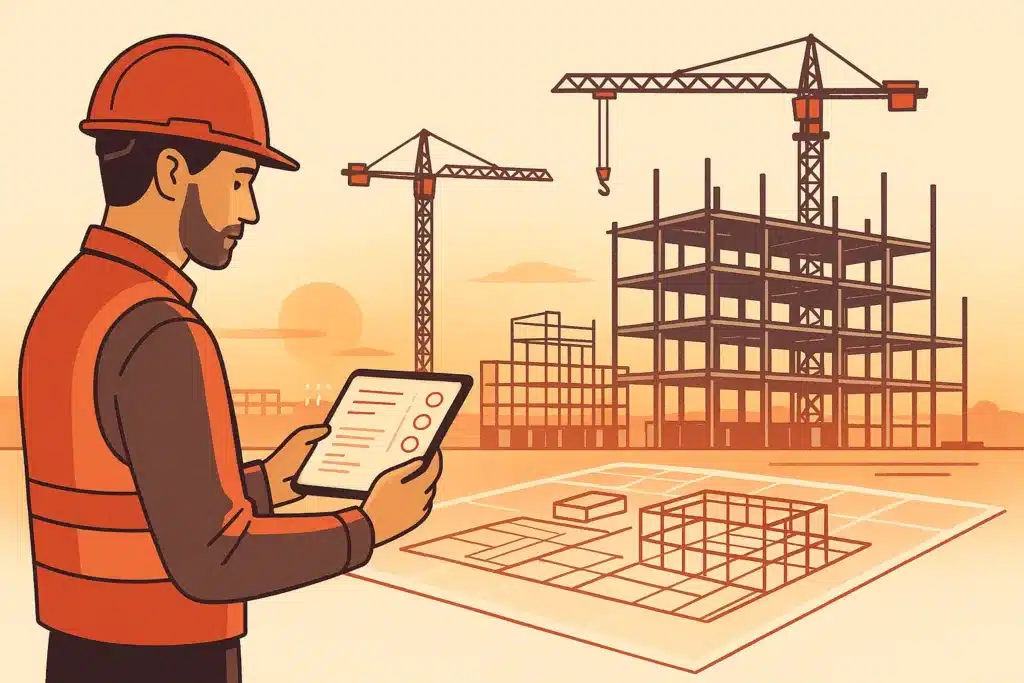
A superintendent spends the first hour of every morning re-typing yesterday's daily logs, chasing RFI responses, and checking which drawing set is current. None of that work builds anything. This is where ai for construction earns its keep. It doesn't replace crews. It takes the repetitive, administrative load off the people who should be running the job. This article walks through what the technology does, which workflows are worth automating first, and how smaller builders can get value without a large-firm budget.
What AI in construction actually means (plain-English definition)
AI in construction is a set of software tools that read data from your projects. They either predict something or handle a repetitive task automatically. Four technologies do most of the work: machine learning (spotting patterns to forecast costs and delays), computer vision (reading site photos and video), natural language processing (searching and summarising documents), and generative design (proposing layouts). The Associated General Contractors of America tracks how firms are adopting these tools across the sector. In practice, ai in construction is less about robots and more about removing manual analysis from people's plates.
Why manual work is the core problem AI addresses on construction projects
Construction runs on manual work: hand-keyed logs, spreadsheet schedules, paper markups, and phone calls to reconcile data across five disconnected systems. Those disconnected systems are why a change order can take days to price. The McKinsey Global Institute has documented how construction productivity has lagged other industries for decades, and repetitive overhead is a big reason. The scale of this administrative burden is significant across the sector, and U.S. Bureau of Labor Statistics construction sector data shows just how many workers carry that load. The root cause is fragmentation: information exists, but nobody has real-time visibility into it. AI for construction attacks that directly. It connects project data and cuts the manual steps between "data exists" and "someone can act on it."
Automating repetitive tasks and administrative overhead
Daily reports, timesheets, RFI routing, submittal logs, invoice coding: these repetitive tasks eat hours that never show up in the finished building. Intelligent automation handles the routing and data entry, so a project engineer isn't copying numbers between tools. Intelligent automation catches the low-value, high-frequency steps, the ones done fifty times a week, and removes the human bottleneck. The time savings add up. If you're unsure where to begin, you can find out what your business can automate and see which of these admin tasks are worth targeting first. Bespoke Mind Ai builds custom AI agents and internal tools that automate this admin work around how a specific team already operates, rather than forcing a new process on the crew.
AI-powered document and drawing management
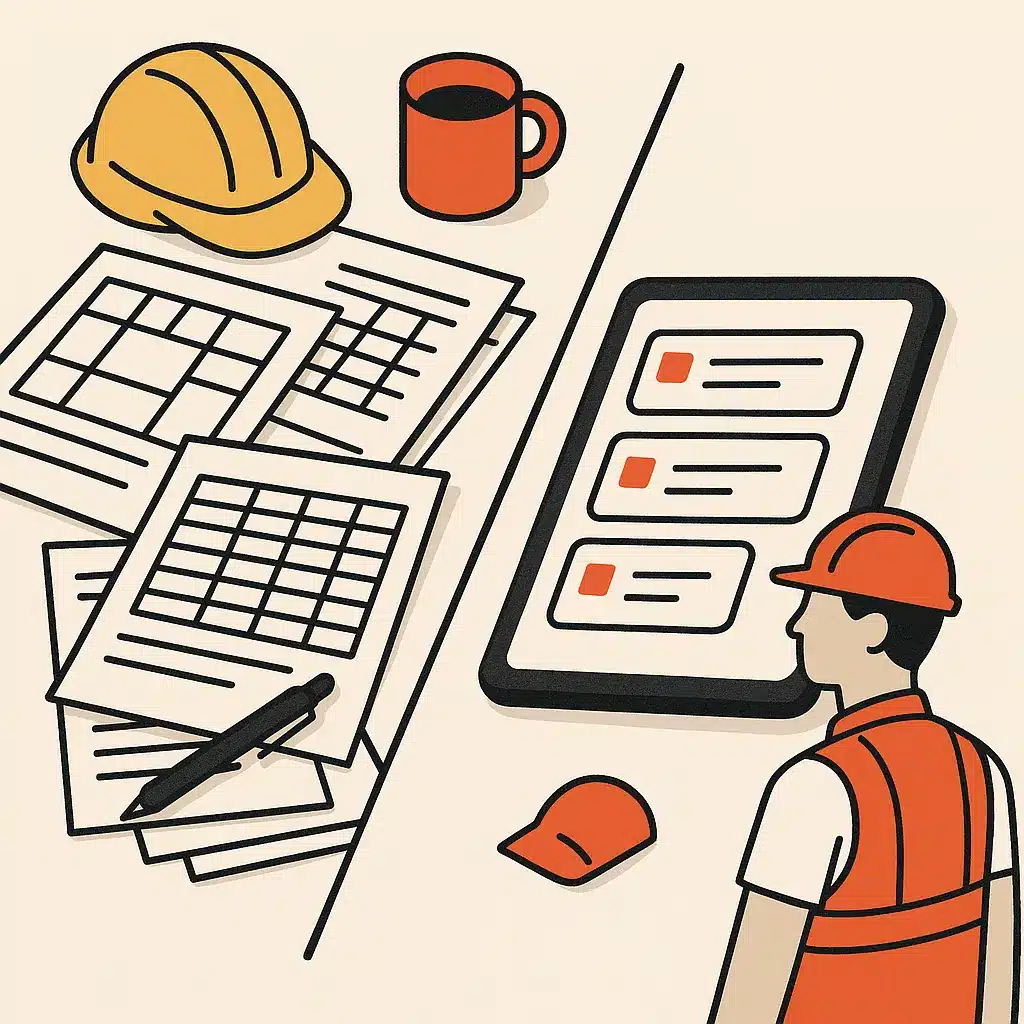
A commercial project can generate thousands of documents and dozens of drawing set revisions. The hard part isn't storing them. It's finding the current version fast. AI-driven document management searches across specs, contracts, and submittals in plain language. It compares revisions and flags changes automatically. Many assume this just means better folders. In reality, the value is that document management surfaces the right sheet or clause without someone hunting through it manually. That cuts the risk of building from an outdated drawing, a mistake that leads straight to costly rework.
Predictive analytics for scheduling, cost, and risk
- Avoid relying solely on static Gantt charts
- Don't ignore historical data patterns
- Watch for dependencies continuously
- Neglecting risk management can lead to schedule blowups
- Ensure timely updates to forecasts
Predictive analytics reads historical and live project data to forecast where a schedule will slip and where cost overruns are likely. Instead of a static Gantt chart that goes stale the day it's printed, the software re-forecasts as conditions change. For risk management, that means flagging a subcontractor sequence or a weather-exposed activity before it derails the critical path. Strong risk management matters because many schedule blowups are predictable from past patterns. Yet no human can watch every dependency continuously. Predictive analytics does that watching, giving teams earlier and better decision-making inputs.
Generative design and preconstruction planning
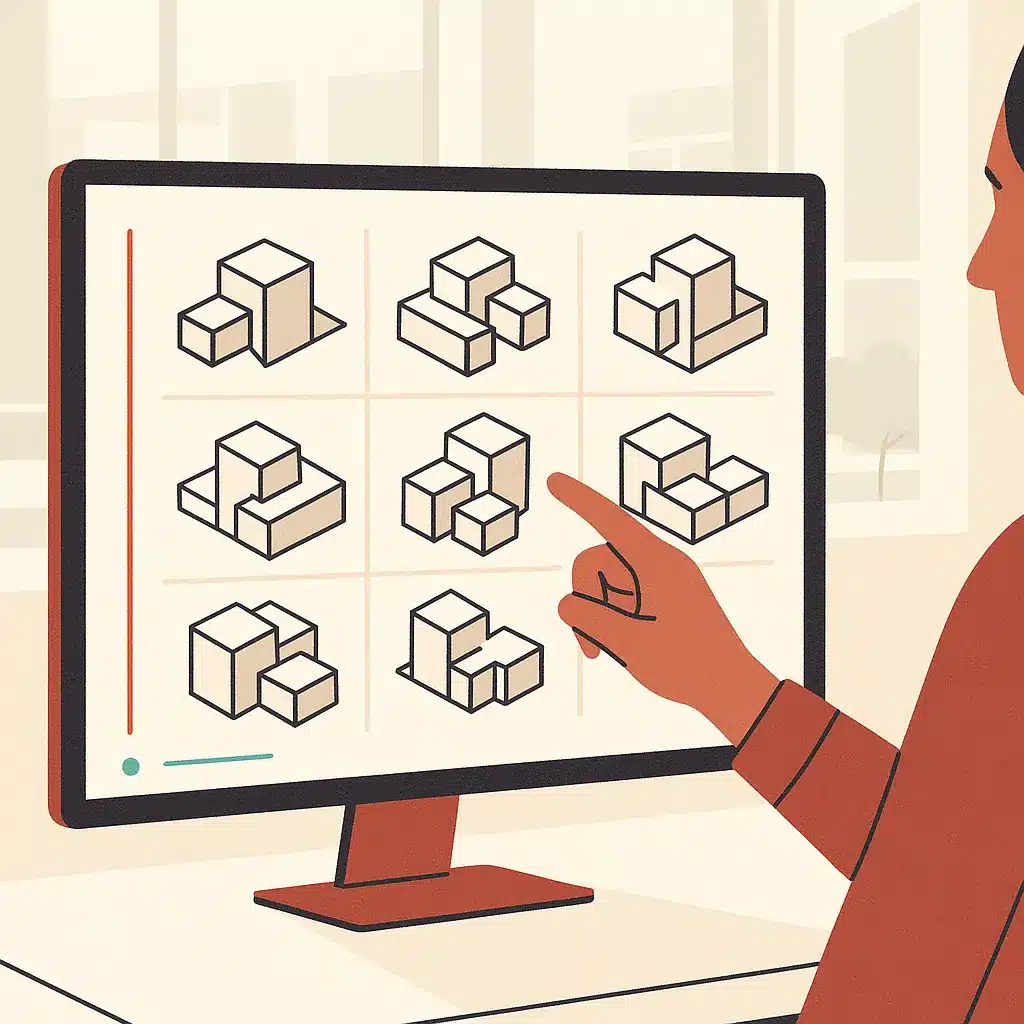
In preconstruction, generative design lets you set constraints: site boundaries, budget, floor area, code limits. The software then produces and scores dozens of viable layout options quickly. This is construction planning at the front end, where changing a decision is cheap. Good construction planning here means the software explores many schemes and ranks them against your goals, instead of an architect iterating three by hand. The mechanism is simple: the software treats design as an optimisation problem. So tradeoffs between cost, daylight, and structure become visible early instead of surfacing as expensive surprises during the build.
Computer vision, sensors, and site safety monitoring
Site safety is where AI moves from convenience to consequence. Computer vision runs on existing camera feeds and drone footage to help spot hazards in real time: missing PPE, workers too close to moving equipment, unauthorised access to a fall zone. Consider a mid-size contractor that relied on weekly walk-throughs and only caught a recurring PPE gap after an incident report landed on a manager's desk. Continuous monitoring with sensors can catch those patterns as they happen. Safety rules and recordkeeping requirements vary by jurisdiction. Check your relevant occupational safety authority for what monitoring and documentation your site requires.
Equipment, asset management, and predictive maintenance
Idle or broken equipment is one of the quietest cost overruns on a job. Predictive maintenance uses sensor data from machines to catch wear before a failure. So an excavator gets serviced on a planned day instead of stopping work mid-pour. To keep construction operations running, asset management systems track where equipment is, how much it's used, and when it's due, replacing the manual clipboard log. This is also where autonomous equipment and construction robotics are starting to appear, for tasks like layout and material transport. Still, most firms will get value from predictive maintenance long before they run autonomous machines.
Where AI fits for smaller builders, not just large firms
The assumption that ai in construction software is enterprise-only is outdated. A ten-person builder deals with the same repetitive tasks as a national contractor, just at smaller volume, and often with less admin help. With ongoing activity tracked in U.S. Census Bureau construction industry statistics, the pressure on smaller firms to work leaner is only growing. Smaller firms can start narrow: automate daily reports, add real-time visibility into one messy scheduling process, or point computer vision at a single site camera. The point isn't a full construction operations overhaul. It's picking one bottleneck where manual work is clearly slowing the team, removing it, then measuring the operational efficiency gain before expanding.
How to identify which construction workflows are worth automating first
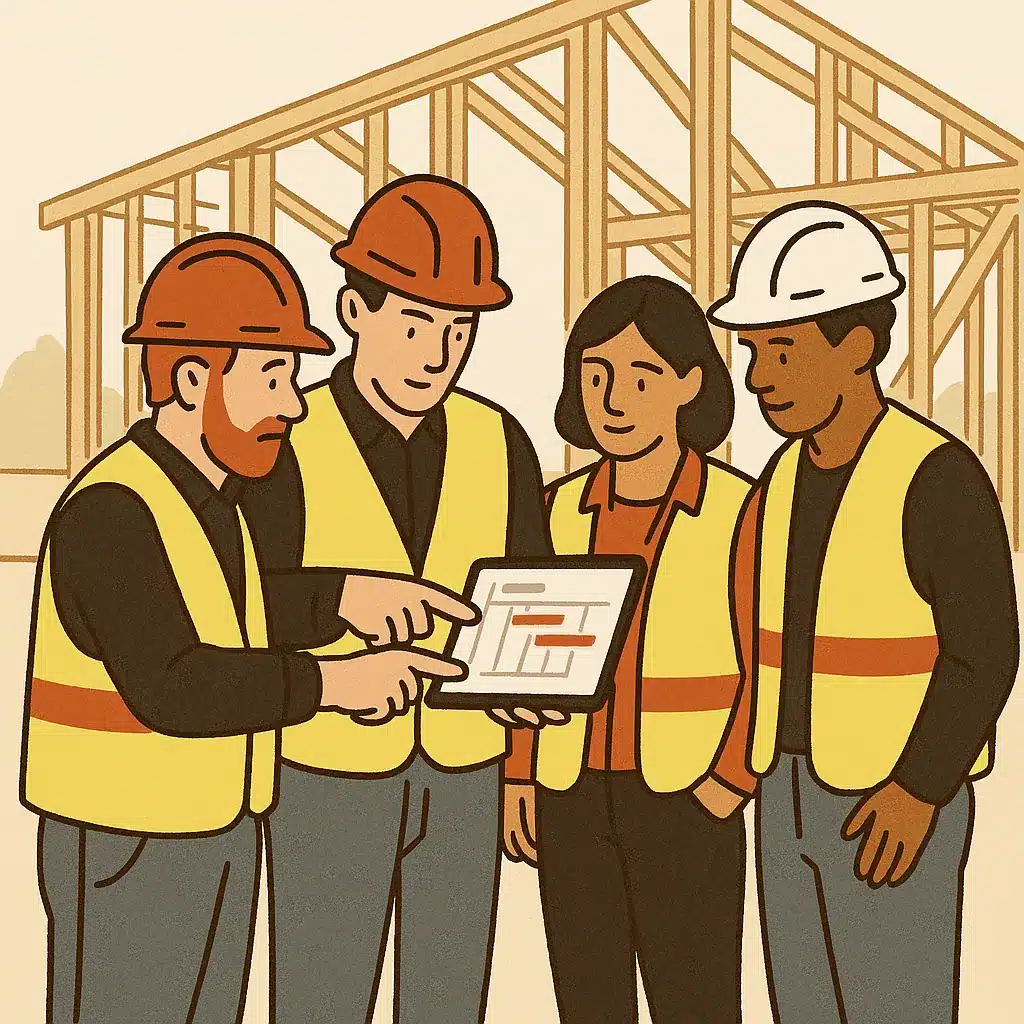
Start with the task your team complains about most and does most often. A workflow is worth automating when it's repetitive, rule-based, and currently drains hours of manual work each week: submittal logging, invoice coding, RFI routing, daily reporting. Map where project data crosses between systems, because those disconnected systems are usually where time and accuracy leak. Rank candidates by frequency times hours lost, not by how impressive the tech sounds. Before committing budget, it helps to calculate the ROI on an automation project so the potential time and cost savings are concrete. The best first project is boring, high-volume, and low-risk. A fast win in productivity builds confidence for the next round of workflow automation.
Off-the-shelf construction software vs custom AI systems built around your operations
- Standardized feature set available quickly
- Assumes a specific workflow
- May not fit unique team processes
- Good for core functionalities
- Tailored to specific operational needs
- Automates unique workflows
- Connects existing tools seamlessly
- Requires more build effort
Off-the-shelf construction software like Procore or Autodesk Construction Cloud gives you a strong, standardised feature set fast. For many builders that's the right call. The limit is that these platforms assume a workflow, and your team may not work that way. Where ai in construction software is built around how your operation actually runs, custom AI systems built around how your operations run connect the specific tools you already use and automate the specific steps that cost you time. The tradeoff is scope and build effort. The advantage of choosing to automate workflows without adding more software is that you close the gaps without piling another disconnected platform onto the team. The honest answer for most firms is a mix: standard construction software for the core, custom automation to close the gaps off-the-shelf tools leave open.
If repetitive work and disconnected systems are slowing your projects down, the practical first step is to figure out which workflows are actually worth automating for real business outcomes. Bespoke Mind Ai scopes custom AI systems and workflow automation around how your business already operates, so you get less manual work instead of another tool to manage. You can book a discovery call to map your automation opportunities and see where the real time savings are.
Frequently Asked Questions
How is AI actually used on construction sites?
AI in construction runs on four core technologies: machine learning forecasts cost overruns and labor demand from historical project data, computer vision analyzes drone and CCTV footage to catch missing PPE or track progress, and NLP and generative AI handle document search and design assistance. Suffolk used computer vision on historical site photos to predict 20-40% of future incidents, saving millions through early warnings.
What's the best AI tool for construction management?
There's no single best tool:it depends on your workflow. Procore AI covers the full project lifecycle with agents for RFI review, daily logs, and risk forecasting on large commercial jobs, while Autodesk Construction Cloud AI is stronger for BIM-heavy design work like clash detection and model coordination.
How does AI planning compare to traditional methods like Gantt charts and CPM?
Traditional methods (Critical Path Method, Gantt charts, PERT, spreadsheets) are transparent, low-overhead, and reliable when project requirements are stable and predictable. AI-driven predictive analytics outperform them on volatile projects by continuously re-forecasting delays and costs from live data, which is why hybrid approaches are becoming standard rather than a full replacement.
Is investing in AI worth it for a small or mid-sized construction firm?
For most, yes:but the payoff depends on scoping it around a real bottleneck rather than buying tools broadly. In a 2026 QuickBooks/Intuit report, only ~7% of U.S. construction firms paid for AI tools, but among those users 57% reported increased revenue, 31% reported reduced costs, and only 2% reported losses.
What if AI just adds another disconnected system my team won't use?
That's the most common failure mode:AI bolted on top of existing tools without connecting to how work actually flows. The firms seeing returns embed AI into an existing workflow (a safety camera feed, a scheduling process, a document pipeline) so it removes manual steps instead of creating a new one to manage.
Is construction going to be replaced by AI?
No:AI in construction targets forecasting, monitoring, and document work, not the physical trades. It handles repetitive analysis like incident prediction and clash detection, freeing site and project teams to focus on judgment-heavy decisions and hands-on work that AI can't perform.
What is the 30% rule in AI?
The '30% rule' generally refers to AI handling roughly the first 30% of a task:drafting, first-pass analysis, or triage:while humans review and finish the rest. In construction this maps to AI producing a first-draft schedule, risk flag, or safety alert that a project manager validates before acting.
How does AI improve safety instead of just reporting problems after they happen?
AI shifts safety from periodic manual inspections to continuous, real-time oversight. AI-powered cameras flag PPE violations, unsafe equipment proximity, and unauthorized site access as they occur, while predictive models analyze past photos and project data to warn teams of likely incidents before they happen.