
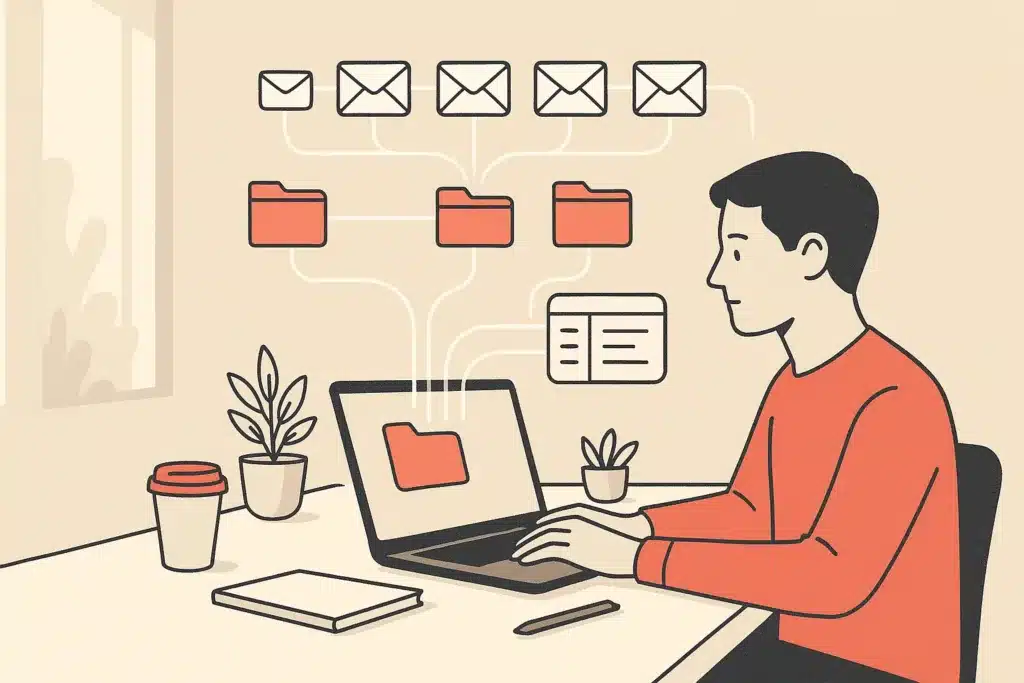
An operations manager at a growing real estate firm spends the first ninety minutes of every day just sorting email. Which messages are leads, which are vendor questions, which need the founder, and which can wait. That ninety minutes never shrinks. It grows, because the volume climbs faster than any manual sorting routine can keep up with.
AI email automation is the practical answer to that specific problem. This article breaks down what it really does, how it works, and which parts genuinely remove manual work versus which parts just look impressive in a demo.
What AI email automation actually is (definition and scope)
Strip away the marketing and AI email automation is software that reads incoming email, understands what it means, and takes an action. The action might be drafting a reply, sorting the message, extracting a task, or handing it to a person. What makes it different from the tools your marketing platform already runs is the reading part. Traditional email automation software fires on fixed triggers: someone clicks a link, a rule sends the next message. It never actually understands the email.
AI changes that. Using AI that reads and interprets written language, an ai email assistant can tell the difference between a pricing question, a complaint, and a scheduling request, even when the words vary wildly. That understanding is what lets it handle real inboxes instead of just marketing sequences. This is a specific slice of the broader shift toward AI workflow automation that removes repetitive work across a business.
The scope is broader than most people expect. It covers outbound email campaigns, cold outreach, and the messy operational inbox where vendor questions, customer requests, and internal threads all pile up. Microsoft's research on how workers spend their time, documented in its Work Trend Index, shows how much of the day gets eaten by communication and coordination. Pew Research on technology's impact on workers adds credible data on how email and digital tools reshape the demands on attention. That is the territory AI email automation targets.
Many assume this means replacing people. In reality, the useful applications remove the repetitive classification and drafting work sitting underneath. A person then spends their attention on judgment calls instead of triage. The reason this works is mechanical: most inbox time is spent sorting and deciding, not writing, so automating the sorting frees the hours without touching the human judgment. The goal isn't more software. It's less manual work.
How AI email automation works: the underlying mechanics
Under the hood, ai email automation is a pipeline, not a single button. It runs in four rough stages, and understanding them helps you see where the value comes from.
First, pulling in the email. The system takes the incoming email plus context: the thread history, who sent it, and often related records from a CRM. Without that context, any reply the model writes is a guess.
Second, sorting by intent. The model reads the message and works out what it's about. Is this a support request, a sales lead, a billing dispute, an internal note? This is the email triage step, and it is where most of the manual work in an inbox actually lives. Google's overview of how natural language processing parses meaning from text explains the mechanism that makes this sorting possible.
Third, routing. Based on the intent, the message goes somewhere: an auto-reply, a specific team member, a follow-up queue, or a flag for review.
Fourth, drafting a grounded reply. When a reply is appropriate, the system generates one based on the thread and customer data, not a generic template.
These stages chain together, so a message can arrive, get sorted, routed, and drafted in seconds. The root cause of most inbox delay is not writing speed. It is the sorting and deciding that happens before anyone writes. Workflow automation attacks that decision layer directly, protecting both response time and email deliverability.
Core capabilities of AI in email (writing, replying, sorting, classifying)
Break AI email work into four capabilities and it gets easier to evaluate.
Writing. An ai email writer drafts messages from a short instruction or a thread. This covers subject lines, first drafts of email campaigns, and cold outreach openers. The quality depends heavily on how much context you feed it. That is why an ai email assistant connected to your CRM writes better than a blank-box generator.
Replying. Smart reply and automated replies handle the high-volume, low-variation messages: order confirmations, meeting scheduling, standard FAQs. A good smart reply system drafts the response and, for routine cases, sends it. For anything sensitive, it drafts and waits.
Sorting. This is inbox management. The system labels, prioritizes, and files messages so the important ones surface first. For a busy operator, this kind of inbox management alone can reclaim the most time, since surfacing the urgent message first is often the single decision that stalls a whole inbox.
Classifying. The system tags each message by intent, sender type, urgency, or sentiment. Reading the tone of a message can flag an angry customer before they escalate, so the message jumps the queue.
These capabilities overlap in practice. A single incoming email might get sorted, prioritized, and given a drafted reply in one pass. Most email automation tools do one or two of these well. The strongest ai email marketing tools combine writing with audience segmentation, while operational systems lean harder on sorting and routing. Knowing which capability you need stops you paying for features that look useful but never touch your bottleneck.
Triage versus execution: reading email vs. finishing the task
- Understands intent and prioritizes messages
- Drafts responses or routes emails
- Removes manual work from email handling
- Completes tasks requested in emails
- Updates systems and confirms actions
- Requires integration with business tools
Here is a distinction that trips up most buyers. Reading an email and finishing the task it asks for are two different jobs. A lot of email automation software only does the first.
Triage is understanding. The system reads the message, figures out intent, prioritizes it, and drafts a response or routes it. That is genuinely useful and removes a real chunk of manual work.
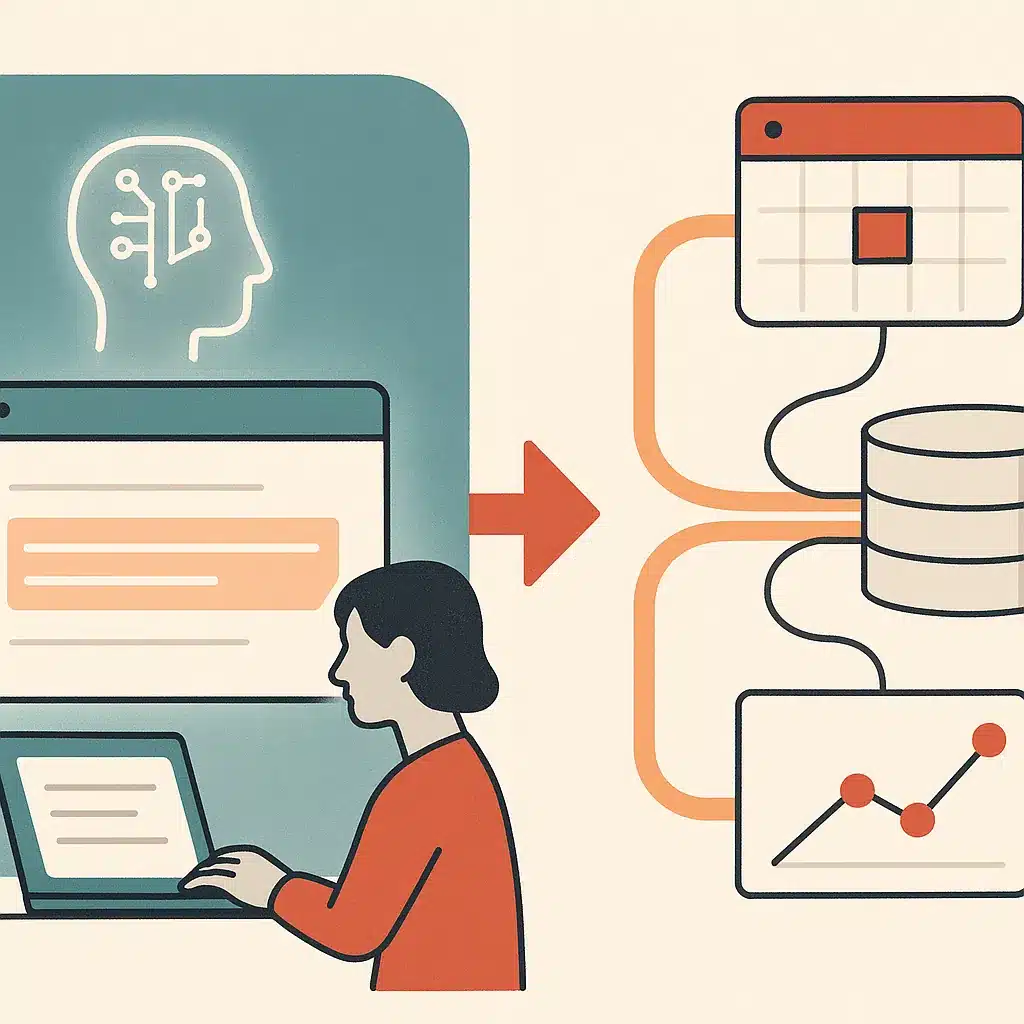
Execution is completing what the email requires. A customer emails to reschedule an appointment. Triage recognizes the request and drafts a friendly reply. Execution actually checks the calendar, finds an open slot, updates the booking system, and confirms. The reply is worthless if the underlying booking never changes.
This is where off-the-shelf ai email assistant tools stop and custom workflow automation begins. Generic tools are excellent at reading and drafting. Finishing the task usually means connecting to the systems where the work lives: a CRM, a scheduling tool, an order database, a billing platform. Those connections are specific to how each business operates, which is why custom AI solutions built around your operations tend to outperform generic products here.
Consider a property management office where every "when can someone fix my sink?" email gets read and acknowledged by an AI in seconds. But a human still has to open the maintenance system and dispatch a technician. The acknowledgment feels like progress. The tenant still waits, the follow-up call still comes in, and the office ends up doing the coordination work twice. Real time savings come from closing that gap, which is exactly what custom AI agents for business operations are designed to do, rather than stopping at a polished draft.
Types of email automation: marketing, outreach, and operational inbox
Not all email automation is the same job, and lumping it together leads to bad tool choices. There are three broad types.
Marketing automation handles outbound email campaigns to lists: newsletters, promotions, nurture sequences. Here the ai email marketing tools focus on audience segmentation, subject lines, personalization at volume, and email deliverability. Behaviour-based triggers decide who gets what and when.
Outreach automation covers cold outreach and one-to-one-feeling sales email. The AI personalizes each message using enriched contact data, builds multi-step email sequences, and manages follow-up automation so nobody slips through the cracks. The value is sending relevant messages at scale without hand-writing every one.
Operational inbox automation is the least glamorous and often the most valuable. This is the shared inbox where customer requests, vendor questions, and internal coordination collide. The work here is email triage, sorting, and automated replies to routine questions. It is where founder-led businesses quietly lose hours a day.
Here is why this matters: most companies buy marketing tools because those are loud and well-marketed, then wonder why their operational bottlenecks never move. The inbox eating your team's time is usually the operational one, not the campaign tool.
Each type needs a different setup. Marketing lives in email automation software built for lists. Outreach lives in sales-focused email automation tools. The operational inbox often needs custom logic, because no two businesses route their vendor and customer email the same way. Matching the type to the actual problem is half the battle.
Behaviour-based triggers, sequences, and send-time optimisation
Timing and sequence logic are where automation stops feeling robotic and starts feeling relevant. Three mechanisms do most of the work.
Behaviour-based triggers fire actions based on what someone does, not just who they are. A prospect visits your pricing page twice, so a follow-up email goes out. A customer hasn't opened the last three messages, so the sequence pauses. That is smarter than a static drip, because the email workflows respond to real signals instead of a fixed calendar.
Email sequences string multiple messages together with conditions between them. If a lead replies, they exit the sequence and route to a person. If they click but don't reply, a different message goes next. Good follow-up automation keeps the conversation moving without anyone remembering to send message four on day nine.
Send-time optimization decides when each message lands. Instead of blasting everyone at 9 a.m., the system learns when each recipient tends to open and adjusts. Send-time optimization can help improve open rates and email deliverability, because the message arrives when attention is available.
These mechanisms replace a manual checklist someone used to run in their head. Take a common case: a sales rep who forgets to follow up on a warm lead for six days and loses the deal to a faster competitor. Behaviour-based triggers and automated email sequences close that gap. The mechanism matters more than the feature name. You are automating decisions about who to contact, with what, and when, so a person never has to hold that in memory.
Business intelligence, enrichment, and lead qualification from email
Email is a data source, not just a communication channel, and this is the capability most teams overlook. Every message contains signals: what the sender wants, how urgent it is, whether they are a fit, where they are in a buying process.
Data enrichment fills in the gaps. When a lead emails from a company address, the system can append firmographic details, company size, industry, role, so the reply and the routing account for who this actually is. A one-line inquiry becomes a qualified record.
Lead scoring and lead qualification run on top of that. The AI reads the content and enriched context and assigns a score: this looks like a serious buyer, this a tire-kicker, this an existing customer with a support issue. Lead qualification that used to require reading every inbound message now happens automatically, and lead scoring flags the high-value ones for fast human attention.
This feeds business intelligence. Aggregate the classifications and you learn things the inbox was hiding: which topics generate the most email, where response times slip, which lead sources actually convert. Reading sentiment across messages shows whether customer frustration is rising before it shows up in churn.
Here is why this matters: most teams treat email as disposable once it's answered. The pattern of what people email about is one of the clearest views into your operation. The mechanism is simple: each inbound message is a labelled data point about demand, friction, and intent, and aggregating those labels turns a noisy inbox into a readable operational signal. Bespoke Mind AI builds custom systems that turn inbound email into scored, enriched, routed records, so leads get qualified without a person reading every message first. That is visibility you didn't have before.
What actually removes manual work (vs. features that just look useful)
- Chatbots that require human review
- Summarizers for threads already known
- Smart folders needing manual opening
- Automated replies without human review
- Email triage that sorts automatically
- Workflow automation that closes the loop
Not every AI email feature saves time. Some just move the work around or add a new thing to check. Being honest about the difference is how you avoid buying shelfware. It also helps to have read Harvard Business Review on reducing time spent on email before deciding where to invest, since manual handling is a measurable productivity drain.
Some features look useful but often don't move the needle. A chatbot that drafts an email you still have to review, edit, and send yourself. A summarizer for threads you would have read anyway. A "smart" folder you still have to open. These feel modern. They rarely remove manual work, because a human is still in every loop.
What actually removes manual work is automation that handles a full category of email end to end. Automated replies to routine questions that send without review. Email triage that files and prioritizes so nobody sorts by hand. Workflow automation that reads a request, updates the right system, and confirms, closing the loop the customer cared about.
The test is simple. Ask: after this feature runs, does a person still have to do the task? If yes, it assisted. If no, it removed the work. Real operational efficiency comes from the second kind.
The root cause of wasted automation spend is buying tools for the impressive-looking capability instead of the repetitive, high-volume, low-judgment task that eats hours. Picture a distribution company that spends thousands on an ai email writer while its team still manually routes 300 order-status emails a day. The drafting tool was never the bottleneck, so the hours never come back and the spend shows up as cost with no matching time saved. Find the task that repeats hundreds of times and requires little judgment. Automate that first. The time savings are real and measurable there, not in the flashy feature.
Data security, privacy, and human oversight in automated email
Automating email means letting software read messages that often contain sensitive information: customer details, contracts, financial data, health information depending on your industry. That raises real questions you should answer before deploying anything.
Data security starts with where the email content goes. When an ai email assistant processes a message, is that data used to train a public model, or kept private to your account? For most business use, you want a setup where your email content is not fed back into a general training pool. Reputable email automation software is explicit about this. If a vendor is vague, treat that as a warning.
Privacy rules also vary by industry and location. Healthcare email touches HIPAA in the US. Anything involving EU residents brings GDPR into play. Financial services have their own requirements. These rules vary significantly by jurisdiction and sector, so confirm your obligations with a qualified compliance advisor or the relevant regulator before automating email that carries protected data. Do not assume a general tool is compliant out of the box.
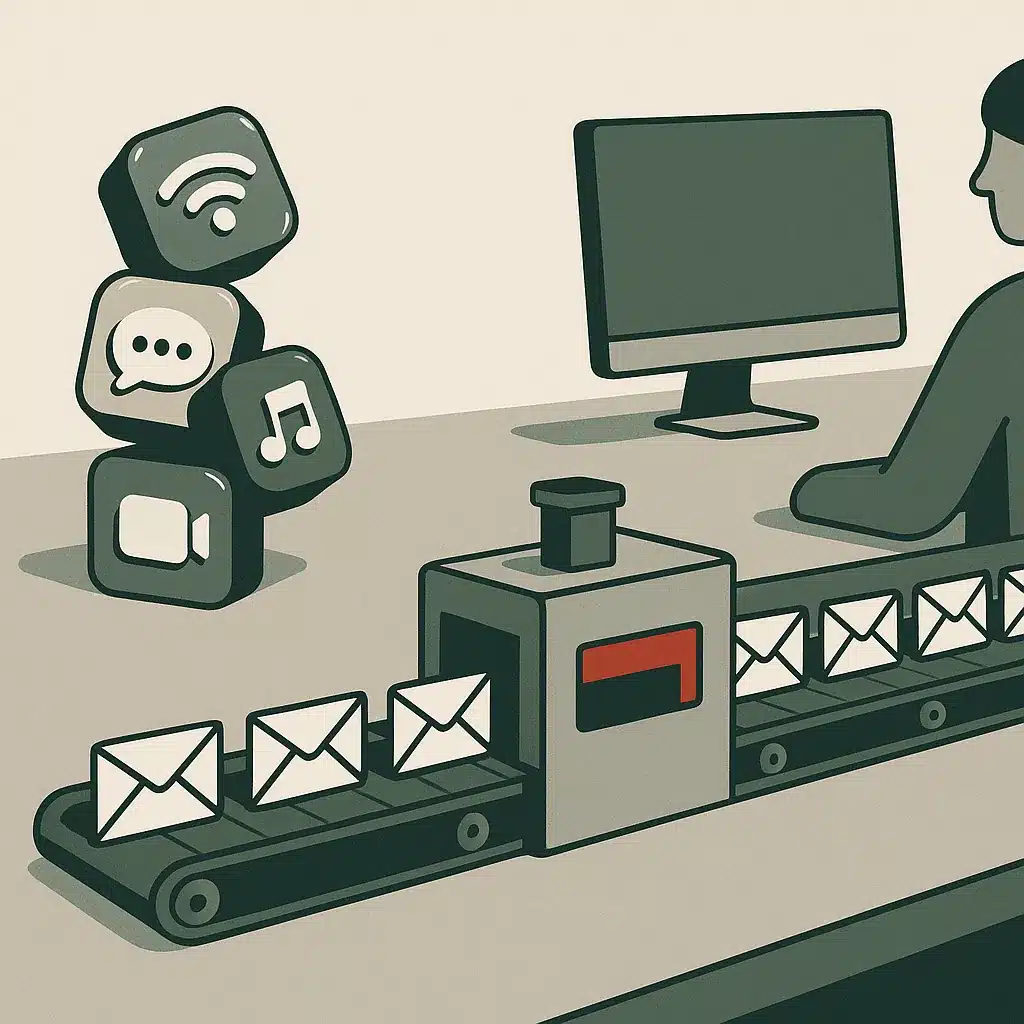
Human oversight is the practical safety net. The reliable pattern is simple: let automation handle standard, low-risk email end to end, and route anything ambiguous, high-value, or sensitive to a person before it sends. This keeps a human in the loop exactly where judgment matters and lets automation run free where it doesn't. The reason this split works is that the cost of a mistake is not evenly spread: a wrong reply on a routine confirmation is cheap, while a wrong reply on a contract or complaint can cost a customer, so you put the human where the downside is largest.
Many assume full automation means removing people entirely. In reality, the safest and most effective systems keep human oversight on the edges, the emails where a wrong reply carries real cost, and automate confidently in the high-volume middle.
How to tell if AI email automation is right for your team
Not every team needs this, and the honest answer sometimes is "not yet." A few signals tell you whether it fits.
You have volume. AI email automation earns its keep when email arrives in enough quantity that patterns exist. If your team gets twelve emails a day, a person handles them fine. If it's several hundred across a shared inbox, the repetitive sorting and drafting is real manual work worth removing.
You have repetition. Look at your sent folder. If the same three or four types of reply cover most of what your team writes, that repetition is exactly what automated replies and email workflows handle well. Unique, one-off correspondence is not a good automation candidate.
You have a bottleneck tied to email. Slow response times, leads going cold because nobody followed up, a founder personally triaging the inbox. These are operational bottlenecks that automation directly targets. If email isn't slowing anything down, hold off.
You have context the AI can reach. Good automation needs data: thread history, sender records, CRM entries. If that information is locked in someone's head or scattered across disconnected tools, you'll need to connect those first.
The clearest sign is founder dependency. When one person is the only one who knows how to sort and respond to the inbox, the business can't scale past them. That is the pattern where workflow automation delivers the most, and where measuring automation ROI is most straightforward. If you're unsure, it's worth taking a moment to find out what your business can automate before committing to a tool.
Mapping your inbox workflow before automating (bottleneck analysis)
The mistake most teams make is buying a tool before understanding their own inbox. Automating a messy process just gives you a faster mess. Map first.
Start by categorizing a week of real email. Pull every message a shared inbox received and sort by intent: leads, support, vendors, internal, spam. Count each category. The numbers usually surprise people. The type of email you assumed dominated often doesn't, and a quiet high-volume category turns out to be where the hours go.
Next, trace what happens to each type. Who reads it? Who responds? How long until a reply goes out? Where does it stall? This is bottleneck analysis, and it exposes the specific step that eats time. Often it's not the writing. It's the deciding: figuring out who should handle a message and finding the context to answer it.
Then mark which categories are repetitive and low-judgment versus which need human thought. The repetitive, high-volume, low-judgment bucket is your automation target. Everything else stays human, at least at first.
Here is why this matters: automation applied to the wrong step produces a nice demo and no real time savings. A common pattern is teams that automate reply drafting when their actual bottleneck was routing, so nothing improves. Mapping the workflow tells you where the manual work concentrates before you spend a dollar. Bespoke Mind AI starts engagements with exactly this kind of workflow mapping and bottleneck analysis, because a system built around how your inbox actually operates beats a generic tool aimed at the wrong step.
Off-the-shelf email tools vs. custom automation built around operations
- Covers common cases well and cheaply
- Includes AI features at no extra cost
- Suitable for standard processes
- Tailored to specific business operations
- Integrates with unique routing rules
- Higher upfront cost but reduces manual work
There is a real choice here, and neither answer is always right. It depends on how standard your process is.
Off-the-shelf software covers the common cases well and cheaply. Gmail and Outlook now include AI drafting and summarization at no extra cost. Marketing platforms handle email campaigns and audience segmentation. Sales tools manage cold outreach and email sequences. If your process fits the way these tools expect you to work, buy them. There is no reason to build what you can subscribe to.
The limits show up when your operation doesn't match the tool's assumptions. Off-the-shelf software struggles when routing depends on rules unique to your business, when finishing a task means updating systems the tool doesn't connect to, or when your inbox blends types no single product handles. That's where you hit the ceiling: the tool reads and drafts, but can't finish the work.
Custom-built systems solve that by wiring the automation into how your business actually runs. Instead of forcing your process into a product's shape, custom ai agents and workflow automation are built around your CRM, your scheduling, your routing rules, your databases. The tradeoff is real: custom-built systems cost more upfront than a subscription and take time to build. The reason the extra cost can pay off is that a generic tool prices for the average process, so the further your operation sits from that average, the more manual work it leaves on the table for you to keep paying in staff hours.
The honest guidance: start with off-the-shelf software for standard needs, and consider custom automation only when a specific, expensive bottleneck refuses to move with a subscription tool. Many businesses run a mix, generic tools for common email and a custom layer for the operational workflow that defines them. Match the approach to the problem, not the other way around.
Measuring time savings and ROI from email automation
If you can't measure it, you can't justify it. Automation ROI on email comes down to a few concrete numbers, and you should capture the baseline before you automate anything.
Start with time. Track how many minutes per day your team spends sorting, drafting, and routing email. Multiply by loaded hourly cost. That's your current spend on manual inbox work. After automation, measure it again. The gap is your time savings in dollars.
Measure response time. How long between an email arriving and a useful reply going out? Faster responses often convert more leads and reduce follow-up volume. A concrete example: a logistics operation that cut email response times to under two minutes and reduced coordinator workload by 45% through an AI triage system saw the payoff in freed-up staff hours, not in a vanity metric.
Track error and escalation rates. Good automation should reduce missed follow-ups and dropped requests. If those fall, that's operational efficiency you can point to.
Be realistic about the honest caveat: results vary based on your existing processes, business complexity, implementation quality, and how well your team adopts the system. Nobody can promise a fixed return, and any vendor who guarantees one is overselling. What you can do is measure your own baseline and compare.
The point of ai email automation was never the technology. It was less manual work, faster responses, and operators freed from inbox triage to do higher-value work. Measure those, and the case makes itself.
If repetitive email is quietly consuming your team's day, the fastest way forward is to see where automation would actually move the needle. Bespoke Mind AI maps your inbox workflow, finds the real bottlenecks, and builds custom systems around how your business operates, not around a generic tool. You can book a discovery call to explore automation opportunities and get a clear read on what's worth automating first.
Frequently Asked Questions
What exactly is AI email automation?
AI email automation uses large language models and natural language processing to read, classify, and respond to emails based on context rather than fixed if-then rules. Unlike basic triggers, it understands what an email is asking and who sent it, then acts by drafting a reply, routing it, or summarizing the thread.
How is this different from the email automation my marketing tool already does?
Traditional automation runs on fixed rules and static segments, like sending a welcome email when someone signs up. AI-driven automation learns from behavior and past responses, adapts in real time, and can predict the next best action instead of following a preset sequence.
Can ChatGPT actually organize my inbox?
ChatGPT can draft replies, summarize threads, and extract action items, but on its own it doesn't have live access to sort or prioritize your inbox. To organize messages automatically you need a system that connects the model to your email through data ingestion, triage, and routing logic.
Which tools should I look at for AI email automation?
Built-in options include Gmail's Help Me Write and thread summaries via Gemini, and Outlook drafting and summarization via Microsoft Copilot. For business workflows, dedicated platforms handle triage, routing, and CRM-connected responses that generic writing tools don't cover.
Is AI email automation actually worth it, or just hype?
The value shows up in measurable operational outcomes, not novelty. One logistics operation cut email response times to under two minutes and reduced coordinator workload by 45% using an AI triage system, the payoff comes from removing repetitive classification and drafting work at scale.
What if the AI sends a wrong or off-brand reply to a customer?
This is the main risk with routine emails, which is why most reliable setups keep a human in the loop for anything ambiguous or high-stakes. A well-scoped system auto-handles standard inquiries and flags or drafts (rather than sends) complex ones for review.
Is there a free way to start with AI email automation?
Yes, Gmail and Outlook include free AI drafting, reply suggestions, and summarization within existing plans, which is enough to test personal-use cases. Full workflow automation with routing and system integrations typically requires a dedicated tool or a custom build.
How do I set it up for my own inbox?
Start by defining what you want handled, drafting replies, summarizing threads, sorting messages, or triggering follow-ups. Then pick a tool that matches those goals, and connect the context sources (thread history, sender info, CRM) the AI needs to act accurately.