

A hospital network running 250 separate AI tools across 150 hospitals sounds like a moonshot. It isn't. CommonSpirit Health does exactly that today. The ai automation examples in this article follow the same rule that makes their setup work: aim automation at a specific, painful bottleneck, not at "AI" as a concept. Below you'll find practical use cases across hiring, finance, IT, sales, marketing, supply chain, and compliance. You'll also get honest guidance on where automation genuinely removes manual work and where it just adds cost.
What AI automation actually is (plain-English definition vs traditional automation)
- Follows fixed rules and templates
- Stalls with unexpected input formats
- Handles predictable, structured work
- Requires human intervention for ambiguity
- Uses AI systems for human-like judgment
- Learns patterns from data inputs
- Handles ambiguous, unstructured information
- Reduces manual work, not just software
AI automation means using AI systems to complete tasks that used to require human judgment, not just human clicks. The difference from traditional automation matters. Traditional tools, often called robotic process automation, follow fixed rules: if a field says X, do Y. That works until an input arrives in an unexpected format, at which point the whole thing stalls.
AI automation works differently. Models trained on data can read a messy invoice, interpret a vague support ticket, or classify an email even when the wording is new. That capability comes from the system learning patterns from data instead of matching rigid templates.
Here's the practical takeaway. Robotic process automation handles predictable, structured work. Intelligent automation handles the ambiguous, unstructured information that used to force a person to step in. For a broader view of how organizations adopt these tools, McKinsey's research on the state of AI tracks where value is actually landing. If you want a deeper explanation of the mechanism, this breakdown of how AI workflow automation removes repetitive work shows what happens under the hood. The goal isn't more software. It's less manual work.
How to read this list: what counts as a real manual-work cut vs hype
Not every "AI can do this" claim survives contact with a real workflow. As you read the examples below, apply three filters.
- Is the task genuinely repetitive? Automation earns its keep on high-volume, repetitive tasks, not on rare one-offs where setup costs more than it saves.
- Is the process defined? If nobody can describe the steps, AI agents can't reliably run them either. Fuzzy processes produce fuzzy results.
- Does it reduce manual work or just relocate it? Some tools shift effort from doing a task to babysitting the tool. That's not a win.
Many assume AI automation replaces whole teams. In reality, the strongest use cases remove specific slices of work, freeing people for judgment-heavy tasks. The Bureau of Labor Statistics analysis of automation and work makes a similar point: automation tends to shift work rather than erase it wholesale. Adoption is real and growing. Gartner's forecasting on agentic AI shows autonomous agents moving from experiment to production. Read every example here against operational efficiency and measurable time savings, not novelty.
AI for talent acquisition and employee onboarding
Hiring is buried in repetitive tasks: screening hundreds of resumes, scheduling interviews across calendars, chasing references, and answering the same candidate questions on repeat. AI automation handles the volume without gatekeeping the actual hiring decision.
- Resume screening and ranking against defined role criteria, surfacing shortlists instead of raw stacks.
- Interview scheduling where AI agents coordinate times across panels and candidates automatically.
- Candidate Q&A through a chatbot that answers logistics questions during talent acquisition, day or night.
Employee onboarding is where the time savings stack up. A common pattern: new hires wait days for accounts, equipment, and paperwork because the checklist lives in one manager's head. AI workflow automation can trigger IT provisioning, generate contracts, and route policy acknowledgments the moment an offer is accepted. That turns a scattered, multi-day employee onboarding process into a tracked sequence. It cuts founder dependency and gives leadership visibility into where each new hire stands. The mechanism is simple: when the sequence lives in a system instead of a person's memory, no step gets skipped because someone was out sick or buried in other work.
AI for payroll, expenses, and back-office finance tasks
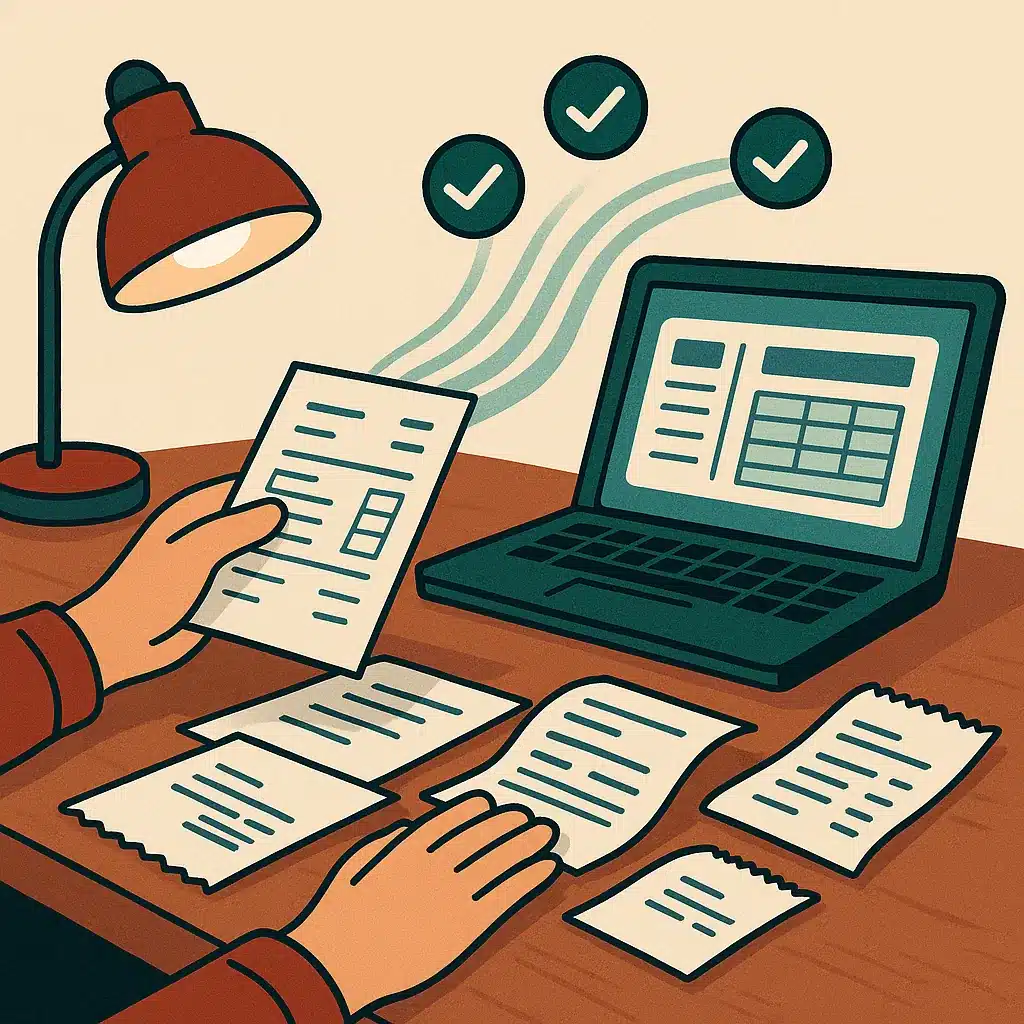
Finance and accounting is full of high-stakes manual work. One transposed digit in payroll processing means an underpaid employee and an awkward correction cycle. AI automation targets exactly these error-prone, repetitive tasks.
- Payroll processing that validates hours, flags anomalies before pay runs, and reduces the manual reconciliation that eats a bookkeeper's week.
- Expense approvals where AI agents check receipts against policy, auto-approve the routine ones, and escalate only the exceptions.
- Invoice and document processing that extracts vendor, date, and amount from PDFs and pushes clean data into accounting systems.
Error reduction matters here because the mistakes compound. Finance and accounting errors ripple into tax filings, vendor relationships, and cash-flow reporting. Bespoke Mind Ai builds custom workflow automation for these back-office tasks, wiring extraction and validation directly into the accounting tools a business already uses rather than adding a disconnected platform. For small business teams, that's the difference between chasing paperwork and closing the books on time.
AI for IT support and internal troubleshooting
IT support drowns in the same tickets: password resets, access requests, "the printer's down again." Each one is small. Together they consume hours a technician should spend on real problems.
- Tier-1 ticket resolution where AI agents handle password resets and access requests end to end using natural language.
- Ticket triage and routing that reads a vague complaint, classifies it, and sends it to the right queue with the right priority.
- Knowledge-base answers delivered instantly instead of employees waiting in a support line.
Most IT backlog comes from repetitive tasks dressed up as unique emergencies. Intelligent automation can clear a large share of the routine tickets so humans focus on the hard cases. Picture a 40-person firm where one overloaded IT admin fields 30 tickets a day. Automating password and access requests alone can hand back several hours daily, and those hours go straight into the security patches and system upgrades that quietly slip when someone is buried in resets. That's operational efficiency you feel across every department that depends on working systems. This is one of the most practical ai automation examples for growing teams.
AI for sales and lead generation workflows
Sales teams lose deals to slow follow-up, not bad products. When a lead sits in an inbox for two days, a competitor has already called. AI automation attacks the delay in sales workflows.
- Lead scoring and enrichment that pulls company data, ranks inbound inquiries, and tells reps who to call first.
- Instant follow-up where ai workflow automation responds to a new inquiry within minutes and books a meeting automatically.
- CRM hygiene that logs calls, updates records, and removes the data-entry drudgery reps quietly skip.
Lead generation also benefits from automated outreach that personalizes messaging at scale while keeping a human on the actual conversation. This mirrors research on humans and AI joining forces, where the best outcomes come from pairing the two rather than replacing one with the other. A conversion-focused chatbot on the website captures and qualifies inquiries around the clock. That matters for lead-driven service businesses where after-hours traffic goes cold. The reason speed helps is straightforward: buying intent decays fast, so the first credible response usually anchors the deal. Automating sales workflows isn't about removing salespeople. It's making sure every qualified lead reaches one before it goes cold, which can lift productivity and shorten the path to results.
AI for marketing content and social media generation
Marketing teams burn hours on the mechanical parts of content creation: drafting variations, resizing assets, and scheduling posts. Those are repetitive tasks a machine handles well, freeing strategists for the parts that need taste and judgment.
- First-draft content creation for blogs, emails, and ad copy that a human then edits and approves.
- Social media automation that adapts one core message into platform-specific posts and schedules them across channels.
- Campaign personalization where AI segments audiences and tailors marketing campaigns without a manual spreadsheet per list.
The honest caveat: AI drafts need human review. Publishing unedited output damages brand voice faster than it saves time. Used well, though, marketing campaigns can move from idea to live in hours instead of days. Bespoke Mind Ai offers an AI content tool that helps agencies and content teams produce first drafts at scale, keeping editorial control with the people who own the brand. That balance, speed on the mechanical work and humans on the judgment, is where content automation actually pays off.
AI for SEO and competitive intelligence
SEO involves endless data gathering: keyword research, rank tracking, audit crawls, and watching what competitors publish. Done by hand, it's slow and always slightly out of date. SEO automation keeps it current.
- Keyword and content-gap analysis that scans your site against competitors and flags topics you're missing.
- Automated site audits that crawl for broken links, slow pages, and metadata issues on a schedule.
- Competitive intelligence dashboards that track competitor rankings, new content, and pricing changes automatically.
Data volume is what makes this work. Search and competitor signals shift constantly, and AI can process that stream far faster than an analyst refreshing tabs. What used to be a monthly manual report becomes a live view. For small business owners without a dedicated SEO team, competitive intelligence that once required an agency retainer becomes an automated feed. The manual work removed here is the tedious collection step, leaving humans to decide what to do with the findings. These are among the ai automation examples where the payoff is less about replacing judgment and more about giving that judgment fresher inputs.

AI for supply chain and operations management
Supply chain management runs on forecasts, and bad forecasts cost real money. Overstock ties up cash, and stockouts lose sales. AI automation can improve both the prediction and the response.
- Demand forecasting that reads seasonality, trends, and history to set smarter reorder points.
- Inventory alerts where AI agents flag low stock and draft purchase orders before shelves empty.
- Logistics routing that adjusts delivery plans around delays and cost changes in real time.
Consider a retailer that over-ordered a seasonal line based on last year's spreadsheet and ate a five-figure markdown to clear it. Demand forecasting tuned to live signals can reduce exactly that loss, because it weights recent shifts in demand instead of assuming last year repeats. In manufacturing, the same approach drives predictive maintenance, catching equipment issues before they halt a line. Applied to daily operations, ai workflow automation across supply chain management can improve operational efficiency by replacing gut-feel guesses with data. Before committing budget, it's worth understanding how to calculate the ROI on these automation projects so the savings are provable rather than assumed. The result is often fewer emergencies and steadier business workflows across purchasing, warehousing, and fulfillment.
AI for legal, compliance, and document handling
Legal and compliance teams read mountains of text, and missing one clause or deadline carries real consequences. Document processing is the obvious target because so much of the work is careful reading, not high-level judgment.
- Contract review that flags nonstandard clauses, missing terms, and risky language for a lawyer to confirm.
- Compliance workflows that track filing deadlines, route approvals, and log the audit trail automatically.
- Document processing that extracts and organizes data from contracts, forms, and filings, including unstructured information buried in PDFs.
One caution: compliance rules vary by industry and jurisdiction. Any automated compliance workflows should be validated against the relevant regulatory body or your legal counsel, not treated as a substitute for professional review. AI reduces the manual reading and tracking; it does not remove accountability. Take a common case: a small firm tracking renewal dates in a shared spreadsheet misses a filing deadline because the one person who watched it changed roles, and a monitored system would have flagged it weeks earlier. Done properly, compliance workflows shift from a nervous manual checklist to a monitored system with clear visibility, which is where document processing can deliver reliable time savings.
AI for security monitoring
Security teams face an impossible volume: thousands of alerts a day, most of them false alarms. Analysts burn out chasing noise, and the one real threat hides in the pile. AI automation changes the signal-to-noise ratio.
- Alert triage that filters routine noise and surfaces the incidents worth human attention.
- Anomaly detection using data-driven learning to spot unusual access patterns a static rule would miss.
- Automated first response where AI agents isolate a suspicious device or account while a human investigates.
Speed is why this matters. The gap between a breach starting and someone noticing is where damage compounds. Intelligent automation shortens that window by watching continuously, something no human team can sustain around the clock. This doesn't replace security analysts; it hands them a prioritized shortlist instead of an endless feed. For small business operations without a 24/7 security desk, that continuous monitoring closes a genuine gap and reduces error-prone manual review.
Benefits of AI automation (time savings, error reduction, productivity)
Strip away the hype and the benefits of AI automation come down to a few concrete outcomes that show up in day-to-day business operations.
- Time savings. Automating repetitive tasks can hand hours back to teams every week, whether that's invoice entry, ticket triage, or lead follow-up.
- Error reduction. Machines don't get bored or fatigued, so the mistakes that creep into manual data entry and payroll processing tend to drop.
- Productivity and focus. People move from clerical work to judgment work, which can lift both output and morale.
- Visibility. Automated business workflows generate clean data, giving leaders insight they lacked when work happened in inboxes and spreadsheets.
A realistic note on results: outcomes vary based on existing processes, business complexity, implementation, and team adoption. The strongest gains come when automation targets a well-defined bottleneck rather than being sprinkled everywhere, because a narrow, measurable process is the only place you can prove the before-and-after difference. Across these use cases, the pattern holds: measurable time savings and error reduction, not vague transformation promises.
How to implement AI automation and where to start
The biggest mistake in learning how to implement AI is starting with the tool instead of the problem. Work in the other direction.
Many owners assume AI automation is an enterprise-only project. In reality, a single well-scoped workflow, like invoice extraction or lead routing, is a completely reasonable first step for a small business. If you're unsure where to begin, it helps to find out what your business can actually automate before committing to anything. The point isn't a sweeping rollout. It's a focused first win that builds confidence for the next.
Common challenges and how to avoid failed automation projects
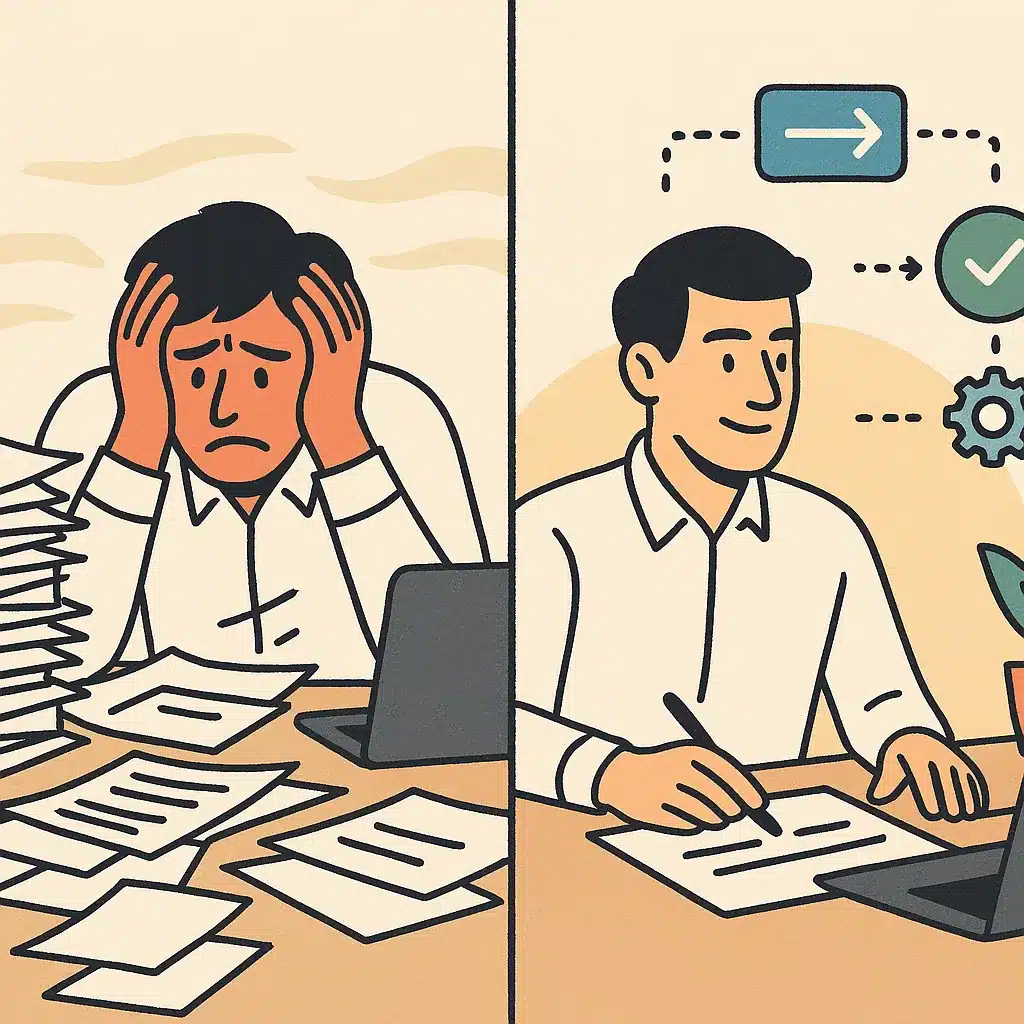
- Automating a broken process accelerates chaos.
- No clear owner leads to stalled projects.
- Over-scoping guarantees delays and disappointment.
- Ignoring team adoption results in failure.
- Chasing hype wastes budget on mismatched tools.
Most failed automation projects fail for the same reasons, and they're avoidable if you name them upfront.
- Automating a broken process. If a workflow is chaotic, automation just makes the chaos faster. Fix or define the process first.
- No clear owner. Projects stall when nobody is accountable for adoption after launch.
- Over-scoping. Trying to automate everything at once guarantees delays and disappointment. Start with one use case.
- Ignoring team adoption. The best system fails if people route around it. Involve the team early.
- Chasing hype over fit. Buying a trendy platform that doesn't match your business operations wastes budget.
The root cause behind most of these is skipping the discovery step. A common pattern: teams that buy off-the-shelf software before understanding their own workflow end up with a tool nobody uses and a bill that recurs monthly. That happens because the software encodes someone else's assumptions about the process, and if those assumptions don't match reality, the team quietly reverts to the old way while the subscription keeps billing. Solve the underlying problem first, then choose the technology. That order, problem before product, is what separates automation that sticks from automation that quietly dies.
Custom-built vs off-the-shelf automation for SMBs
- Wins on speed and price
- Ideal for common, well-supported tasks
- Requires less configuration
- May force business to adapt to software
- Built around specific business processes
- Connects existing tools without silos
- Better results for unique workflows
- Mix of both approaches often needed
Off-the-shelf software wins on speed and price for standard needs. If your process is common and your tools are mainstream, platforms like Microsoft Copilot Studio or Salesforce Agentforce can get you running quickly. That's a legitimate path.
The limits show up when your workflow isn't standard. Off-the-shelf tools force your business to bend to the software's assumptions. For SMBs with unusual or highly specific processes, that friction never fully goes away.
- Choose off-the-shelf for common, well-supported tasks where configuration is enough.
- Choose custom when your bottleneck is specific, your systems are disconnected, or generic tools leave gaps.
Custom AI solutions are built around how your business actually operates, connecting the tools you already run instead of adding another silo. Whether the need is customer service automation or reconciliation, custom AI solutions built around how your business operates can produce better results than a general platform used at 20 percent. The honest answer is that most operations end up with a mix: off-the-shelf where it fits, custom where it counts.
If repetitive work is slowing your team down, the practical next step is a conversation about which of your workflows are worth automating first. Bespoke Mind Ai starts every engagement with discovery, mapping your actual bottlenecks before building anything, so you can book a discovery call to find your best automation opportunities without committing to a full project. The goal is less manual work, not more software.
Frequently Asked Questions
What are some real-world examples of AI automation already running at scale?
CommonSpirit Health operates roughly 250 AI tools across 150+ hospitals:including ambient documentation, patient call automation, and sepsis surveillance:valued at over $100 million annually. Kaiser Permanente has also rolled out AI scribes across 40 hospitals in 8 states to auto-generate clinical notes.
How is AI automation different from the traditional automation we've used for years?
Traditional automation follows explicitly coded if-this-then-that rules and only works when processes are stable and predictable. AI automation uses machine learning and natural language processing to learn from data, so it can handle ambiguity, infer patterns, and adapt to inputs it wasn't explicitly programmed for.
What are practical AI automation examples for everyday office workflows?
Common ones include email triage that classifies and routes incoming messages to the right team, invoice processing that extracts vendor, date, and amount from PDFs and pushes it into accounting systems, and lead scoring that enriches and prioritizes sales inquiries. These target repetitive, time-consuming tasks rather than replacing whole roles.
Is AI automation actually worth it, or is most of the value hype?
The value is measurable when tied to specific bottlenecks:CommonSpirit's tool suite generates over $100 million in annual value, and everyday wins like invoice extraction cut error rates and manual data entry. The waste comes from automating processes that aren't clearly defined first, which is why an AI readiness audit matters before you build.
What if my processes aren't stable enough for automation?
Unstable, rule-heavy processes are exactly where traditional automation breaks, but AI models can tolerate variation and ambiguity that rigid rules can't. The realistic starting point is mapping one repetitive workflow:like document handling or reconciliation:and automating that before scaling to more complex, multi-step tasks.
Which industries are seeing the biggest returns from AI automation?
Healthcare leads with clinical documentation, predictive deterioration alerts, and virtual nursing that reduce readmissions and burnout. Manufacturing and finance follow closely, applying AI to predictive maintenance, quality inspection, reconciliation, and reporting.
How do I get started with AI automation without adding more software?
Start by identifying one high-volume manual task:email routing, invoice entry, or lead qualification:rather than buying a new platform. Custom workflow automation is built around how your existing tools already operate, so the goal is less manual work, not another disconnected system to manage.
Which AI automation tools are businesses actually using in 2026?
Enterprise adoption centers on platforms like Microsoft Copilot Studio for Microsoft-ecosystem workflows and Salesforce Agentforce for CRM and customer-facing automation. For SMBs, custom-built agents often deliver better ROI than these general platforms because they fit specific operational bottlenecks.